


Mudador de voz Afinador de voz
Jogue no PC com BlueStacks - A Plataforma de Jogos Android, confiada por mais de 500 milhões de jogadores.

Página modificada em: Oct 28, 2025
Run Voice Changer Voice Recorder - Editor & Effect on PC or Mac
Why limit yourself to your small screen on the phone? Run Voice Changer Voice Recorder – Editor & Effect, an app by Handy Tools Studio, best experienced on your PC or Mac with BlueStacks, the world’s #1 Android emulator.
About the App
Ever wondered how you’d sound as a robot, an alien, or maybe even your favorite superhero? Voice Changer Voice Recorder – Editor & Effect is here to let you play around with how you sound, just for the fun of it. Whether you’re pulling pranks, making silly audio clips for your group chat, or just messing around with effects, this handy tool from Handy Tools Studio puts a playful spin on your voice. Expect a Music & Audio adventure where creating, tweaking, and sharing is all part of the fun.
App Features
-
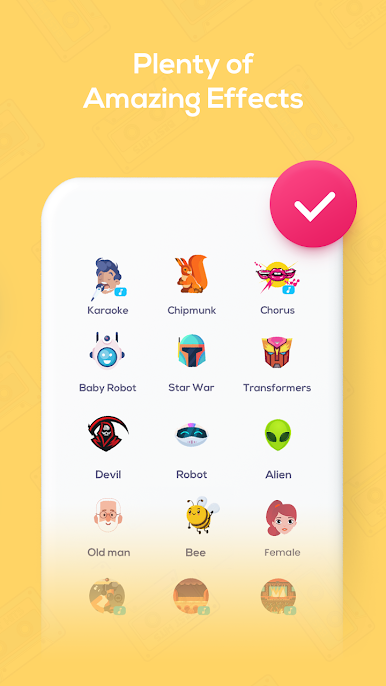
Loads of Wacky Voice Effects
From alien to chipmunk, robot to “old man,” you can morph your voice into just about anything. Messing with these is half the fun. -
Superhero & Movie-Inspired Filters
Ever wanted to sound like you’re from another galaxy or right out of an action movie? Try the superhero, Transformers, or even Minions effects. -
Built-in Voice Recorder
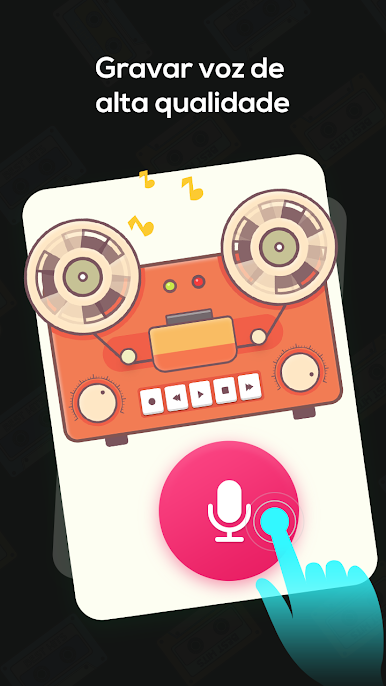
Hit record, say your piece, and apply any effect you want. It’s user-friendly, so you don’t have to be a tech pro to make a cool clip. -
Voice Effects for Singing
Tweak your karaoke performances with studio reverb, concert vibes, or even a quirky phonograph sound. It’s perfect if you want to try out new versions of your favorite songs. -
Playback On Calls or Games
Want to surprise friends during calls or drop a goofy effect while gaming? You can play saved audios whenever you feel like spicing things up. -
Customizable Sound Edits
Not happy with the presets? Jump into the editor and mess around with the parameters for a voice effect that’s totally yours. -
Easy Sharing Options
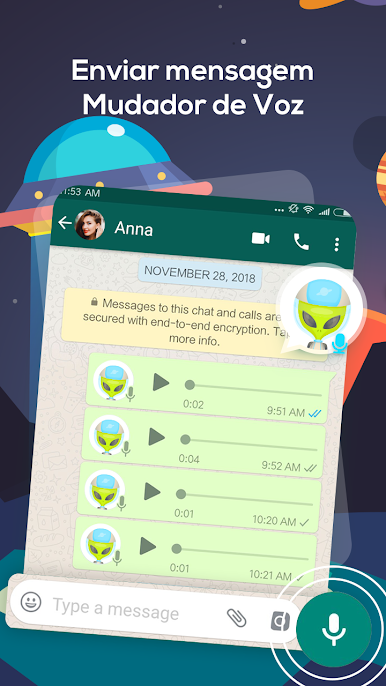
Send your funniest or most epic voice creations to friends, family, or chat groups without any hassle.
Plus, if you’re curious, Voice Changer Voice Recorder – Editor & Effect works well with BlueStacks for a bit of extra flexibility. Give it a try wherever you want to shake things up vocally.
Ready to experience Voice Changer Voice Recorder – Editor & Effect on a bigger screen, in all its glory? Download BlueStacks now.





Jogue Mudador de voz Afinador de voz no PC. É fácil começar.
-
Baixe e instale o BlueStacks no seu PC
-
Conclua o login do Google para acessar a Play Store ou faça isso mais tarde
-
Procure por Mudador de voz Afinador de voz na barra de pesquisa no canto superior direito
-
Clique para instalar Mudador de voz Afinador de voz a partir dos resultados da pesquisa
-
Conclua o login do Google (caso você pulou a etapa 2) para instalar o Mudador de voz Afinador de voz
-
Clique no ícone do Mudador de voz Afinador de voz na tela inicial para começar a jogar

