


Dream Catcher: Diário Lúcido
Jogue no PC com BlueStacks - A Plataforma de Jogos Android, confiada por mais de 500 milhões de jogadores.

Página modificada em: Sep 10, 2025
Play Dream Catcher: Lucid Journal on PC
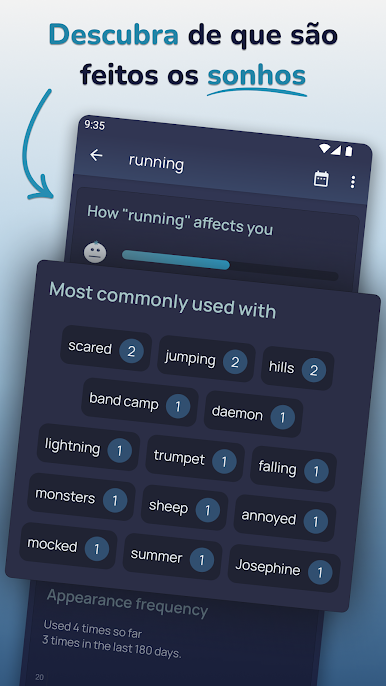
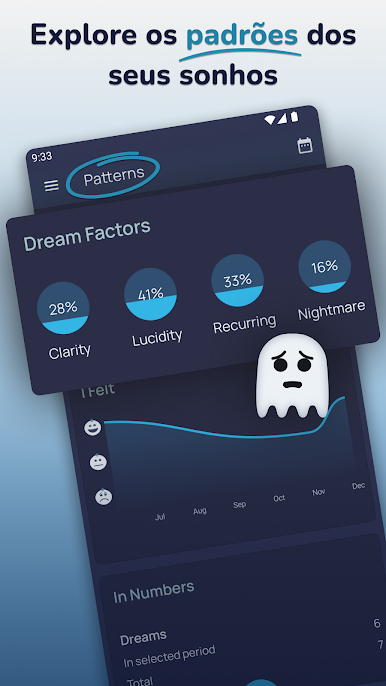
The more dream logs you create, the more detailed your dream patterns will become. Patterns show what you dream about and how you felt in most of the dreams.
APP FEATURES
Descriptions and Tags
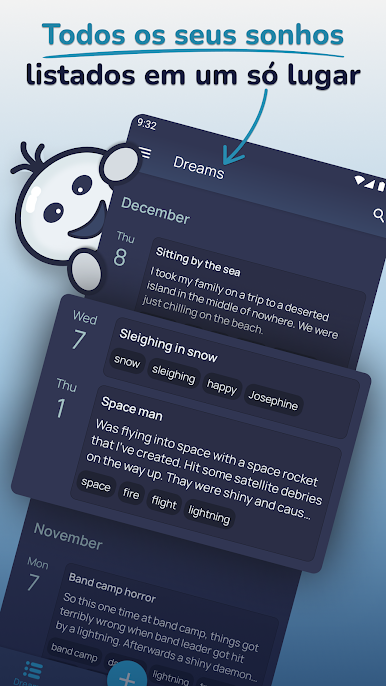
Unlimited space to describe your dream in detail and option to tag important parts.
Dream patterns
Analyse your dreams based on information you provide by combining parameters like emotions, tags, lucidity and nightmare factors.
Reminders
Have a reminder to help you log in a dream ready as soon as you wake up.
Lucid Dreams
Tools to help you achieve lucid dreaming and mark them when they happen.
Dream Cloud
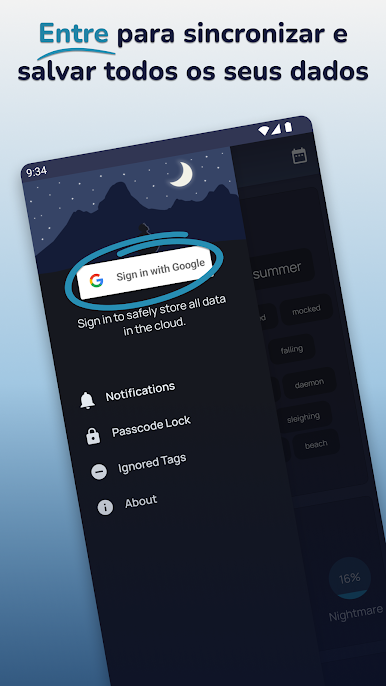
Log in with Google to always keep your dreams safe and secure in the cloud. Log in to as many devices as you want and all your dreams will stay in sync.
Passcode Lock
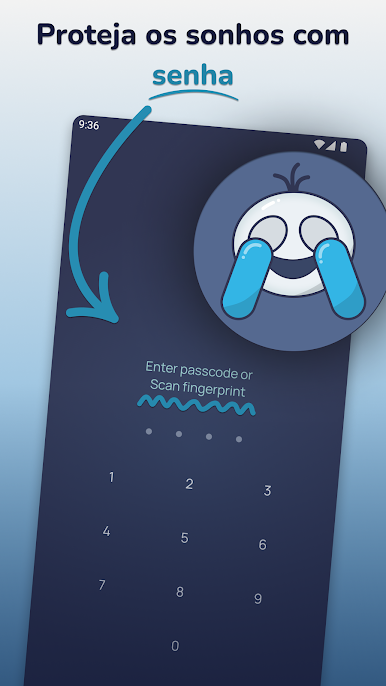
Extra layer of security for your dreams with passcode or fingerprint lock.
Jogue Dream Catcher: Diário Lúcido no PC. É fácil começar.
-
Baixe e instale o BlueStacks no seu PC
-
Conclua o login do Google para acessar a Play Store ou faça isso mais tarde
-
Procure por Dream Catcher: Diário Lúcido na barra de pesquisa no canto superior direito
-
Clique para instalar Dream Catcher: Diário Lúcido a partir dos resultados da pesquisa
-
Conclua o login do Google (caso você pulou a etapa 2) para instalar o Dream Catcher: Diário Lúcido
-
Clique no ícone do Dream Catcher: Diário Lúcido na tela inicial para começar a jogar

