


QR Code Scanner Barcode Reader
在電腦上使用BlueStacks –受到5億以上的遊戲玩家所信任的Android遊戲平台。

Run QR Code Reader & Barcode Scanner on PC or Mac
What’s better than using QR Code Reader & Barcode Scanner by ECO MOBILE VN? Well, try it on a big screen, on your PC or Mac, with BlueStacks to see the difference.
About the App
Ever found yourself staring at a QR code or barcode, wondering what’s hidden behind those little squares and lines? With QR Code Reader & Barcode Scanner from ECO MOBILE VN, you can crack those codes in seconds—no fuss, just quick answers. Whether you’re scanning a menu, checking a product, or saving Wi-Fi details, this Productivity app keeps things simple and smooth. It’s all about getting info fast and with zero hassle.
App Features
-
Lightning-Fast Scanning
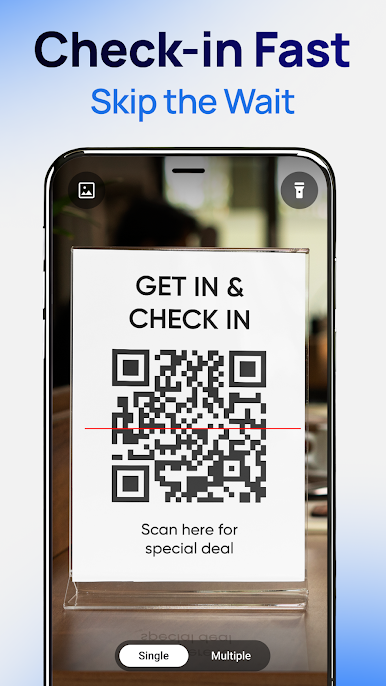
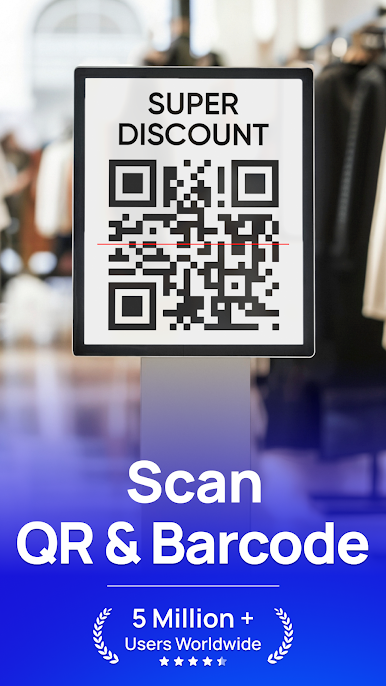
Forget waiting around—just open QR Code Reader & Barcode Scanner, point your camera, and watch it instantly recognize any QR code or barcode you throw at it. -
Custom Code Creation
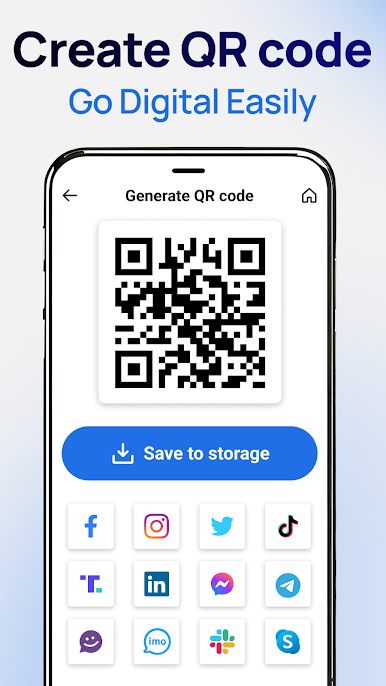
Need your own scannable code? Create personalized QR codes and barcodes with your own info. Perfect for quick sharing or storing your details. -
Scan from Your Photos
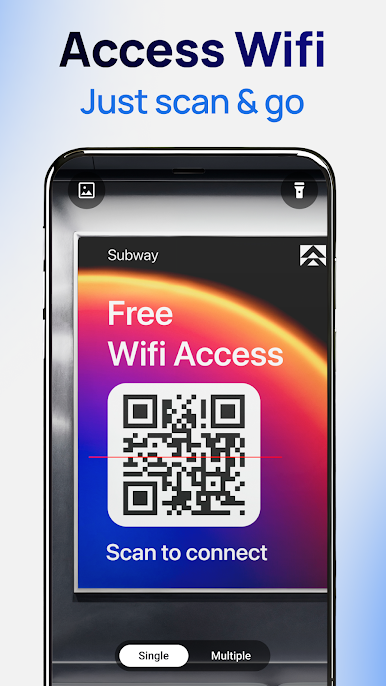
Already have a code in your photo gallery? No need to take another picture. Just pick the image, and the app scans it right from there. -
Works in Low Light
Out somewhere dark? The built-in flashlight support makes sure your scans work even when the lights are low. -
Keeps Your History
You won’t have to worry about losing track of anything. Every scan is saved, so you can go back and check past results whenever you like. -
Reads All Kinds of Codes
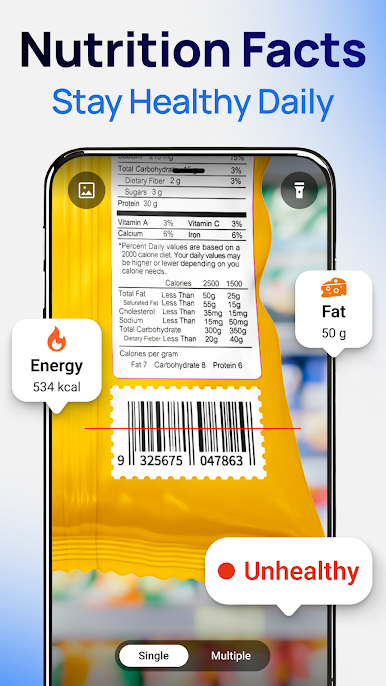
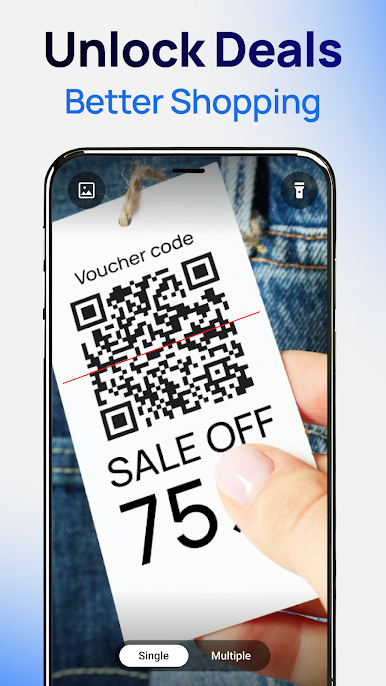
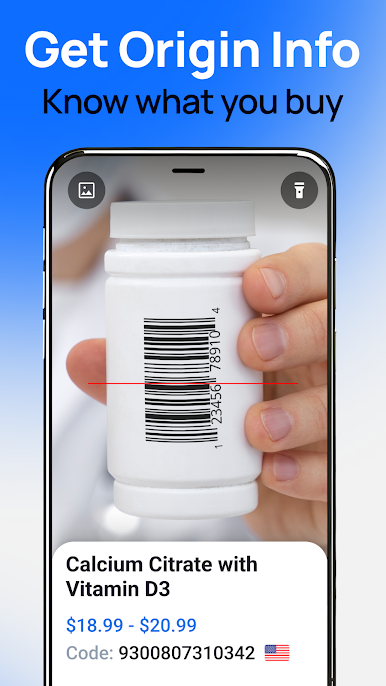
From contact details and Wi-Fi passwords to web links, emails, and product info—if it’s a QR code or barcode, this app’s got it covered. -
Easy Sharing
When you find something worth sharing, send your scan results to friends right from the app through your favorite social channels. -
Smooth Compatibility
Works on Android devices running 4.4 and up. And if you want a bigger screen experience, you can run it with BlueStacks, too.
If quick, safe, and easy code scanning is your thing, QR Code Reader & Barcode Scanner delivers a straightforward, no-nonsense experience.
Big screen. Bigger performance. Use BlueStacks on your PC or Mac to run your favorite apps.

在電腦上遊玩QR Code Scanner Barcode Reader . 輕易上手.
-
在您的電腦上下載並安裝BlueStacks
-
完成Google登入後即可訪問Play商店,或等你需要訪問Play商店十再登入
-
在右上角的搜索欄中尋找 QR Code Scanner Barcode Reader
-
點擊以從搜索結果中安裝 QR Code Scanner Barcode Reader
-
完成Google登入(如果您跳過了步驟2),以安裝 QR Code Scanner Barcode Reader
-
在首頁畫面中點擊 QR Code Scanner Barcode Reader 圖標來啟動遊戲

