


W-Match: 친구와 채팅, 만남, 장난치기
5억명 이상의 게이머가 신뢰하는 안드로이드 게임 플랫폼 BlueStacks으로 PC에서 플레이하세요.

Run W-Match: Video Dating & Chat on PC or Mac
What’s better than using W-Match: Video Dating & Chat by Waplog Dating Apps? Well, try it on a big screen, on your PC or Mac, with BlueStacks to see the difference.
About the App
Looking to break the ice and actually see who you’re chatting with? W-Match: Video Dating & Chat lets you meet people from anywhere in a way that feels lively and authentic. Whether you’re just curious or ready to meet someone new, this Social app from Waplog Dating Apps makes it super simple to connect, spark up conversations, and share moments face-to-face.
App Features
-
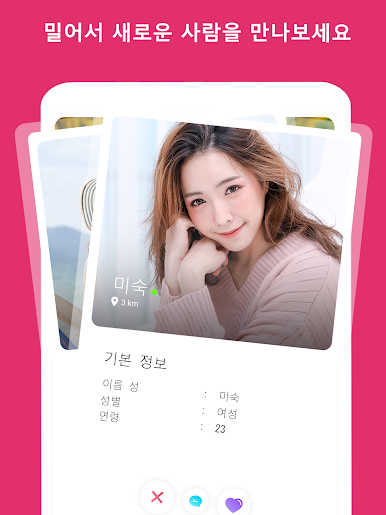
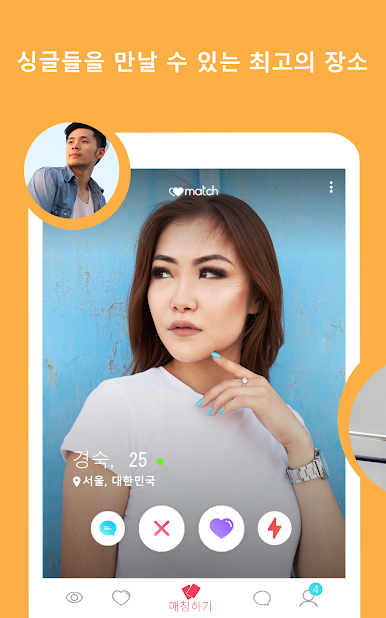
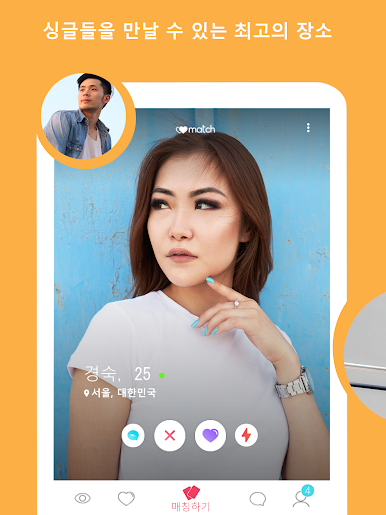
Swipe to Meet & Match
Check out profiles nearby or around the world, then swipe to show your interest. If you both feel a vibe, you’re instantly matched—no awkward waiting around. -
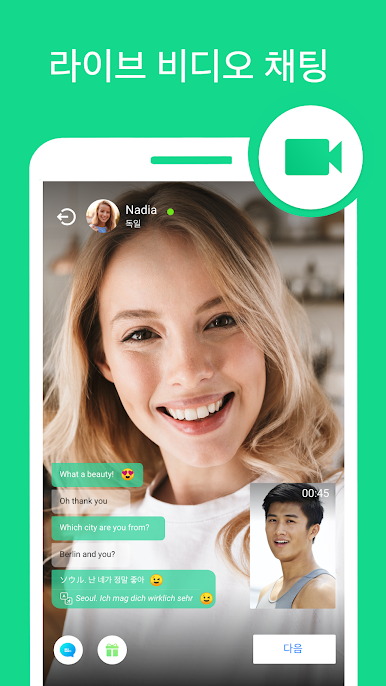
Instant Video Chat
Jump right from matching to a one-on-one video chat. Say hello, laugh, or see if there’s real chemistry before making plans in real life. -
Send Messages Anytime
Got something in mind? Shoot over a message without waiting for a perfect match. Sometimes making the first move is all it takes. -
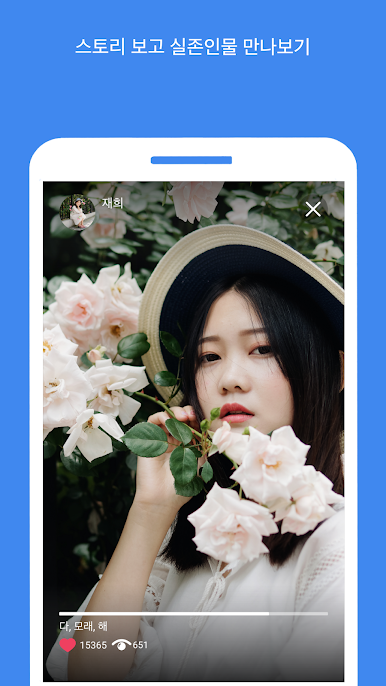
Share Stories
Post stories to give others a peek into your world—or use their stories as the perfect convo starter. -
Private Video Calls
If you’re feeling a connection, set up a private video call. Talk in real time, get to know each other, and skip the endless texting. -
Live Translation on Video Chats
Meeting someone who speaks a different language? No problem. The live translation tool makes sure you can both chat freely, no awkward language barriers. -
Use on BlueStacks
If you’d rather explore your matches on a bigger screen, you can use BlueStacks to check out profiles and chat with new people from your computer.
Ready to meet and chat with real folks, not just profiles? W-Match gives you the space to do just that, your way.
BlueStacks gives you the much-needed freedom to experience your favorite apps on a bigger screen. Get it now.












PC에서 W-Match: 친구와 채팅, 만남, 장난치기 플레이해보세요.
-
BlueStacks 다운로드하고 설치
-
Google Play 스토어에 로그인 하기(나중에 진행가능)
-
오른쪽 상단 코너에 W-Match: 친구와 채팅, 만남, 장난치기 검색
-
검색 결과 중 W-Match: 친구와 채팅, 만남, 장난치기 선택하여 설치
-
구글 로그인 진행(만약 2단계를 지나갔을 경우) 후 W-Match: 친구와 채팅, 만남, 장난치기 설치
-
메인 홈화면에서 W-Match: 친구와 채팅, 만남, 장난치기 선택하여 실행

