


Word Dolphin: vocabulary tutor
Jogue no PC com BlueStacks - A Plataforma de Jogos Android, confiada por mais de 500 milhões de jogadores.

Página modificada em: Aug 21, 2025
Play Word Dolphin: vocabulary tutor on PC
Add unfamiliar words — Word Dolphin will help you master them and use them confidently. The author created the app while learning words himself and couldn’t find a simple and convenient tool. You can read about this experience inside the app or 🔗in this article.
☝️ App features
Forget paper dictionaries and fridge stickers — Word Dolphin offers a simple and fast way to learn vocabulary, practice pronunciation, and retain what you’ve learned through repetition.
🎯 Personalized learning
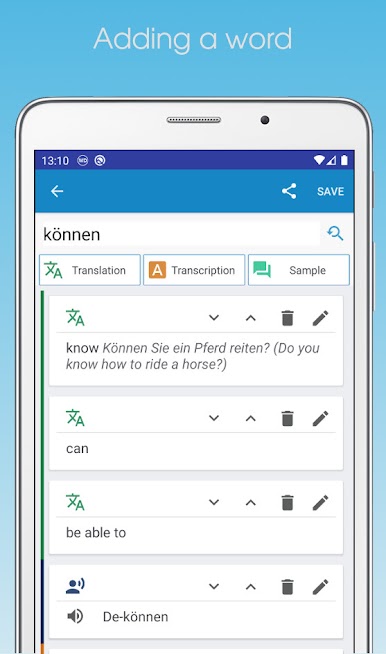
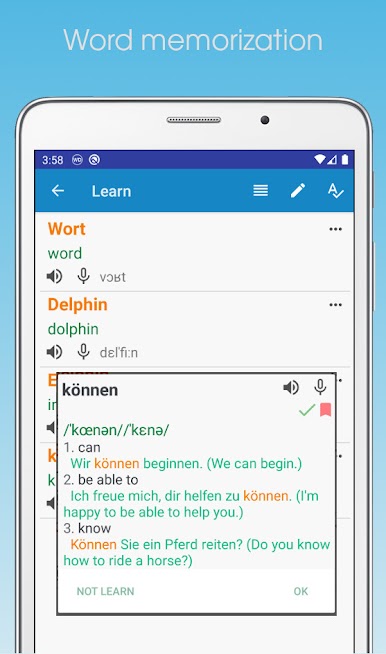
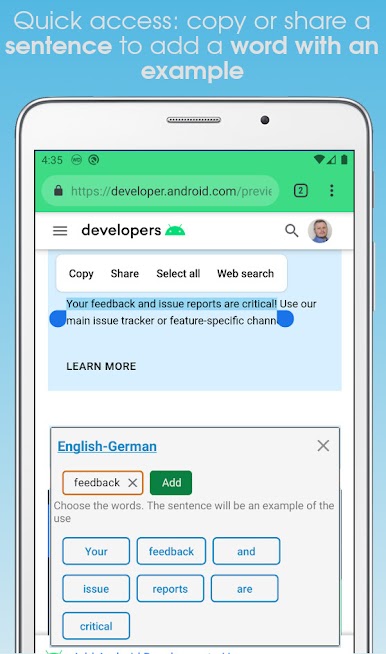
… ➕ Add words via clipboard or the “Share” function.
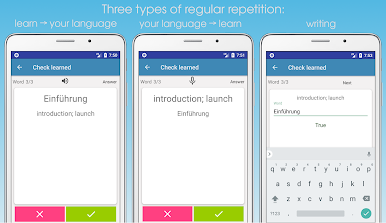
… 🔁 Learn words in both directions: from the target language to your native language and vice versa.
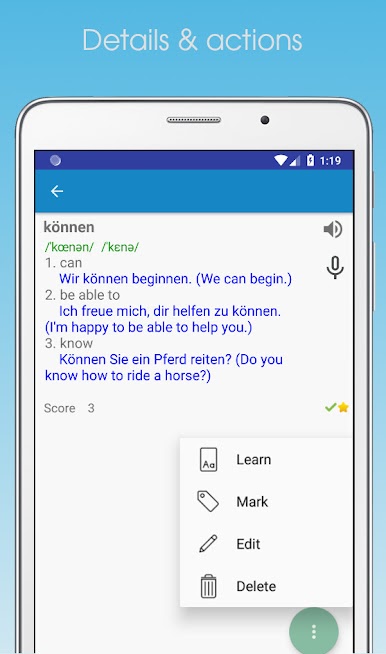
… 🗣️ Practice pronunciation: listen to native speakers and test yourself using voice input.
… 📚 Supports English, German, French, and Spanish learning.
💡 Effective memorization
… 🧩 Three exercise types: translation, pronunciation, and typing for deeper retention.
… 🔄 Enhanced repetition for words that are harder to remember.
⚙️ Convenience
… Automatic online search for translations and pronunciation with local saving — learn even offline. ☝️/Work is in progress to support more languages/.
… Normal and slowed-down pronunciation speeds.
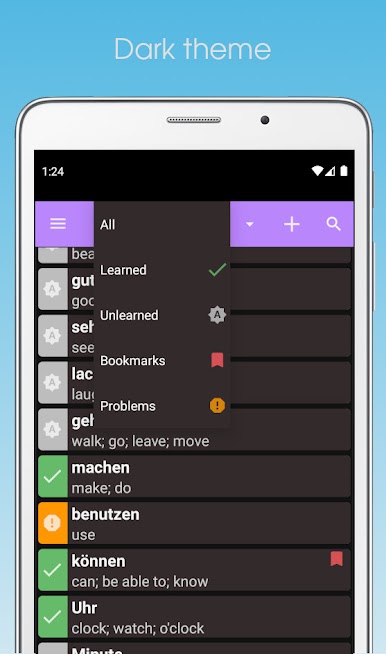
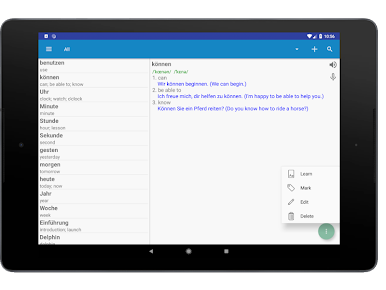
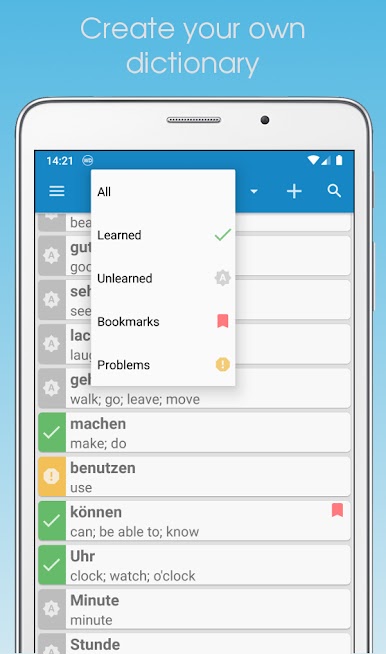
… Bookmarks, search, light and dark themes.
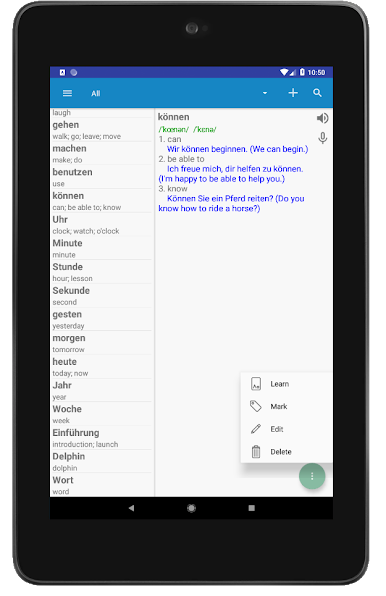
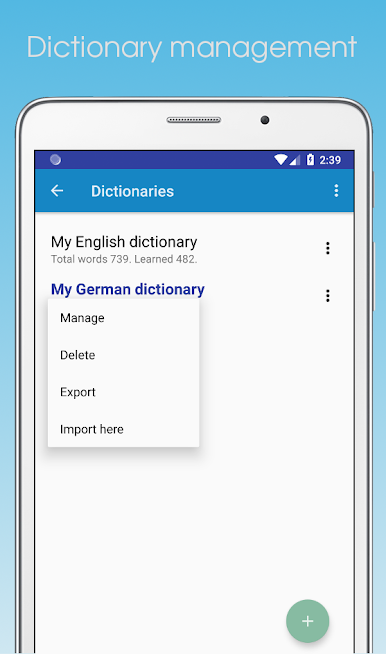
… Export and import dictionaries across devices.
… ▶️ For Android 10+: watch the video on how to save dictionaries.
☝️ Word Dolphin vs. traditional dictionaries
Traditional dictionaries only translate. Word Dolphin helps you /internalize/ the words.
▶️ You might need to enable voice input for the language you're learning.
💬 Feedback is always welcome 😀 Write to us here, by @ email, on 🔗Facebook, or 🔗Twitter.
Jogue Word Dolphin: vocabulary tutor no PC. É fácil começar.
-
Baixe e instale o BlueStacks no seu PC
-
Conclua o login do Google para acessar a Play Store ou faça isso mais tarde
-
Procure por Word Dolphin: vocabulary tutor na barra de pesquisa no canto superior direito
-
Clique para instalar Word Dolphin: vocabulary tutor a partir dos resultados da pesquisa
-
Conclua o login do Google (caso você pulou a etapa 2) para instalar o Word Dolphin: vocabulary tutor
-
Clique no ícone do Word Dolphin: vocabulary tutor na tela inicial para começar a jogar

