


WePlay - Imposter Online
العب على الكمبيوتر الشخصي مع BlueStacks - نظام أندرويد للألعاب ، موثوق به من قبل أكثر من 500 مليون لاعب.

Run WePlay - Game & Party on PC or Mac
What’s better than using WePlay – Game & Party by WEJOY Pte. Ltd.? Well, try it on a big screen, on your PC or Mac, with BlueStacks to see the difference.
About the App
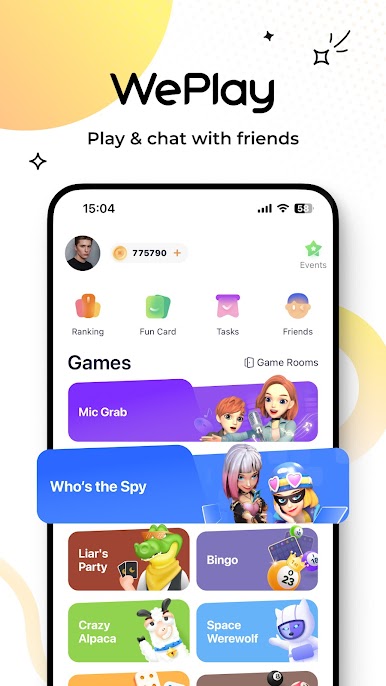
WePlay – Game & Party by WEJOY Pte. Ltd. is an Entertainment app that’ll add some spice to your party nights. With popular casual games and interactive voice features, it’s a social playground that keeps the fun rolling. Expect a mix of creativity, quick thinking, and good laughs as you dive into various games with friends and even make new ones!
App Features
Online Party Game Bar:
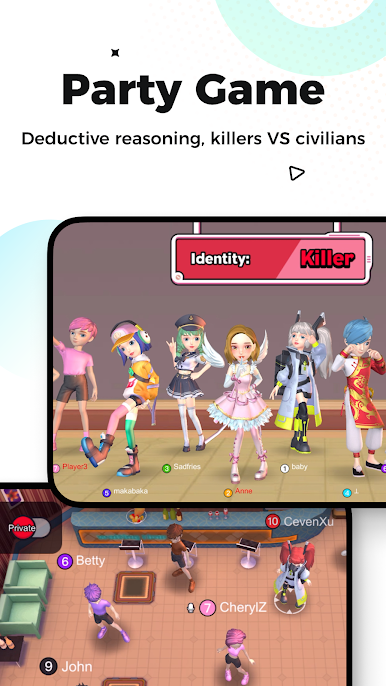
– Space Werewolf: Test your wits in this gripping social deduction game, where civilians outsmart killers.
– Mic Grab: Love singing? Grab the mic and enjoy hot tunes in this exciting new mode.
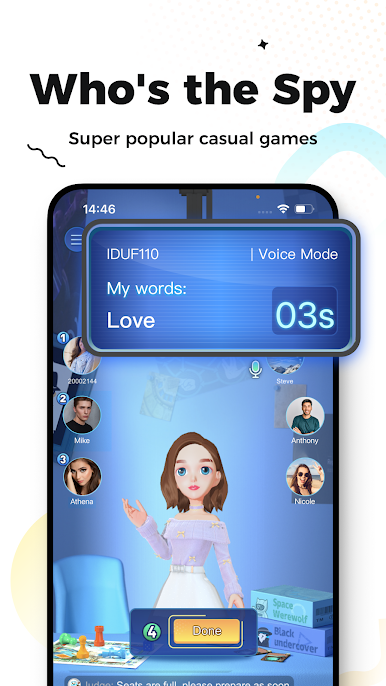
– Who’s the Spy: Challenge your pals in this TV show-style classic. Only the sharpest minds will prevail!
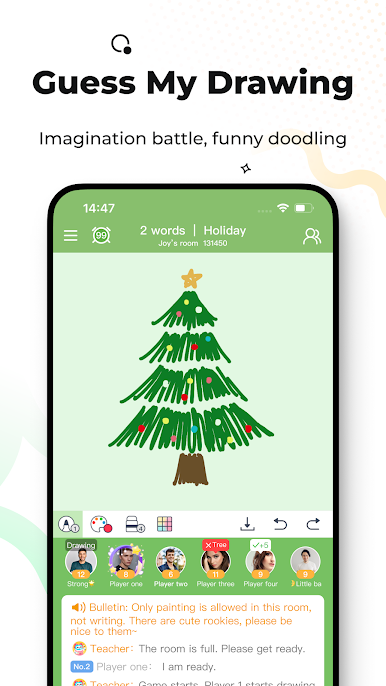
– Guess My Drawing: Show off your creativity and teamwork as you sketch out fun prompts.
New Interactive Features:
– 3D Avatar & Cloth Changing: Design your 3D avatar with unique outfits and styles.
Enjoy WePlay on BlueStacks for a seamless experience, connecting and laughing with others in good company!
Big screen. Bigger performance. Use BlueStacks on your PC or Mac to run your favorite apps.


العب WePlay - Imposter Online على جهاز الكمبيوتر. من السهل البدء.
-
قم بتنزيل BlueStacks وتثبيته على جهاز الكمبيوتر الخاص بك
-
أكمل تسجيل الدخول إلى Google للوصول إلى متجر Play ، أو قم بذلك لاحقًا
-
ابحث عن WePlay - Imposter Online في شريط البحث أعلى الزاوية اليمنى
-
انقر لتثبيت WePlay - Imposter Online من نتائج البحث
-
أكمل تسجيل الدخول إلى Google (إذا تخطيت الخطوة 2) لتثبيت WePlay - Imposter Online
-
انقر على أيقونة WePlay - Imposter Online على الشاشة الرئيسية لبدء اللعب

