


Charm de Palabras
Jogue no PC com BlueStacks - A Plataforma de Jogos Android, confiada por mais de 500 milhões de jogadores.

Página modificada em: Oct 22, 2025
Play Charm de Palabras on PC or Mac
Join millions to experience Charm de Palabras, an exciting Word game from WePlay Word Games. With BlueStacks App Player, you are always a step ahead of your opponent, ready to outplay them with faster gameplay and better control with the mouse and keyboard on your PC or Mac.
About the Game
Got a craving for word puzzles that don’t take themselves too seriously? Charm de Palabras from WePlay Word Games is ready to keep your brain busy. Whether you’ve got a few minutes to spare or want to unwind after work, this is a casual word game that’ll get you searching for words, scratching your head, and maybe picking up a few new vocabulary tricks along the way. Play it anywhere—quick, simple, and just the right amount of challenging.
Game Features
-
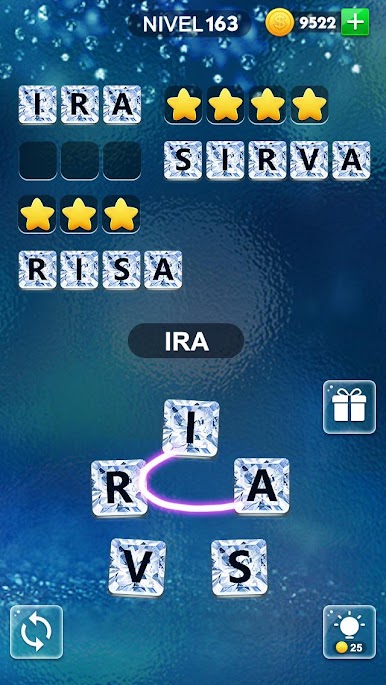
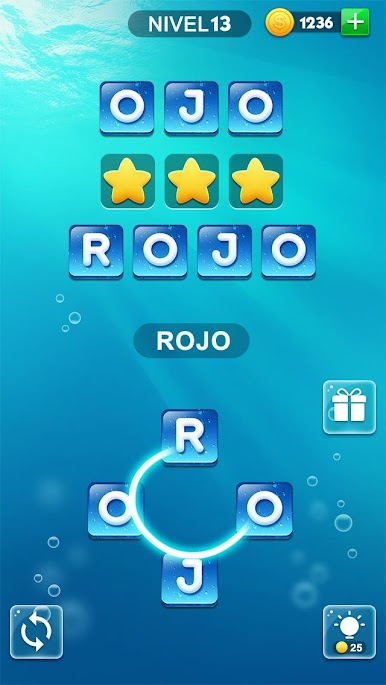
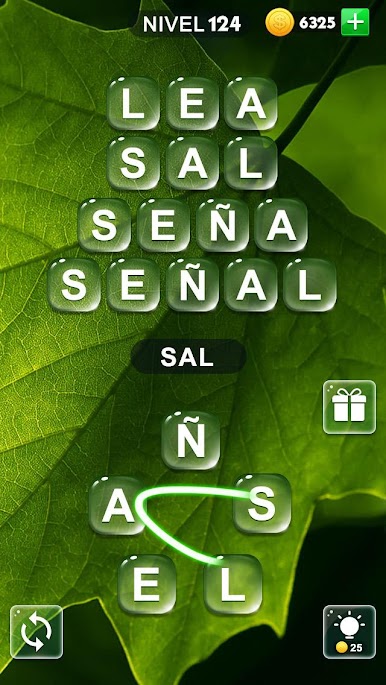
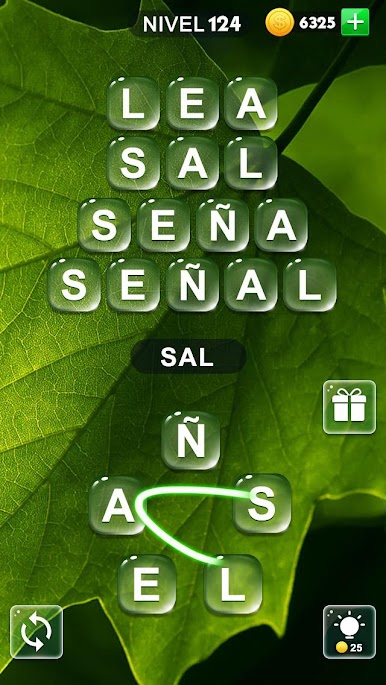
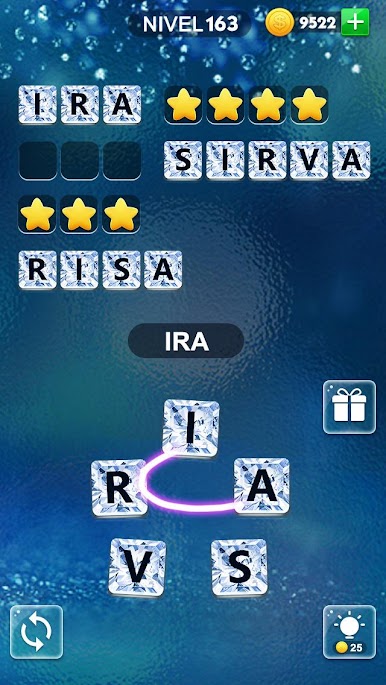
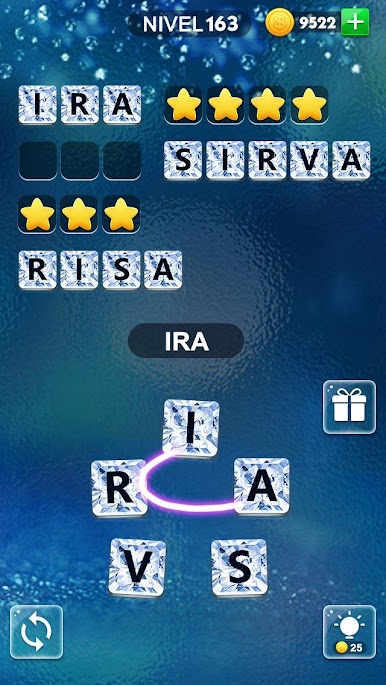
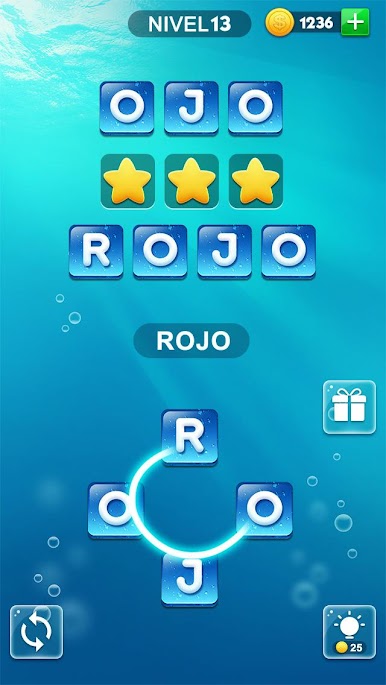
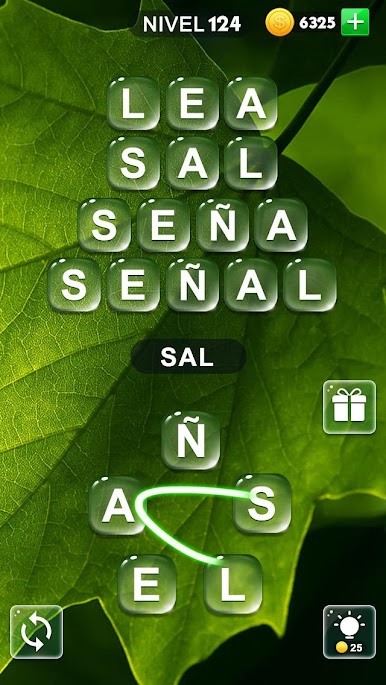
Just Swipe Letters
Drag your finger across a jumbled line of letters to spell out as many words as you can come up with. Mix up the letters if you get stuck—sometimes a new angle helps! -
More Than 2,000 Puzzles
Start off easy, but don’t get too comfortable—the puzzles get trickier the more you play. There’s always a new challenge waiting. -
Hints & Coins
Stuck on a word? Use your earned coins to grab hints and keep the momentum going. -
Extra Words, Extra Rewards
Think outside the box—every bonus word you find adds coins to your stash. Who says only the main answers count? -
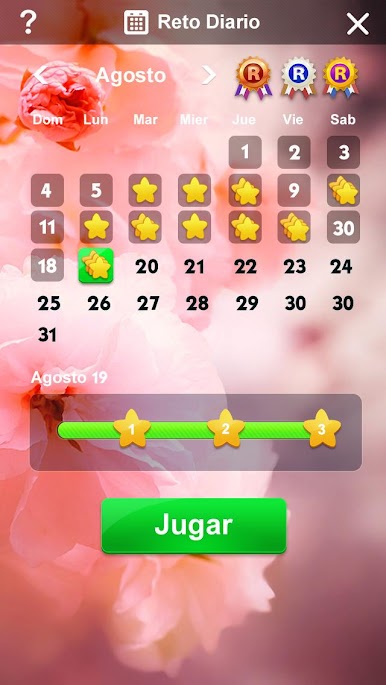
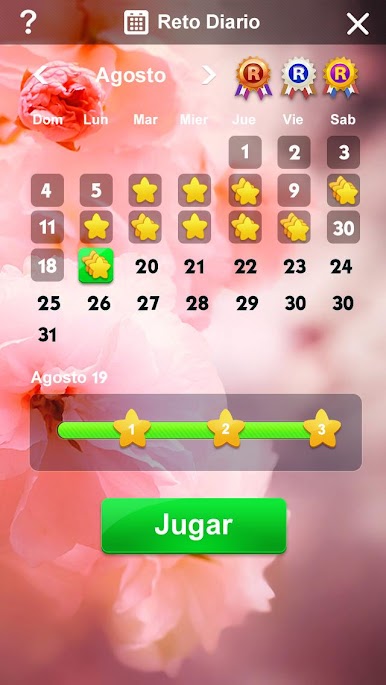
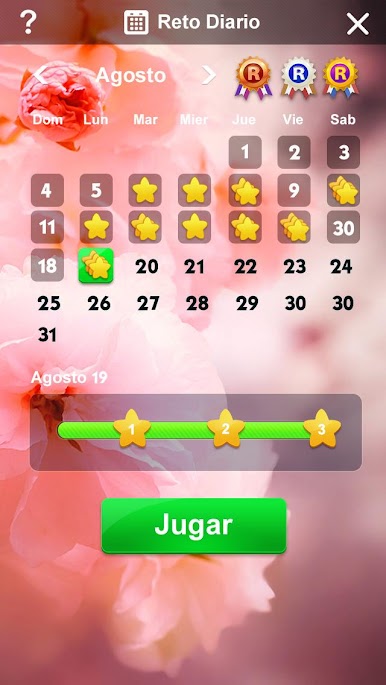
Daily Challenges
Pop in every day for a fresh challenge and score some extra rewards for your effort. -
Pick Your Style
Browse through a bunch of different backgrounds and themes. Switch things up whenever you want. -
Play Offline
No Wi-Fi? No problem. Play whether you’re connected or not. -
Clean, Easy-to-Use Design
The visuals are sharp, and the interface keeps things intuitive and clutter-free. -
Made for Everyone
Charm de Palabras is free for all players. -
Works Great on BlueStacks
Try it out with BlueStacks if you feel like playing from your PC instead of your phone—super straightforward and a comfy way to play.
Get ready for a buttery smooth, high-performance gaming action only on BlueStacks.






Jogue Charm de Palabras no PC. É fácil começar.
-
Baixe e instale o BlueStacks no seu PC
-
Conclua o login do Google para acessar a Play Store ou faça isso mais tarde
-
Procure por Charm de Palabras na barra de pesquisa no canto superior direito
-
Clique para instalar Charm de Palabras a partir dos resultados da pesquisa
-
Conclua o login do Google (caso você pulou a etapa 2) para instalar o Charm de Palabras
-
Clique no ícone do Charm de Palabras na tela inicial para começar a jogar

