


라디오 불가리아 - 라디오 FM
5억명 이상의 게이머가 신뢰하는 안드로이드 게임 플랫폼 BlueStacks으로 PC에서 플레이하세요.

Run Radio Bulgaria - Radio FM on PC or Mac
Multitask effortlessly on your PC or Mac as you try out Radio Bulgaria – Radio FM, a Music & Audio app by Online Radios & Podcasts on BlueStacks.
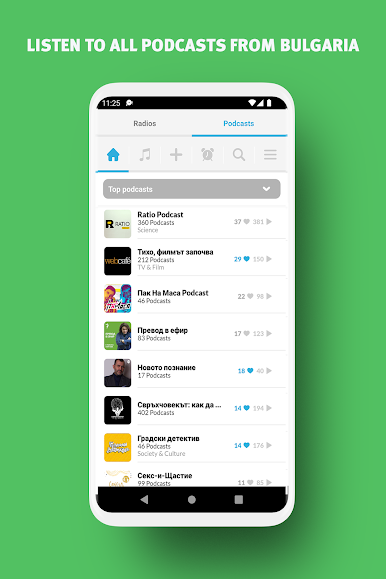
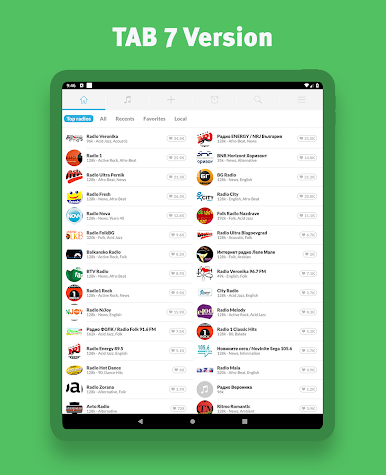
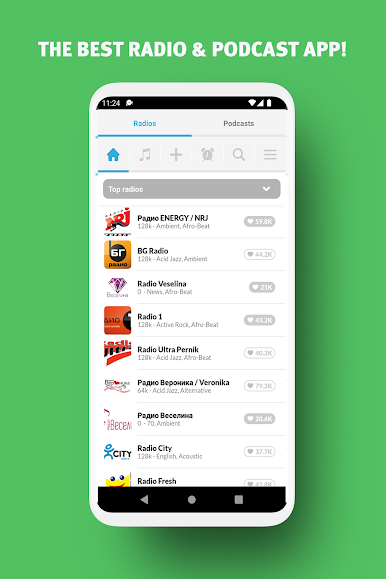
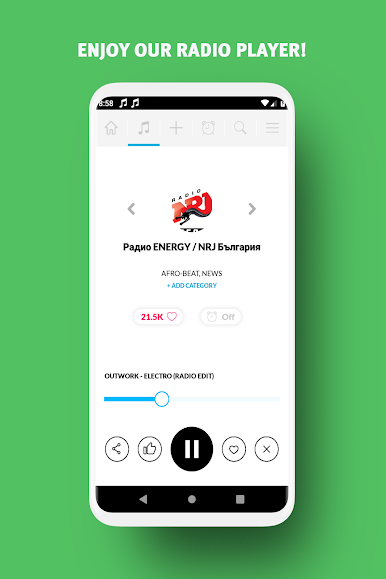
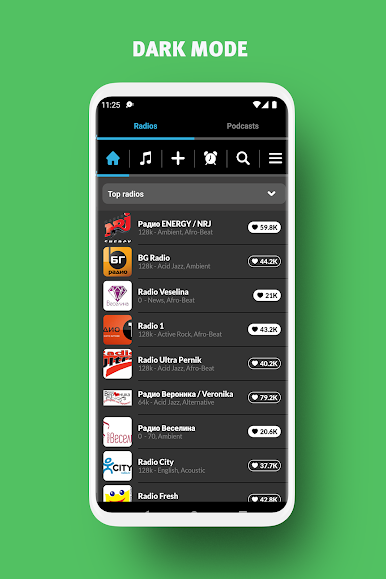
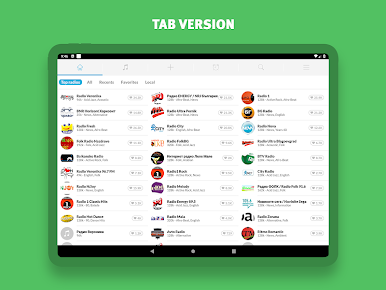
Radio Bulgaria feels like a clean hub for Bulgarian radio, all in one place. Open it, pick news, music, or sports, and it starts playing quickly. The station list is wide and familiar, with big names like Nova, ENERGY NRJ, N Joy, Veronika, BNR Horizont, Darik, Melody, Fresh, 1 Classic Hits, Ultra Blagoevgrad, plus some niche ones like Orgaz Folk or Avto. Genres are laid out in a straightforward way, from pop and rock to jazz, classical, Latin, and folk, so it is easy to land on something that fits the mood.
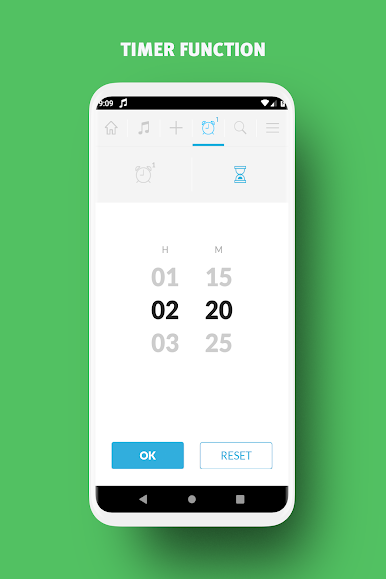
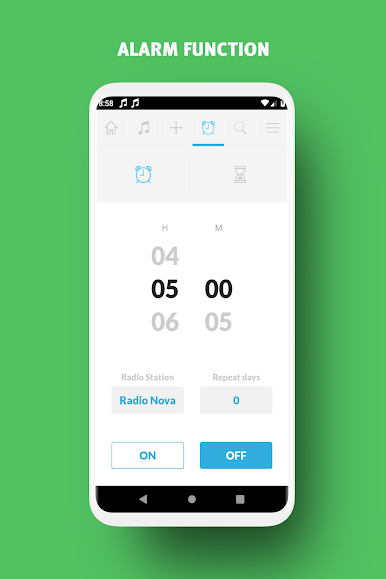
What stands out is how fast it connects and how simple it feels day to day. Favorites are a tap away, the search does its job, and the app keeps tossing in station suggestions that are actually useful. The alarm and sleep timer are great if someone wants a morning show to wake up to or background music that fades out at night. It supports Chromecast and Android Auto and has a widget, but on PC with BlueStacks the basic player window is already enough for work sessions. It needs an internet connection and there are ads, with a paid option to remove them. For anyone who wants Bulgarian news, football talk, or steady music while working, this is a no drama way to keep radio on in the background.
Ready to experience Radio Bulgaria – Radio FM on a bigger screen, in all its glory? Download BlueStacks now.
PC에서 라디오 불가리아 - 라디오 FM 플레이해보세요.
-
BlueStacks 다운로드하고 설치
-
Google Play 스토어에 로그인 하기(나중에 진행가능)
-
오른쪽 상단 코너에 라디오 불가리아 - 라디오 FM 검색
-
검색 결과 중 라디오 불가리아 - 라디오 FM 선택하여 설치
-
구글 로그인 진행(만약 2단계를 지나갔을 경우) 후 라디오 불가리아 - 라디오 FM 설치
-
메인 홈화면에서 라디오 불가리아 - 라디오 FM 선택하여 실행

