


IZ*ONE LIGHT STICK
العب على الكمبيوتر الشخصي مع BlueStacks - نظام أندرويد للألعاب ، موثوق به من قبل أكثر من 500 مليون لاعب.

Play IZ*ONE LIGHT STICK on PC
* Key Features
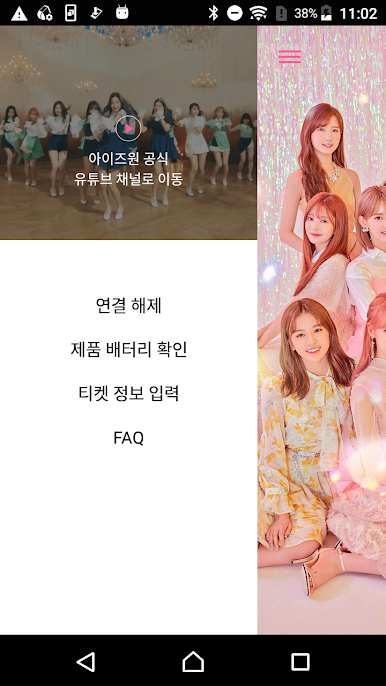
1. Connecting the product (using the support tool)
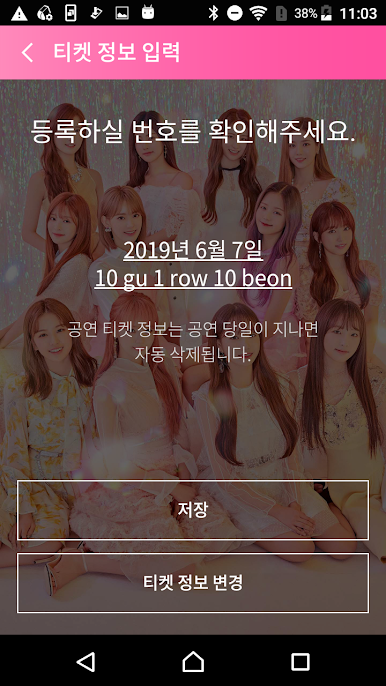
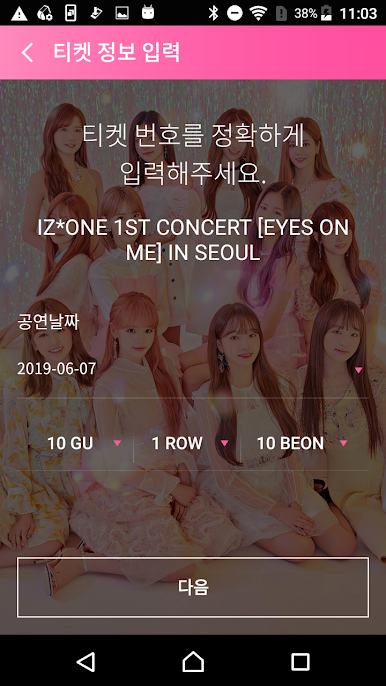
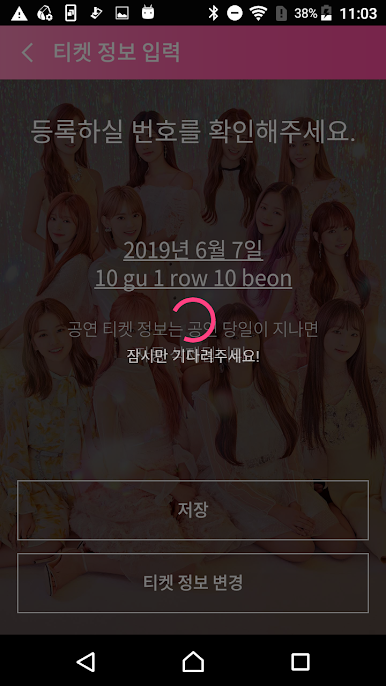
During the performance, you can enter the seat number on the official cheering rod and the color will change automatically to match the stage production. (Except some performances depending on the situation)
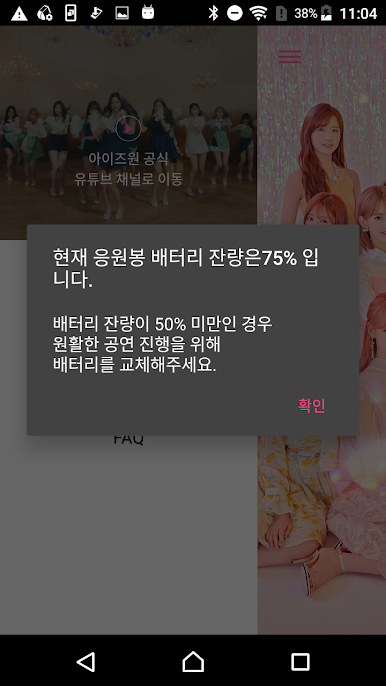
2. Check the remaining battery level
You can check the battery level of the cheering pole connected to the app.
3. Youtube channel connection
You can watch various videos through IZ * ONE YouTube channel.
4. App access permission guide
Article 22-2 (1) of the Information and Communication Network Act (information stored in the mobile communication terminal device and installed functions)
Notice the reason and implement the access right consent procedure).
We guide as follows.
1) Required Access Rights
-No required access
2) selective access
-Storage space: used to record information for various productions during the performance
-Camera: Use when reading QR code to check information on various tickets for performance
-Location: Use Cheer Pole Search (BLE) because it only works if location services are enabled.
Optional access permissions can be changed in Settings-Application Manager-IZ * ONE LightStick App-Permissions.
5. Contacts
If you have any questions or inquiries about the app, please use the contact information below
E-MAIL: toxlab@object-xlab.com
العب IZ*ONE LIGHT STICK على جهاز الكمبيوتر. من السهل البدء.
-
قم بتنزيل BlueStacks وتثبيته على جهاز الكمبيوتر الخاص بك
-
أكمل تسجيل الدخول إلى Google للوصول إلى متجر Play ، أو قم بذلك لاحقًا
-
ابحث عن IZ*ONE LIGHT STICK في شريط البحث أعلى الزاوية اليمنى
-
انقر لتثبيت IZ*ONE LIGHT STICK من نتائج البحث
-
أكمل تسجيل الدخول إلى Google (إذا تخطيت الخطوة 2) لتثبيت IZ*ONE LIGHT STICK
-
انقر على أيقونة IZ*ONE LIGHT STICK على الشاشة الرئيسية لبدء اللعب

