


Yamamah
Jogue no PC com BlueStacks - A Plataforma de Jogos Android, confiada por mais de 500 milhões de jogadores.

Página modificada em: Nov 13, 2025
Play Yamamah on PC or Mac
Yamamah brings the Sports genre to life, and throws up exciting challenges for gamers. Developed by Symphony Technology LLC, this Android game is best experienced on BlueStacks, the World’s #1 app player for PC and Mac users.
About the Game
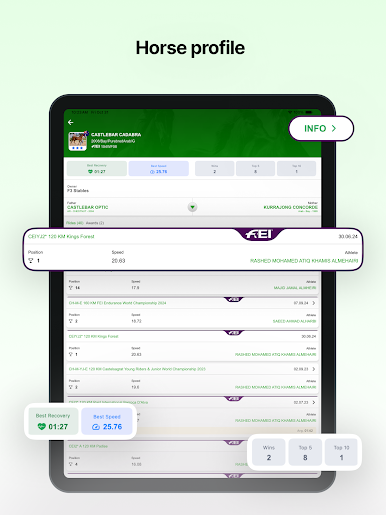
Yamamah is a Sports title from Symphony Technology LLC built for people who can’t get enough of horse racing stats and results. It puts the essentials front and center—so you can grab the info you need and get on with your day. Want a bigger view while you browse records? Running it on BlueStacks makes checking everything on your PC feel easy.
Game Features
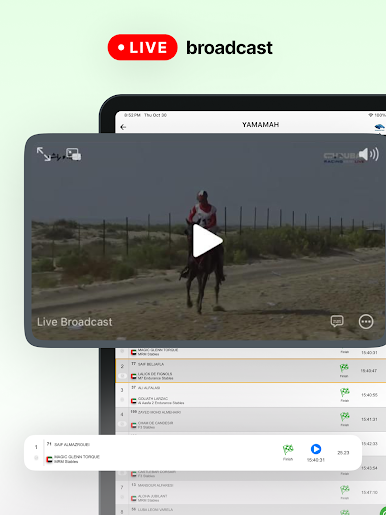
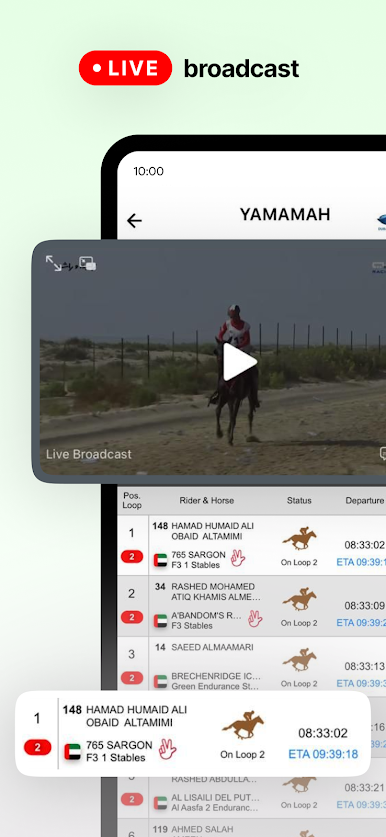
- Instant race results: See the latest outcomes in seconds, without digging through menus or waiting around.
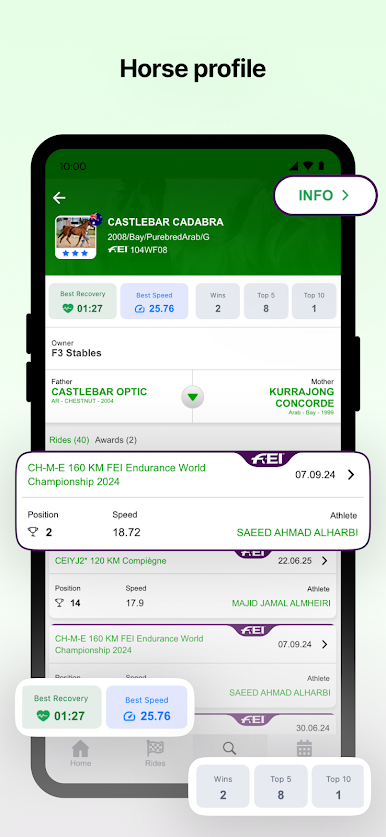
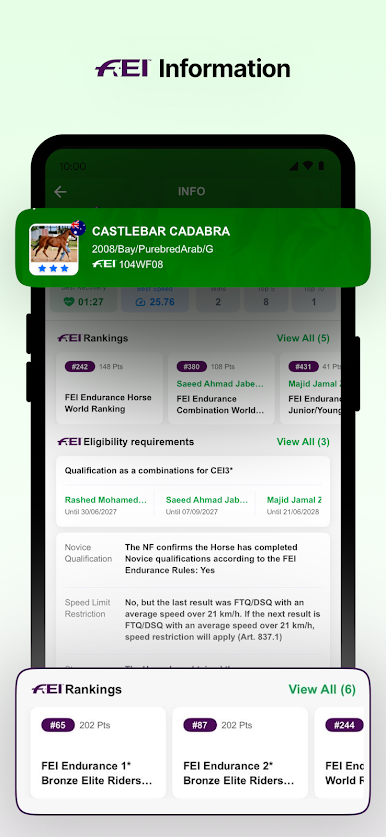
- Horse records, at a glance: Pull up a horse’s history fast—past performances, key details, and how it’s been running lately.
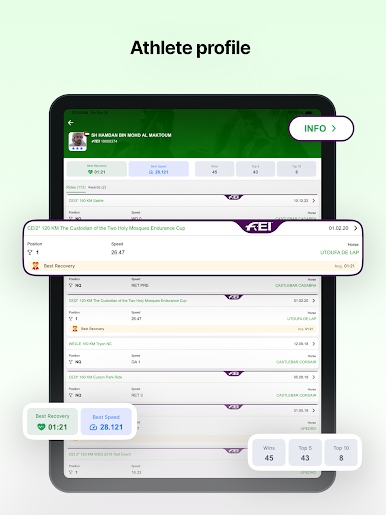
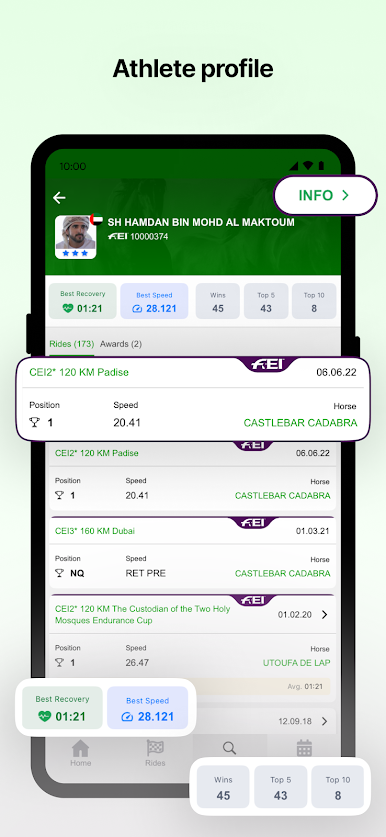
- Rider info that matters: Get rider profiles and context so you can understand who’s in the saddle and how they’ve been doing.
- Horse stats made simple: Scan important stats without wading through fluff; it’s all laid out so you can compare quickly.
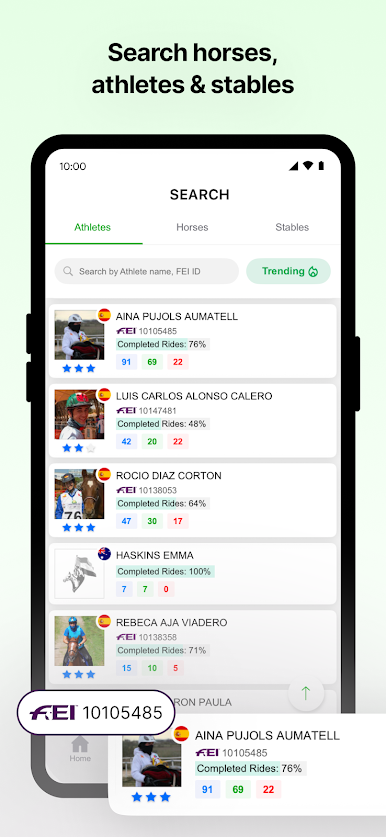
- Fast, accurate search: Type a horse, rider, or race and jump straight to the right page with minimal taps.
- Always up to date: Keep current with fresh results and data so you’re never behind when the next race rolls in.
Slay your opponents with your epic moves. Play it your way on BlueStacks and dominate the battlefield.









Jogue Yamamah no PC. É fácil começar.
-
Baixe e instale o BlueStacks no seu PC
-
Conclua o login do Google para acessar a Play Store ou faça isso mais tarde
-
Procure por Yamamah na barra de pesquisa no canto superior direito
-
Clique para instalar Yamamah a partir dos resultados da pesquisa
-
Conclua o login do Google (caso você pulou a etapa 2) para instalar o Yamamah
-
Clique no ícone do Yamamah na tela inicial para começar a jogar

