


Zain KW
Jogue no PC com BlueStacks - A Plataforma de Jogos Android, confiada por mais de 500 milhões de jogadores.

Página modificada em: Sep 28, 2025
Run Zain KW on PC or Mac
Multitask effortlessly on your PC or Mac as you try out Zain KW, a Productivity app by Zain Kuwait on BlueStacks.
About the App
Looking to manage your Zain KW services quickly and with zero hassle? With the Zain KW app from Zain Kuwait, you’re always a tap away from checking your account, paying bills, and staying on top of your plan—no need to wrestle with complicated menus. Whether you want to track usage or just top up your phone in a hurry, the app makes it feel almost too easy.
App Features
-
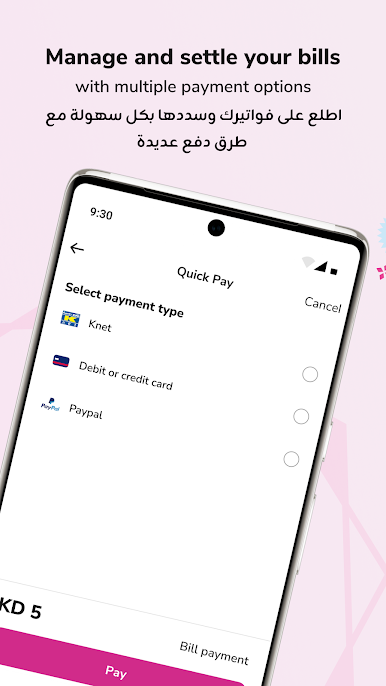
Two-Step Bill Payment
Paying your bill or recharging your number is as simple as it gets—just a couple of taps and you’re set. No need to dig through long forms or remember account details. -
Detailed Usage History
Ever wonder where your data went? Dive into your call, message, and internet usage history whenever you like. It’s all laid out, and you’re in control. -
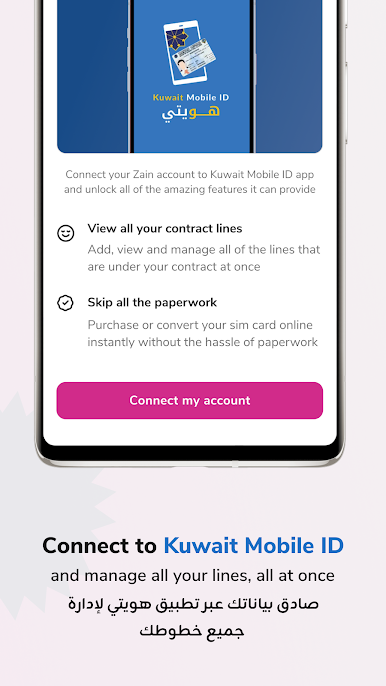
Quick Account Access
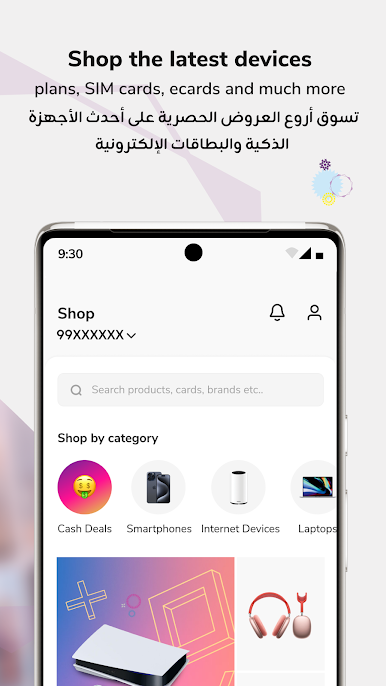
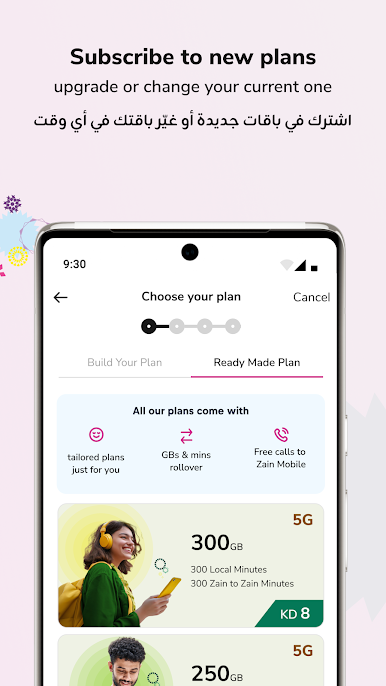
You can check your account details and explore new plans and services without logging in every time. Checking what’s available or seeing if something new catches your eye? Go for it—with almost zero fuss. -
Easy Branch Finder
Trying to spot the nearest Zain branch? The app helps you out by pointing you to the closest location, so you don’t waste time driving in circles. -
Fast Credit Transfer
Need to send some credit to a friend or family member? The app lets you transfer credit to any Zain number in no time. No extra hoops.
And if you prefer using a bigger screen, you’ll find Zain KW works smoothly with BlueStacks too.
Ready to experience Zain KW on a bigger screen, in all its glory? Download BlueStacks now.


Jogue Zain KW no PC. É fácil começar.
-
Baixe e instale o BlueStacks no seu PC
-
Conclua o login do Google para acessar a Play Store ou faça isso mais tarde
-
Procure por Zain KW na barra de pesquisa no canto superior direito
-
Clique para instalar Zain KW a partir dos resultados da pesquisa
-
Conclua o login do Google (caso você pulou a etapa 2) para instalar o Zain KW
-
Clique no ícone do Zain KW na tela inicial para começar a jogar

