


ZoiPer Pro - SIP Softphone
Jogue no PC com BlueStacks - A Plataforma de Jogos Android, confiada por mais de 500 milhões de jogadores.

Página modificada em: Jul 31, 2025
Run ZoiPer Pro - SIP Softphone on PC or Mac
Let BlueStacks turn your PC, Mac, or laptop into the perfect home for ZoiPer Pro – SIP Softphone, a fun Communication app from Securax EOOD.
About the App
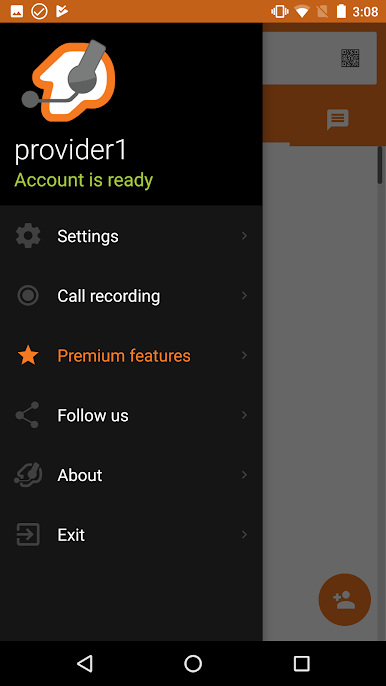
Looking for a straightforward way to make clear, reliable VoIP calls right from your device? ZoiPer Pro – SIP Softphone, by Securax EOOD, is designed with you in mind. Whether you’re working remotely, handling business calls, or just staying in touch, this Communication app delivers clean audio and a flexible call experience. You’ll find it quick to set up with your preferred SIP or IAX service and easy to use, no matter if you’re a seasoned pro or just switching to VoIP for the first time.
App Features
-
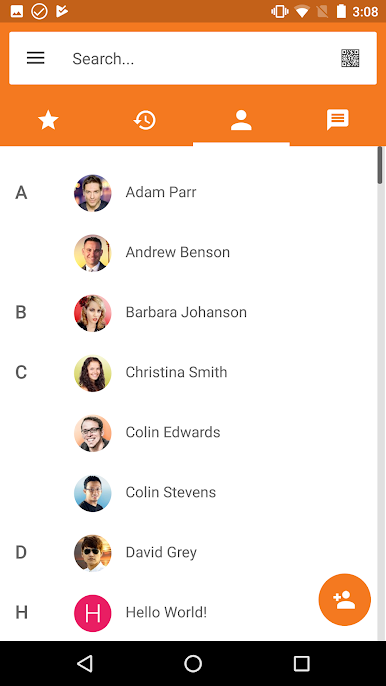
Polished Interface & Custom Themes
Enjoy a refreshed look with a neat, modern layout. Swap between different color themes, or set up your own colors for a more personal touch. -
Top-notch Call Quality
Expect crisp voice calls every time—even if your device is a few years old. The app’s advanced audio handling means you’ll hear (and be heard) clearly. -
Reliable Bluetooth Support
Take calls on your favorite wireless headset—the Bluetooth features have been reworked for smoother connections and fewer hiccups. -
Works Seamlessly Over 3G & WiFi
Whether you’re on cellular data or connected to WiFi, your calls stay stable and lag-free. The app’s low battery usage means you don’t have to worry about draining your phone. -
Full SIP & IAX Compatibility
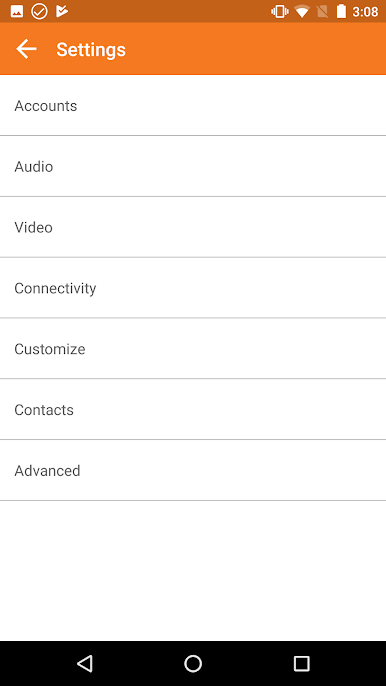
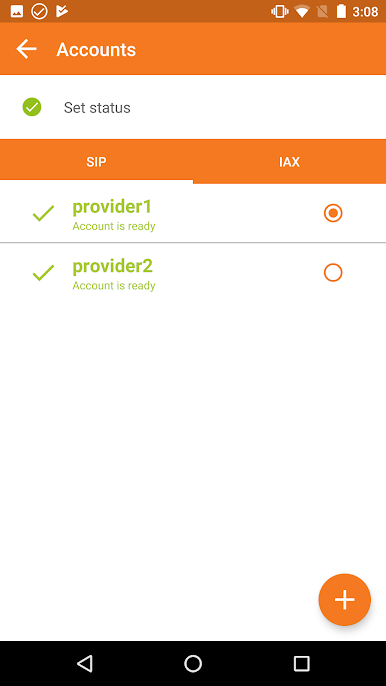
ZoiPer Pro – SIP Softphone handles both SIP and IAX connections, making it a solid choice for just about any RFC-compliant PBX system. -
Flexible Notifications & Multitasking
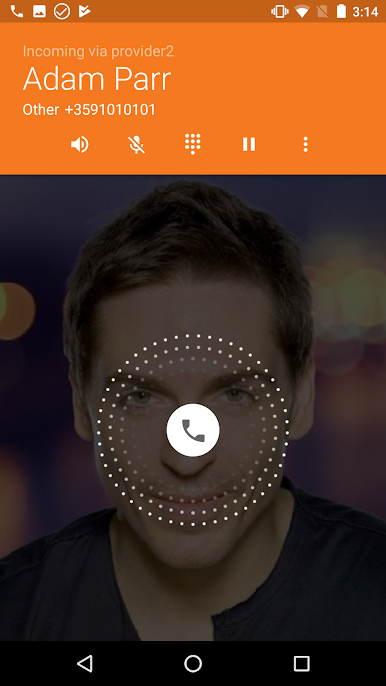
A revamped notification system keeps you in the loop about incoming calls or messages, even while you’re using other apps on your phone—or if you’re running the app on BlueStacks. -
Packed With Calling Features
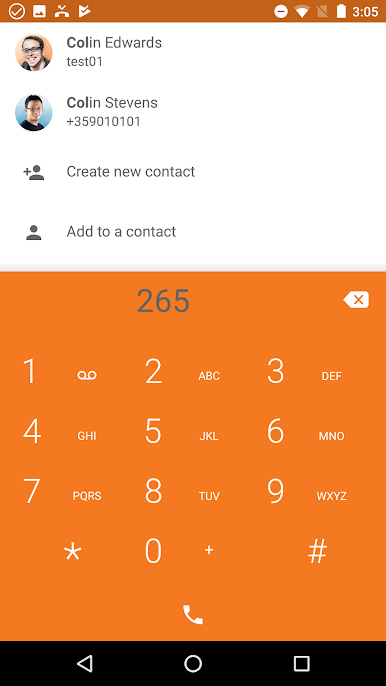
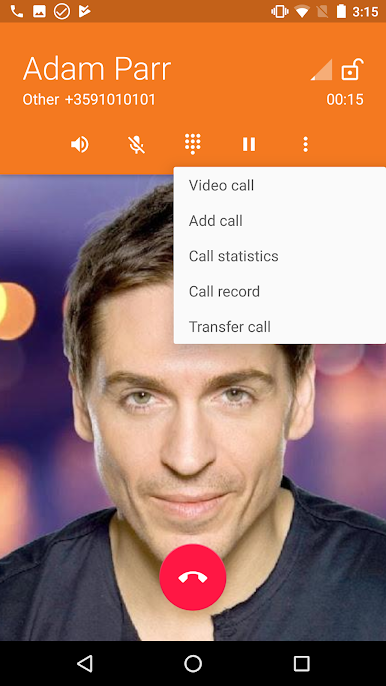
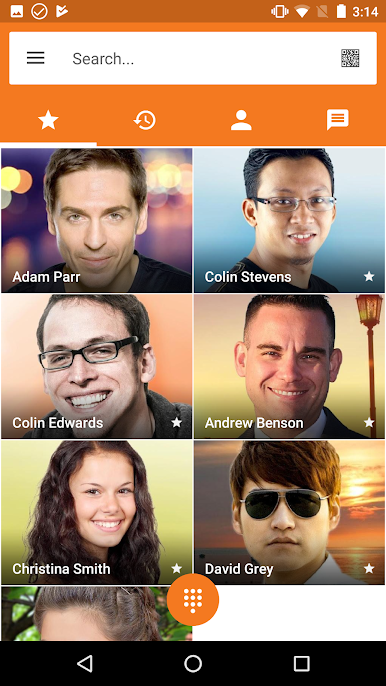
Try call waiting, call transfer, mute, hold, native contact list integration, and even per-account ringtones. There’s also speakerphone support, background operation, and built-in echo cancellation. -
Wide Codec Support
Choose the codec that works best for your network—options like g711, speex, iLBC, and gsm are all available for better audio adaptation. -
Secure Calling Options
Advanced security with options like ZRTP and TLS encryption, so your conversations stay private. -
Supports Video Calls
Need face-to-face time? There’s support for video calls too, making the app more than just a voice solution.
ZoiPer Pro – SIP Softphone packs professional-level features into a straightforward package, so you can focus on your conversations—wherever you’re calling from.
Eager to take your app experience to the next level? Start right away by downloading BlueStacks on your PC or Mac.
Jogue ZoiPer Pro - SIP Softphone no PC. É fácil começar.
-
Baixe e instale o BlueStacks no seu PC
-
Conclua o login do Google para acessar a Play Store ou faça isso mais tarde
-
Procure por ZoiPer Pro - SIP Softphone na barra de pesquisa no canto superior direito
-
Clique para instalar ZoiPer Pro - SIP Softphone a partir dos resultados da pesquisa
-
Conclua o login do Google (caso você pulou a etapa 2) para instalar o ZoiPer Pro - SIP Softphone
-
Clique no ícone do ZoiPer Pro - SIP Softphone na tela inicial para começar a jogar

