


Zwift Companion
健康與健身 | Zwift, Inc.
在電腦上使用BlueStacks –受到5億以上的遊戲玩家所信任的Android遊戲平台。

Play Zwift Companion on PC
Have you already downloaded Zwift? If so, you’re in the right place—Zwift Companion makes Zwifting better.
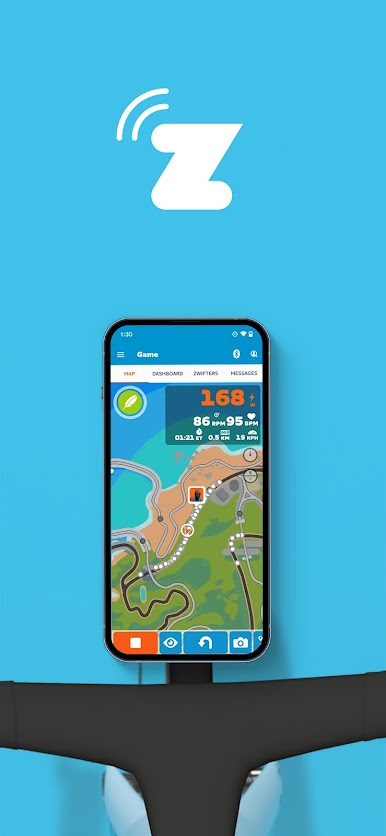
It’s like a remote control for Zwift that you can use pre-ride, during your ride, and post-ride.
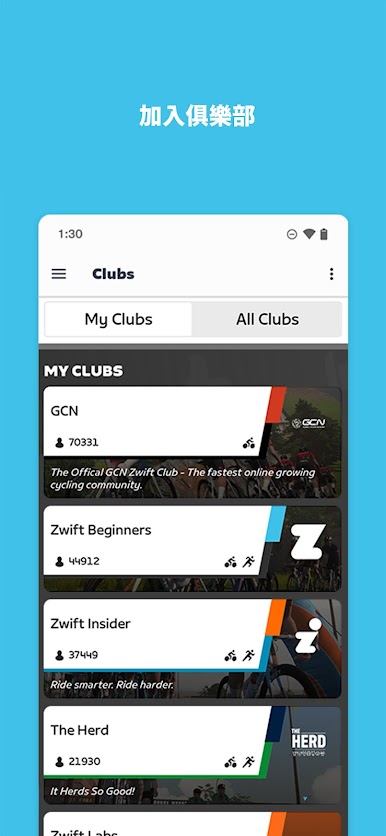
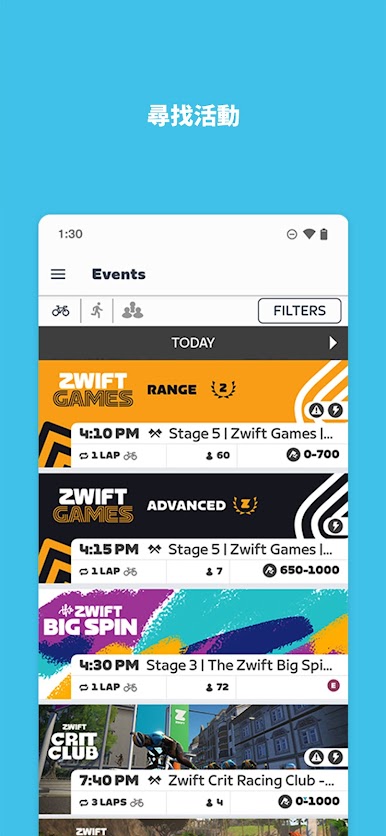
Zwift Companion is a great place to plan your next activity. With all the events in one place and thousands to choose from, you're sure to discover like-minded athletes who want to get fit together. You can also find and join clubs on Zwift Companion.
You'll see rides chosen specifically for you based on your preferences, fitness level, and upcoming events. You can even set reminders, so you're never late for a ride.
You'll also find a bunch of cool information on Zwift Companion's home screen, like the number of people currently Zwifting, as well as any friends or contacts you're following.
Have a Zwift Hub smart trainer? You can also update the firmware with the Companion app.
DURING YOUR RIDE
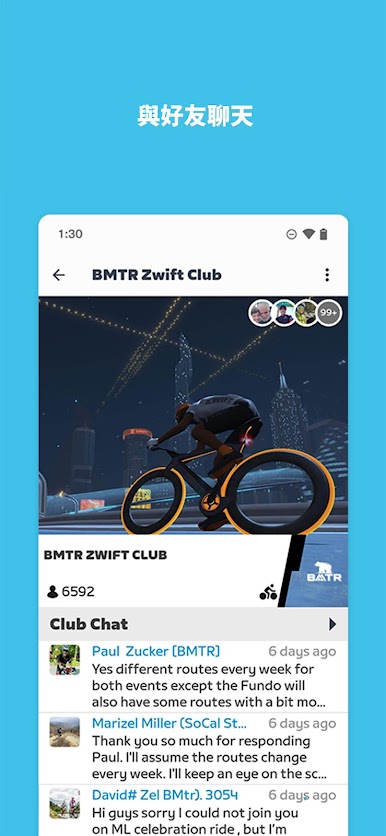
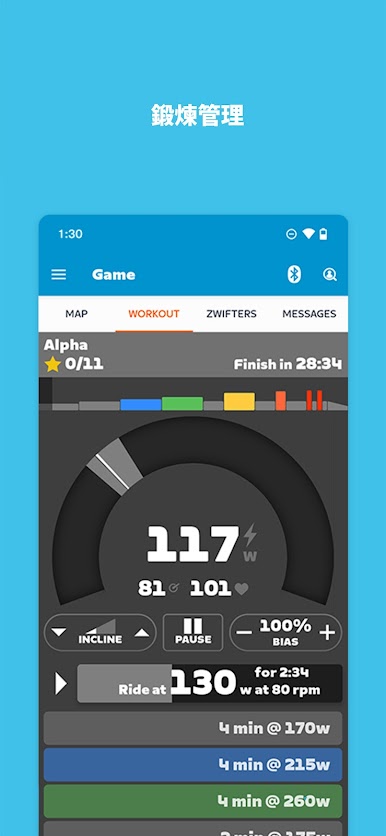
With Zwift Companion, you can send RideOns, text with other Zwifters, bang U-Turns, choose between route options, and more. You can also adjust the resistance of your trainer on the fly during structured workouts, to increase or decrease intensity. Want to turn erg mode on or off, take screenshots, or see riders nearby and their stats? All of this happens on Zwift Companion.
POST-RIDE
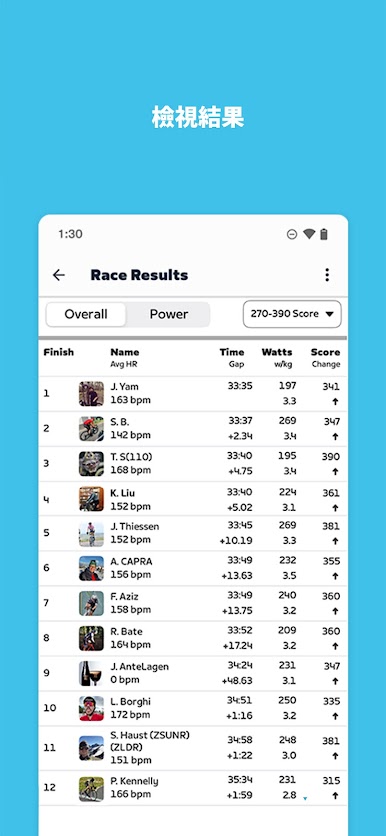
Take a deep dive into your ride data and the folks you rode with. You’ll also find a progress bar for any Tours you’re participating in and the latest on any goals you set for yourself.
It’s like a remote control for Zwift that you can use pre-ride, during your ride, and post-ride.
Zwift Companion is a great place to plan your next activity. With all the events in one place and thousands to choose from, you're sure to discover like-minded athletes who want to get fit together. You can also find and join clubs on Zwift Companion.
You'll see rides chosen specifically for you based on your preferences, fitness level, and upcoming events. You can even set reminders, so you're never late for a ride.
You'll also find a bunch of cool information on Zwift Companion's home screen, like the number of people currently Zwifting, as well as any friends or contacts you're following.
Have a Zwift Hub smart trainer? You can also update the firmware with the Companion app.
DURING YOUR RIDE
With Zwift Companion, you can send RideOns, text with other Zwifters, bang U-Turns, choose between route options, and more. You can also adjust the resistance of your trainer on the fly during structured workouts, to increase or decrease intensity. Want to turn erg mode on or off, take screenshots, or see riders nearby and their stats? All of this happens on Zwift Companion.
POST-RIDE
Take a deep dive into your ride data and the folks you rode with. You’ll also find a progress bar for any Tours you’re participating in and the latest on any goals you set for yourself.
在電腦上遊玩Zwift Companion . 輕易上手.
-
在您的電腦上下載並安裝BlueStacks
-
完成Google登入後即可訪問Play商店,或等你需要訪問Play商店十再登入
-
在右上角的搜索欄中尋找 Zwift Companion
-
點擊以從搜索結果中安裝 Zwift Companion
-
完成Google登入(如果您跳過了步驟2),以安裝 Zwift Companion
-
在首頁畫面中點擊 Zwift Companion 圖標來啟動遊戲

