


Acrobits: VoIP SIP Softphone
العب على الكمبيوتر الشخصي مع BlueStacks - نظام أندرويد للألعاب ، موثوق به من قبل أكثر من 500 مليون لاعب.

Run Acrobits: VoIP SIP Softphone on PC or Mac
What’s better than using Acrobits: VoIP SIP Softphone by Acrobits, s.r.o.? Well, try it on a big screen, on your PC or Mac, with BlueStacks to see the difference.
About the App
Acrobits: VoIP SIP Softphone is for people who live on voice and video calls and want a dependable, customizable SIP client. Bring your own SIP account from a VoIP provider or PBX, plug it in, and you’re set—no complicated setup dance required. Quick heads-up: it’s a SIP client (not a VoIP service), and it doesn’t include call transfer or conference calling.
App Features
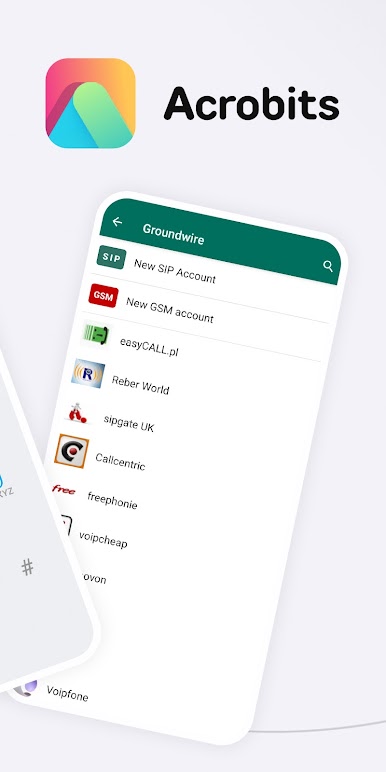
- Works With Your SIP: Connect accounts from popular providers and PBX systems and get calling right away without extra fuss.
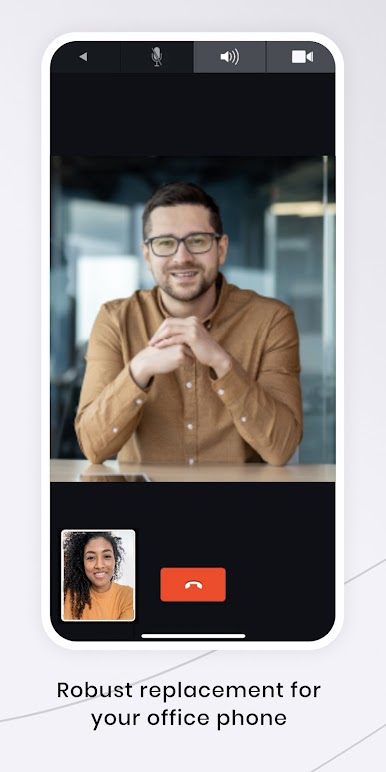
- Clear Voice + HD Video: Enjoy reliable audio with Opus, G.722, G.729, G.711, iLBC, and GSM, plus video calling up to 720p with H.265 and VP8 support.
- Seamless Network Handover: Move between Wi‑Fi and mobile data (including 5G) mid-call without awkward drops.
- Always Reachable: Push notifications keep incoming calls flowing, even when the app’s in the background. Multi-device friendly, too.
- Bluetooth Ready: Pairs nicely with a wide range of Bluetooth headsets and accessories for hands-free calls.
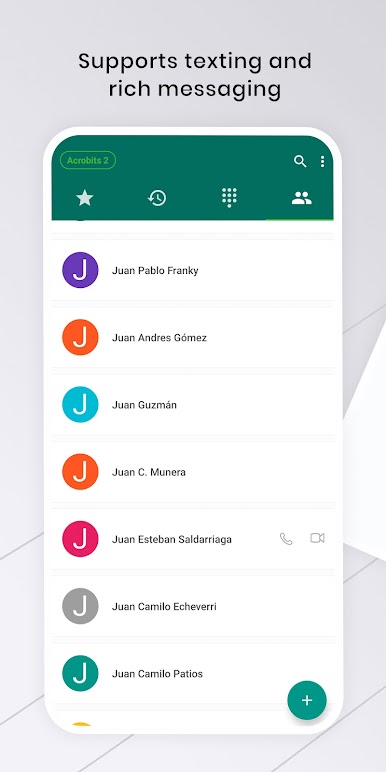
- Make It Yours: Tweak SIP settings, adjust the UI, pick ringtones—the app’s flexible so it fits how you work.
- One-Time Purchase: Pay once and get lifetime updates and support from Acrobits, s.r.o., with no surprise fees.
- Built for Android: Smooth on phones and tablets across the board in the Communication genre.
- Know Before You Start: You’ll need an account with a VoIP provider or PBX that supports standard SIP clients. No call transfer or conference calling is available.
- Great on Desktop, Too: Prefer a bigger screen and keyboard? You can run it on BlueStacks for a comfortable desktop experience.
Eager to take your app experience to the next level? Start right away by downloading BlueStacks on your PC or Mac.

العب Acrobits: VoIP SIP Softphone على جهاز الكمبيوتر. من السهل البدء.
-
قم بتنزيل BlueStacks وتثبيته على جهاز الكمبيوتر الخاص بك
-
أكمل تسجيل الدخول إلى Google للوصول إلى متجر Play ، أو قم بذلك لاحقًا
-
ابحث عن Acrobits: VoIP SIP Softphone في شريط البحث أعلى الزاوية اليمنى
-
انقر لتثبيت Acrobits: VoIP SIP Softphone من نتائج البحث
-
أكمل تسجيل الدخول إلى Google (إذا تخطيت الخطوة 2) لتثبيت Acrobits: VoIP SIP Softphone
-
انقر على أيقونة Acrobits: VoIP SIP Softphone على الشاشة الرئيسية لبدء اللعب

