

Alza Media
Jogue no PC com BlueStacks - A Plataforma de Jogos Android, confiada por mais de 500 milhões de jogadores.

Página modificada em: Jul 29, 2025
Run Alza Media on PC or Mac
Upgrade your experience. Try Alza Media, the fantastic Entertainment app from Alza.cz a.s., from the comfort of your laptop, PC, or Mac, only on BlueStacks.
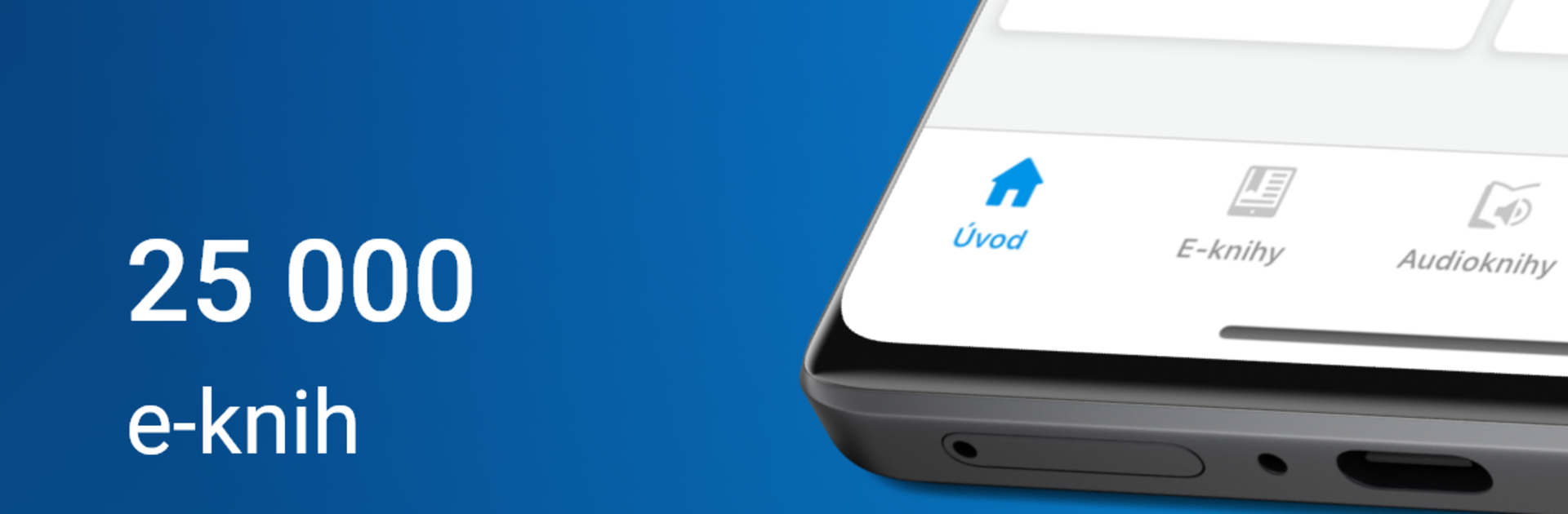
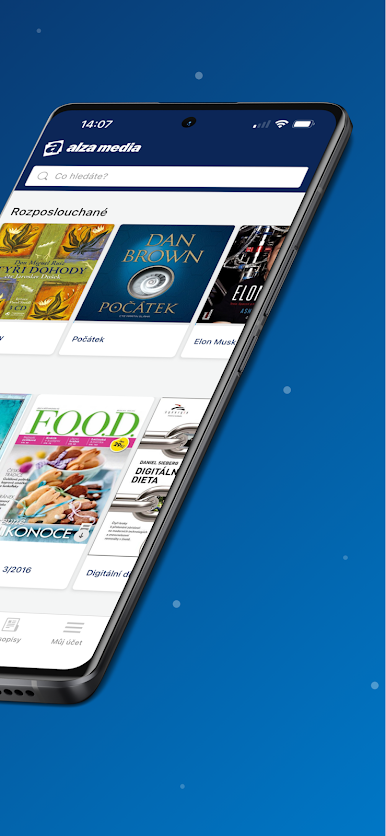
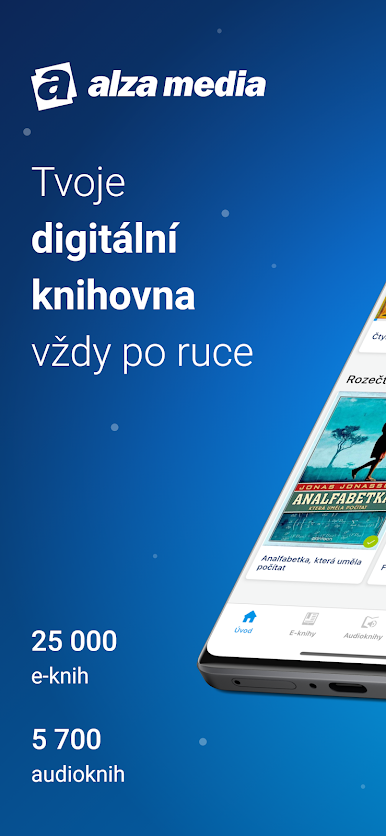
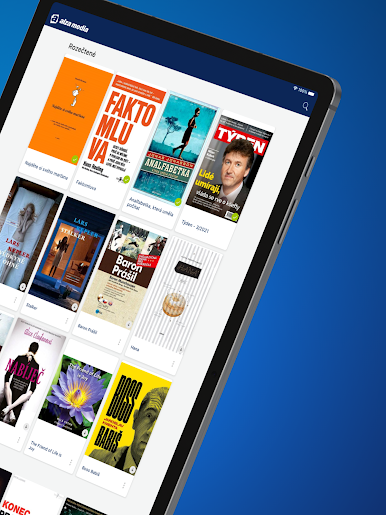
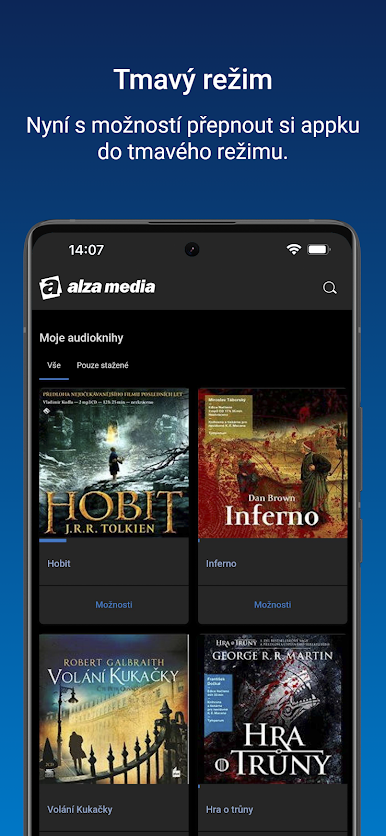
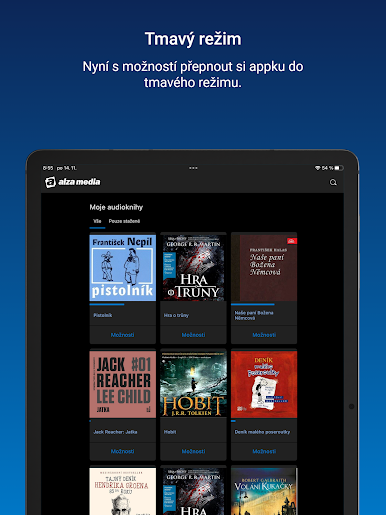
Alza Media feels like a straight up bookshelf and audiobook player rolled into one, with a cleaner look than older versions and a proper dark mode that actually helps at night. The start screen is simple, it shows the current book or audiobook so getting back to reading or listening takes one tap. The library view is tidy and makes large collections less of a mess, and the audiobook player shows clear track info and remembers the exact spot. Streaming is supported, so there is no need to download a whole chapter just to sample it, but there is also an easy offline download button for trips or when the signal drops.
There is one catch with the recent overhaul. Old read positions from before the update may not sync over, which is annoying, but from that point forward progress saves normally. On PC through BlueStacks it works nicely, the bigger screen makes the library easier to scan and scrubbing chapters with a mouse feels precise. Dark or light theme can be forced or set to automatic, and it scales fine whether someone keeps it in a small window or full screen. If something breaks, there is a built in report option right in the app, so sending feedback does not feel like a chore. It is built to handle phones and tablets, and it sits comfortably on desktop too.
BlueStacks brings your apps to life on a bigger screen—seamless and straightforward.

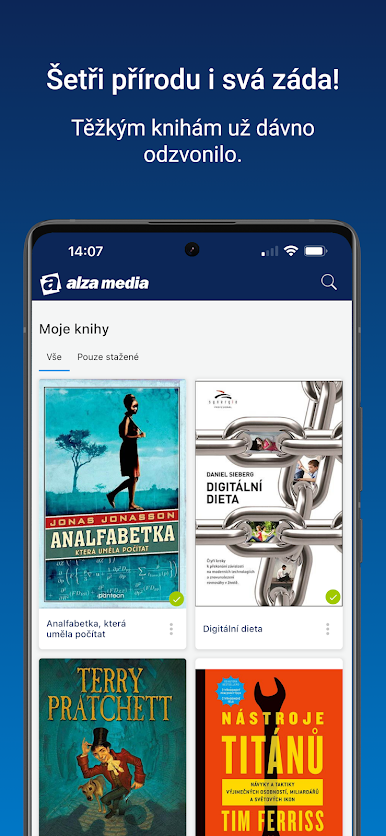
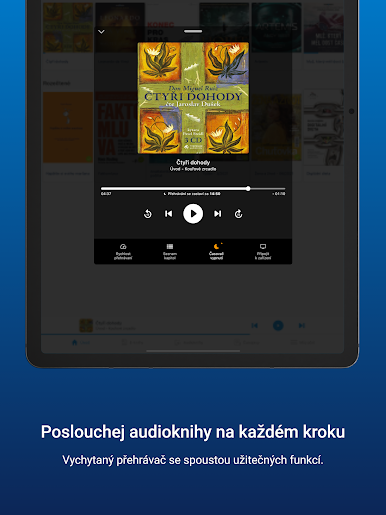
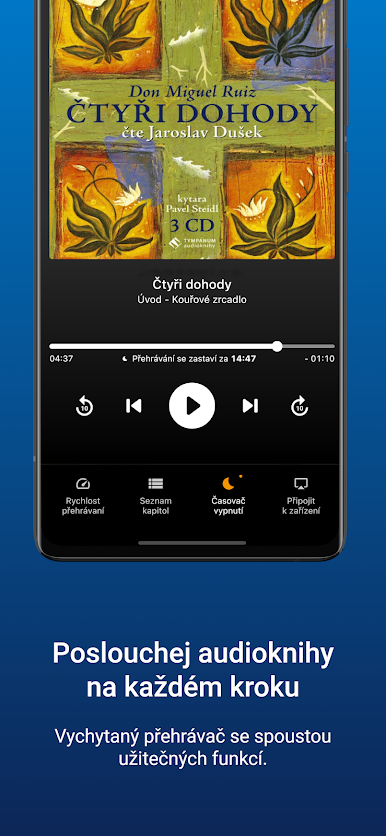
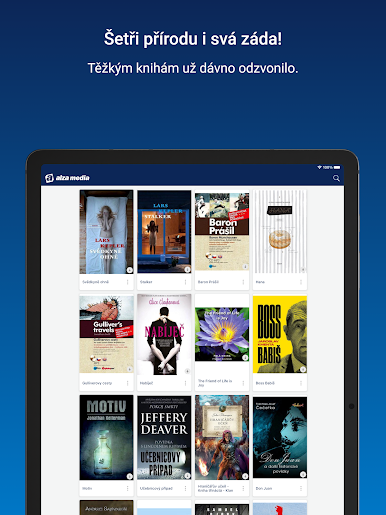
Jogue Alza Media no PC. É fácil começar.
-
Baixe e instale o BlueStacks no seu PC
-
Conclua o login do Google para acessar a Play Store ou faça isso mais tarde
-
Procure por Alza Media na barra de pesquisa no canto superior direito
-
Clique para instalar Alza Media a partir dos resultados da pesquisa
-
Conclua o login do Google (caso você pulou a etapa 2) para instalar o Alza Media
-
Clique no ícone do Alza Media na tela inicial para começar a jogar

