


Photos To Directories By Date
العب على الكمبيوتر الشخصي مع BlueStacks - نظام أندرويد للألعاب ، موثوق به من قبل أكثر من 500 مليون لاعب.

Play Photos To Directories By Date on PC
✔️ Effortlessly organize photos and videos into directories by date
✔️ Fast and intuitive sorting by date or month
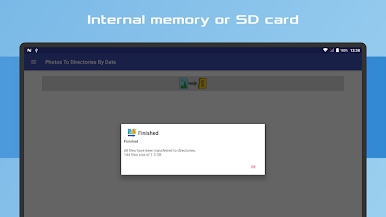
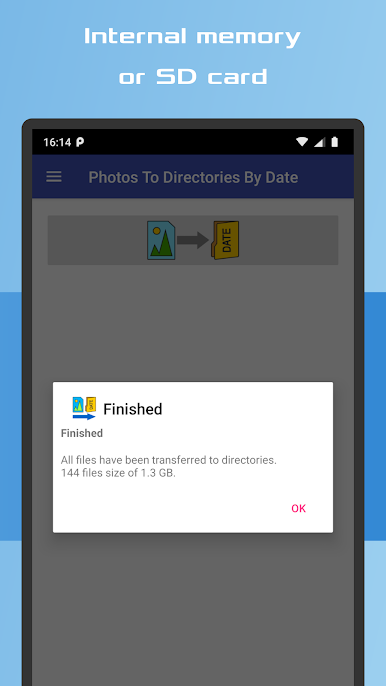
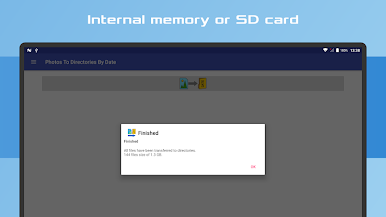
✔️ Compatible with Internal memory and SD Card storage
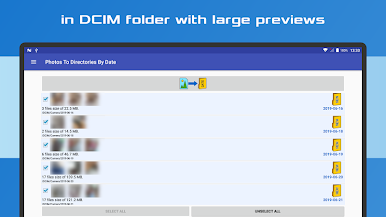
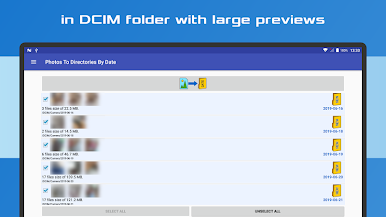
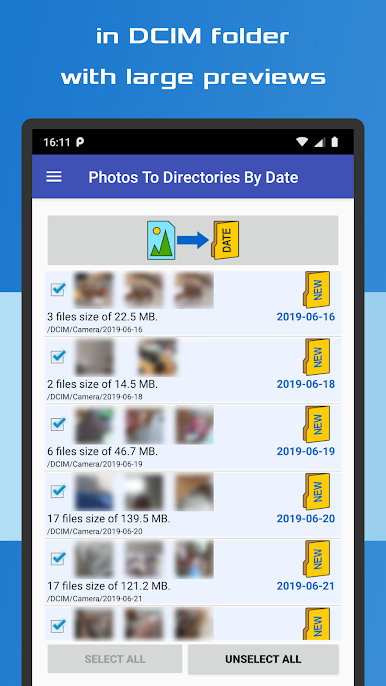
✔️ Enhanced file previews with detailed information
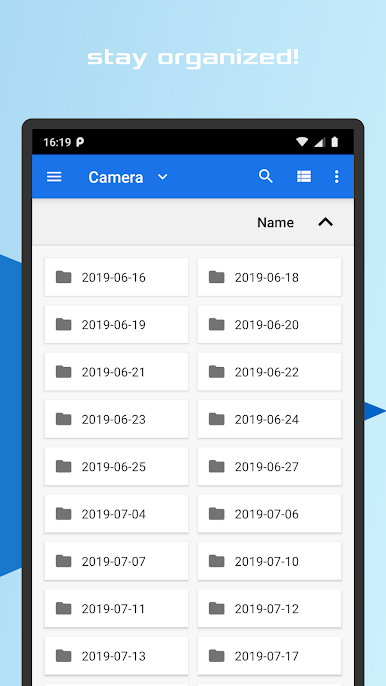
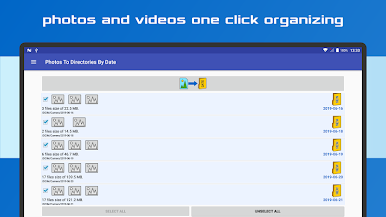
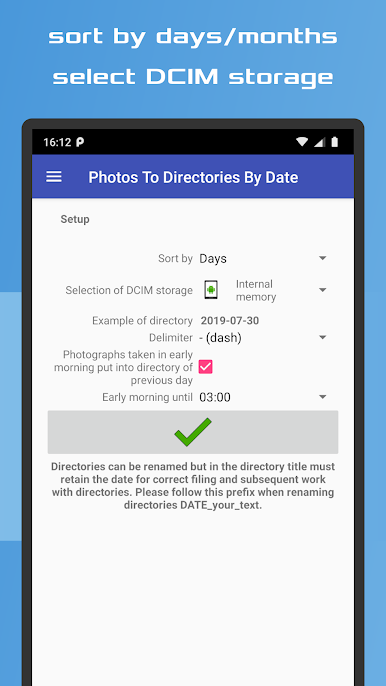
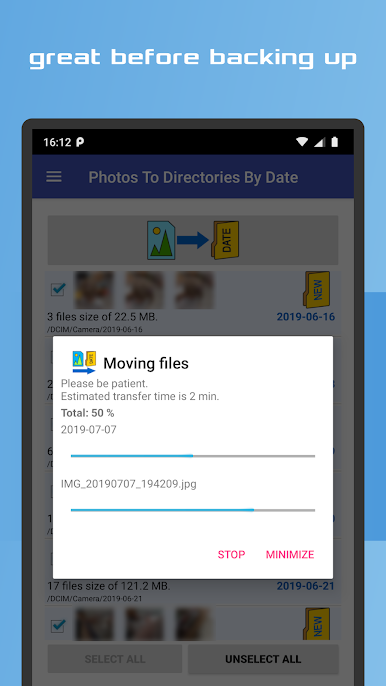
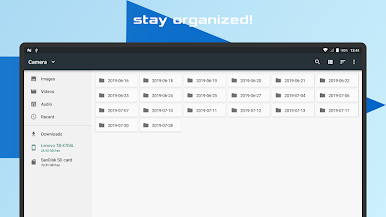
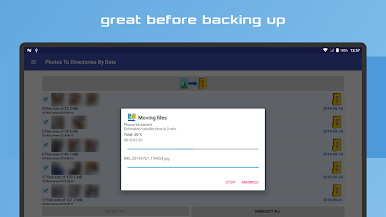
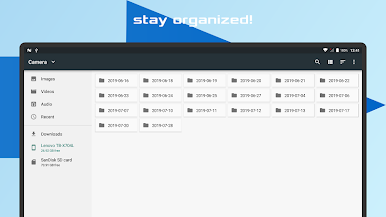
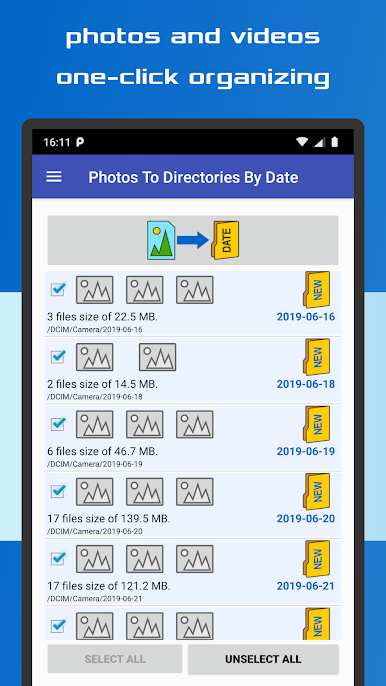
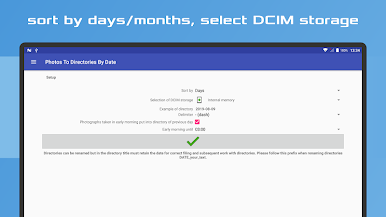
With just one click, you can instantly sort your photos and videos into the appropriate directories within the DCIM folder of your device's internal storage or SD card.
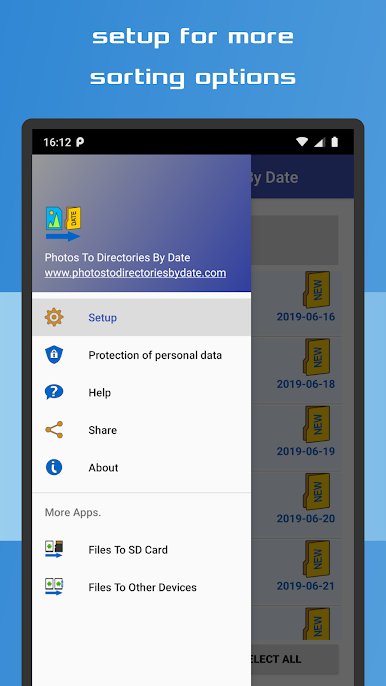
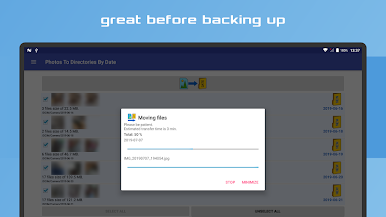
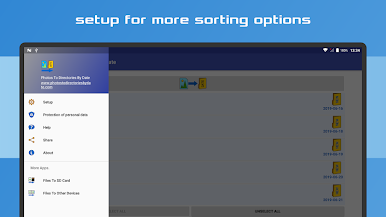
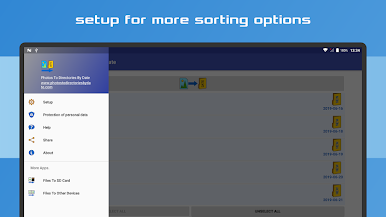
The app ensures a streamlined and orderly arrangement of your media files, categorized by their respective capture dates. It automates the entire organization process, making it an ideal solution for simplifying your photo and video management tasks prior to backup. Customize your sorting preference to either day or month, and adjust the date format in the "Settings" menu. Click the button, and the app will take care of the rest!
Feel free to rename the created directories, keeping in mind that it is essential to maintain the format "date_yourtext" to ensure optimal functionality. Whether you attended a late-night party or need to group photos taken at a specific time, this app offers the flexibility to organize your media accordingly.
Experience the convenience of quickly organizing your pictures and videos with this user-friendly app. It guarantees efficient and hassle-free management of your media files while complying with the guidelines set by Google Play and AdMob advertising network.



العب Photos To Directories By Date على جهاز الكمبيوتر. من السهل البدء.
-
قم بتنزيل BlueStacks وتثبيته على جهاز الكمبيوتر الخاص بك
-
أكمل تسجيل الدخول إلى Google للوصول إلى متجر Play ، أو قم بذلك لاحقًا
-
ابحث عن Photos To Directories By Date في شريط البحث أعلى الزاوية اليمنى
-
انقر لتثبيت Photos To Directories By Date من نتائج البحث
-
أكمل تسجيل الدخول إلى Google (إذا تخطيت الخطوة 2) لتثبيت Photos To Directories By Date
-
انقر على أيقونة Photos To Directories By Date على الشاشة الرئيسية لبدء اللعب

