


按日期将照片分拣到目录中
工具 | Michal Bukáček
在電腦上使用BlueStacks –受到5億以上的遊戲玩家所信任的Android遊戲平台。

Play Photos To Directories By Date on PC
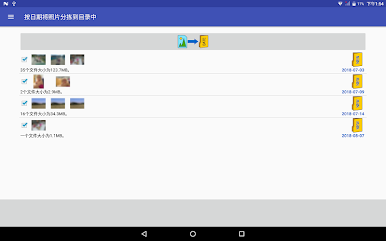
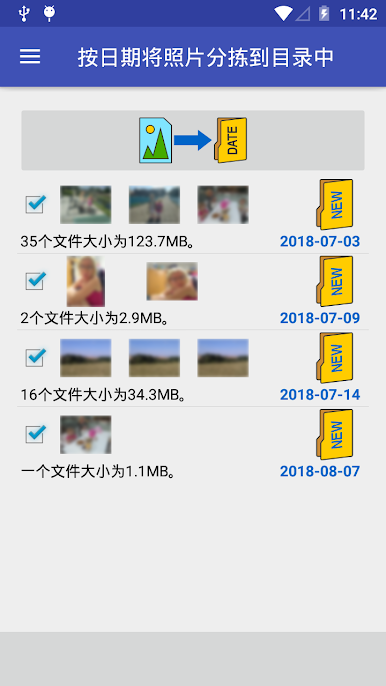
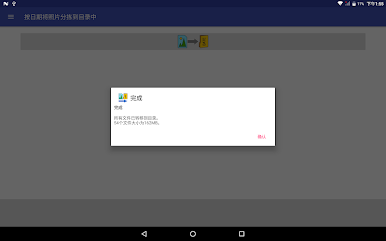
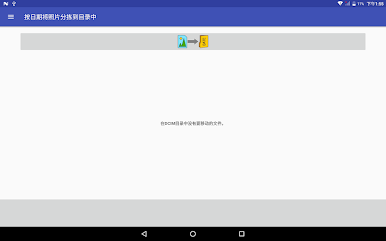
This app, Photos To Directories By Date, is an efficient tool for quickly sorting and organizing your videos and photographs into directories based on their capture dates. Easily organize and manage your media files by day or month of the photoshoot.
✔️ Effortlessly organize photos and videos into directories by date
✔️ Fast and intuitive sorting by date or month
✔️ Compatible with Internal memory and SD Card storage
✔️ Enhanced file previews with detailed information
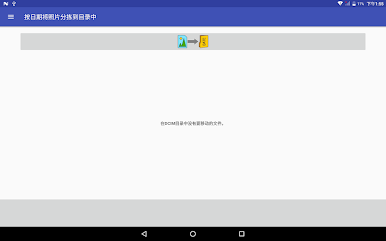
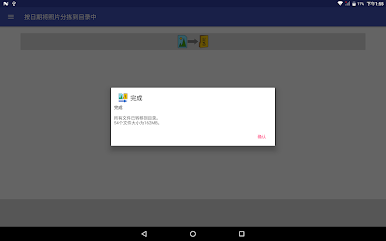
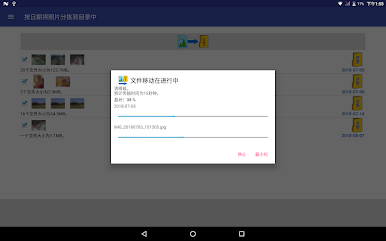
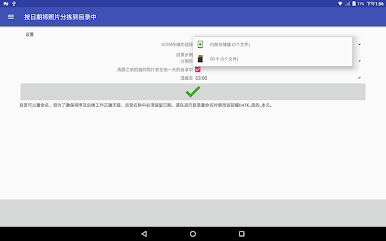
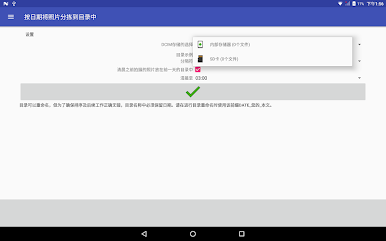
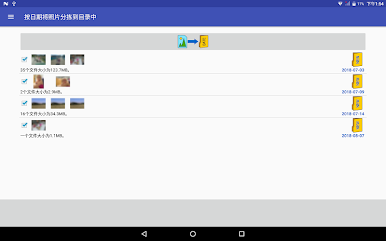
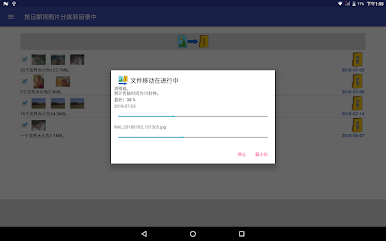
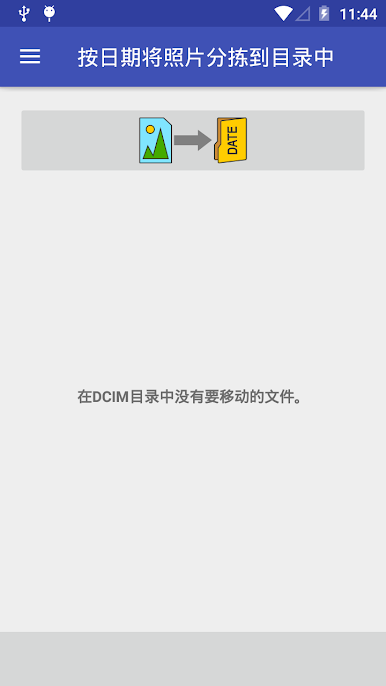
With just one click, you can instantly sort your photos and videos into the appropriate directories within the DCIM folder of your device's internal storage or SD card.
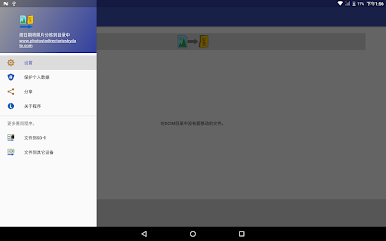
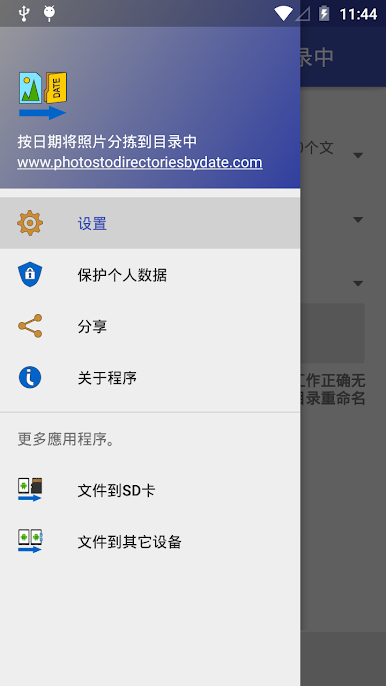
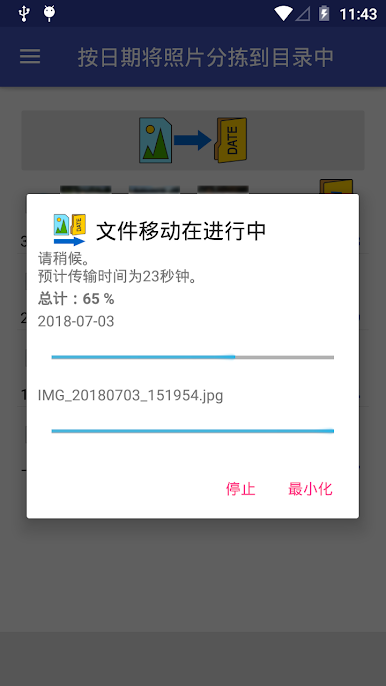
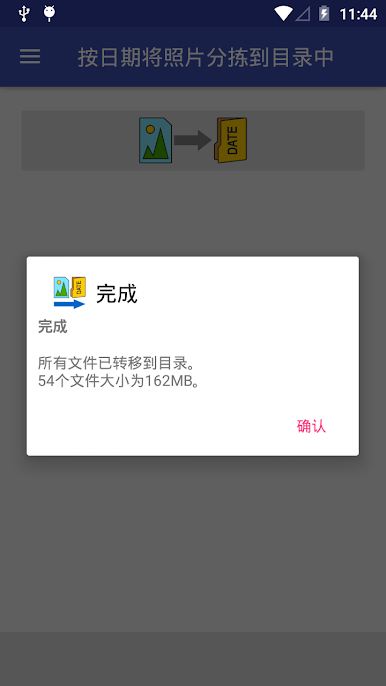
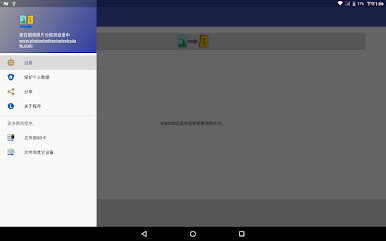
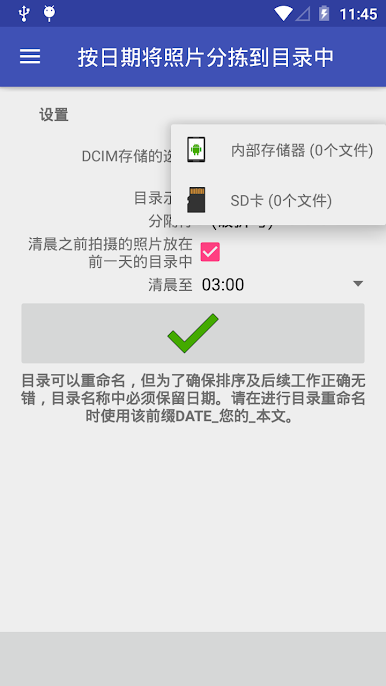
The app ensures a streamlined and orderly arrangement of your media files, categorized by their respective capture dates. It automates the entire organization process, making it an ideal solution for simplifying your photo and video management tasks prior to backup. Customize your sorting preference to either day or month, and adjust the date format in the "Settings" menu. Click the button, and the app will take care of the rest!
Feel free to rename the created directories, keeping in mind that it is essential to maintain the format "date_yourtext" to ensure optimal functionality. Whether you attended a late-night party or need to group photos taken at a specific time, this app offers the flexibility to organize your media accordingly.
Experience the convenience of quickly organizing your pictures and videos with this user-friendly app. It guarantees efficient and hassle-free management of your media files while complying with the guidelines set by Google Play and AdMob advertising network.
✔️ Effortlessly organize photos and videos into directories by date
✔️ Fast and intuitive sorting by date or month
✔️ Compatible with Internal memory and SD Card storage
✔️ Enhanced file previews with detailed information
With just one click, you can instantly sort your photos and videos into the appropriate directories within the DCIM folder of your device's internal storage or SD card.
The app ensures a streamlined and orderly arrangement of your media files, categorized by their respective capture dates. It automates the entire organization process, making it an ideal solution for simplifying your photo and video management tasks prior to backup. Customize your sorting preference to either day or month, and adjust the date format in the "Settings" menu. Click the button, and the app will take care of the rest!
Feel free to rename the created directories, keeping in mind that it is essential to maintain the format "date_yourtext" to ensure optimal functionality. Whether you attended a late-night party or need to group photos taken at a specific time, this app offers the flexibility to organize your media accordingly.
Experience the convenience of quickly organizing your pictures and videos with this user-friendly app. It guarantees efficient and hassle-free management of your media files while complying with the guidelines set by Google Play and AdMob advertising network.
在電腦上遊玩按日期将照片分拣到目录中 . 輕易上手.
-
在您的電腦上下載並安裝BlueStacks
-
完成Google登入後即可訪問Play商店,或等你需要訪問Play商店十再登入
-
在右上角的搜索欄中尋找 按日期将照片分拣到目录中
-
點擊以從搜索結果中安裝 按日期将照片分拣到目录中
-
完成Google登入(如果您跳過了步驟2),以安裝 按日期将照片分拣到目录中
-
在首頁畫面中點擊 按日期将照片分拣到目录中 圖標來啟動遊戲

