


Mathmage: A fun maths for kids
5억명 이상의 게이머가 신뢰하는 안드로이드 게임 플랫폼 BlueStacks으로 PC에서 플레이하세요.

Play Mathmage: A fun math game for kids aged 5-9! on PC or Mac
Join millions to experience Mathmage: A fun math game for kids aged 5-9!, an exciting Educational game from Magic Education, s.r.o.. With BlueStacks App Player, you are always a step ahead of your opponent, ready to outplay them with faster gameplay and better control with the mouse and keyboard on your PC or Mac.
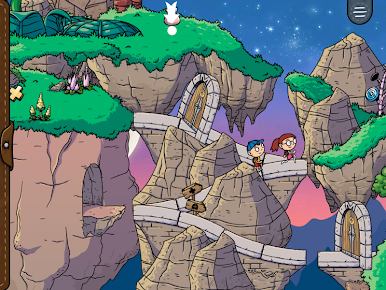
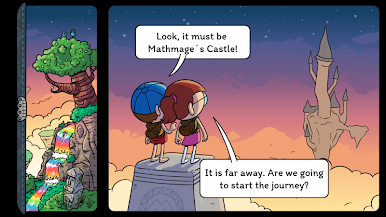
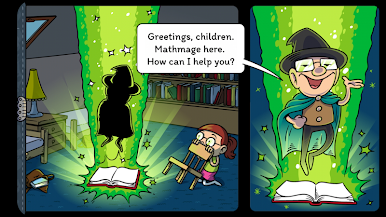
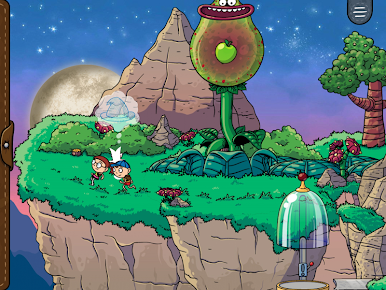
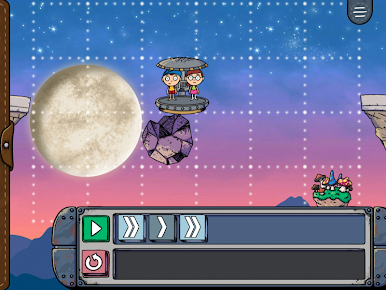
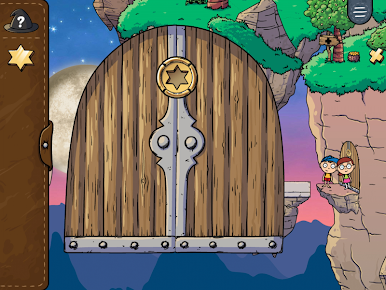
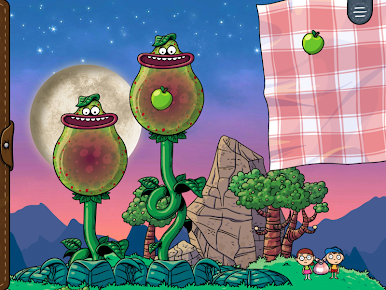
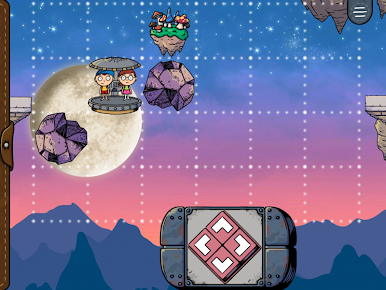
Mathmage feels like a storybook and a math class rolled into one, but without any of that dull worksheet stuff. The adventure part is strong here—kids tag along with game characters on a quest, running into all sorts of challenges that need a little math or logic thinking to solve. There’s a real focus on making math feel less like homework, more like you’re playing along and just picking up skills naturally. Instead of endless drills, the puzzles actually fit the story, so everyone’s busy helping out the heroes (and maybe forgetting they’re practicing numbers at the same time).
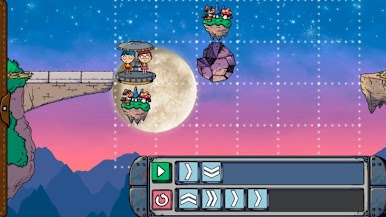
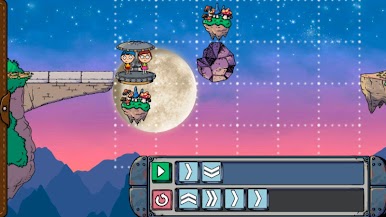
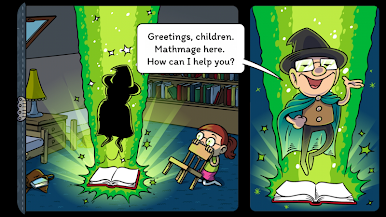
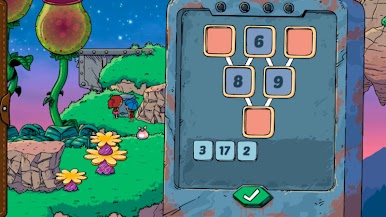
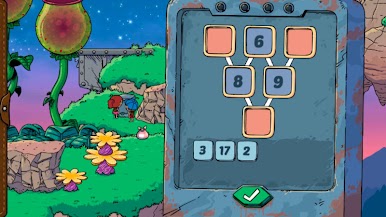
The game covers basics like adding, subtracting, multiplying, and dividing, and throws in some memory puzzles and little programming tasks, too. It finds a nice balance where things aren’t too easy or too tough, adjusting as the player improves, so no one gets stuck or bored. There’s a comic book intro to kick things off, then a bunch of levels that build up the story before wrapping up with a comic at the end. Playing on BlueStacks makes it feel bigger and more colorful—kind of like reading those old adventure comics on a bigger screen but now you get to take part in the story. There’s just enough challenge and variety to keep things moving, and everything is set up so kids stay interested while actually learning a lot along the way.
Get ready for a buttery smooth, high-performance gaming action only on BlueStacks.










PC에서 Mathmage: A fun maths for kids 플레이해보세요.
-
BlueStacks 다운로드하고 설치
-
Google Play 스토어에 로그인 하기(나중에 진행가능)
-
오른쪽 상단 코너에 Mathmage: A fun maths for kids 검색
-
검색 결과 중 Mathmage: A fun maths for kids 선택하여 설치
-
구글 로그인 진행(만약 2단계를 지나갔을 경우) 후 Mathmage: A fun maths for kids 설치
-
메인 홈화면에서 Mathmage: A fun maths for kids 선택하여 실행

