

Time of Exploration (strategy)
Jogue no PC com BlueStacks - A Plataforma de Jogos Android, confiada por mais de 500 milhões de jogadores.

Página modificada em: Oct 11, 2015
Play Time of Exploration (strategy) on PC or Mac
Time of Exploration (strategy) brings the Strategy genre to life, and throws up exciting challenges for gamers. Developed by androdan, this Android game is best experienced on BlueStacks, the World’s #1 app player for PC and Mac users.
About the Game
Time of Exploration (strategy) from androdan is a minimalist Strategy title about growing a settlement through smart planning and patient resource management. No flashy effects here—just you, numbers that actually matter, and a world that quietly expands as your plans click into place. Want something you can check a few times a day, tweak, and watch snowball over time? This hits that sweet spot.
Game Features
- Genre: Strategy — A clear-headed management game where careful decisions beat fast clicks.
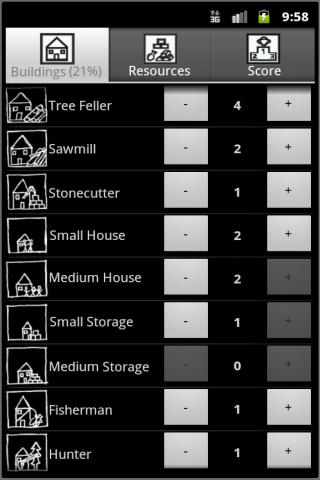
- Settlement leadership — You’re in charge of a fledgling community and every choice shapes its future, from the first hut to advanced industry.
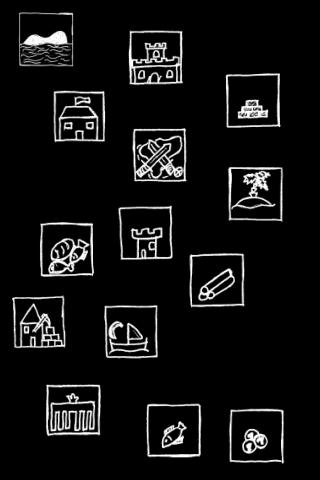
- Imagination-first design — Clean, no-frills presentation puts the focus on systems, not spectacle. The “graphics” are the plans in your head.
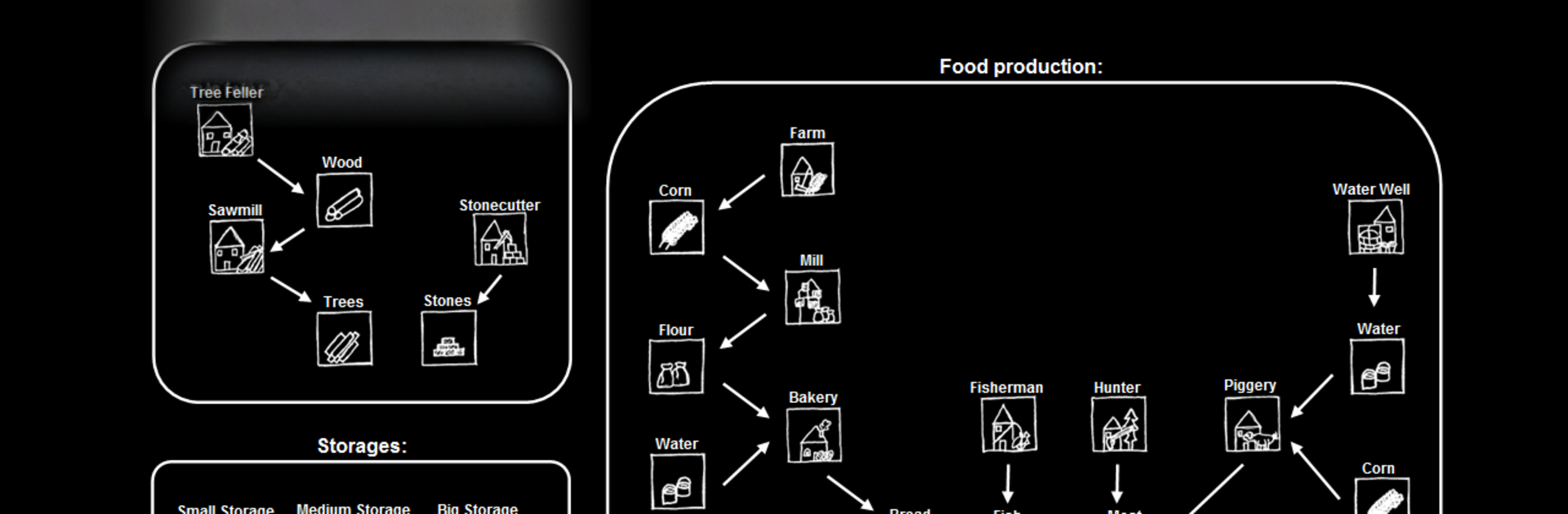
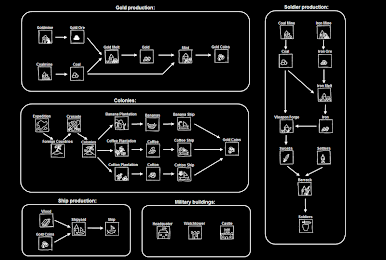
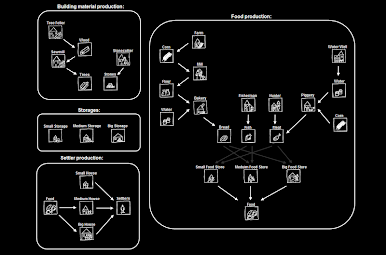
- Full production chains — Start with building materials, set up food supplies, move into metal processing, and eventually craft weapons. Each step feeds the next.
- Numbers that matter — Track inputs and outputs, spot bottlenecks, and tune your economy so nothing goes to waste.
- Race to complete — The goal is simple: construct one of every building type as fast as you can to climb the high score list.
- Offline progress — Resources keep piling up while you’re away, and the game tallies everything when you return.
- Check-in friendly — Ideal for short sessions or longer planning marathons. Prefer a bigger screen and keyboard? It plays comfortably on BlueStacks.
Start your journey now. Download the game on BlueStacks, invite your friends, and march on a new adventure.
Jogue Time of Exploration (strategy) no PC. É fácil começar.
-
Baixe e instale o BlueStacks no seu PC
-
Conclua o login do Google para acessar a Play Store ou faça isso mais tarde
-
Procure por Time of Exploration (strategy) na barra de pesquisa no canto superior direito
-
Clique para instalar Time of Exploration (strategy) a partir dos resultados da pesquisa
-
Conclua o login do Google (caso você pulou a etapa 2) para instalar o Time of Exploration (strategy)
-
Clique no ícone do Time of Exploration (strategy) na tela inicial para começar a jogar

