

WiFi Overview 360 Pro
العب على الكمبيوتر الشخصي مع BlueStacks - نظام أندرويد للألعاب ، موثوق به من قبل أكثر من 500 مليون لاعب.

Run WiFi Overview 360 Pro on PC or Mac
Let BlueStacks turn your PC, Mac, or laptop into the perfect home for WiFi Overview 360 Pro, a fun Tools app from KAIBITS Software GmbH.
About the App
Looking to get a better handle on your WiFi connections? WiFi Overview 360 Pro is a go-to spot for anyone who wants more control over their wireless networks. Created by KAIBITS Software GmbH, this handy tool lets you instantly scan, monitor, and tweak your WiFi setup—all with a few taps. Forget the guesswork; the app lays out everything you need to know so you can keep your connection steady and speedy.
App Features
-
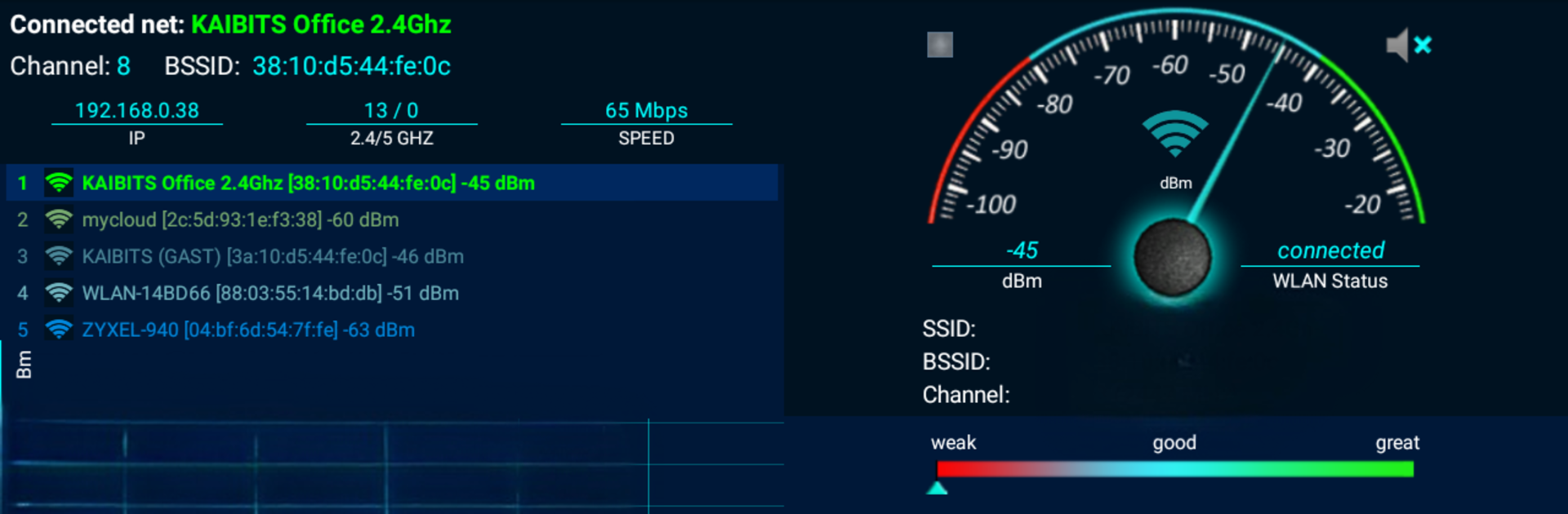
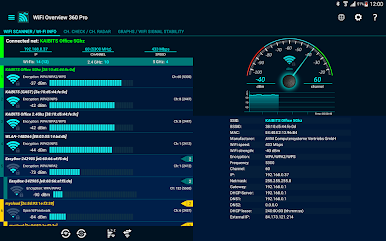
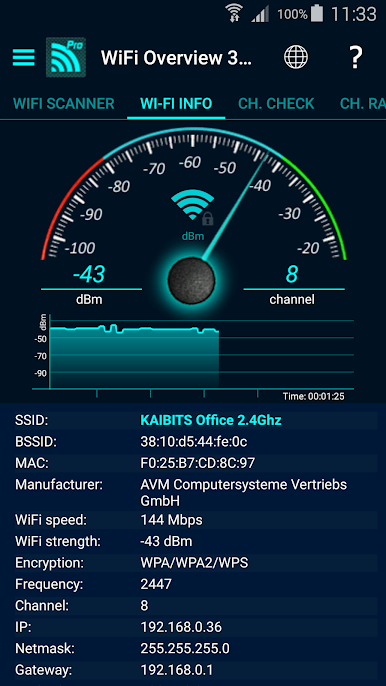
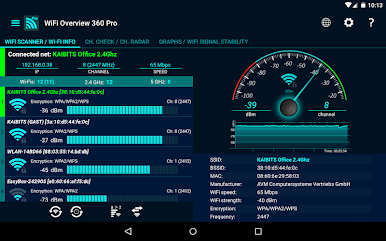
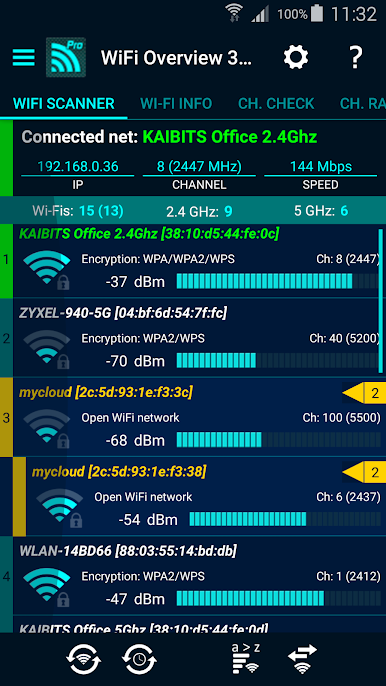
Detailed WiFi Scans
Get a quick rundown of every WiFi network nearby. From network names to signal power and even the channel it’s running on, all the details are right in front of you. -
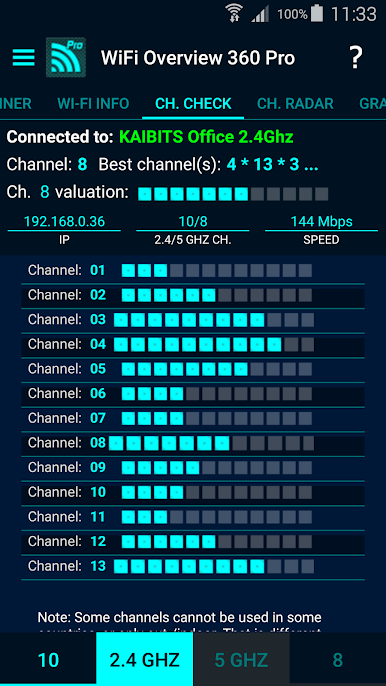
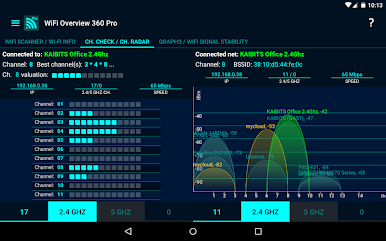
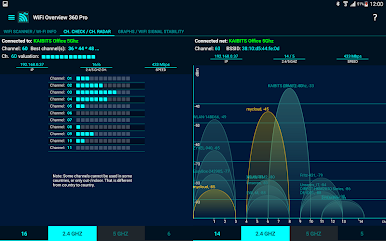
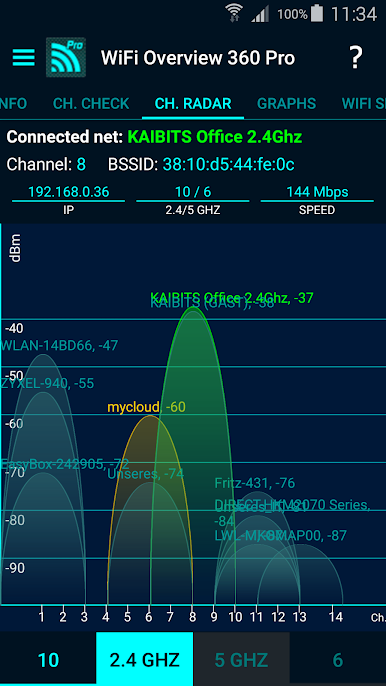
Channel Checker & Radar
Wondering which WiFi channel is less crowded? The Channel Checker and Radar show exactly where interference lurks, helping you pick the best spot for stronger, more reliable service. -
Open Network Detector
On the hunt for an open network? The Pro version’s detector keeps an eye out for free WiFi in your area and can alert you in all kinds of ways—sound, pop-up, or even vibration. -
Priority Control & Quick Connect
Want faster access to your favorite networks? Set a priority order yourself, and create quick-connect shortcuts so your device always picks the WiFi you trust most. -
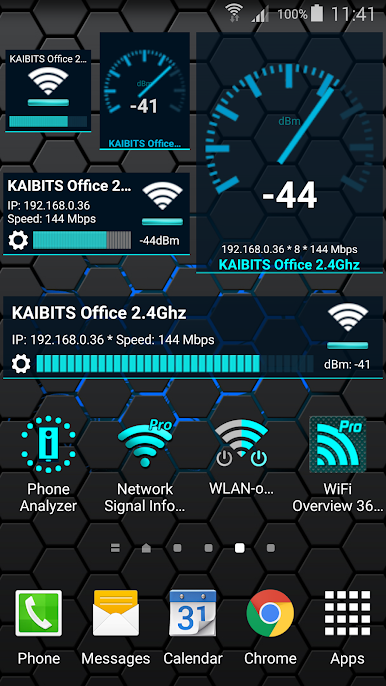
Handy Widgets
See what’s happening with your connection right from your home screen using helpful widgets in a bunch of sizes and styles. -
WiFi Sorting and Management
Easily sort through connections alphabetically, by signal strength, or whether the networks are known or new. Adding new connections manually is a breeze too. -
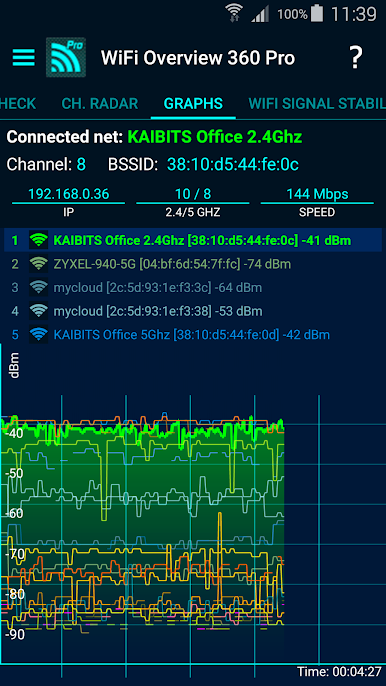
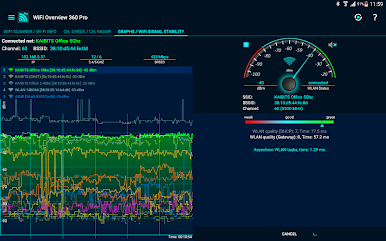
Visual Network Maps
With clear graphs and visuals, it’s easy to spot every available network and see which ones give you the best coverage. -
Automatic WiFi Toggles
Let the app manage your WiFi for you—turn it on when you start up, and switch it off when you’re done. -
Tablet Friendly
Designed to look and work great on both phones and tablets. -
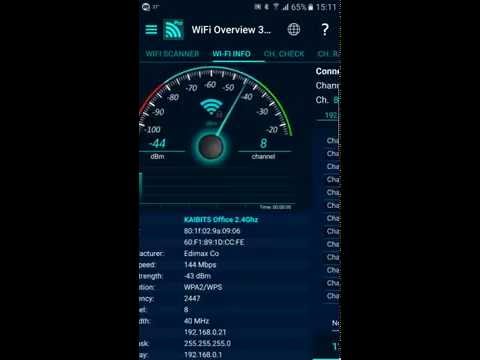
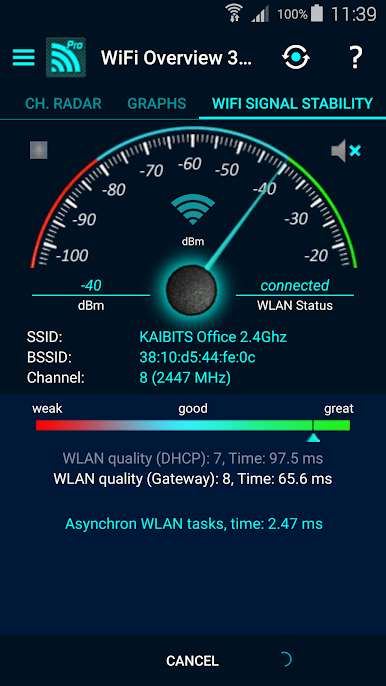
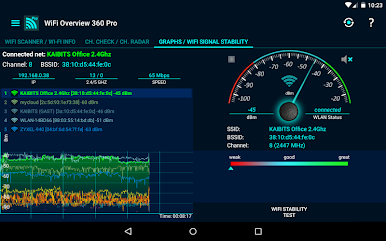
Connection Health Check
Get insights on your WiFi internet connection speed and stability at a glance.
And if you’re running this on your PC or laptop through BlueStacks, you’ll still enjoy all these features in a familiar layout.
Switch to BlueStacks and make the most of your apps on your PC or Mac.
العب WiFi Overview 360 Pro على جهاز الكمبيوتر. من السهل البدء.
-
قم بتنزيل BlueStacks وتثبيته على جهاز الكمبيوتر الخاص بك
-
أكمل تسجيل الدخول إلى Google للوصول إلى متجر Play ، أو قم بذلك لاحقًا
-
ابحث عن WiFi Overview 360 Pro في شريط البحث أعلى الزاوية اليمنى
-
انقر لتثبيت WiFi Overview 360 Pro من نتائج البحث
-
أكمل تسجيل الدخول إلى Google (إذا تخطيت الخطوة 2) لتثبيت WiFi Overview 360 Pro
-
انقر على أيقونة WiFi Overview 360 Pro على الشاشة الرئيسية لبدء اللعب

