

G-MoN
在電腦上使用BlueStacks –受到5億以上的遊戲玩家所信任的Android遊戲平台。

Run G-MoN on PC or Mac
What’s better than using G-MoN by C. Knuetter? Well, try it on a big screen, on your PC or Mac, with BlueStacks to see the difference.
About the App
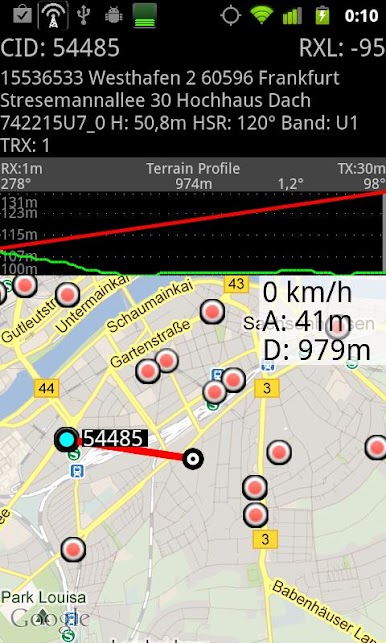
Curious about the mobile networks and WiFi around you? G-MoN is your go-to companion for getting the lowdown on nearby signals and cell towers. Whether you’re a hobbyist, a network engineer, or just like knowing what’s happening behind the scenes with your phone’s connections, G-MoN brings tons of wireless info together in one straightforward app. It’s part handy scanner and part mapping tool, letting you explore the invisible world of wireless with just a couple of taps.
App Features
-
Wardriving Scanner
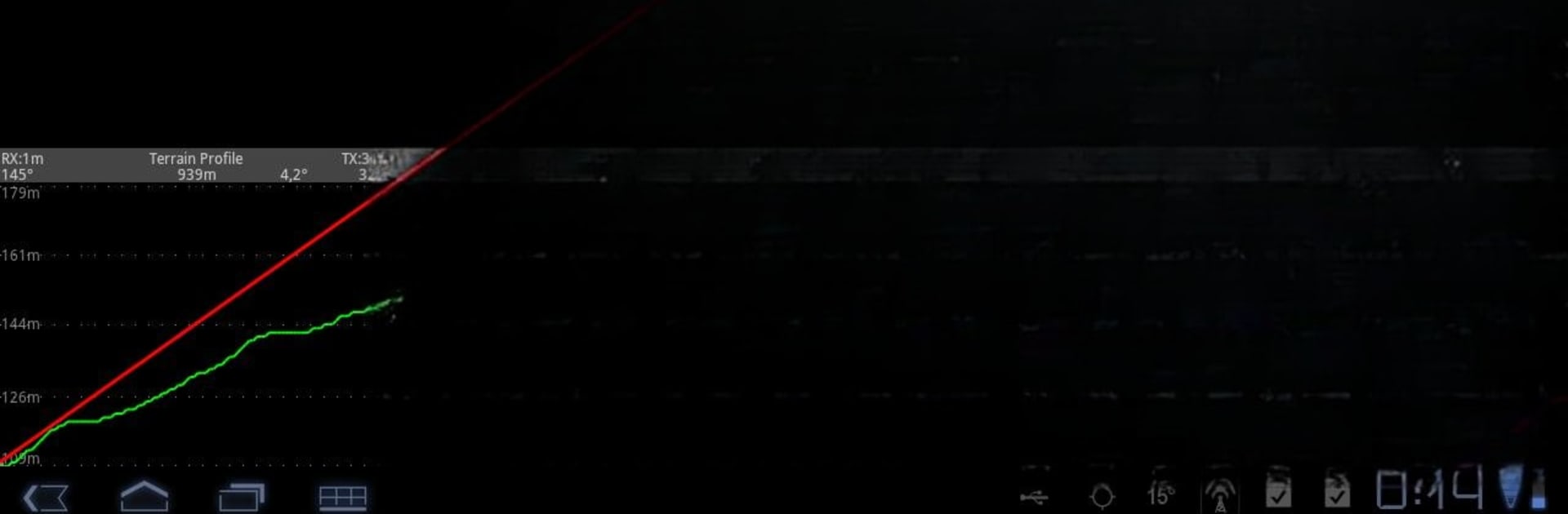
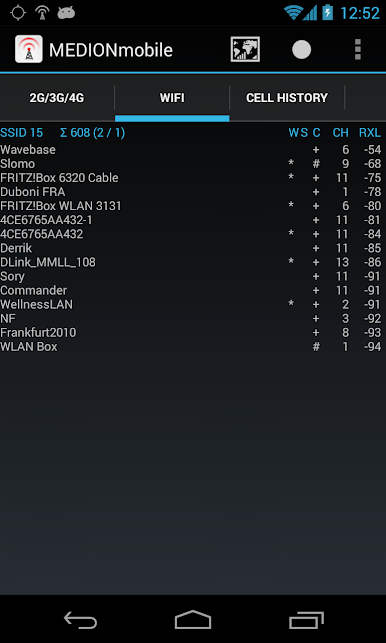
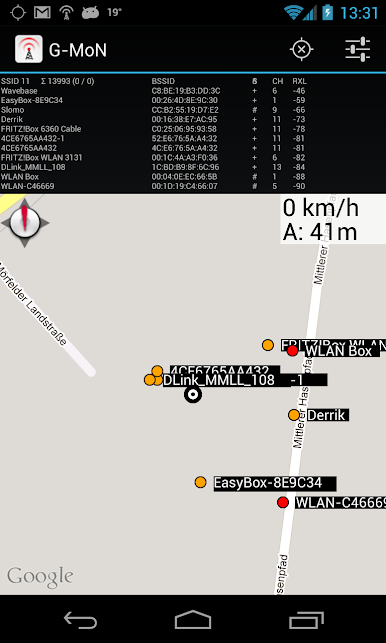
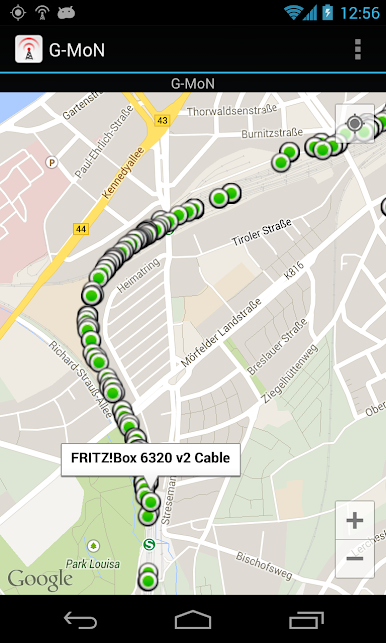
G-MoN picks up all WiFi access points around you and maps them out, showing you details like encryption type, signal strength, and channel—plus it logs everything with GPS coordinates, so you can see where you were when you picked up each network. -
Live Network Mapping
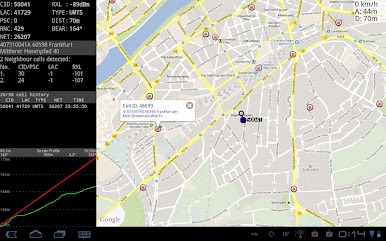
Ever wanted to see all access points near you in real time? G-MoN displays them on a map as you move, turning your stroll or drive into a live scan of your wireless environment. -
LTE and Cell Network Insights
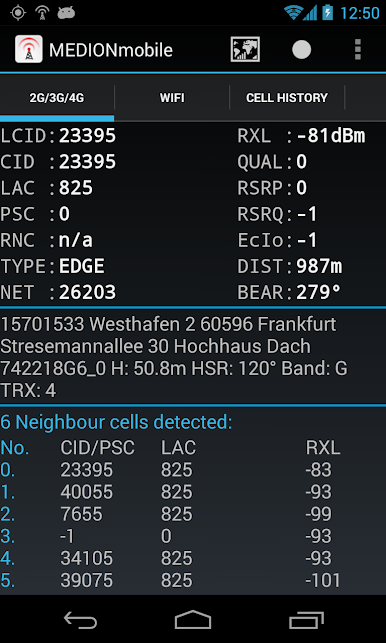
Along with WiFi tracking, G-MoN gives you deep info on GSM, CDMA, EVDO, UMTS, and LTE networks. If you’re zeroing in on RSRP and RSRQ values for LTE, or just want to monitor your RX levels, this app makes it simple. -
Drive Testing for Pros
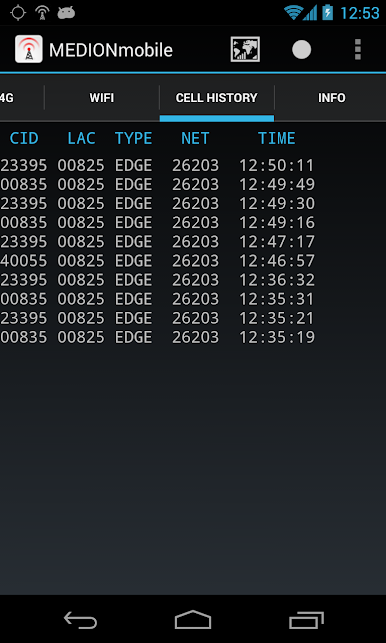
If you’re working in radio planning or just love technical details, G-MoN logs your network data for later analysis. Export the data to KML for Google Earth or CSV for your own crunching—you choose the file format. -
Customizable Logging & Alerts
Set up custom thresholds with color groups to instantly see if your signal levels are where they should be. When you start logging, the app’s notification icon switches to red, making it easy to know when you’re actively recording. -
Flexible File Import/Export
It’s easy to import and manage network data: just follow a simple filename and folder structure. Want to compare old scans or work with CLF files? G-MoN’s got that covered. -
On-the-Go Voice Notifications
Don’t want to stare at your screen? G-MoN can keep you posted with voice updates while you focus on walking or driving. -
Notes for Power Users
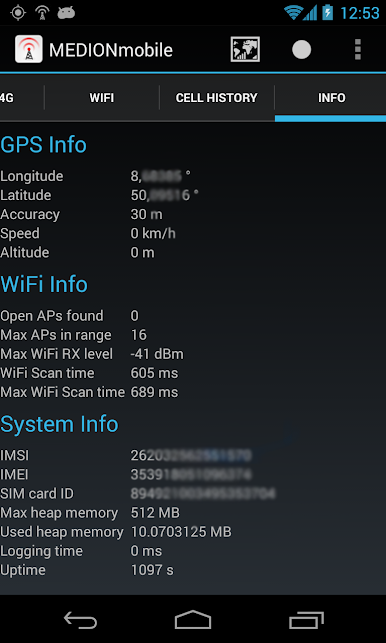
Heads up: for some tasks, you’ll need GPS turned on for accurate mapping, and certain Samsung phones might show a constant -115dBm—it’s a known hardware bug. Also, data logging for 2G/3G requires your screen to stay on.
G-MoN by C. Knuetter puts network info at your fingertips whether you’re using it on your phone or with BlueStacks on your PC. It’s all about giving you the tools to explore, log, and visualize the wireless world around you.
Ready to experience G-MoN on a bigger screen, in all its glory? Download BlueStacks now.
在電腦上遊玩G-MoN . 輕易上手.
-
在您的電腦上下載並安裝BlueStacks
-
完成Google登入後即可訪問Play商店,或等你需要訪問Play商店十再登入
-
在右上角的搜索欄中尋找 G-MoN
-
點擊以從搜索結果中安裝 G-MoN
-
完成Google登入(如果您跳過了步驟2),以安裝 G-MoN
-
在首頁畫面中點擊 G-MoN 圖標來啟動遊戲

