

TouchDAW Demo
Jogue no PC com BlueStacks - A Plataforma de Jogos Android, confiada por mais de 500 milhões de jogadores.

Página modificada em: Mar 10, 2025
Run TouchDAW Demo on PC or Mac
Why limit yourself to your small screen on the phone? Run TouchDAW Demo, an app by humatic, best experienced on your PC or Mac with BlueStacks, the world’s #1 Android emulator.
About the App
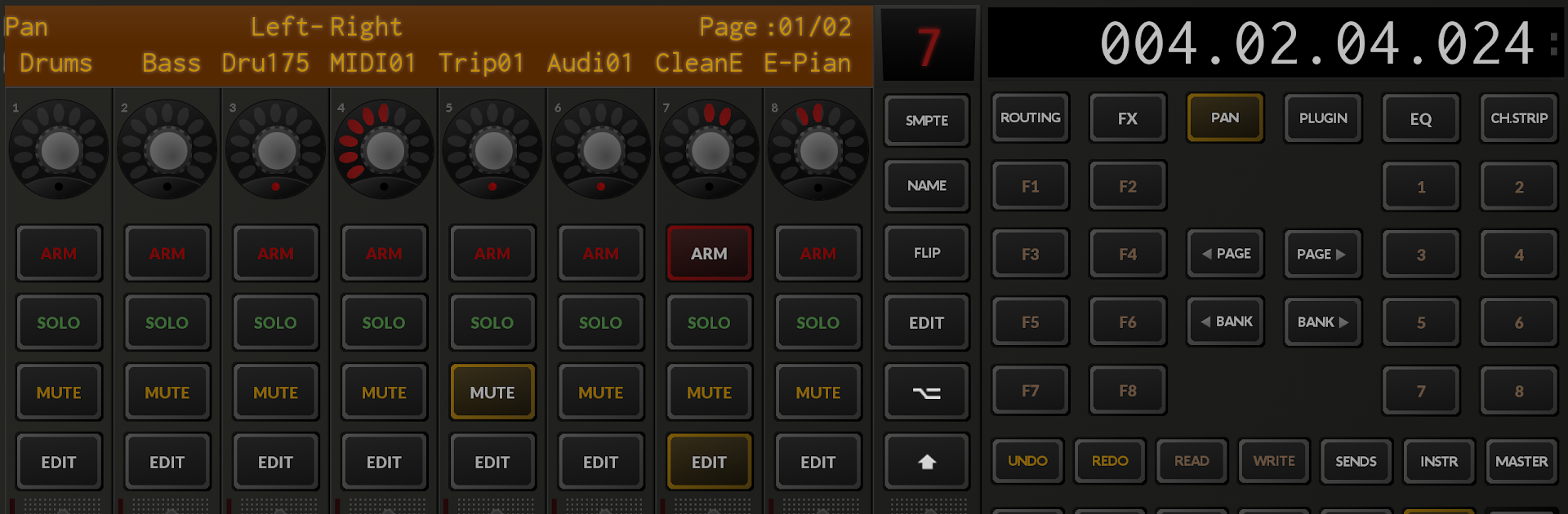
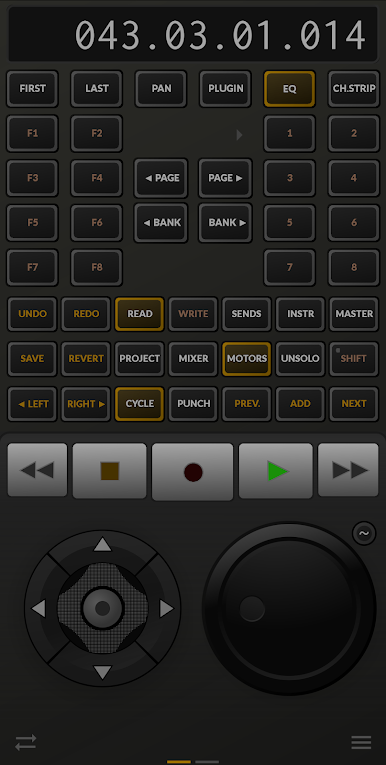
If you’ve ever wanted to bring the feel of a real studio mixing desk right to your fingertips, TouchDAW Demo makes that possible. This handy app from humatic lets you turn your phone or tablet into a flexible remote control for your favorite music software. Instead of reaching for hardware faders or running back and forth between your computer and instruments, you get a touchscreen control surface that fits in your hand. TouchDAW Demo is all about streamlining your workflow and putting essential music production tools in easy reach—perfect for when inspiration strikes.
App Features
-
Remote DAW Control
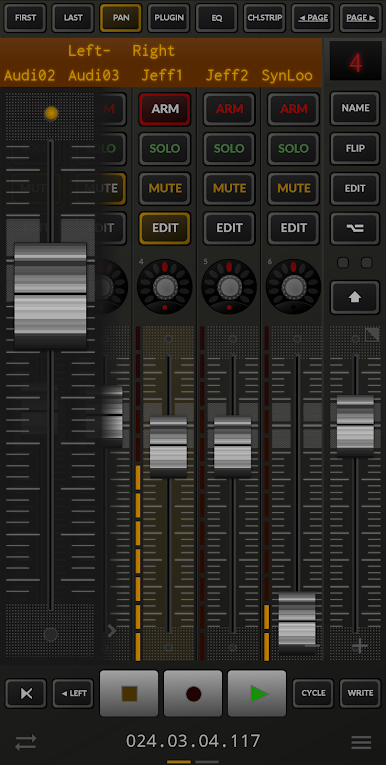
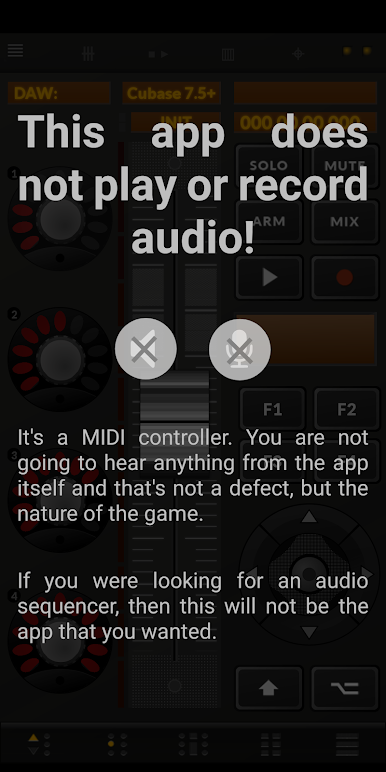
Get under the hood of major music software like Cubase, Logic, FL Studio, Ableton Live, REAPER, and more. TouchDAW Demo emulates real hardware controllers, so you can adjust levels, transport, and more without ever touching the mouse. -
Mixing and Transport Functions
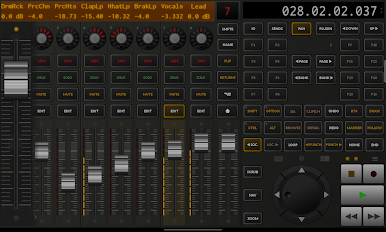
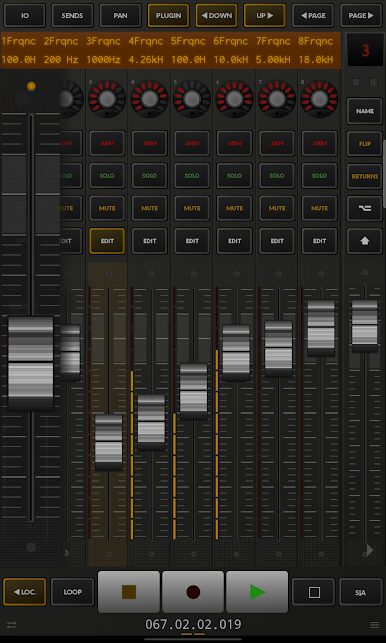
Access all your must-have controls—mixer faders, pan pots, mute, solo, play, stop, and record—just by tapping your screen. It’s a smooth way to make adjustments on the fly, whether you’re sitting at your desk or pacing the room with your device. -
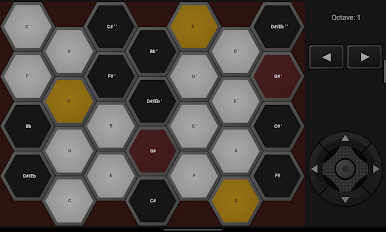
Multi-Touch MIDI Keyboard & Pads
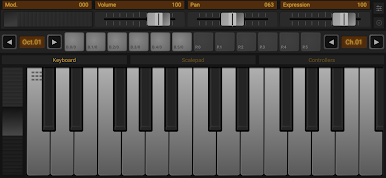
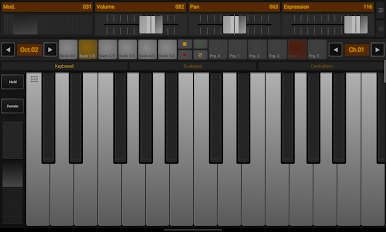
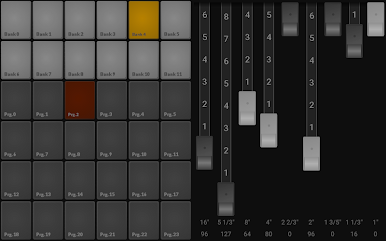
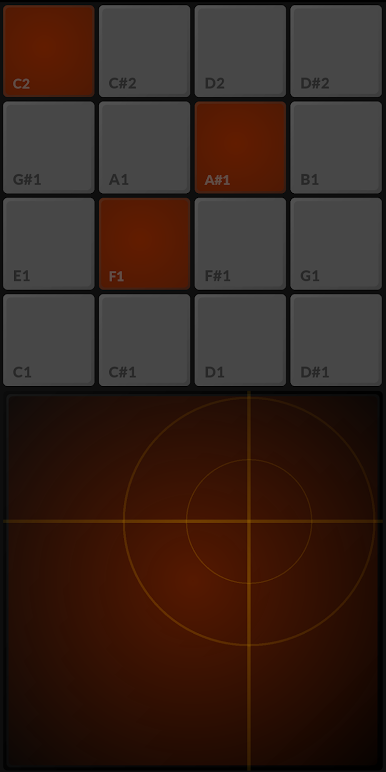
Fire off ideas instantly with built-in multitouch MIDI keyboard and launchpads. Play chords, trigger clips, or experiment with sounds, all in a single app. -
Customizable MIDI Tools
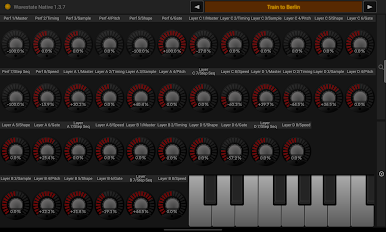
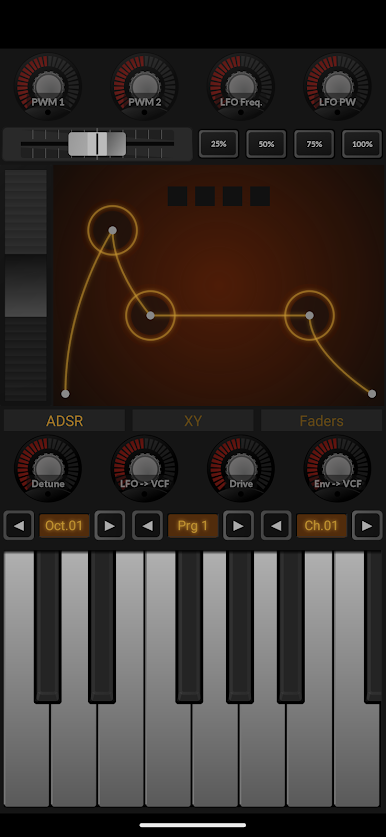
Create unique setups with an XY controller, tweak synths, or map your device’s sensors (like accelerometer) to MIDI parameters for expressive performance. It’s surprisingly flexible for a demo! -
Wireless and USB MIDI Connectivity
Connect via Wi-Fi using RTP or multicast MIDI protocols, with easy compatibility for both Mac and Windows environments. Prefer a wire? USB MIDI is supported on devices with the right hardware. -
Feature-Limited Demo Experience
Some things are restricted: a few of the mixer channels are randomly disabled, and certain MIDI functions are time-limited in this free version. If you notice something missing, that’s by design—but you still get a solid feel for what TouchDAW can do. -
Device Flexibility
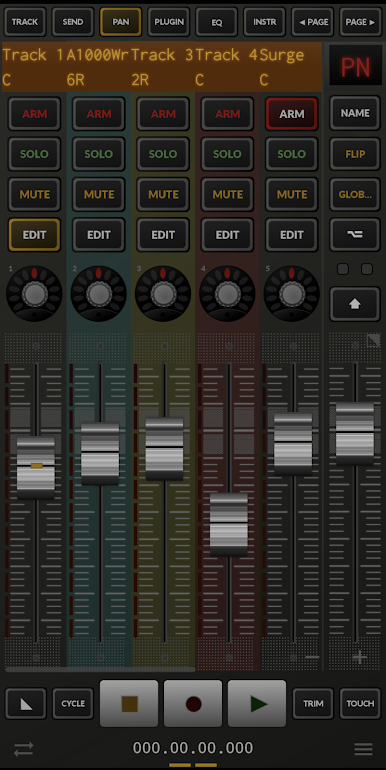
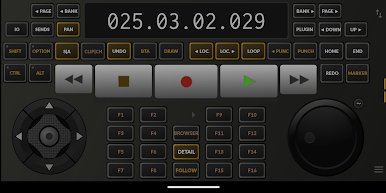
Works on both phones and tablets (yep, the app handles both layouts), and with a bit of PC-side setup, you’ll be controlling your DAW in no time. For those who like a bigger view, running TouchDAW Demo via BlueStacks is also an option.
TouchDAW Demo by humatic puts an impressive suite of music & audio tools—literally—at your fingertips.
BlueStacks brings your apps to life on a bigger screen—seamless and straightforward.
Jogue TouchDAW Demo no PC. É fácil começar.
-
Baixe e instale o BlueStacks no seu PC
-
Conclua o login do Google para acessar a Play Store ou faça isso mais tarde
-
Procure por TouchDAW Demo na barra de pesquisa no canto superior direito
-
Clique para instalar TouchDAW Demo a partir dos resultados da pesquisa
-
Conclua o login do Google (caso você pulou a etapa 2) para instalar o TouchDAW Demo
-
Clique no ícone do TouchDAW Demo na tela inicial para começar a jogar

