

mp3tagger pro
Jogue no PC com BlueStacks - A Plataforma de Jogos Android, confiada por mais de 500 milhões de jogadores.

Página modificada em: Aug 30, 2023
Run mp3tagger pro on PC or Mac
What’s better than using mp3tagger pro by Lars Decker? Well, try it on a big screen, on your PC or Mac, with BlueStacks to see the difference.
About the App
Ever spent ages trying to organize your music library and wished there was an easier way? mp3tagger pro makes sprucing up your song collection actually enjoyable. You can edit your tracks, fix up album details, and even hunt down the perfect cover art—all with just a few taps. It’s the kind of tool you’ll keep coming back to anytime your audio files feel like a mess.
App Features
-
Quick Album Art Finder
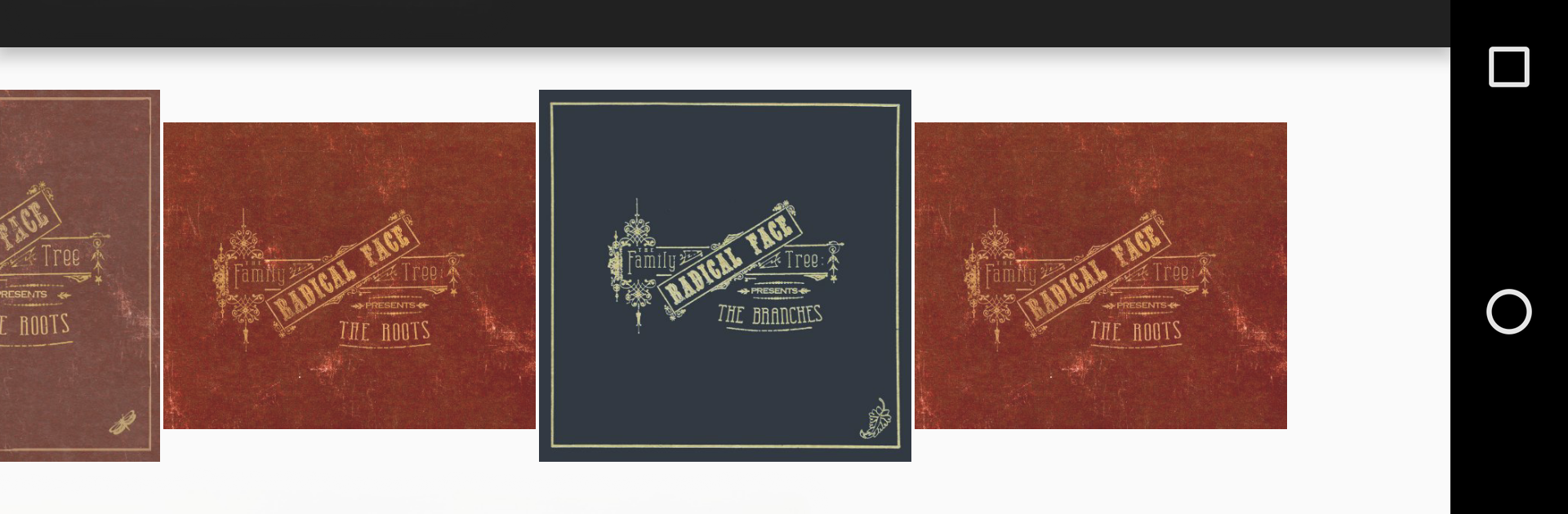
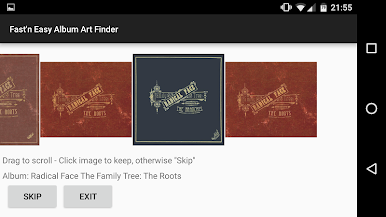
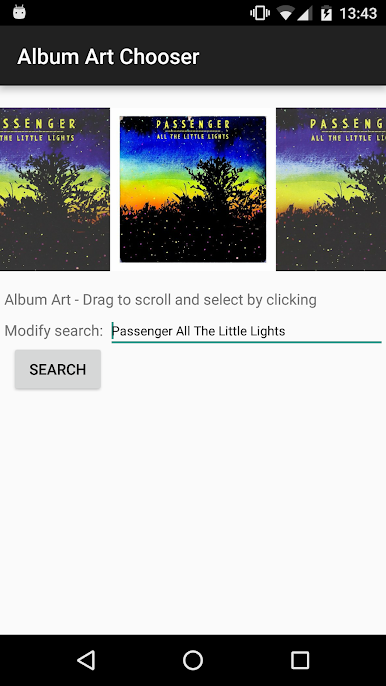
Looking for album covers? No sweat. Use the app’s handy art finder to search for and attach the right image to all your albums—either pull it from the web or grab it from your SD card if you already have it saved. -
Batch Tagging Made Easy
Take the hard work out of cleaning up your files. mp3tagger pro lets you edit tags for whole directories or full albums in one go. Great for when you’ve got way too many tracks to handle one at a time. -
Custom Music Genres
Don’t see your favorite genre on the list? Not a problem. Jump into the preferences and add your own so your songs are tagged just the way you want. -
Interactive Editing & Preview
See something you want to tweak? Play your MP3 files right inside mp3tagger pro while you tag and double-check everything’s lined up. No guesswork—everything syncs just how you like it. -
Keeps Tags When Transferring
Move your music around between devices—PC, phone, whatever—the album art and ID3 info stick with your files, so you don’t have to redo anything. -
SD Card Support
Got your collection on an SD card? mp3tagger pro supports direct access for Android 5.0 and up. No more annoying workarounds.
If you’re using BlueStacks, it’s a breeze managing your music library right from your computer, too.
Eager to take your app experience to the next level? Start right away by downloading BlueStacks on your PC or Mac.




Jogue mp3tagger pro no PC. É fácil começar.
-
Baixe e instale o BlueStacks no seu PC
-
Conclua o login do Google para acessar a Play Store ou faça isso mais tarde
-
Procure por mp3tagger pro na barra de pesquisa no canto superior direito
-
Clique para instalar mp3tagger pro a partir dos resultados da pesquisa
-
Conclua o login do Google (caso você pulou a etapa 2) para instalar o mp3tagger pro
-
Clique no ícone do mp3tagger pro na tela inicial para começar a jogar

