


RAUCH
Jogue no PC com BlueStacks - A Plataforma de Jogos Android, confiada por mais de 500 milhões de jogadores.

Página modificada em: Jun 19, 2025
Play RAUCH on PC
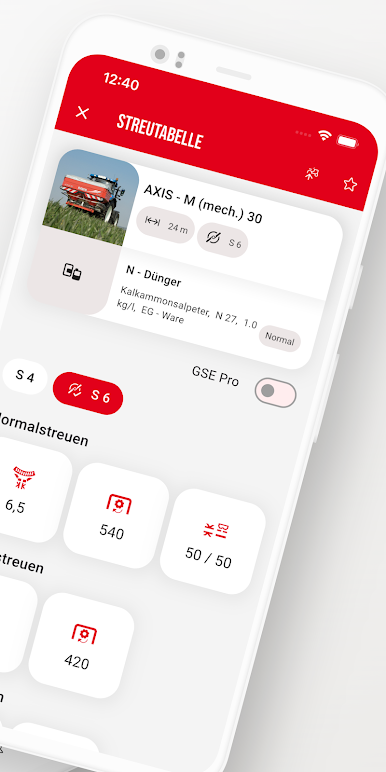
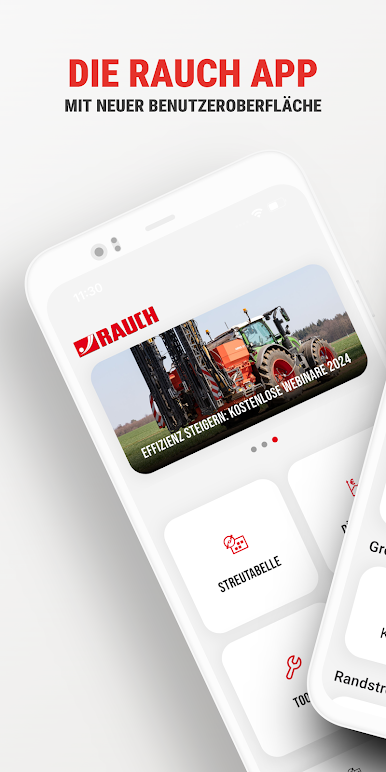
In the RAUCH App you can find specific settings for dosage and distribution for more than 3,000 different types of fertilizers, slug pellets and small seeds. These settings will be calculated depending on the type of spreader and configuration. This App works for machines without electronic control as well.
Further more, you have the possibility to create the machine profiles for your spreader, working width and spreading discs which can be used for searching fertilizer settings in a very efficient way.
Depending on the kind of spreading and type of spreading material, the Fertilizer App displays values for Normal or Late-top Dressing. There will be a warning in case the settings are incorrect. If possible you get a recommendation for alternative spreading discs. All setting values are seen as recommendation that can be checked with a calibration test and the use of a practice test set and be corrected if necessary.
Often used spreading settings are stored as favorite in a simple way and can be recalled any time, be sorted as desired or fine settings as driving speed and application are adapted to your requirements.
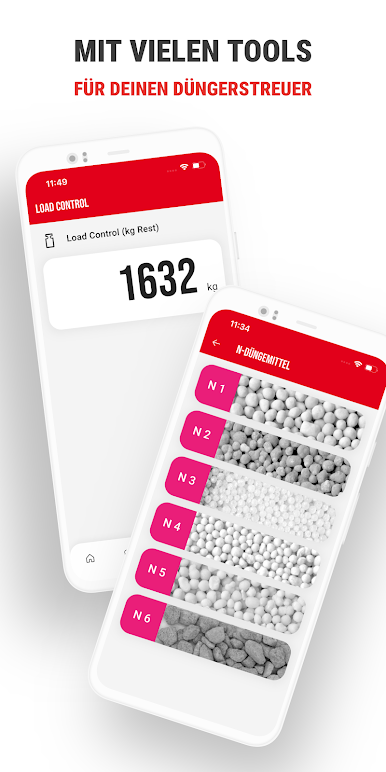
Furthermore the Fertilizer Chart App includes the digital fertilizer identification system DiS. in a true-to scale photo catalogue for 7 fertilizer groups almost all mineral, granulated fertilizers can be identified. After identification you will find in the correspondent charts the precise setting for the RAUCH fertilizer spreader. The fertilizer identification system is particularly used for fertilizers of unknown origin.
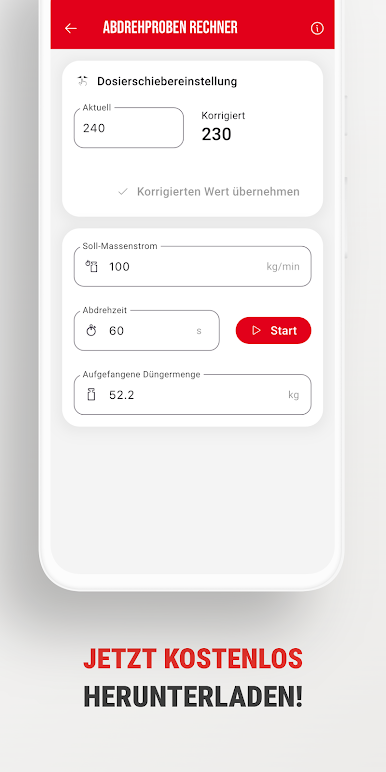
Other new features such as the calibration test calculator, Fertilizer frizes, the WindMeter, and the Hitch control tool round off the toolbox.
Jogue RAUCH no PC. É fácil começar.
-
Baixe e instale o BlueStacks no seu PC
-
Conclua o login do Google para acessar a Play Store ou faça isso mais tarde
-
Procure por RAUCH na barra de pesquisa no canto superior direito
-
Clique para instalar RAUCH a partir dos resultados da pesquisa
-
Conclua o login do Google (caso você pulou a etapa 2) para instalar o RAUCH
-
Clique no ícone do RAUCH na tela inicial para começar a jogar

