

Screen Mirroring Pro App
在電腦上使用BlueStacks –受到5億以上的遊戲玩家所信任的Android遊戲平台。

Run Screen Mirroring Pro App on PC or Mac
Why limit yourself to your small screen on the phone? Run Screen Mirroring Pro App, an app by 2kit consulting, best experienced on your PC or Mac with BlueStacks, the world’s #1 Android emulator.
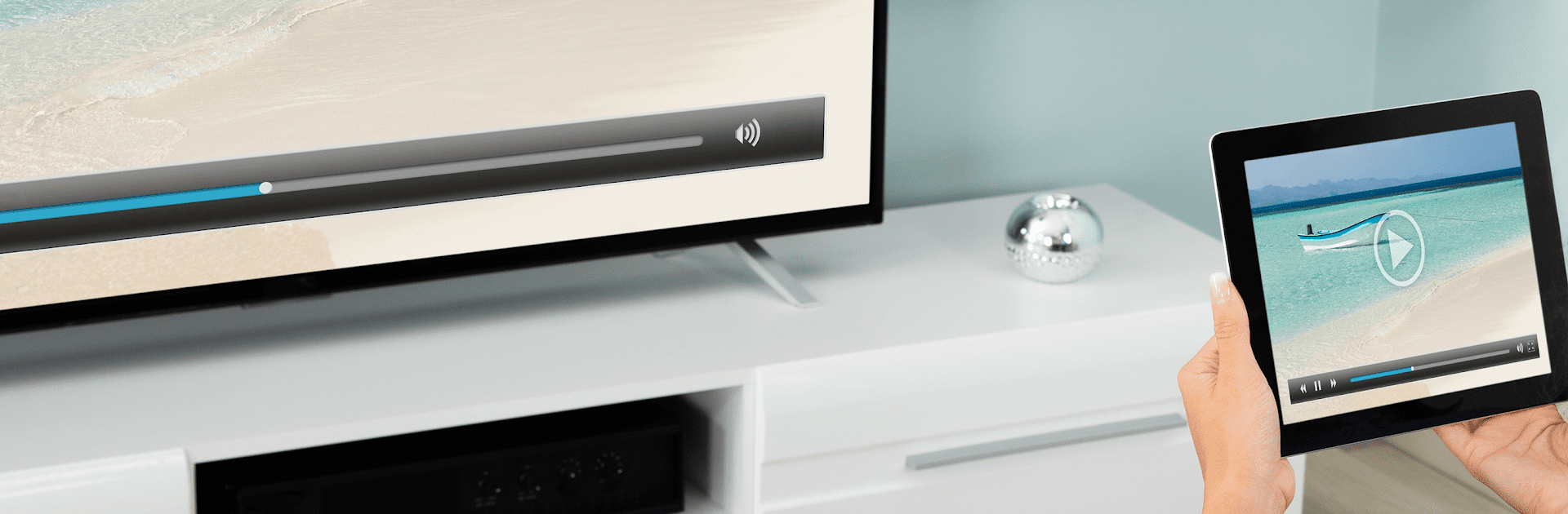
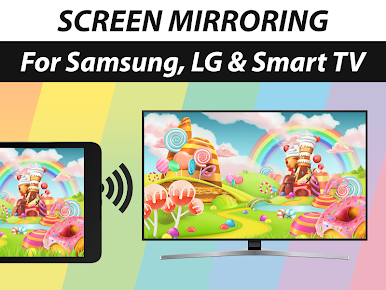
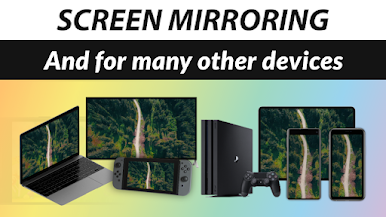
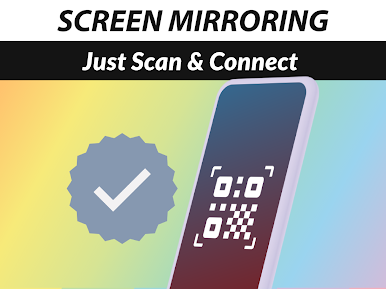
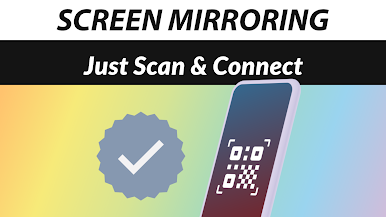
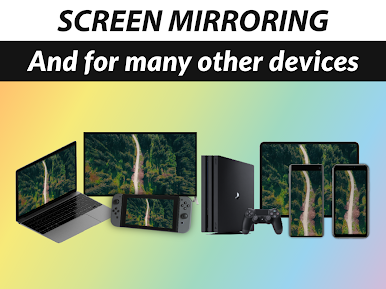
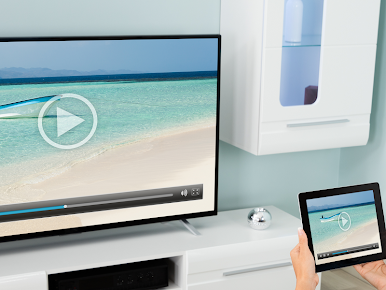
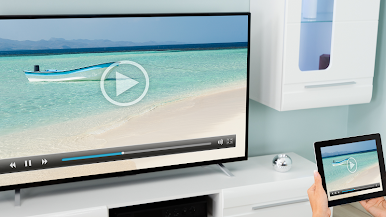
Screen Mirroring Pro App feels like a straight shot from phone or tablet to a bigger screen, with sound included. It mirrors in HD over wifi or internet, no cables, and it does not need a companion app on the TV or receiver. As long as the target device has a web browser, it usually works. That includes Samsung, LG, Sony, Panasonic, Hisense, Philips and the rest, plus laptops, PCs, even a smart fridge or a gaming console browser if someone wants to be fancy. Setup is quick, tap a few things, and the screen shows up. Performance depends on the network, so a strong 5 GHz wifi makes it look crisp and keeps stutter low. There can be a little delay, so it shines for photos, videos, apps, websites, slides and casual games, but twitchy games will not feel perfect.
Running it on a PC with BlueStacks is surprisingly handy. Controls feel tidy with keyboard and mouse, and the app still finds TVs on the same network without drama. Audio support kicks in on Android 10 and newer, which is worth noting if someone is using an older device profile. Quality scales well, and when the network dips, the stream keeps going with minor compression instead of just giving up. The built-in help is easy to reach, and the whole thing stays clean and simple to live with.
BlueStacks gives you the much-needed freedom to experience your favorite apps on a bigger screen. Get it now.
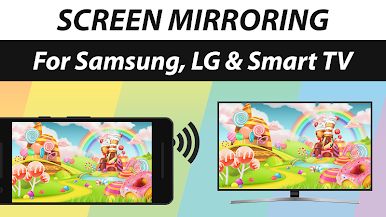
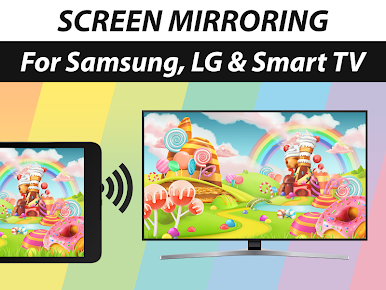
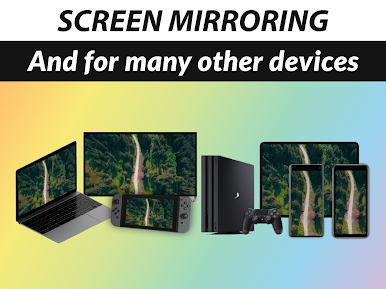
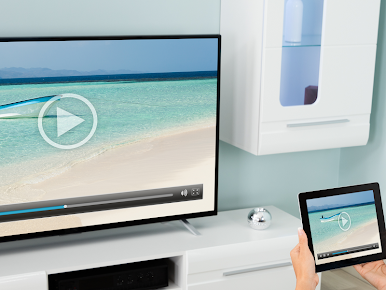
在電腦上遊玩Screen Mirroring Pro App . 輕易上手.
-
在您的電腦上下載並安裝BlueStacks
-
完成Google登入後即可訪問Play商店,或等你需要訪問Play商店十再登入
-
在右上角的搜索欄中尋找 Screen Mirroring Pro App
-
點擊以從搜索結果中安裝 Screen Mirroring Pro App
-
完成Google登入(如果您跳過了步驟2),以安裝 Screen Mirroring Pro App
-
在首頁畫面中點擊 Screen Mirroring Pro App 圖標來啟動遊戲

