


Image Size - Photo Resizer
在電腦上使用BlueStacks –受到5億以上的遊戲玩家所信任的Android遊戲平台。

Run Image Size - Photo Resizer on PC or Mac
What’s better than using Image Size – Photo Resizer by Codenia? Well, try it on a big screen, on your PC or Mac, with BlueStacks to see the difference.
About the App
Ever taken the perfect photo but wished it was just a bit bigger, smaller, or maybe a different shape? Image Size – Photo Resizer by Codenia keeps things simple, letting you tweak your pics however you want without any fuss. Whether you’re editing a photo for a project or just resizing snapshots to fit social media, this user-friendly Photography app takes the hassle out of resizing, cropping, and sharing images in seconds.
App Features
-
Custom Size Control
Need a specific size for your image? Choose from pixels, millimeters, centimeters, or inches—just punch in the dimensions you want and you’re good to go. -
Easy Aspect Ratio Lock
No more stretched-out faces or wonky graphics. Hit the chain link icon to lock the aspect ratio, and the app keeps everything looking just right. -
Flexible Save and Share Options
Once you’re happy with your photo, save it wherever you like or share it instantly—email it, print it, or send it straight to your friends without leaving the app. -
Quick Access to Past Sizes
Frequently resize to the same dimensions? Your favorite image sizes get saved, ready for you to pick from a list next time. -
Simple Rotation
Give your photo a spin—rotate images 90° to the left or right if you need to fix the angle. -
Built-In Photo Editor
Want to go a step further? Add filters, stickers, or text right inside the app. A little creativity goes a long way. -
Quality and Storage Settings
Pick your preferred JPG quality and choose exactly where your finished images get saved. It’s all up to you. -
Multitouch Crop
Crop images using intuitive multitouch gestures. Pinch, drag, and adjust until it looks just right. -
Exif Data Options
Keep your image details intact with original Exif data, or turn that feature off in settings if privacy’s your thing.
Get the most out of your resizing on your favorite device, and yes, you can even try this on BlueStacks if you want that desktop convenience.
Big screen. Bigger performance. Use BlueStacks on your PC or Mac to run your favorite apps.
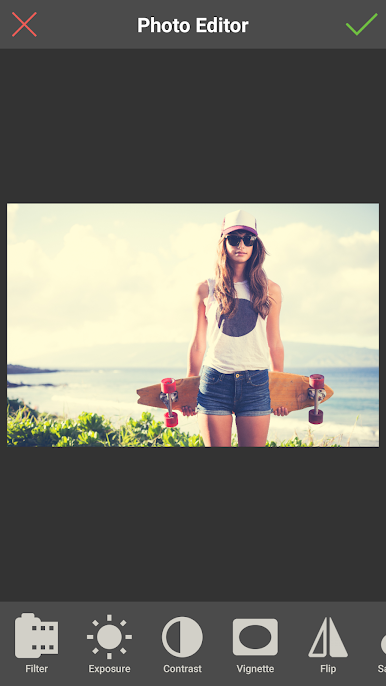
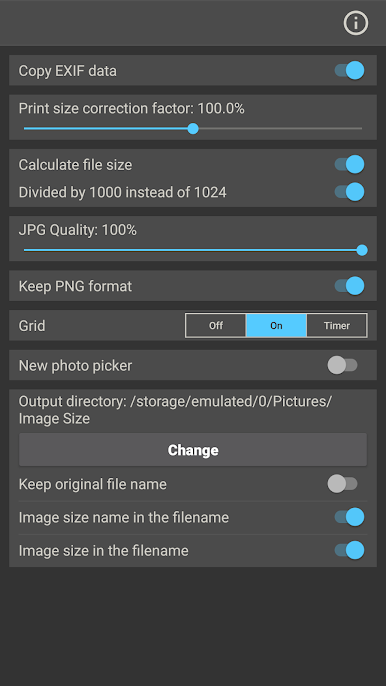
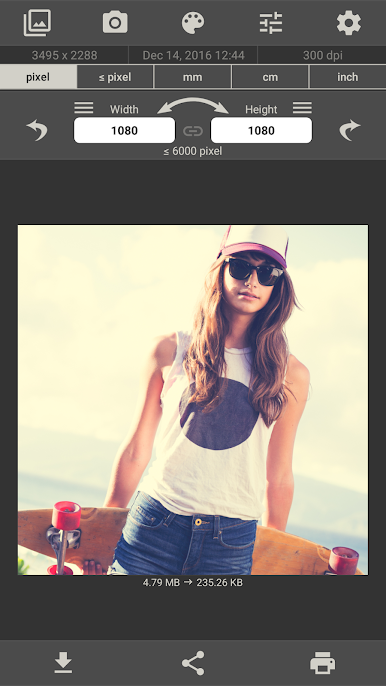
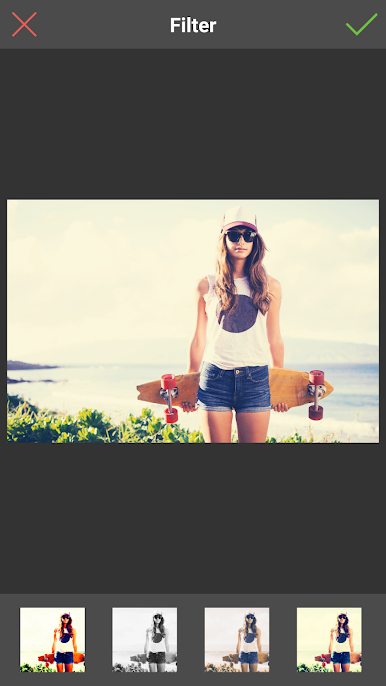
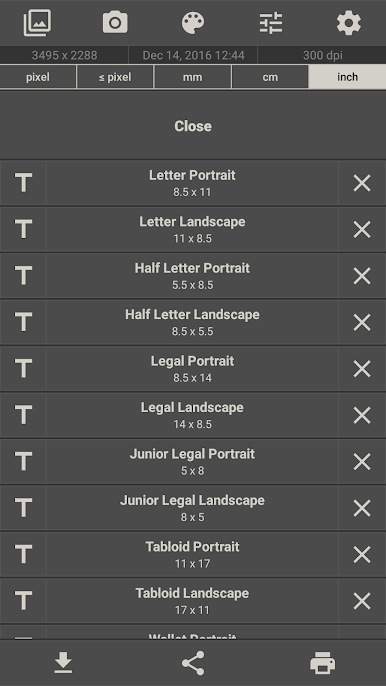
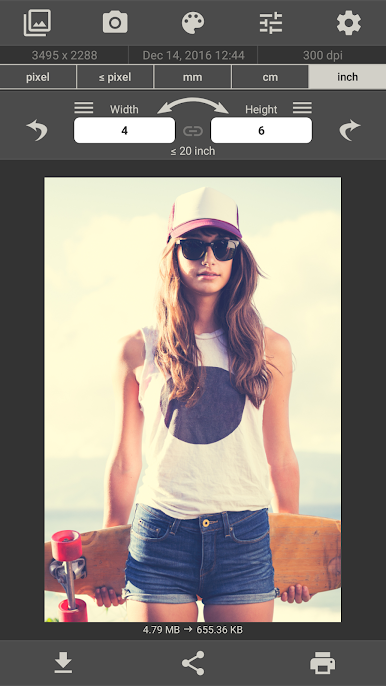
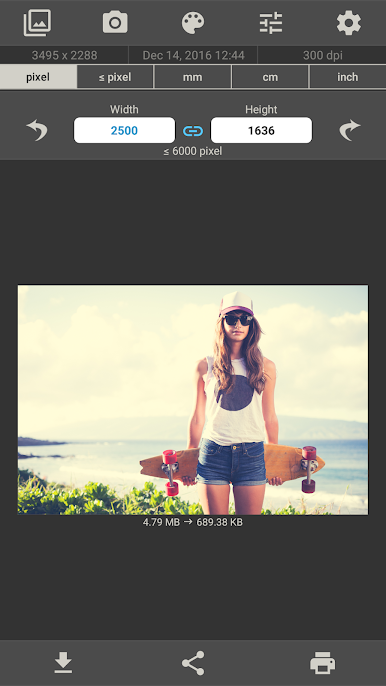
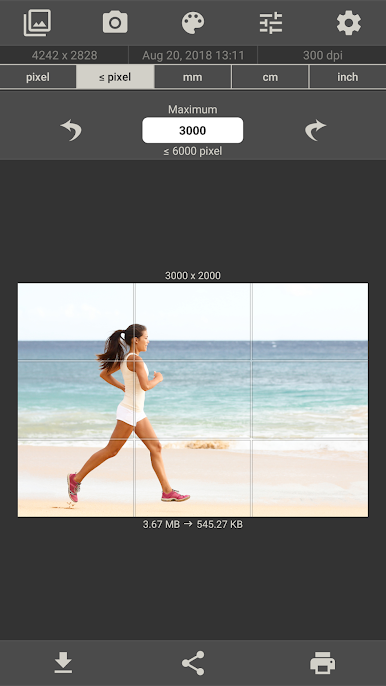
在電腦上遊玩Image Size - Photo Resizer . 輕易上手.
-
在您的電腦上下載並安裝BlueStacks
-
完成Google登入後即可訪問Play商店,或等你需要訪問Play商店十再登入
-
在右上角的搜索欄中尋找 Image Size - Photo Resizer
-
點擊以從搜索結果中安裝 Image Size - Photo Resizer
-
完成Google登入(如果您跳過了步驟2),以安裝 Image Size - Photo Resizer
-
在首頁畫面中點擊 Image Size - Photo Resizer 圖標來啟動遊戲

