


Photo Mixer
Jogue no PC com BlueStacks - A Plataforma de Jogos Android, confiada por mais de 500 milhões de jogadores.

Página modificada em: Jul 10, 2026
Visão Geral
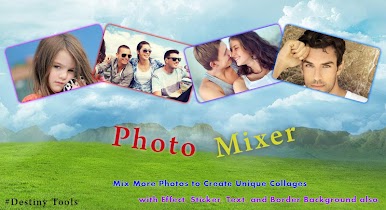
Photo Mixer allows you to set the photo in stylish format with various ways and make it simple to implement using this app.
How to Work it...
► Choose a picture from gallery.
► Set background as on your choice, patterns or color.
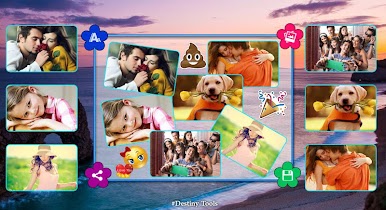
► Add more photo from the gallery to set the photo in stylish format make it unique Collage.
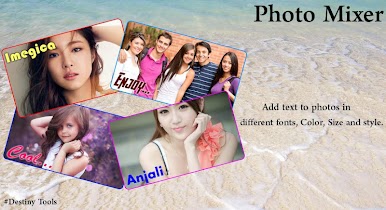
► Add text to photos in different fonts, Color, Size and style.
► Added More Sticker in your created collage.
► Don’t Missed to press“Save”button to created image Save.
► Share Your Created Image Via all Social Media Apps.
► Easily Created Image Set As Wallpaper and make it great look your phone.
Extra Functionality:
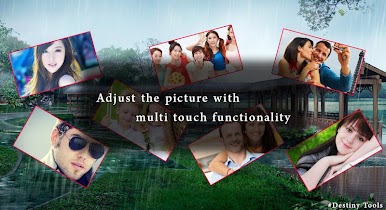
► Adjust the picture with multi touch functionality
► Two Finger Gestures to move photos around, Resize Photos, Rotate Photos.
► 50+ Sticker Available.
► Very Best Wonderful 40+ Background available.
► Totally Free App!!
Thanks for Installing This Application. Have More Fun Using It and please Remember – If you Have Any Suggestions for improvement, just Send us a Message.
Happy to Reply…
Thank you.

Jogue Photo Mixer no PC. É fácil começar.
-
Baixe e instale o BlueStacks no seu PC
-
Conclua o login do Google para acessar a Play Store ou faça isso mais tarde
-
Procure por Photo Mixer na barra de pesquisa no canto superior direito
-
Clique para instalar Photo Mixer a partir dos resultados da pesquisa
-
Conclua o login do Google (caso você pulou a etapa 2) para instalar o Photo Mixer
-
Clique no ícone do Photo Mixer na tela inicial para começar a jogar

