


Clipboard Manager Pro
5억명 이상의 게이머가 신뢰하는 안드로이드 게임 플랫폼 BlueStacks으로 PC에서 플레이하세요.

Run Clipboard Manager Pro on PC or Mac
Multitask effortlessly on your PC or Mac as you try out Clipboard Manager Pro, a Productivity app by devdnua on BlueStacks.
About the App
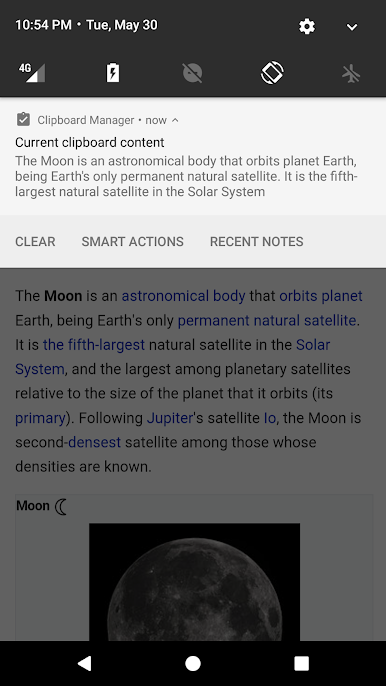
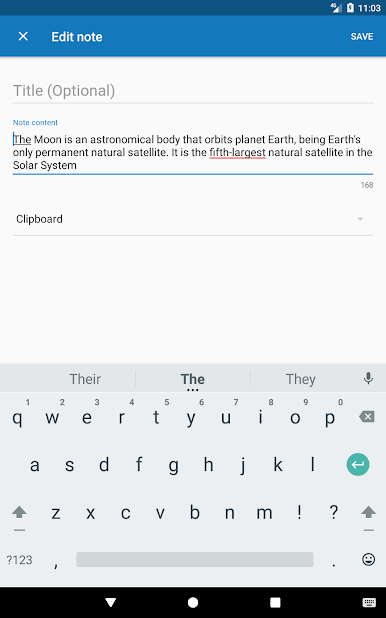
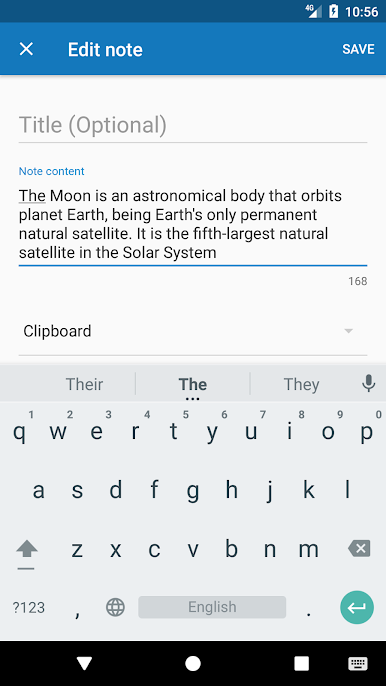
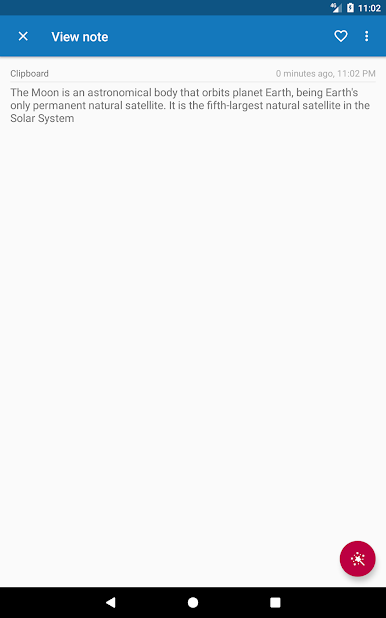
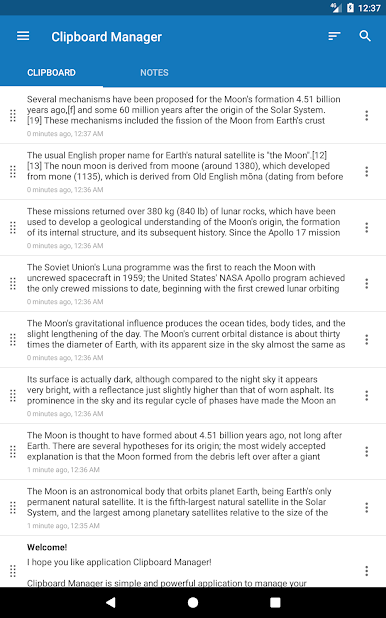
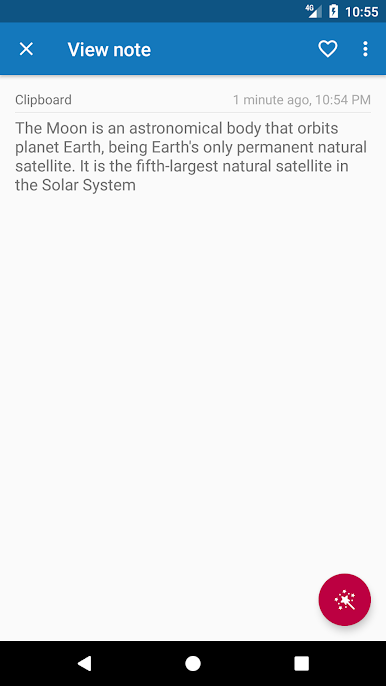
Clipboard Manager Pro is your everyday sidekick for organizing and storing everything you copy on your device. This handy app from devdnua in the Productivity genre makes life a little easier by letting you easily track, categorize, and reuse your clipboard content without searching through endless notes or old messages. Everything you copy gets stored, so you’ve always got your important bits of text at your fingertips whenever you need them.
App Features
-
Unlimited Categories
Tidy up your clipboard chaos by sorting your notes into as many custom categories as you want. -
Effortless Copy & Paste
Whether it’s a quick snippet or a big chunk, copy and paste any amount of text to your clipboard and keep it safe for later. -
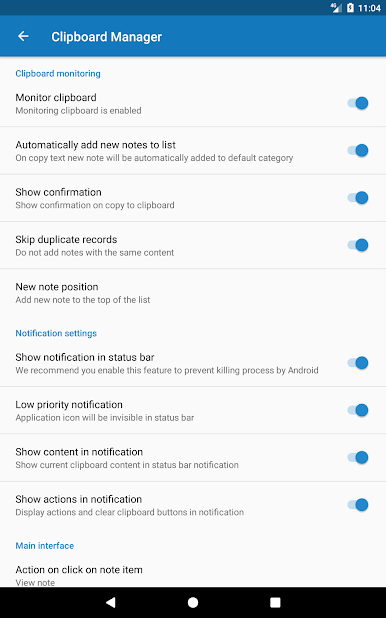
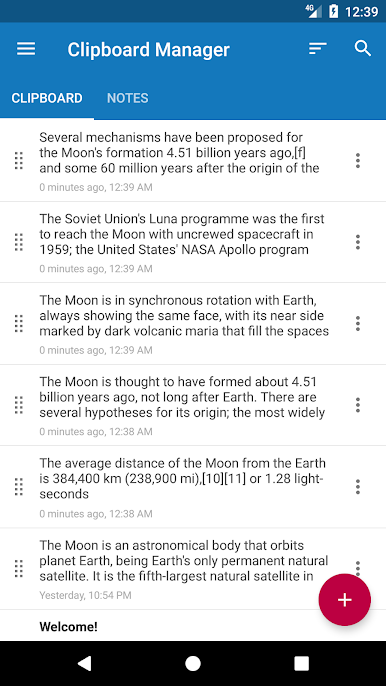
Automatic Clipboard History
Don’t worry about losing that link, address, or password—you copy it, Clipboard Manager Pro saves it. -
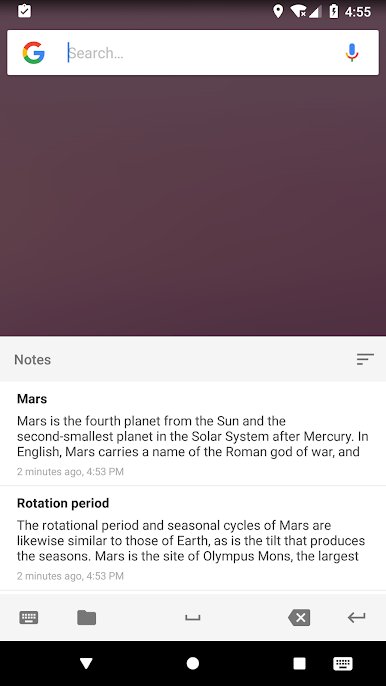
Quick Access From Your Keyboard
Bring up your clipboard history right from your keyboard, so you can paste notes while you type in any app. -
Simple Cleanup Tools
Automatically clear out your clipboard, trash, or even empty categories, so things never get cluttered. -
Instant Search Function
Can’t remember when you copied something important? Search your saved notes and find it in seconds. -
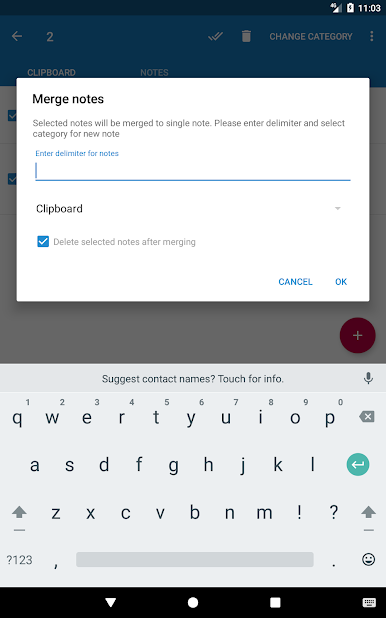
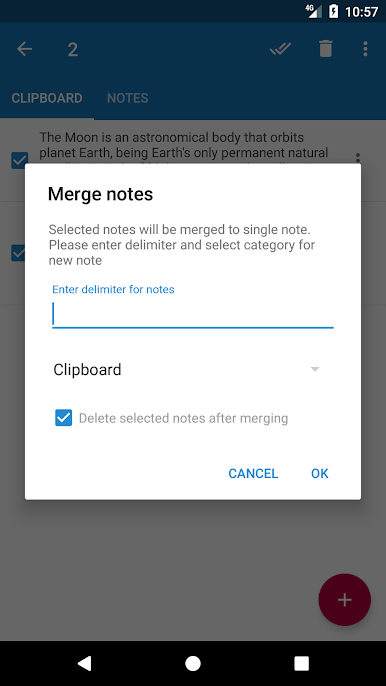
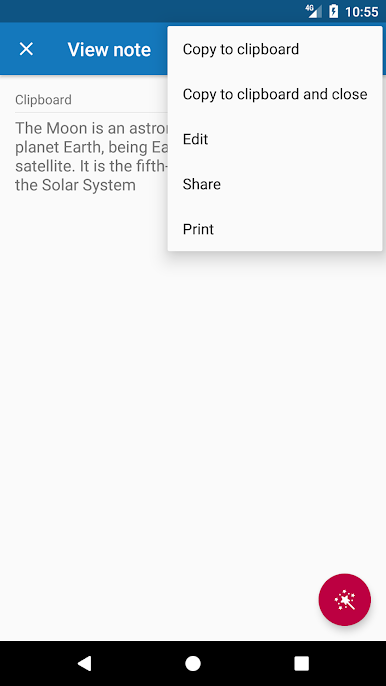
Easy Sharing & Merging
Need to pass along info or combine several clips into one? Share single or multiple notes, or merge them together with a few taps. -
Cloud Backup and Restore
Sync your clipboard data to the cloud—back up and restore whenever you want (totally optional). -
Import and Export Support
Save your data to a file or bring it in from somewhere else, making it easy to switch devices. -
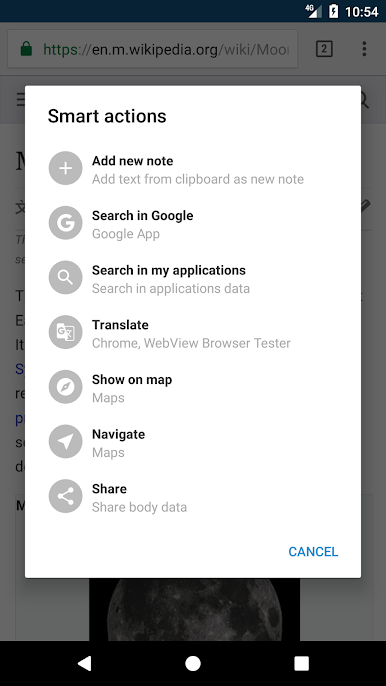
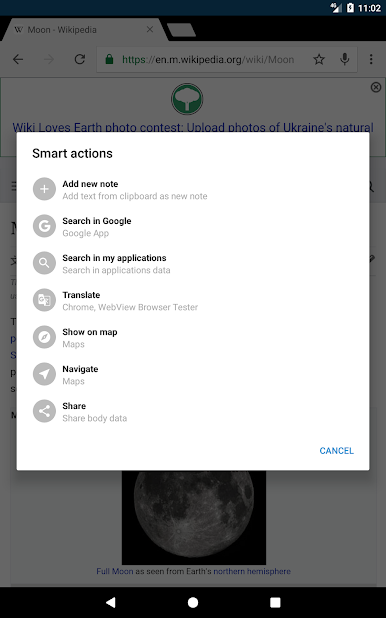
Smart Shortcuts & Actions
Built-in actions that let you do more with your notes straight from the app. -
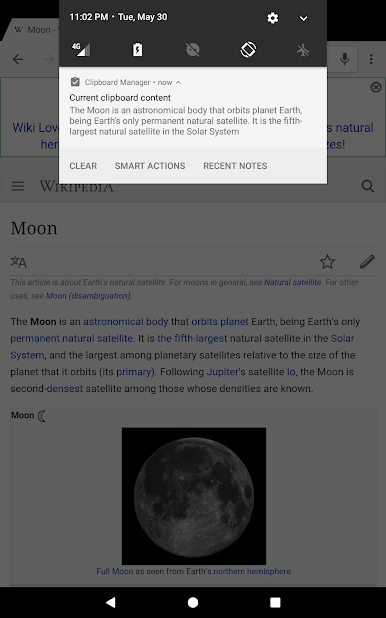
Recent Notes at a Glance
Quickly view or grab your most recently copied content without digging through old stuff.
You can even run Clipboard Manager Pro on BlueStacks if you want to manage your clipboard from your computer.
Ready to experience Clipboard Manager Pro on a bigger screen, in all its glory? Download BlueStacks now.
PC에서 Clipboard Manager Pro 플레이해보세요.
-
BlueStacks 다운로드하고 설치
-
Google Play 스토어에 로그인 하기(나중에 진행가능)
-
오른쪽 상단 코너에 Clipboard Manager Pro 검색
-
검색 결과 중 Clipboard Manager Pro 선택하여 설치
-
구글 로그인 진행(만약 2단계를 지나갔을 경우) 후 Clipboard Manager Pro 설치
-
메인 홈화면에서 Clipboard Manager Pro 선택하여 실행

