


RecForge Lite - Audio Recorder
5억명 이상의 게이머가 신뢰하는 안드로이드 게임 플랫폼 BlueStacks으로 PC에서 플레이하세요.

Run RecForge Lite - Audio Recorder on PC or Mac
Multitask effortlessly on your PC or Mac as you try out RecForge Lite – Audio Recorder, a Music & Audio app by Dje073 on BlueStacks.
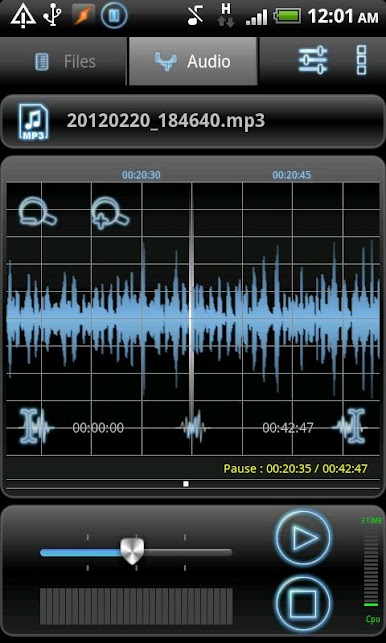
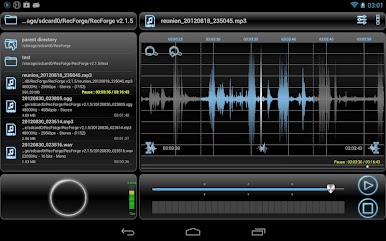
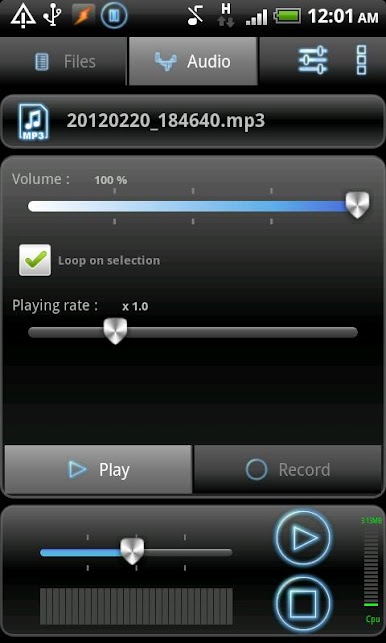
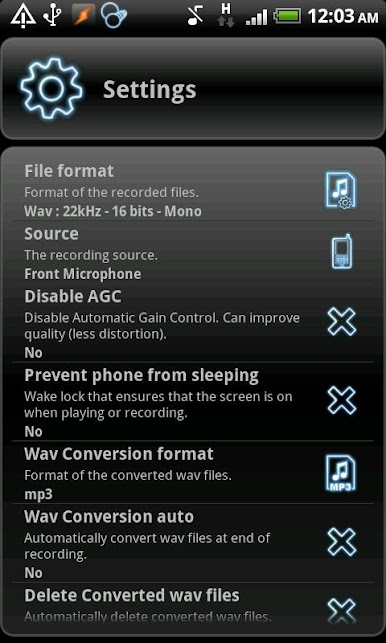
RecForge Lite – Audio Recorder comes off like a small, no-fuss studio that lives on the device. Hit record, pick mp3, ogg, or wav, and it handles meetings, lessons, song ideas, or any quick capture without drama. The layout is simple enough but has real controls under the hood. Sample rate choices, mono or stereo, 16-bit, and it will record in the background with the screen locked. There is an option to silence notifications for discreet recording, which is useful when a noisy ping would ruin a take. It is not flashy, just practical in a way that makes sense.
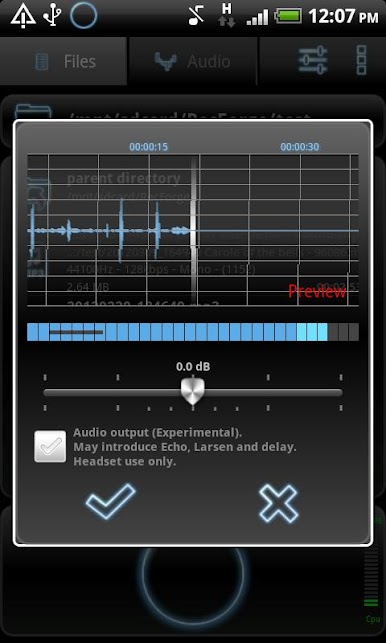
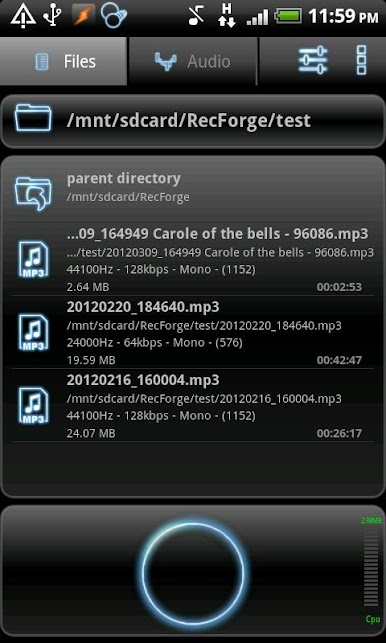
Editing is straight to the point. Trim the start and end, loop a section, slow or speed up playback to learn parts or transcribe. Manual gain and an AGC switch help with hissy rooms or loud instruments, so it does not clip or pump. Plugging an external mic through the 3.5 mm jack is supported if the adapter fits right. The built-in file manager makes life easier, sorting by date or size, renaming, copying, and converting recrodings between wav, ogg, and mp3. Sharing is everywhere, from cloud drives to Bluetooth and social apps. Widgets give one tap to record, and it supports several languages so it is friendly to set up. On a PC with BlueStacks, the bigger screen and a mouse make trimming and organizing files less fiddly, almost like using a basic desktop recorder. Bitrate ceilings are there, mp3 tops at 128 kbps and ogg goes higher, but for notes, practice, and everyday captures, it holds up.
Eager to take your app experience to the next level? Start right away by downloading BlueStacks on your PC or Mac.


PC에서 RecForge Lite - Audio Recorder 플레이해보세요.
-
BlueStacks 다운로드하고 설치
-
Google Play 스토어에 로그인 하기(나중에 진행가능)
-
오른쪽 상단 코너에 RecForge Lite - Audio Recorder 검색
-
검색 결과 중 RecForge Lite - Audio Recorder 선택하여 설치
-
구글 로그인 진행(만약 2단계를 지나갔을 경우) 후 RecForge Lite - Audio Recorder 설치
-
메인 홈화면에서 RecForge Lite - Audio Recorder 선택하여 실행

