


Cookie Cats Pop
5억명 이상의 게이머가 신뢰하는 안드로이드 게임 플랫폼 BlueStacks으로 PC에서 플레이하세요.

Play Cookie Cats Pop - Bubble Pop on PC or Mac
Cookie Cats Pop – Bubble Pop brings the Puzzle genre to life, and throws up exciting challenges for gamers. Developed by Tactile Games, this Android game is best experienced on BlueStacks, the World’s #1 app player for PC and Mac users.
About the Game
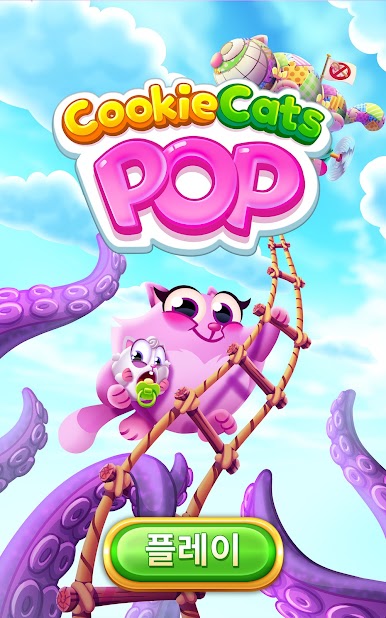
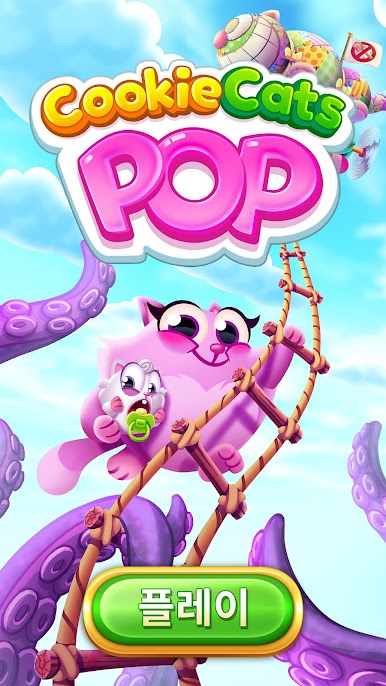
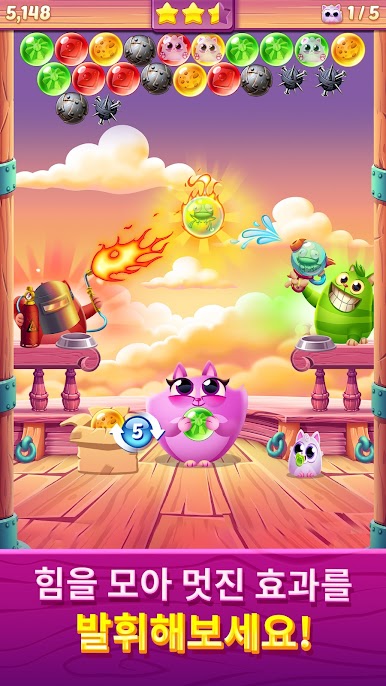
Cookie Cats Pop – Bubble Pop is a cheerful Puzzle from Tactile Games where cookie-obsessed kitties convince you to do the popping for them. Aim your shooter, match colors, and clear bubbles to rescue kittens while racking up sweet combos. You’ll hop through cozy neighborhoods with Belle, Ziggy, Smokey, Rita, Berry, and the rest of the fluffy crew, complete with catchy kitty tunes and lots of playful personality.
Game Features
- Pick-up-and-pop gameplay: Point, match, and pop. It’s quick to learn, satisfying to master, and perfect for a few minutes or a longer chill session.
- Rescue the kittens: Clear the right clusters to set the little furballs free and keep the cookie party going.
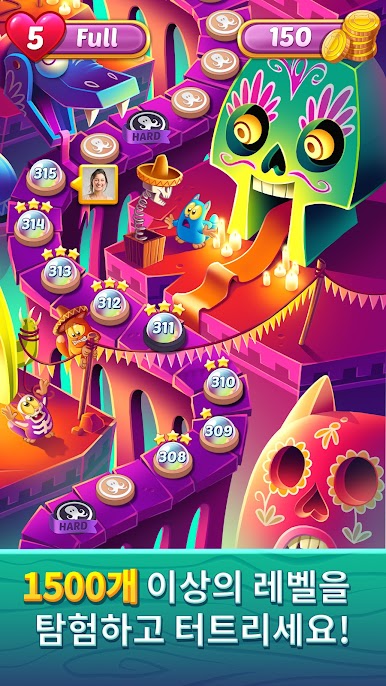
- Hundreds of handcrafted stages: Work your way through a growing map packed with clever layouts that add fresh twists without feeling overwhelming.
- Handy boosters and specials: Unlock powerful helpers and special bubbles to clutch tough boards or chase higher scores.
- The singing cat squad: Belle, Ziggy, Smokey, Rita, and Berry bring playful animations and cute meows that make each win feel extra cozy.
- Friendly score chasing: Compare results and try to top your friends’ best runs—perfect for a little lighthearted rivalry.
- Fresh content on the regular: New levels roll in often, so there’s always another puzzle to crack.
- Smooth on PC with BlueStacks: Prefer a bigger screen and precise mouse aiming? You can pop bubbles comfortably on your computer with BlueStacks while keeping your progress.
Make your gaming sessions memorable with precise controls that give you an edge in close combats and visuals that pop up, bringing every character to life.














PC에서 Cookie Cats Pop 플레이해보세요.
-
BlueStacks 다운로드하고 설치
-
Google Play 스토어에 로그인 하기(나중에 진행가능)
-
오른쪽 상단 코너에 Cookie Cats Pop 검색
-
검색 결과 중 Cookie Cats Pop 선택하여 설치
-
구글 로그인 진행(만약 2단계를 지나갔을 경우) 후 Cookie Cats Pop 설치
-
메인 홈화면에서 Cookie Cats Pop 선택하여 실행

