


Flashcards World
5억명 이상의 게이머가 신뢰하는 안드로이드 게임 플랫폼 BlueStacks으로 PC에서 플레이하세요.

Play Flashcards World on PC or Mac
What’s better than using Flashcards World by Andev? Well, try it on a big screen, on your PC or Mac, with BlueStacks to see the difference.
About the App
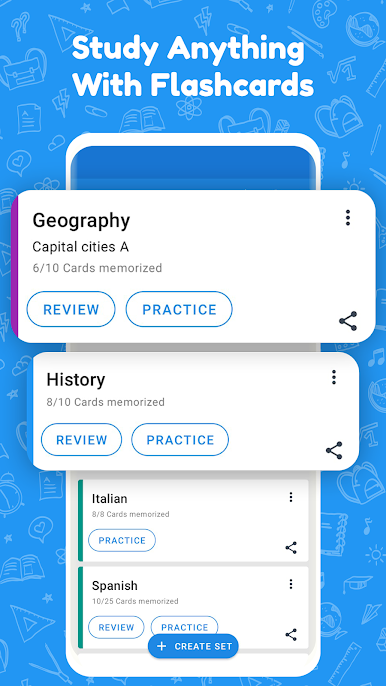
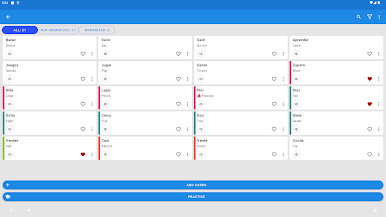
If you’re the kind of learner who loves to keep things organized and wants total flexibility, Flashcards World is your new favorite sidekick. Made by Andev, this Education app makes it a breeze to build custom study sets and try out different learning styles—no internet required. Whether you’re polishing up on vocab or prepping for an exam, you’ll have total control over how and when you review.
App Features
-
Create Limitless Study Sets
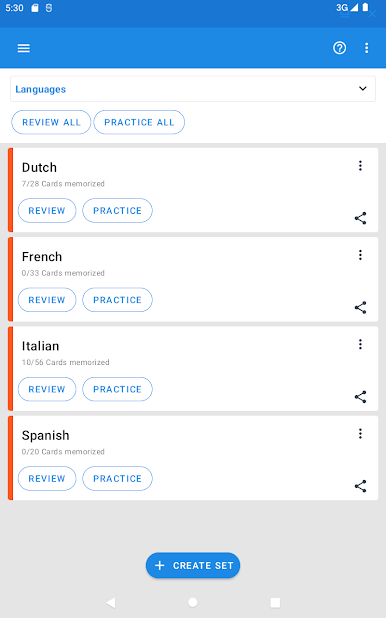
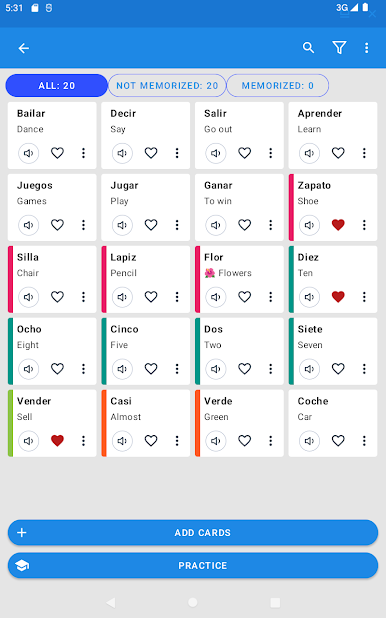
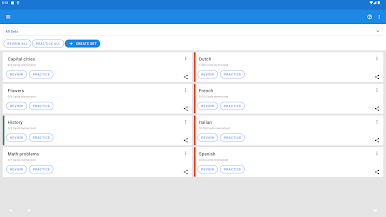
Set up as many flashcards and groups as you want—there’s no cap. Just add, edit, or organize your material any way that works for you. -
Great for Language Learners
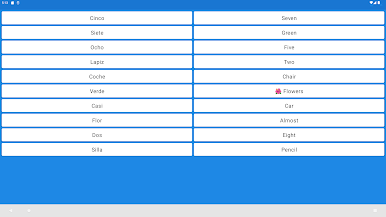
Flashcards World really shines when you’re working on a new language or trying to remember tough vocabulary. Review words, phrases, or anything else until it sticks. -
Spaced Repetition for Better Memory
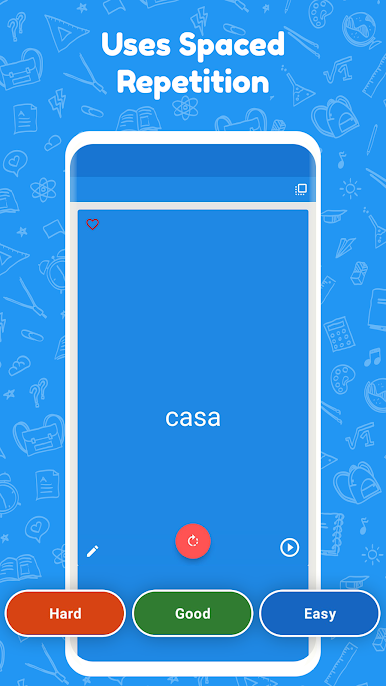
The app uses smart reminders to make sure you focus on cards you’re about to forget, making studying actually efficient instead of endless. -
Shareable Sets
If you have a study buddy or a whole group, just send them your card sets in a couple of taps. -
CSV Import/Export
Already have study material in a spreadsheet? Import your cards from CSV files, or back up your creations—no strings attached. -
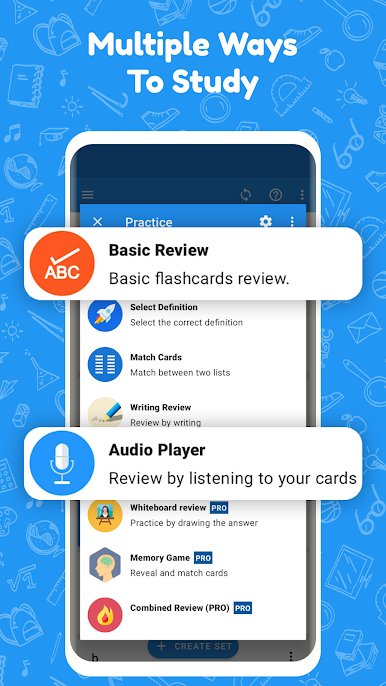
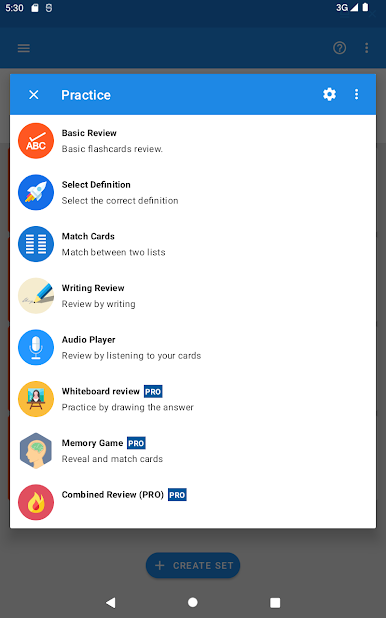
Multiple Study Modes
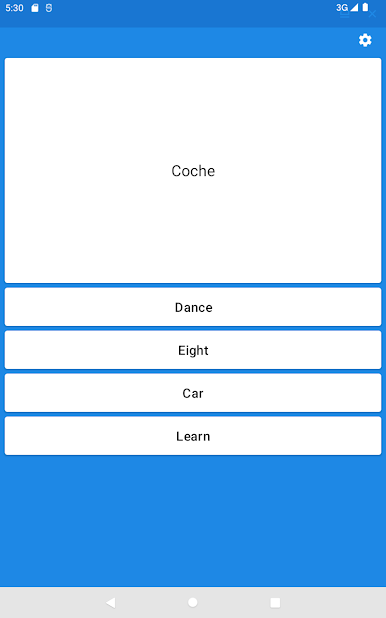
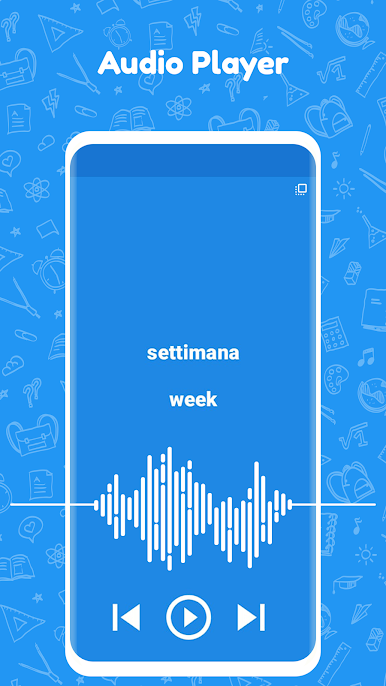
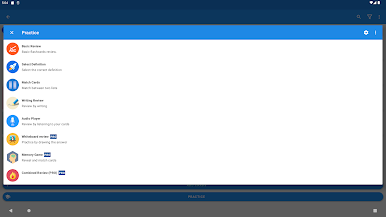
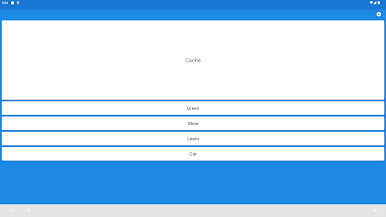
Mix up your learning with writing practice, audio cues, multiple-choice options, or good old flip-and-recall mode. You pick what keeps you coming back. -
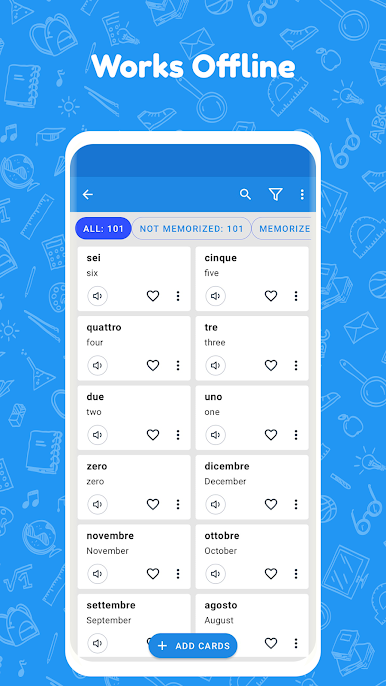
Works Completely Offline
No WiFi? No problem. Open your cards and study from pretty much anywhere—on the go, or even while using BlueStacks if you’re on your PC.
Eager to take your app experience to the next level? Start right away by downloading BlueStacks on your PC or Mac.

PC에서 Flashcards World 플레이해보세요.
-
BlueStacks 다운로드하고 설치
-
Google Play 스토어에 로그인 하기(나중에 진행가능)
-
오른쪽 상단 코너에 Flashcards World 검색
-
검색 결과 중 Flashcards World 선택하여 설치
-
구글 로그인 진행(만약 2단계를 지나갔을 경우) 후 Flashcards World 설치
-
메인 홈화면에서 Flashcards World 선택하여 실행

