


Aprendemos e brincamos Inglês
Jogue no PC com BlueStacks - A Plataforma de Jogos Android, confiada por mais de 500 milhões de jogadores.

Página modificada em: Aug 29, 2025
Run Learn and play English words on PC or Mac
What’s better than using Learn and play English words by DOMOsoft? Well, try it on a big screen, on your PC or Mac, with BlueStacks to see the difference.
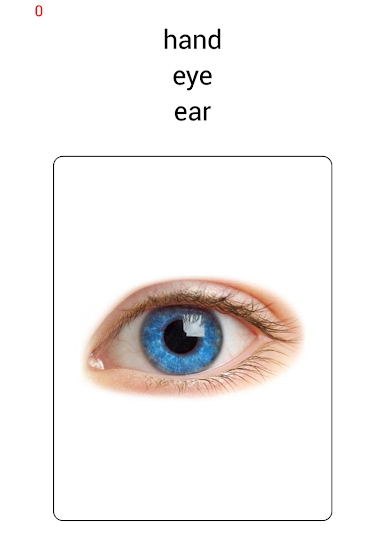
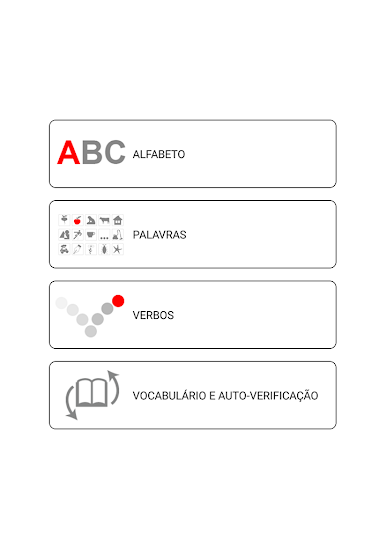
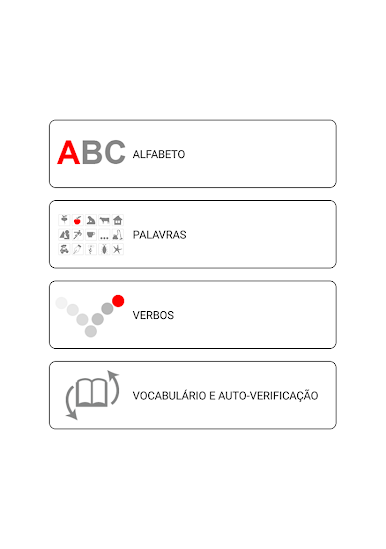
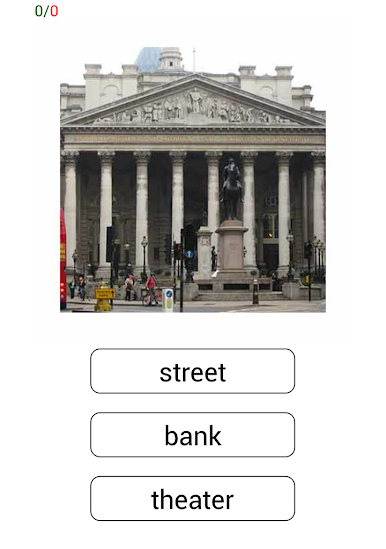
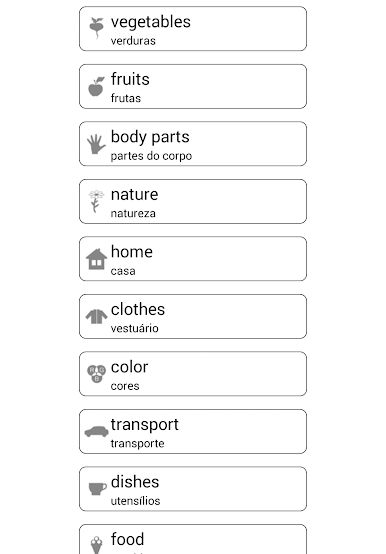
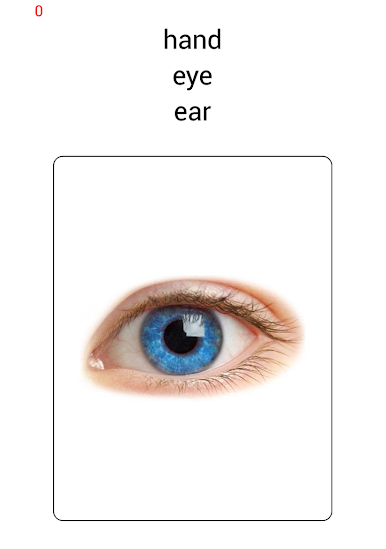
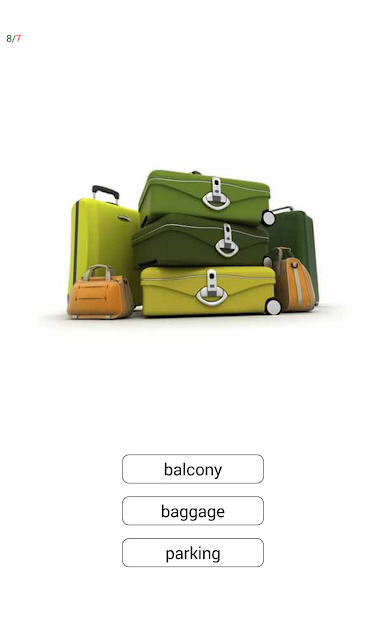
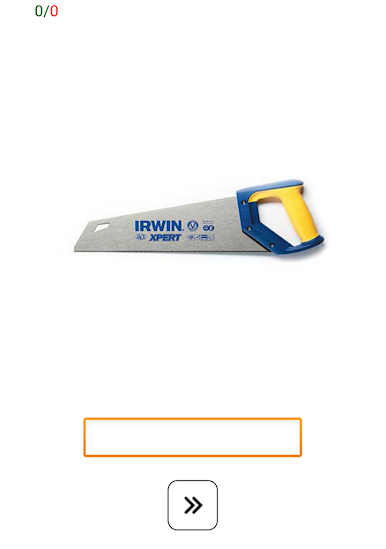
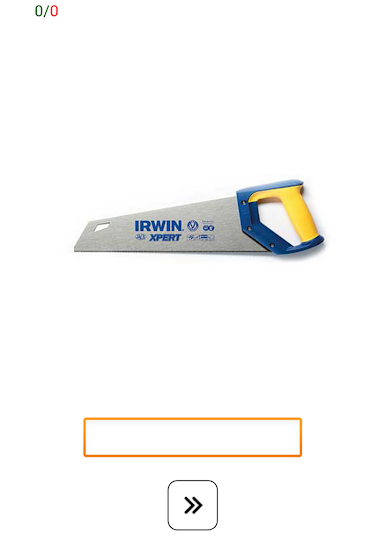
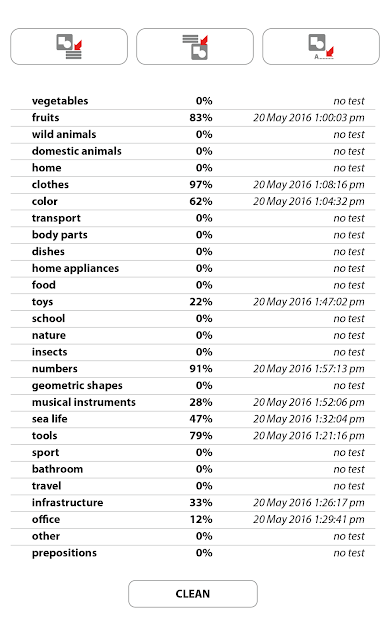
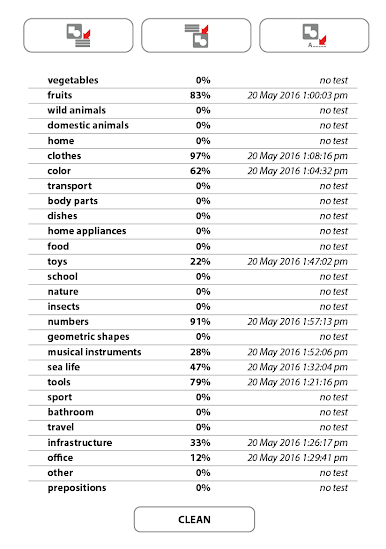
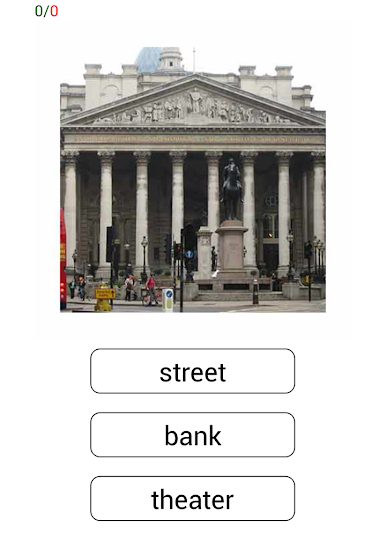
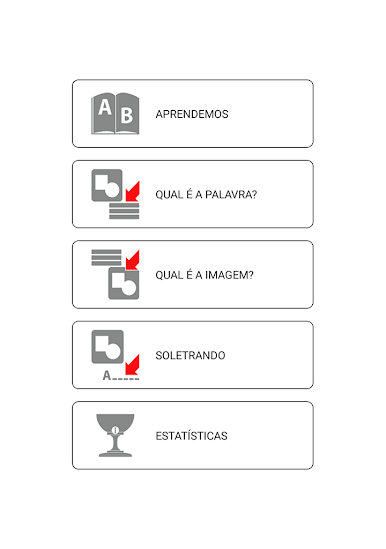
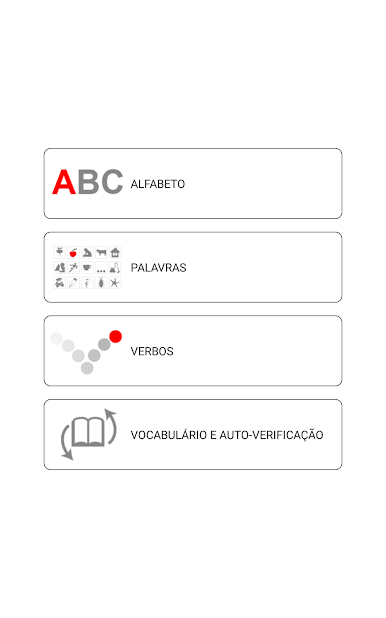
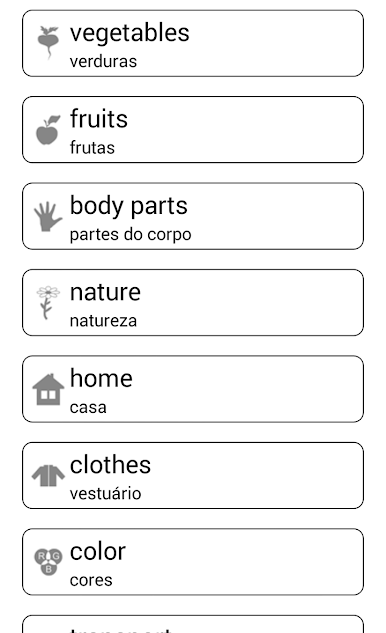
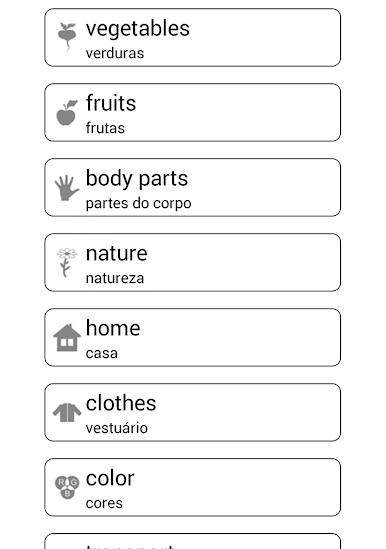
Learn and play English words feels like a small tutor that acts more like a game than a lesson. It focuses on beginner stuff, the everyday words someone would actually use, and it keeps things simple. Pick a topic, see a word with a clear picture, tap to hear how it sounds, then try a quick check or a spelling task so the word sticks. The app leans hard on listening and speaking, so there is a lot of repeatable audio and clean phonetic hints. Nothing complicated, no grammar maze, just vocabulary and how to say it right. Sessions are short, which makes practice feel easy rather than heavy.
On a PC with BlueStacks it plays nicely. Clicking through cards is smooth, and the bigger screen helps with reading the letters and seeing accents or tricky sounds. Headphones make the pronunciation pop, and there is enough time between prompts to mimic the word without feeling rushed. What stands out is how direct it is. Hear it, see it, try it, then move on. The word lists are basic but useful, things like food, family, numbers, simple actions, so it suits someone starting fresh or brushing up rusty bits. There are no flashy distractions, just steady practice with visual cues and audio support. If someone wants a gentle way to build correct pronunciation and spelling, this lands in that sweet spot.
Big screen. Bigger performance. Use BlueStacks on your PC or Mac to run your favorite apps.







Jogue Aprendemos e brincamos Inglês no PC. É fácil começar.
-
Baixe e instale o BlueStacks no seu PC
-
Conclua o login do Google para acessar a Play Store ou faça isso mais tarde
-
Procure por Aprendemos e brincamos Inglês na barra de pesquisa no canto superior direito
-
Clique para instalar Aprendemos e brincamos Inglês a partir dos resultados da pesquisa
-
Conclua o login do Google (caso você pulou a etapa 2) para instalar o Aprendemos e brincamos Inglês
-
Clique no ícone do Aprendemos e brincamos Inglês na tela inicial para começar a jogar

