


한국어-베트남어 번역기
5억명 이상의 게이머가 신뢰하는 안드로이드 게임 플랫폼 BlueStacks으로 PC에서 플레이하세요.

Run Korean-Vietnamese Translator on PC or Mac
Upgrade your experience. Try Korean-Vietnamese Translator, the fantastic Education app from Klays-Development, from the comfort of your laptop, PC, or Mac, only on BlueStacks.
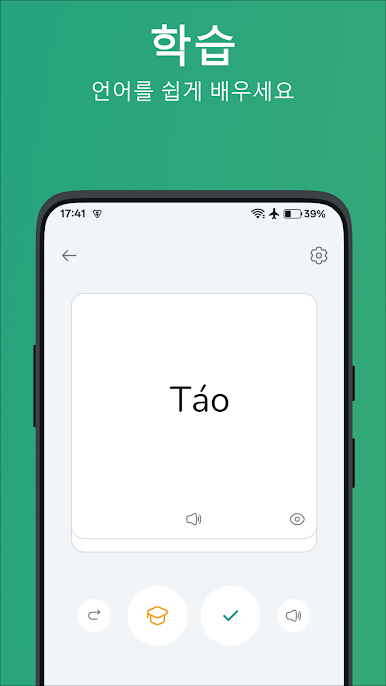
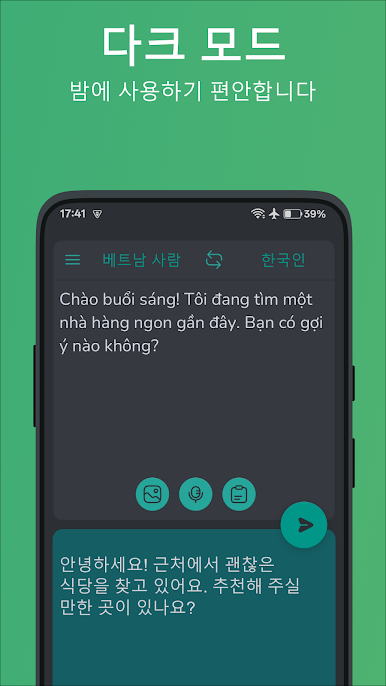
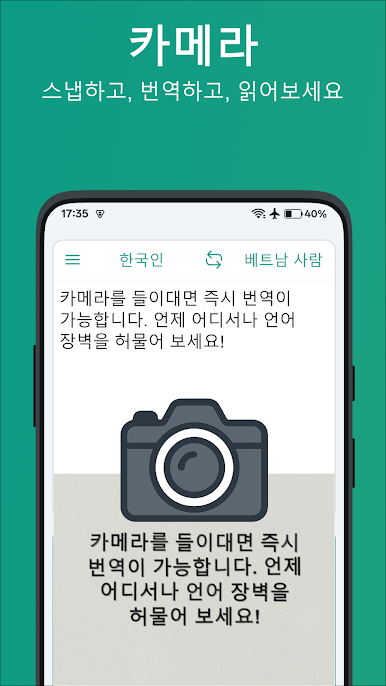
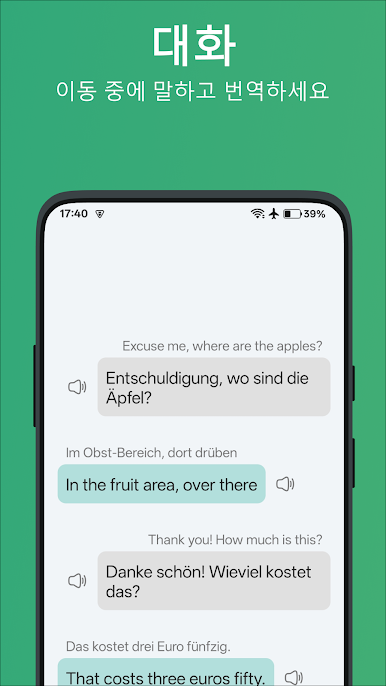
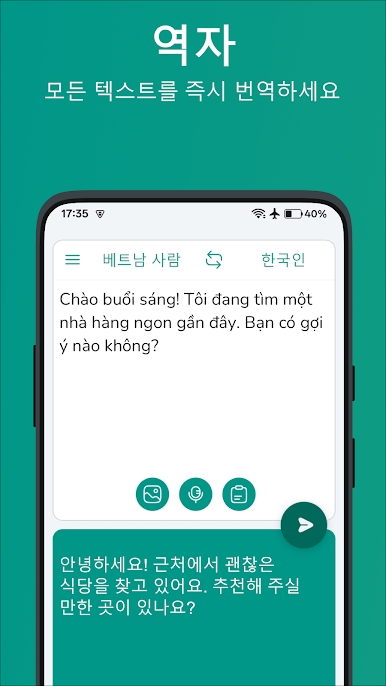
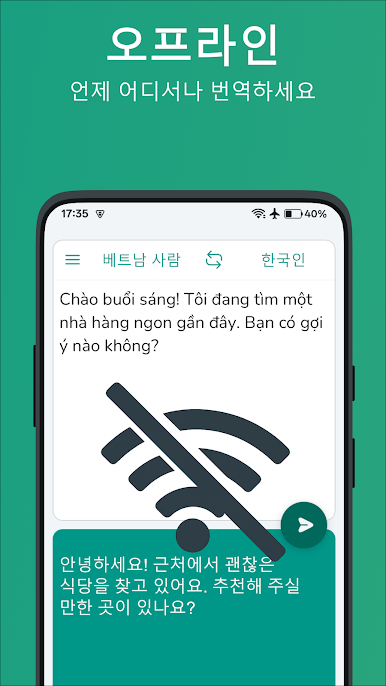
Korean-Vietnamese Translator is one of those tools that does exactly what people hope it will do. It flips between Korean and Vietnamese both ways, and it handles single words or full sentences without feeling slow. The layout is clean and simple, so a new user is not poking around wondering where to tap. Type a phrase, hit translate, get the result, done. There is voice input too, which is handy when someone would rather speak than type. Saved Favorites and a History tab make it easy to keep track of useful lines, and those saved bits can be checked later even without internet, which is great during travel or on sketchy Wi‑Fi. There are a few interface settings so someone can tweak small things and make it feel comfortable.
Running it on a PC with BlueStacks makes it even easier for longer sentences or study sessions. Copy and paste is quicker, switching between tabs to grab words from articles or lessons feels natural, and the bigger screen helps when comparing translations. It feels built for learners, travelers, and anyone chatting with family or coworkers across Korean and Vietnamese. Nothing fancy or confusing, just a fast translator that stays out of the way and lets the words do the work.
Switch to BlueStacks and make the most of your apps on your PC or Mac.

PC에서 한국어-베트남어 번역기 플레이해보세요.
-
BlueStacks 다운로드하고 설치
-
Google Play 스토어에 로그인 하기(나중에 진행가능)
-
오른쪽 상단 코너에 한국어-베트남어 번역기 검색
-
검색 결과 중 한국어-베트남어 번역기 선택하여 설치
-
구글 로그인 진행(만약 2단계를 지나갔을 경우) 후 한국어-베트남어 번역기 설치
-
메인 홈화면에서 한국어-베트남어 번역기 선택하여 실행

