

Unholy Adventure 2: Mystery
5억명 이상의 게이머가 신뢰하는 안드로이드 게임 플랫폼 BlueStacks으로 PC에서 플레이하세요.

Play Unholy Adventure 2: Mystery on PC or Mac
Step into the World of Unholy Adventure 2: Mystery, a thrilling Adventure game from the house of Dali Games P.S.A.. Play this Android game on BlueStacks App Player and experience immersive gaming on PC or Mac.
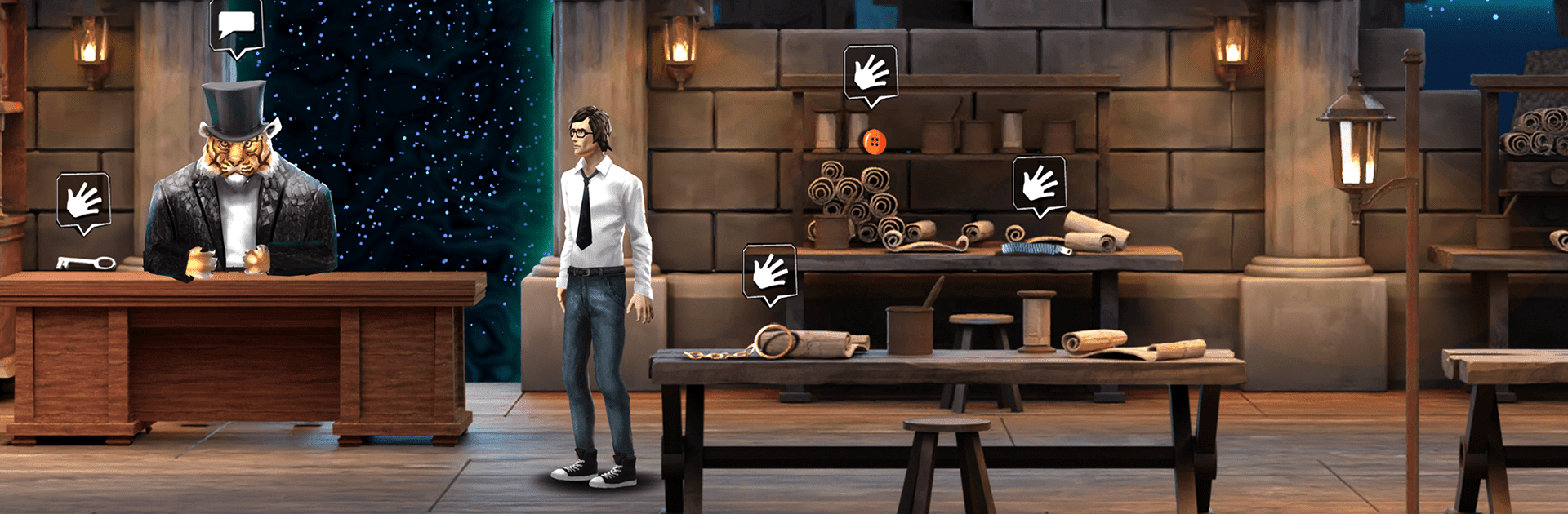
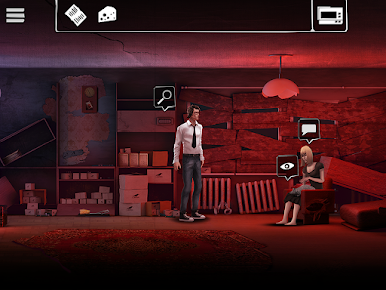
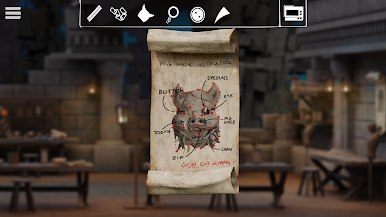
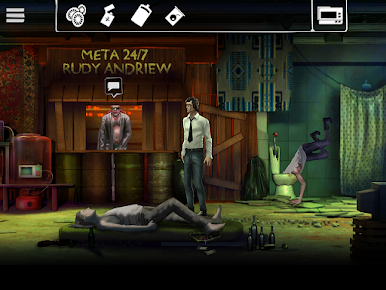
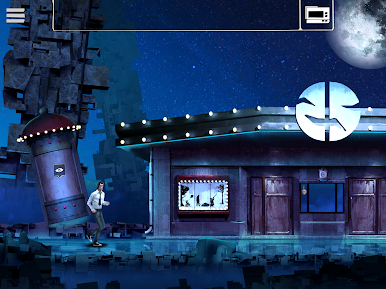
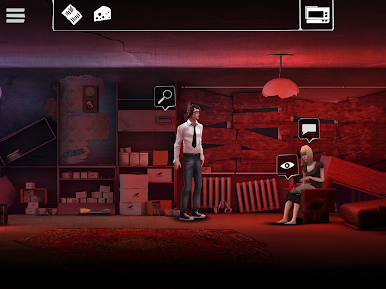
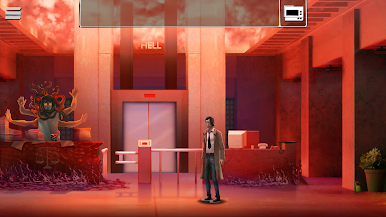
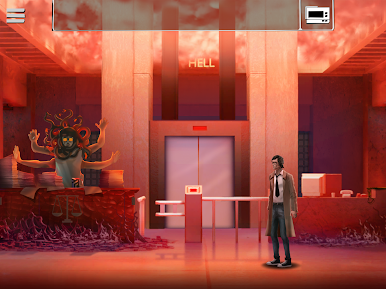
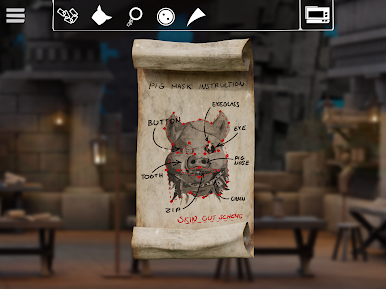
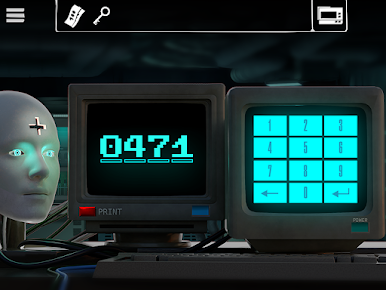
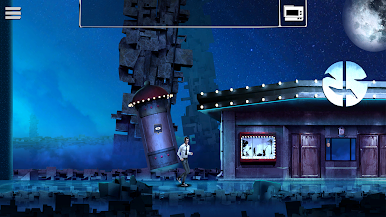
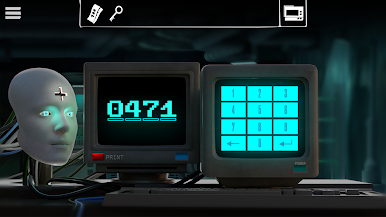
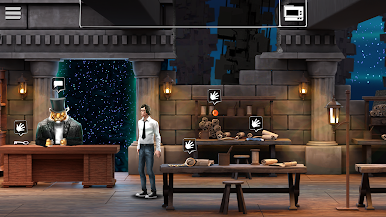
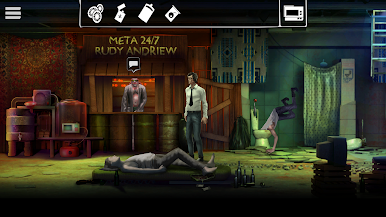
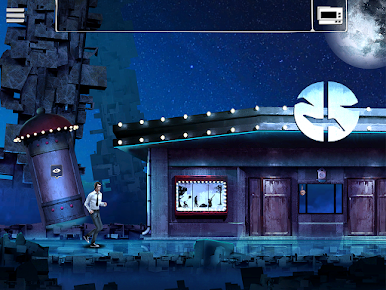
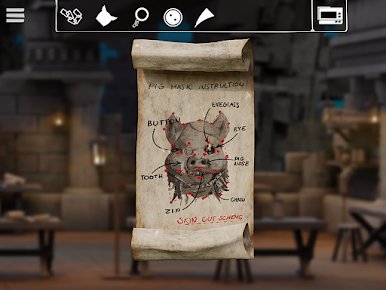
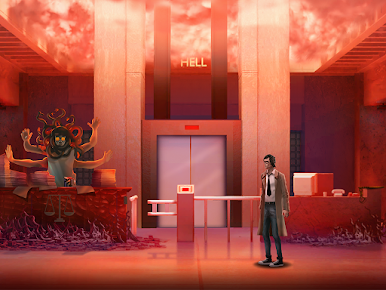
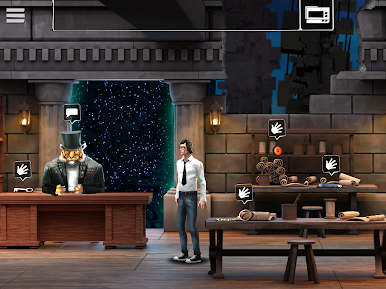
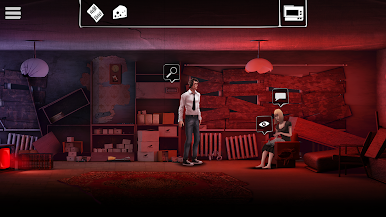
Unholy Adventure 2: Mystery feels like a classic point and click story that got lost in a strange neighbourhood and picked up a surreal streak on the way. Players follow Peter Grim as he chases clues about his missing wife, poking through odd rooms, talking to quirky characters, and solving lots of small, smart puzzles. It has that escape room rhythm, where each area is a little scene with items to pick up, combine, and use in the right spot. The tone is moody but not full horror, more eerie than gory, with a retro look that makes the weirdness stand out. The art leans hand drawn and slightly old TV in colour, the music keeps things tense without shouting at anyone, and the writing nudges the mystery along with just enough strange to make every new location feel worth checking.
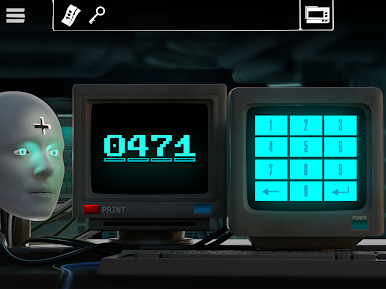
The levels jump from a gloomy city with shambling threats to an apartment packed with retro gadgets, an electronics shop hiding secrets, and even sewers crawling with oversized rats. Puzzles stay fair, with clues tucked into the environment rather than pixel hunting, and the story seems to give small choices that shift scenes more than overhaul the plot. On PC with BlueStacks it works nicely, since the mouse makes dragging inventory pieces and clicking hotspots feel natural, and the bigger screen helps spot little details in busy rooms. There are no twitchy action bits, so it suits relaxed sessions where a player wants a story-first mystery and a steady stream of puzzles instead of pure hidden object taps.
Ready to top the leaderboard? We bet you do. Let precise controls and sharp visuals optimized on BlueStacks lead you to victory.





PC에서 Unholy Adventure 2: Mystery 플레이해보세요.
-
BlueStacks 다운로드하고 설치
-
Google Play 스토어에 로그인 하기(나중에 진행가능)
-
오른쪽 상단 코너에 Unholy Adventure 2: Mystery 검색
-
검색 결과 중 Unholy Adventure 2: Mystery 선택하여 설치
-
구글 로그인 진행(만약 2단계를 지나갔을 경우) 후 Unholy Adventure 2: Mystery 설치
-
메인 홈화면에서 Unholy Adventure 2: Mystery 선택하여 실행

