


Chicken Cross - Chicken 2
Jogue no PC com BlueStacks - A Plataforma de Jogos Android, confiada por mais de 500 milhões de jogadores.

Página modificada em: Dec 25, 2025
Jogue Chicken Cross - Chicken 2 para PC
🐔 💵 GANHE MUITO NO JOGO CHICKEN 2 - JUNTE-SE A MAIS DE 1 MILHÃO DE JOGADORES! ⭐
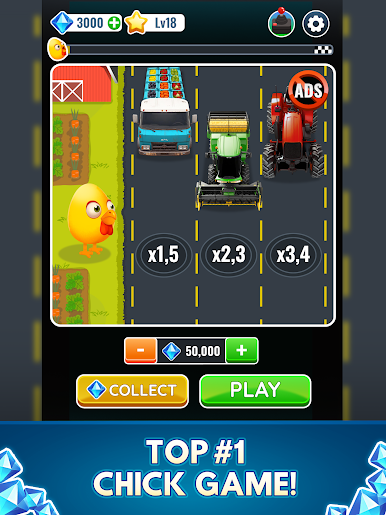
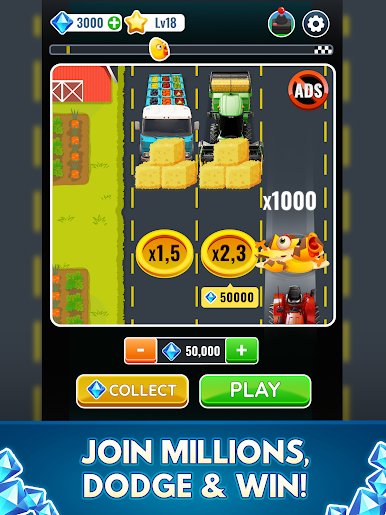
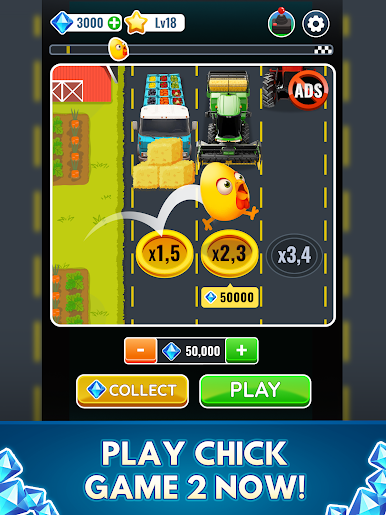
Bem-vindo ao Chicken Cross™ 2.0, o Chicken Cross™ 2 oficial de 2025! Ajude sua galinha a atravessar a estrada, desvie do trânsito e busque o lendário multiplicador Chicken Cross™ x1000. Este é o caminho definitivo para a vitória!
🌟 POR QUE CHICKEN Cross™ 2?
Experimente o aplicativo oficial Chicken Cross™ 2.0 com jogabilidade aprimorada, controles suaves e emoção sem fim. Cada desafio Chicken Cross™ traz novas aventuras e o caminho para recompensas incríveis!
⚡ RECURSOS DO JOGO:
🐔 Controles simples por toque - Fácil de aprender, divertido de dominar
🚗 Níveis desafiadores infinitos - Emoção nova a cada partida
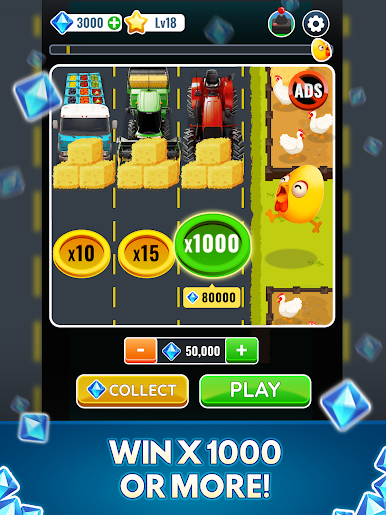
🎯 Multiplicador lendário Chicken Cross™ x1000 - Comece em x2, suba para x10, x50, x100, x500 e alcance x1000!
🌍 Vários modos de jogo - Desafios casuais a extremos
🎪 Eventos especiais Chicken Cross™ 2025 - Desbloqueie missões exclusivas e ganhe recompensas no Chicken Cross™
📱 Jogue em qualquer lugar - Online ou offline
🐾 Animais da fazenda para salvar - Guie o cachorro, a galinha, o coelho, o gato, o sapo, o pato e muito mais para o outro lado da rua!
🏆 DESTAQUES DO APLICATIVO CHICKEN CROSS™ 2.0:
- Aplicativo oficial do Chicken Cross™ com jogabilidade autêntica
- Sistema revolucionário de multiplicador x1000
- Uma emocionante jornada rumo à glória com carros, caminhões, tratores e motocicletas
- Compita em placares de líderes globais
- Atualizações regulares mantêm este jogo Chicken Cross 2 sempre novo
- Não precisa de internet - jogue a qualquer hora
🎯 Junte-se a milhões de jogadores na aventura definitiva do Chicken Cross™ 2.0! Baixe o aplicativo Chicken Cross™ 2.0! Guie o frango, desvie do trânsito e embarque na aventura online mais emocionante de Chicken Cross™ de todos os tempos! 🐔🚗
Comece sua jornada épica no Chicken Cross™ 2 - ganhe muito hoje mesmo! ⚡



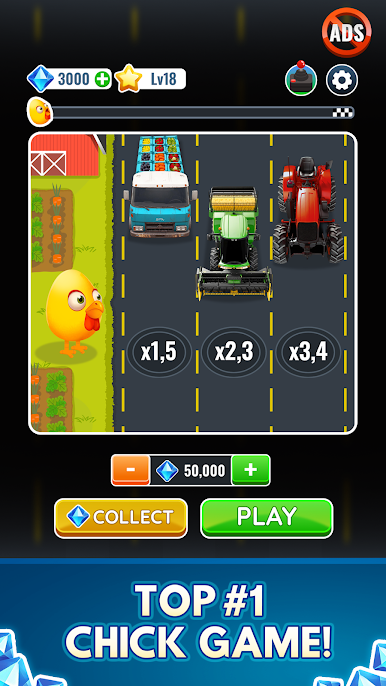
Jogue Chicken Cross - Chicken 2 no PC. É fácil começar.
-
Baixe e instale o BlueStacks no seu PC
-
Conclua o login do Google para acessar a Play Store ou faça isso mais tarde
-
Procure por Chicken Cross - Chicken 2 na barra de pesquisa no canto superior direito
-
Clique para instalar Chicken Cross - Chicken 2 a partir dos resultados da pesquisa
-
Conclua o login do Google (caso você pulou a etapa 2) para instalar o Chicken Cross - Chicken 2
-
Clique no ícone do Chicken Cross - Chicken 2 na tela inicial para começar a jogar

