


Color Picker
العب على الكمبيوتر الشخصي مع BlueStacks - نظام أندرويد للألعاب ، موثوق به من قبل أكثر من 500 مليون لاعب.

Run Color Picker on PC or Mac
What’s better than using Color Picker by Mikhail Gribanov? Well, try it on a big screen, on your PC or Mac, with BlueStacks to see the difference.
About the App
Ever spotted a color and thought, “Wow, what’s that shade called?” Color Picker by Mikhail Gribanov is built for just that moment. Whether you’re curious about the colors you see through your camera or want to pull a hue from a photo, this app makes finding, naming, and saving colors easy. It’s handy for anyone messing with design, DIY projects, or just loves to geek out over color details.
App Features
-
Real-Time Camera Color Grab
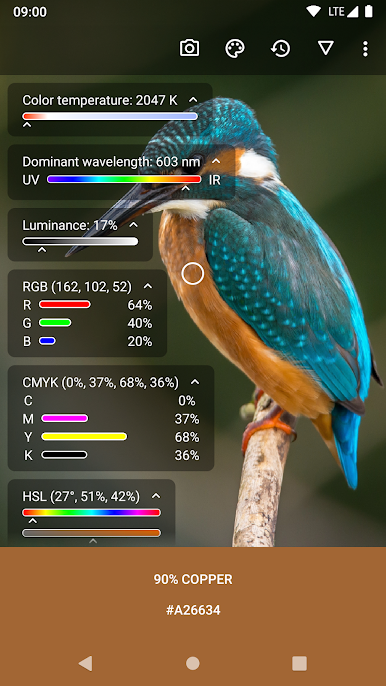
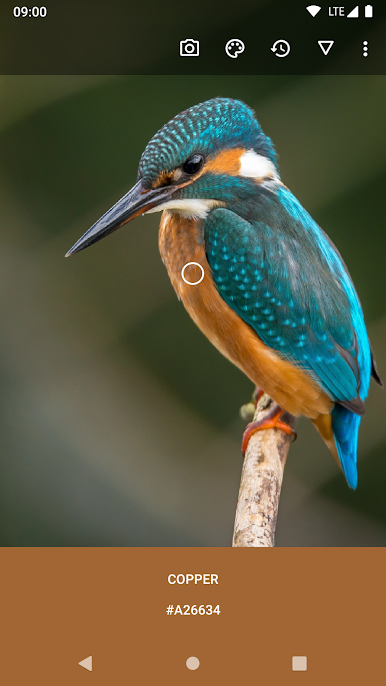
Point your camera at anything and instantly see the color’s name and code. Want more control? Adjust the focus or white balance to get a spot-on read, just like with your regular camera app. -
Image Color Detection
Load up any picture and tap anywhere to snag the exact shade. Zoom in, swipe around, and pick the perfect pixel. You can even share pics from other apps straight into Color Picker. -
Flexible Scope Tool
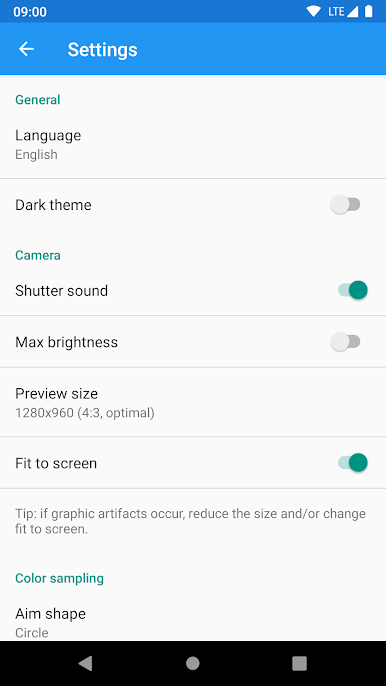
Resize and move the color scope to zero in on a tiny detail or sample a whole area. Swap between circle, square, or dot shapes for the exact coverage you need. -
Deep Palette Database
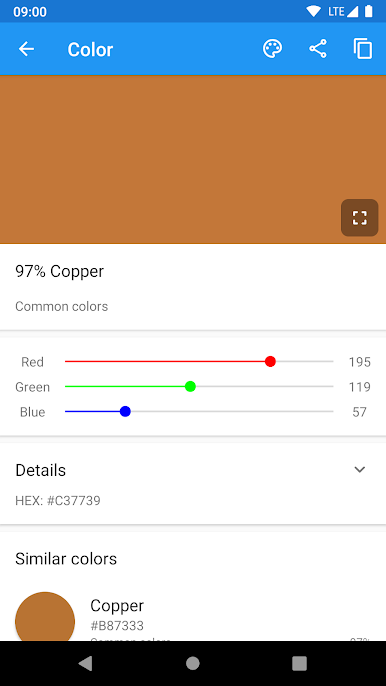
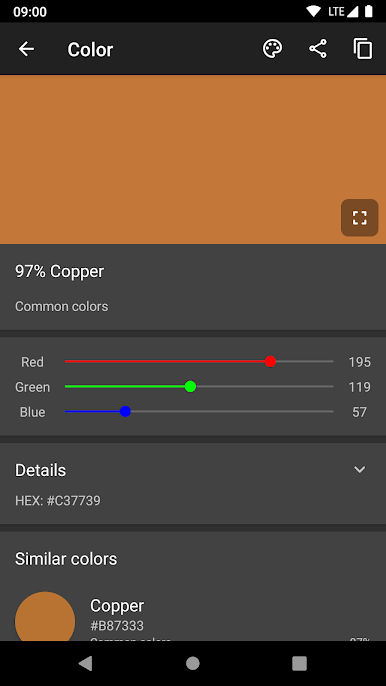
Browse through over 1,000 colors from popular palettes like Common colors, RAL Classic, HTML (W3C), Material Design, and more. Not sure which to use? The “Common colors” palette is a solid place to start for the classics. -
Expert Mode for Color Nerds
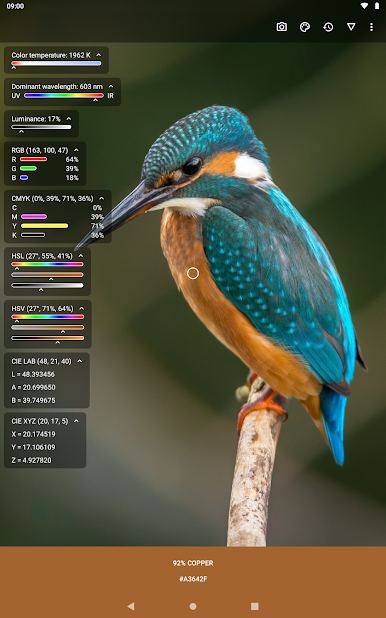
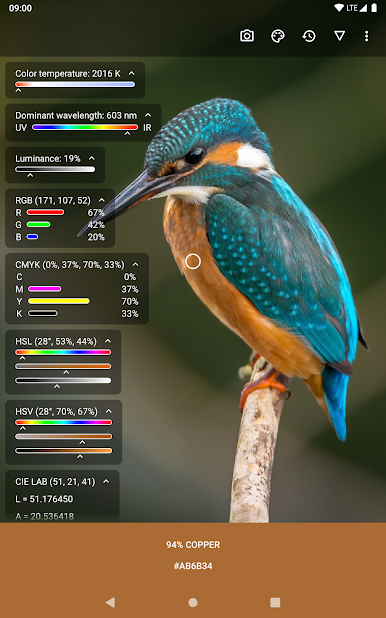
Tap the little lab flask icon for a deep dive—see RGB, CMYK, HSV values, where the color fits on the spectrum, its temperature, and how closely it matches official palette shades. Don’t care about some info? Hide whatever you don’t need. -
Save, Edit, and Export Colors
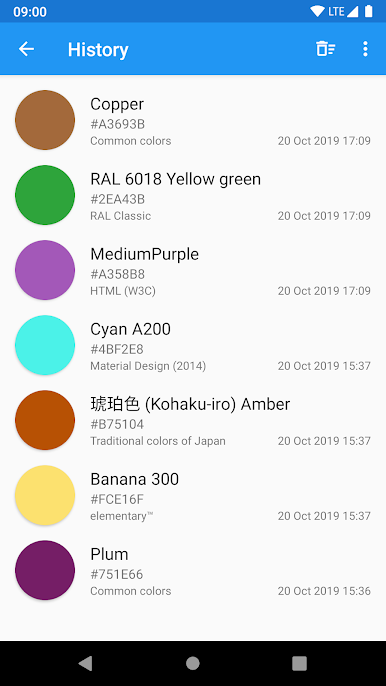
Keep track of every color you find. Edit saved colors later, share their HEX codes through the Share button, or easily import/export your color collection as a CSV file. -
Smart Color Search
Looking for something specific? Search by name or HEX code to quickly dig through the app’s full library. You can even send text from other apps to start a search right away.
And yes, if you’re using BlueStacks, working with Color Picker’s tools gets even more comfortable on a bigger screen.
BlueStacks brings your apps to life on a bigger screen—seamless and straightforward.
العب Color Picker على جهاز الكمبيوتر. من السهل البدء.
-
قم بتنزيل BlueStacks وتثبيته على جهاز الكمبيوتر الخاص بك
-
أكمل تسجيل الدخول إلى Google للوصول إلى متجر Play ، أو قم بذلك لاحقًا
-
ابحث عن Color Picker في شريط البحث أعلى الزاوية اليمنى
-
انقر لتثبيت Color Picker من نتائج البحث
-
أكمل تسجيل الدخول إلى Google (إذا تخطيت الخطوة 2) لتثبيت Color Picker
-
انقر على أيقونة Color Picker على الشاشة الرئيسية لبدء اللعب

