


監理服務
汽車與車輛 | 交通部公路局
在電腦上使用BlueStacks –受到5億以上的遊戲玩家所信任的Android遊戲平台。

Play 監理服務 on PC
"Supervision Service" provides users with access to traffic violation tickets, automobile (motor) fuel costs and other supervision service information through their ID number, birthday or supervision service network member password.
The service functions are as follows:
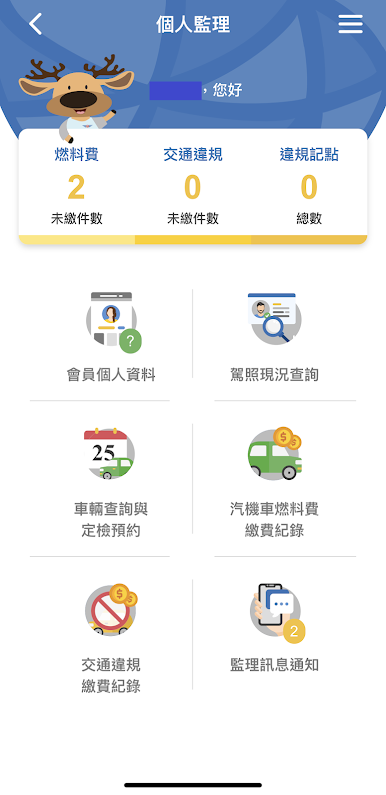
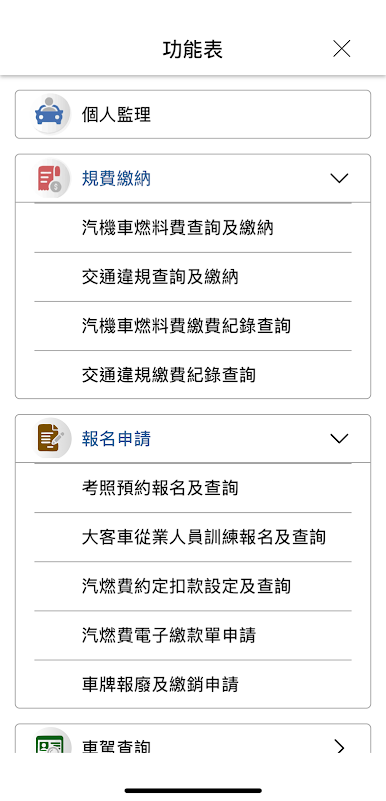
1. Query and payment of traffic violation tickets, query payment records and check points.
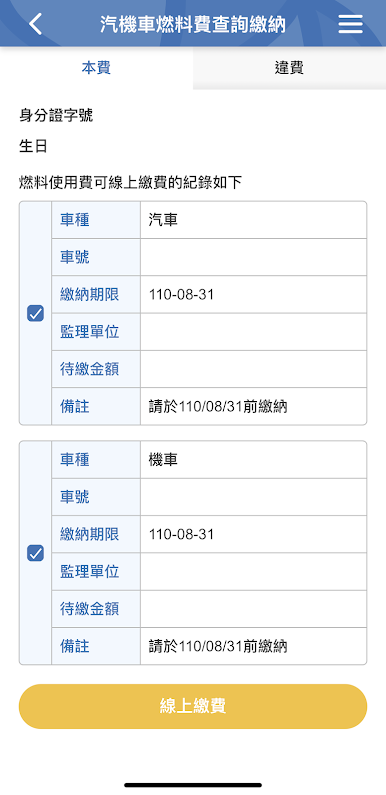
2. Inquiry and payment of automobile (motor) fuel fee, query of automobile (motor) fuel fee payment record, application of electronic payment form for automobile (motor) fuel fee.
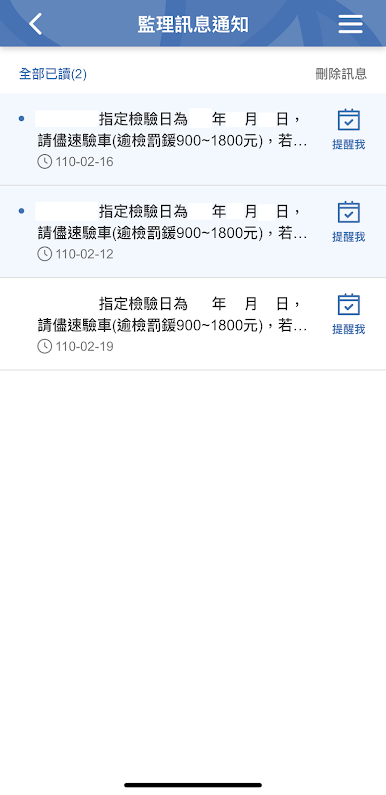
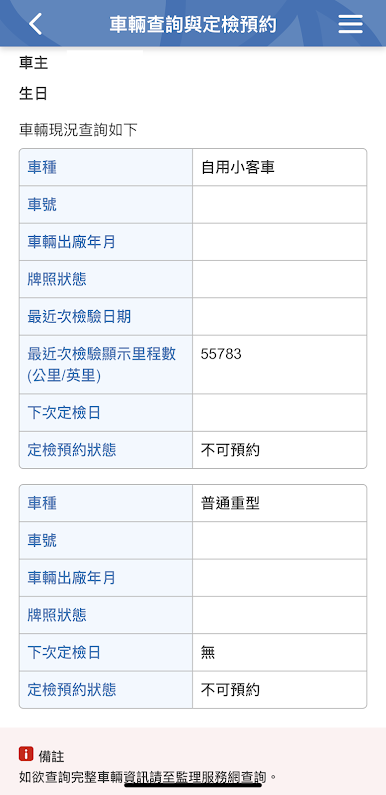
3. The last two vehicle mileage inquiries, reminders of abnormal mileage and inquiries on the next scheduled inspection date
4. Learn to drive license inquiries.
5. Regular training appointments, enquiry and registration for professional drivers of automobile and motorcycle driver's licenses and buses, and simulation test of written test for driver's license.
6. Provide a personal page for supervision members, and provide advance service notices for supervision business. The birthday greeting screen is displayed on the day of the birthday.
7. Provide information for supervising members to inquire about driver's license and vehicle ownership, and provide vehicle inspection appointments and residential/employment address settings.
8. Push the supervision message to supervising members, and add the push message to the mobile device calendar; push birthday wishes on the day of the birthday.
9. The homepage combines the GPS positioning function to display the announcement messages of nearby supervision stations.
10. Quickly check the number of people waiting at the station and window of each district supervision office.
11. Provide real-time dynamics and vehicle information of tour buses.
12. Provide intelligent customer service to quickly grasp highway supervision information.
13. Provide English language interface.
[Operation Instructions for Foreigners and Legal Persons]
Due to system architecture factors, some functions are temporarily not available to foreigners and legal persons. If necessary, please check the supervision service website: https://www.mvdis.gov.tw/m3-emv-mobo/, causing your inconvenience. Please forgive me.
The service functions are as follows:
1. Query and payment of traffic violation tickets, query payment records and check points.
2. Inquiry and payment of automobile (motor) fuel fee, query of automobile (motor) fuel fee payment record, application of electronic payment form for automobile (motor) fuel fee.
3. The last two vehicle mileage inquiries, reminders of abnormal mileage and inquiries on the next scheduled inspection date
4. Learn to drive license inquiries.
5. Regular training appointments, enquiry and registration for professional drivers of automobile and motorcycle driver's licenses and buses, and simulation test of written test for driver's license.
6. Provide a personal page for supervision members, and provide advance service notices for supervision business. The birthday greeting screen is displayed on the day of the birthday.
7. Provide information for supervising members to inquire about driver's license and vehicle ownership, and provide vehicle inspection appointments and residential/employment address settings.
8. Push the supervision message to supervising members, and add the push message to the mobile device calendar; push birthday wishes on the day of the birthday.
9. The homepage combines the GPS positioning function to display the announcement messages of nearby supervision stations.
10. Quickly check the number of people waiting at the station and window of each district supervision office.
11. Provide real-time dynamics and vehicle information of tour buses.
12. Provide intelligent customer service to quickly grasp highway supervision information.
13. Provide English language interface.
[Operation Instructions for Foreigners and Legal Persons]
Due to system architecture factors, some functions are temporarily not available to foreigners and legal persons. If necessary, please check the supervision service website: https://www.mvdis.gov.tw/m3-emv-mobo/, causing your inconvenience. Please forgive me.
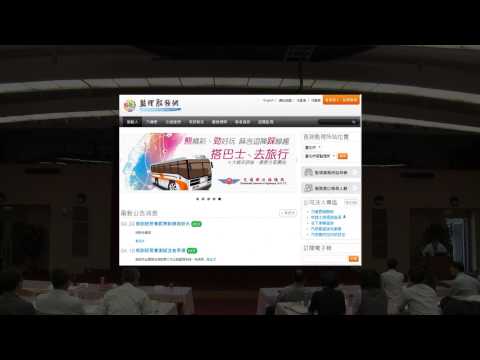
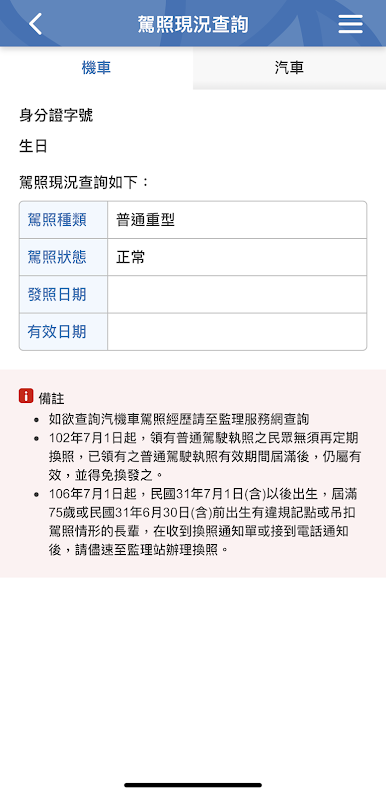
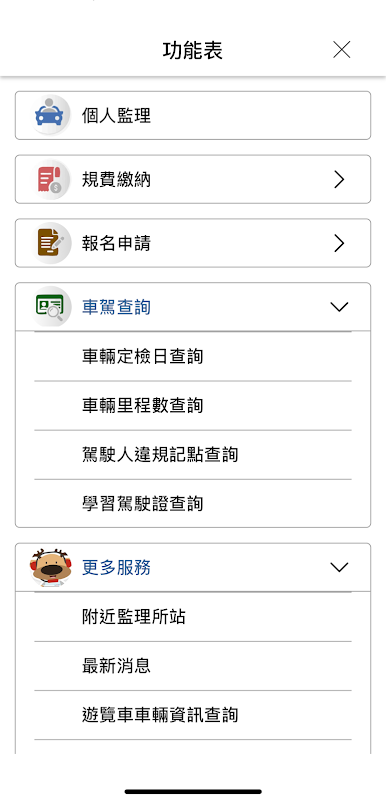
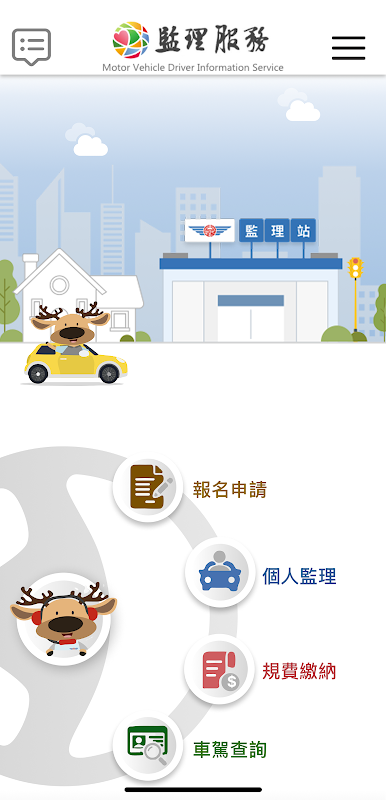
在電腦上遊玩監理服務 . 輕易上手.
-
在您的電腦上下載並安裝BlueStacks
-
完成Google登入後即可訪問Play商店,或等你需要訪問Play商店十再登入
-
在右上角的搜索欄中尋找 監理服務
-
點擊以從搜索結果中安裝 監理服務
-
完成Google登入(如果您跳過了步驟2),以安裝 監理服務
-
在首頁畫面中點擊 監理服務 圖標來啟動遊戲

