


Mobile Topographer Pro
在電腦上使用BlueStacks –受到5億以上的遊戲玩家所信任的Android遊戲平台。

Run Mobile Topographer Pro on PC or Mac
Why limit yourself to your small screen on the phone? Run Mobile Topographer Pro, an app by S.F. Applicality Ltd., best experienced on your PC or Mac with BlueStacks, the world’s #1 Android emulator.
About the App
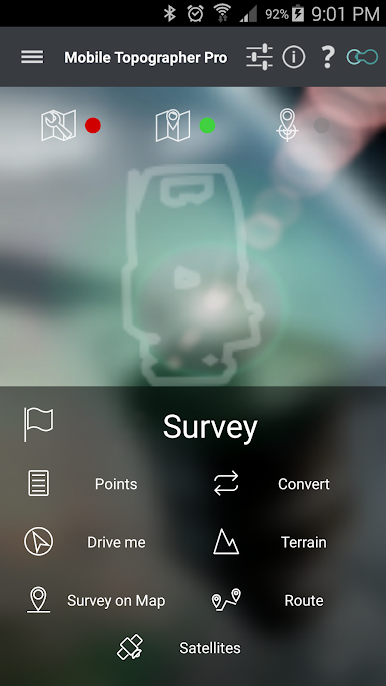
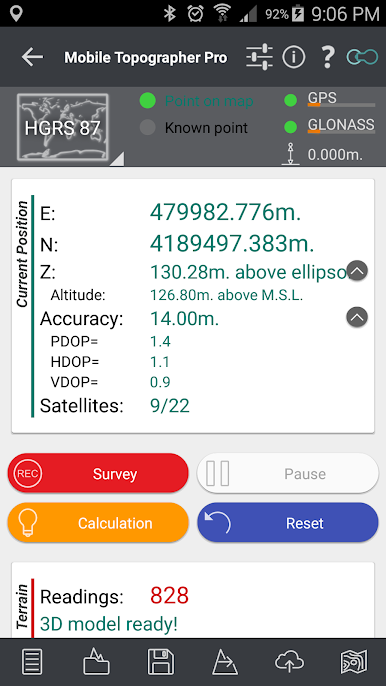
Whether you’re a seasoned surveyor, work in real estate, or just want to keep tabs on your land, Mobile Topographer Pro is built to make things easy and accurate. Created by S.F. Applicality Ltd., this Productivity app gives you a versatile toolkit for mapping, surveying, and organizing property or terrain data straight from your phone or tablet. Flexibility’s the name of the game—work out in the field or from the comfort of your desk, and if you’re running it on BlueStacks, you’ll get the most out of bigger screens.
App Features
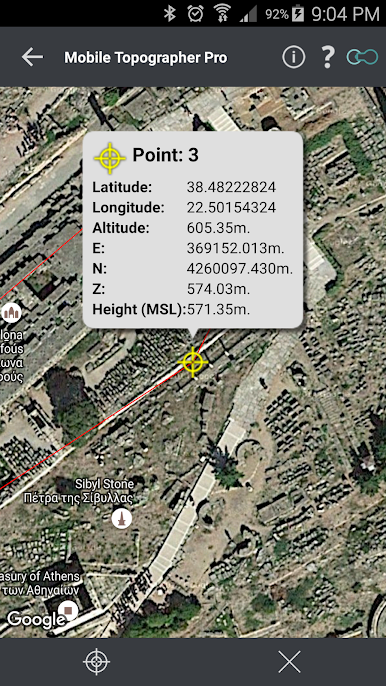
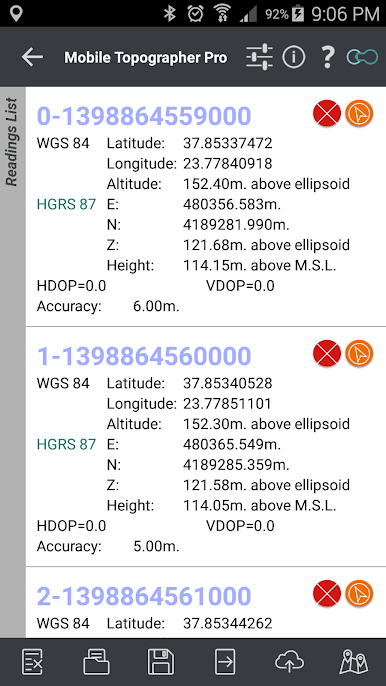
- Pro-Level Exports: Save your survey results in professional GIS Shape (.shp) files, plus a whole bunch of other formats, so you’re always ready to share or back up your work.
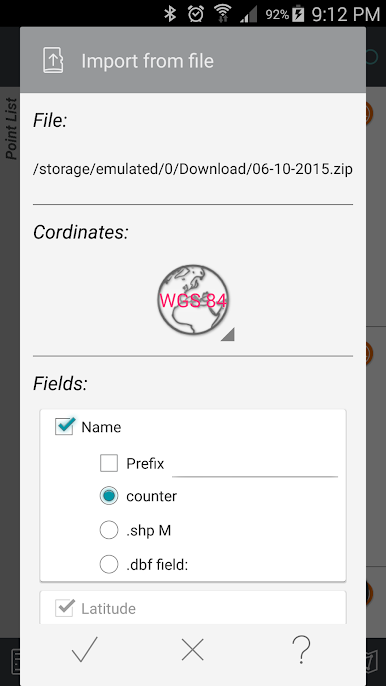
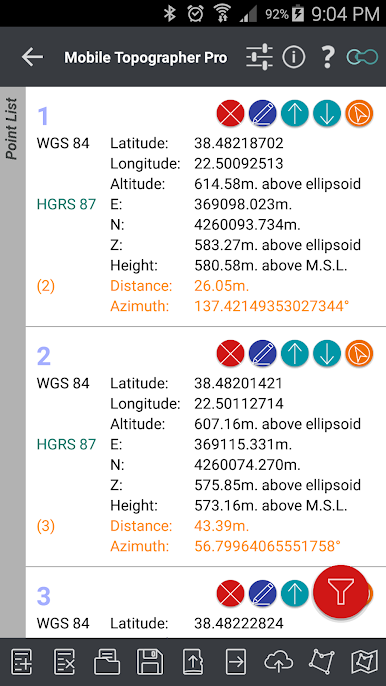
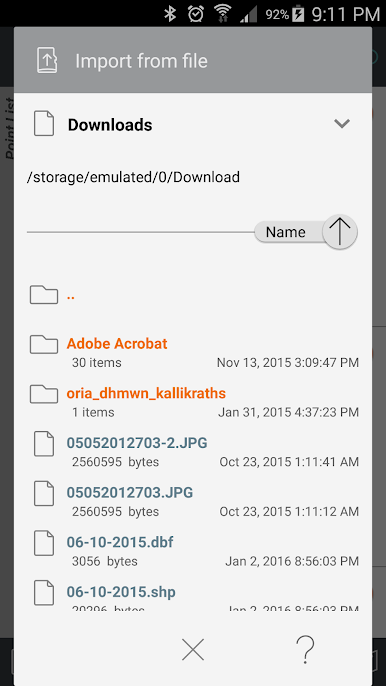
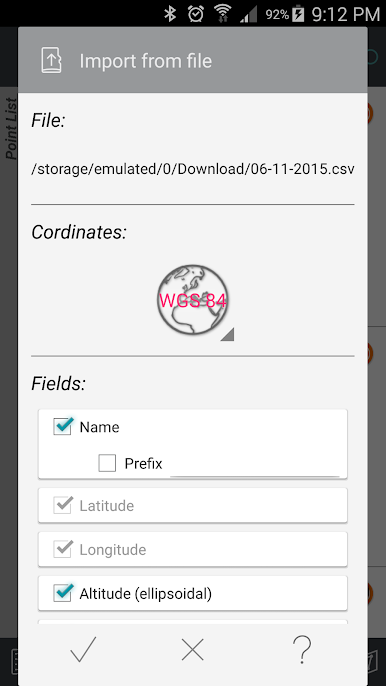
- Smart Imports: Bring in point data easily—from text (.txt, .csv), Shape (.shp), or just about any coordinate reference system you prefer.
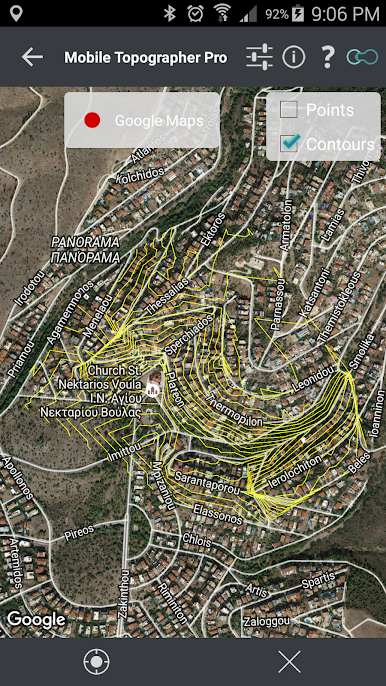
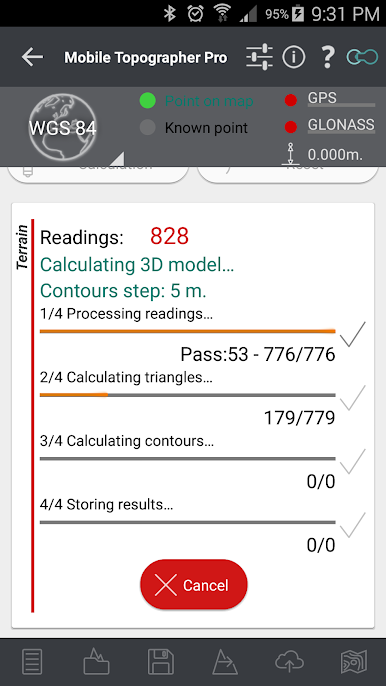
- 3D Terrain Modeling: Collect real terrain data, build a 3D model, draw contours, see it all mapped out, and export or save your terrain work for later.
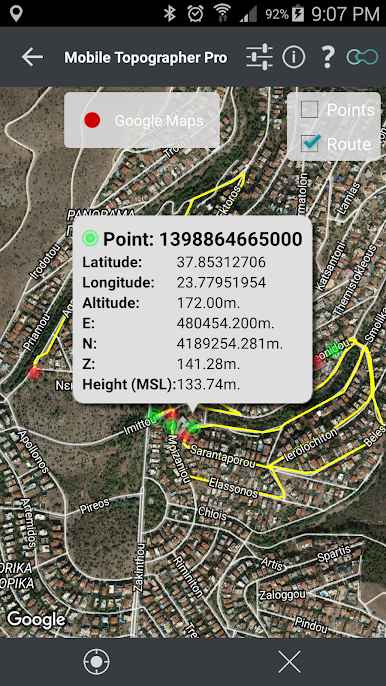
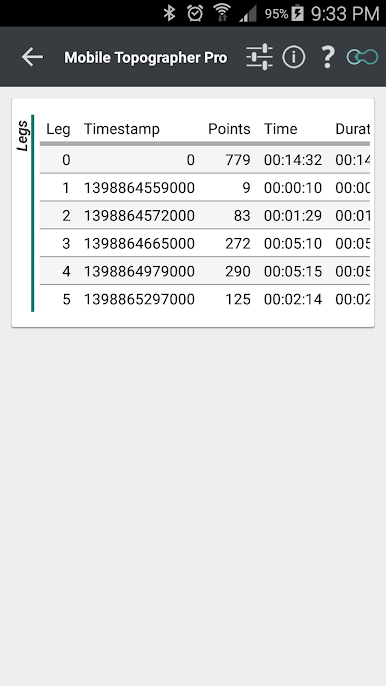
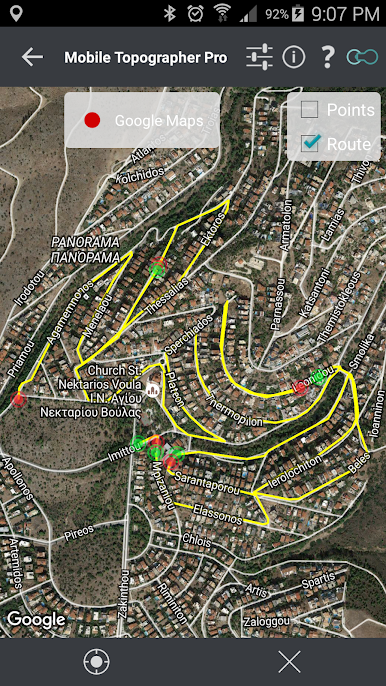
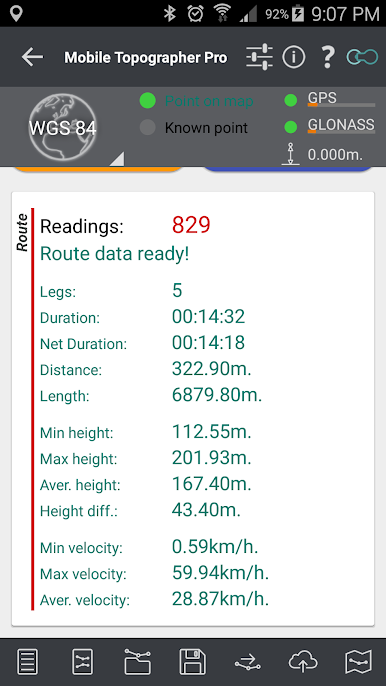
- Route Tools: Track your routes as you move, process collected data, check summary stats, and map out your traveled paths. Loading, saving, or exporting routes is a breeze.
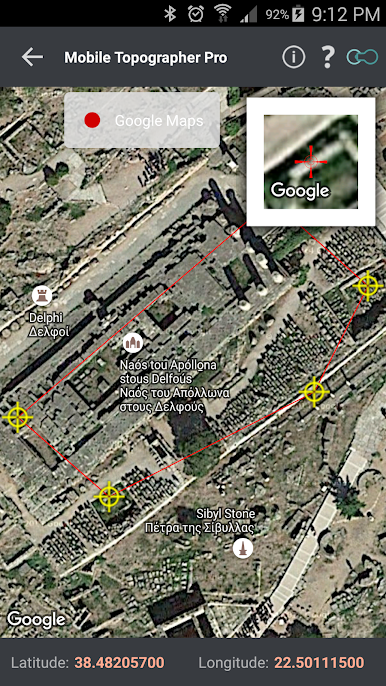
- Real-Time Map Projection: Watch your surveying work come together with live mapping so you know exactly what’s going on, step by step.
- Fully Remote Surveys: Mark, tweak, or delete points right on the map—even if you’re nowhere near the site. Handy for planning or fixing up your data.
- Organize Points in Groups: Sort and filter your point lists into groups, then pick and export exactly what you need.
- Edit Coordinates Manually: Move points on the map with drag & drop or pop in new numbers directly—no fuss.
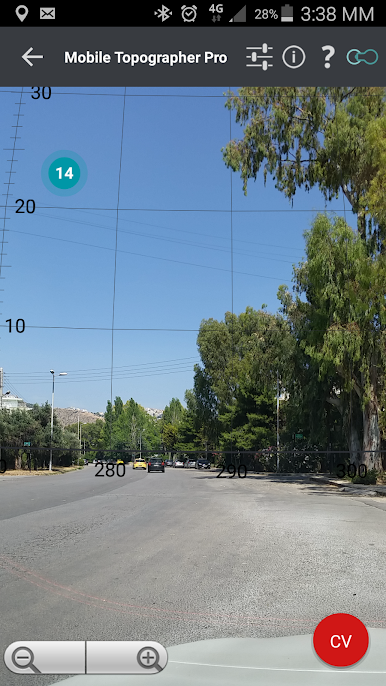
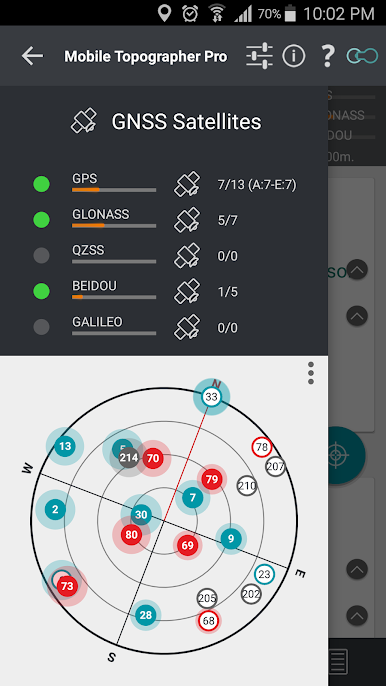
- Satellite and GNSS Insights: Swipe to see satellite info as you survey; get a hi-tech peek at GNSS data using augmented reality.
- Offline Mode: All the main features will keep working, even without an internet connection.
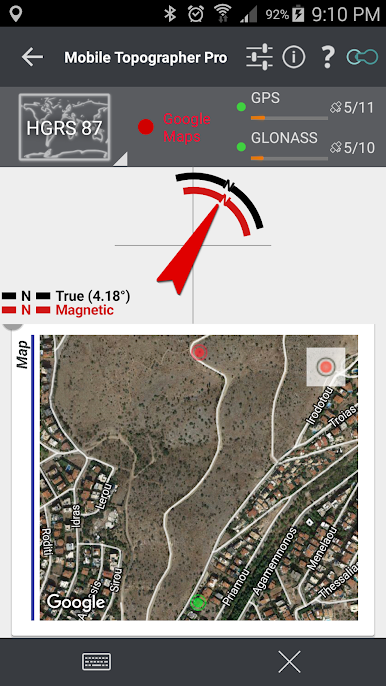
- Various Map Views & Weather Add-ons: Check your work in different map versions; handy weather info’s right there too.
- Accurate Measurements: Calculate area, perimeter, and vertex counts for polygons, and measure elevation with multiple modes.
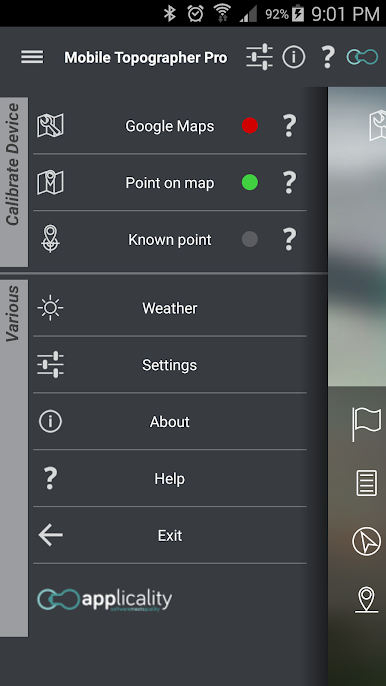
- Calibration Options: Get the best out of your device’s GPS using weighted averages and calibration tools.
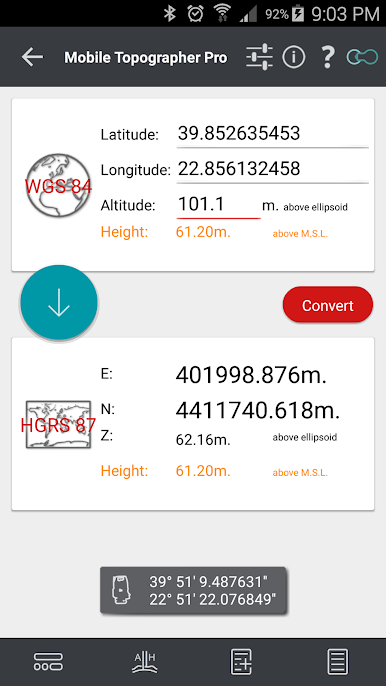
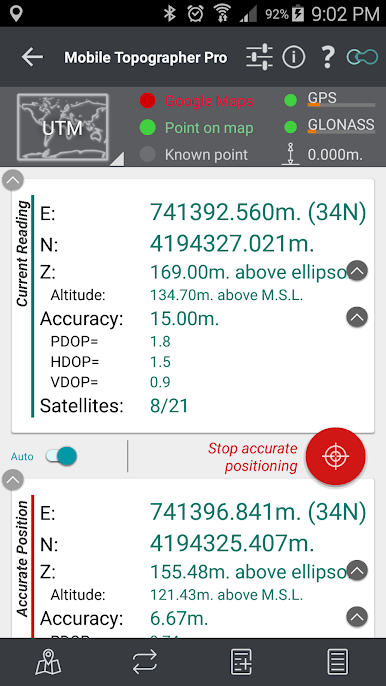
- Coordinate System Support: Whether you’re using UTM, SPCS83, HGRS87, or dozens more, the app covers just about any global or regional reference system.
- Multiple Units & Height Systems: Switch between meters, US survey feet, and international feet; calculate both ellipsoidal and orthometric heights.
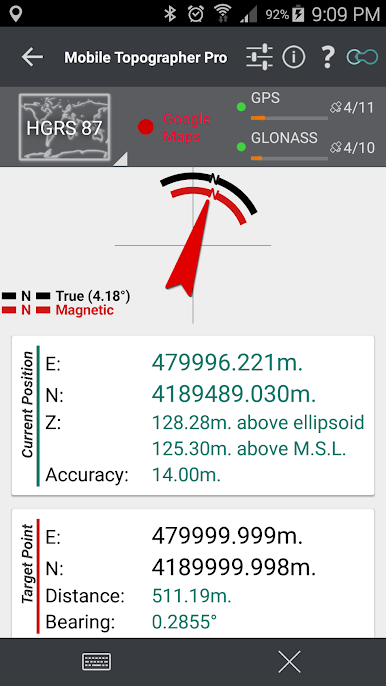
- Drive Me Navigation: Plug in coordinates or pick a target, then follow the compass to your point.
- Data Sharing and Export: Send datasets via email or cloud, and export to .kml, .gpx, .dxf, .csv, and more.
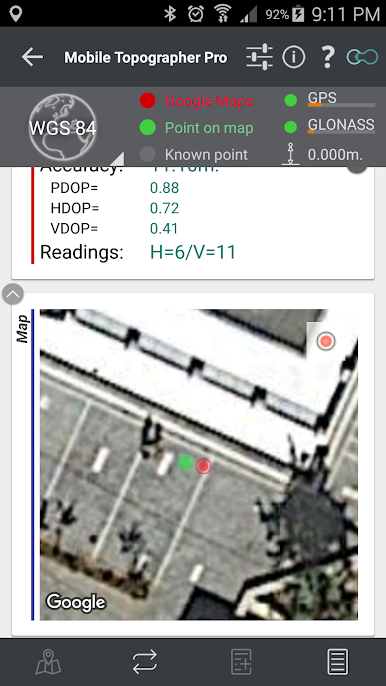
- Multi-Constellation GNSS: Get readings from GPS, GLONASS, GALILEO, BEIDOU, QZSS, and see signal strength for each.
- Helpful Support: Got questions? There’s a built-in help section for detailed guidance.
With this much power and flexibility, Mobile Topographer Pro takes a lot of the effort out of surveying—no matter where or how you’re working. Running it on BlueStacks can add an extra layer of comfort, letting you review, organize, and export your data on a bigger screen when you need it most.
Eager to take your app experience to the next level? Start right away by downloading BlueStacks on your PC or Mac.
在電腦上遊玩Mobile Topographer Pro . 輕易上手.
-
在您的電腦上下載並安裝BlueStacks
-
完成Google登入後即可訪問Play商店,或等你需要訪問Play商店十再登入
-
在右上角的搜索欄中尋找 Mobile Topographer Pro
-
點擊以從搜索結果中安裝 Mobile Topographer Pro
-
完成Google登入(如果您跳過了步驟2),以安裝 Mobile Topographer Pro
-
在首頁畫面中點擊 Mobile Topographer Pro 圖標來啟動遊戲

