

Partial Screen
العب على الكمبيوتر الشخصي مع BlueStacks - نظام أندرويد للألعاب ، موثوق به من قبل أكثر من 500 مليون لاعب.

Run Partial Screen on PC or Mac
Upgrade your experience. Try Partial Screen, the fantastic Tools app from Andrii Ichenets, from the comfort of your laptop, PC, or Mac, only on BlueStacks.
About the App
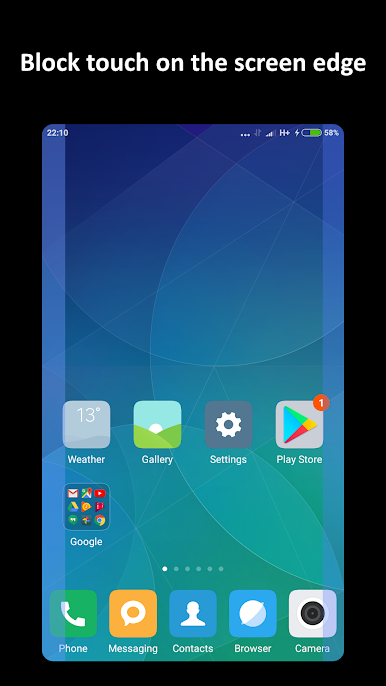
Partial Screen is a smart, no-fuss way to keep using a phone or tablet with a broken or damaged display. If your touchscreen keeps firing off random taps or ghost touch events, this Tools app by Andrii Ichenets helps you calm the chaos and get control back. It works like a precise touch blocker, letting you mark problem zones so the rest of your screen feels normal again.
App Features
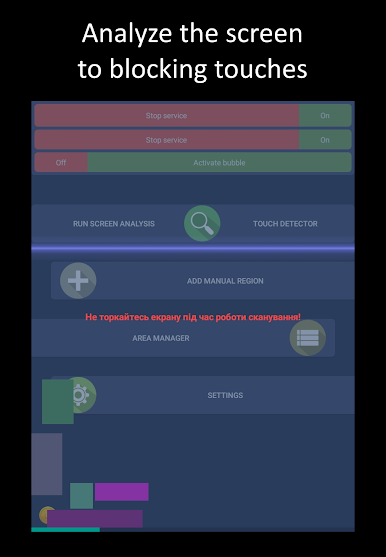
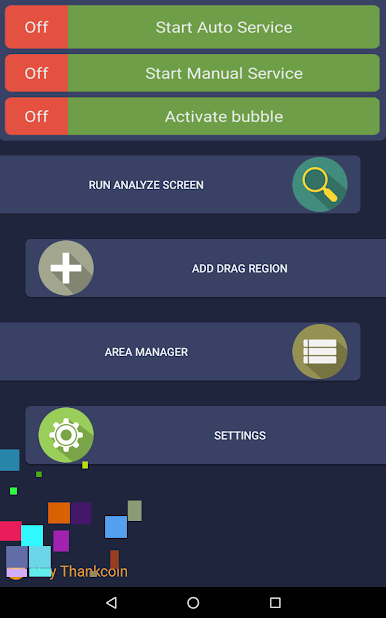
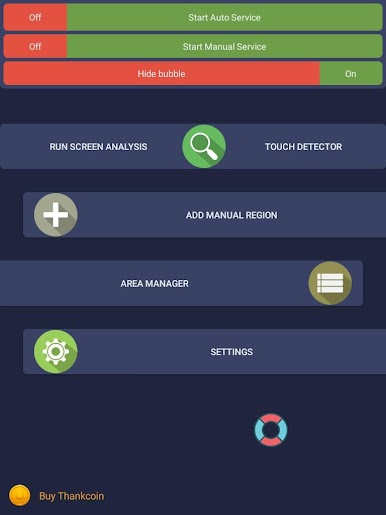
- Auto Zone Scan: Run a quick analysis that intercepts touch input for a moment to spot where clicks and presses randomly appear—hands off while it scans—and it’ll create no‑touch regions for you.
- Manual Regions: Prefer to do it yourself? Add a region by hand, move it, resize it, and place it exactly over the flaky spot on your touch screen.
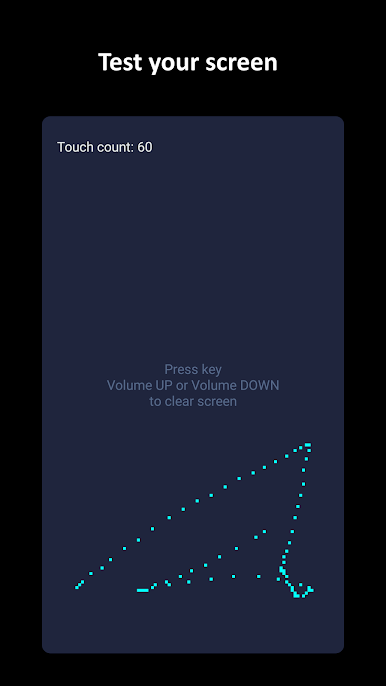
- Touch Detector: Visualize where ghost touch activity happens in real time to pinpoint areas that need blocking.
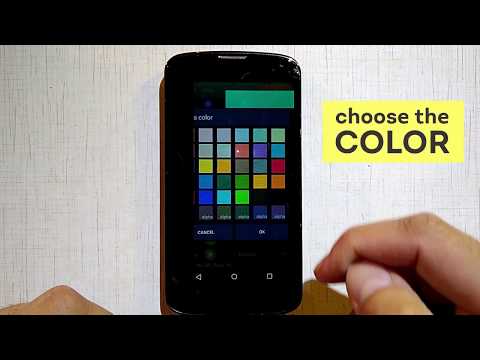
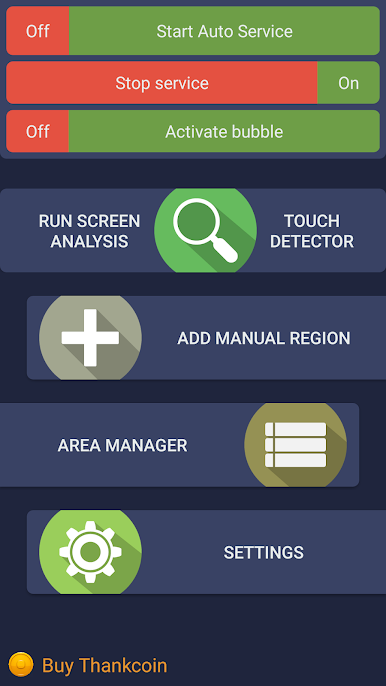
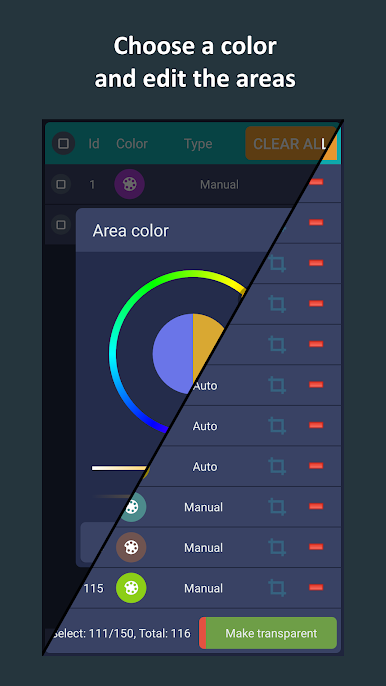
- Area Manager: Toggle areas on or off, change color, reposition, resize, or remove them whenever you like. Subscribers can also tweak transparency and manage more regions at once.
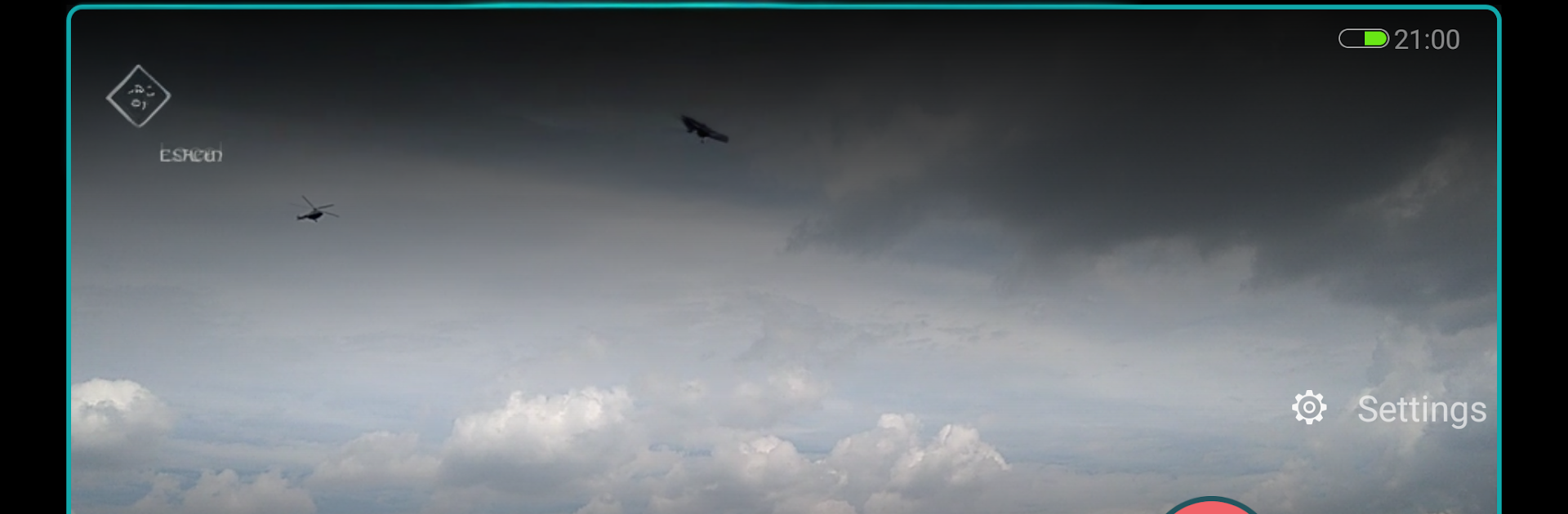
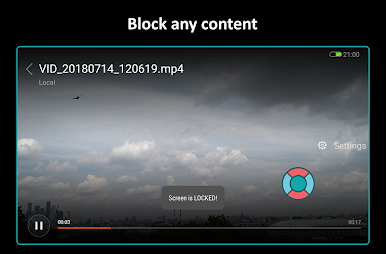
- Bubble Lock: Keep a tiny floating indicator on screen; double‑tap it to quickly block screen input everywhere, then unfreeze when you’re ready.
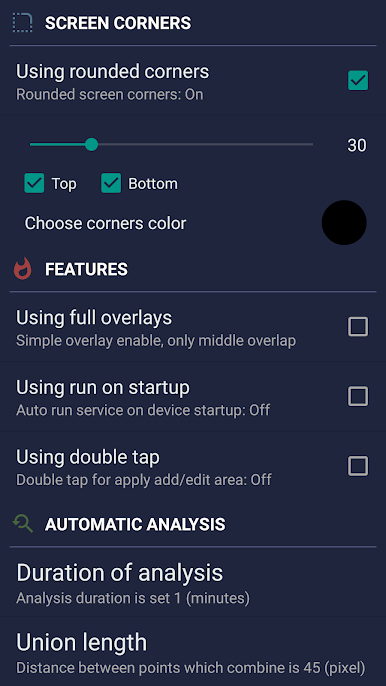
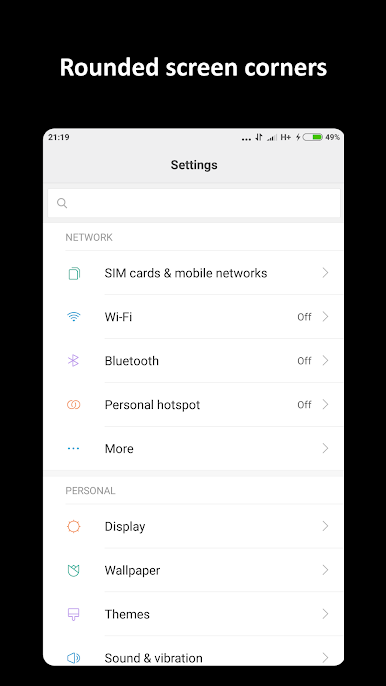
- Rounded Corners: Add clean, rounded edges with your chosen color and radius. Round corners sit on top of everything for a neat look.
- Reliable Overlay: Your no‑touch zones sit above apps and games, helping prevent accidental touches while you text, browse, or play.
- Startup & Preload: Optionally auto start the service and reload saved layouts so your “touch disabler” setup is always ready. Works great on mobile—and it’s easy to try on BlueStacks, too.
Big screen. Bigger performance. Use BlueStacks on your PC or Mac to run your favorite apps.
العب Partial Screen على جهاز الكمبيوتر. من السهل البدء.
-
قم بتنزيل BlueStacks وتثبيته على جهاز الكمبيوتر الخاص بك
-
أكمل تسجيل الدخول إلى Google للوصول إلى متجر Play ، أو قم بذلك لاحقًا
-
ابحث عن Partial Screen في شريط البحث أعلى الزاوية اليمنى
-
انقر لتثبيت Partial Screen من نتائج البحث
-
أكمل تسجيل الدخول إلى Google (إذا تخطيت الخطوة 2) لتثبيت Partial Screen
-
انقر على أيقونة Partial Screen على الشاشة الرئيسية لبدء اللعب

