

Swarachakra Bangla Keyboard
在電腦上使用BlueStacks –受到5億以上的遊戲玩家所信任的Android遊戲平台。

Run Swarachakra Bangla Keyboard on PC or Mac
Upgrade your experience. Try Swarachakra Bangla Keyboard, the fantastic Communication app from Swarachakra Team, IDC, IIT Bombay, from the comfort of your laptop, PC, or Mac, only on BlueStacks.
About the App
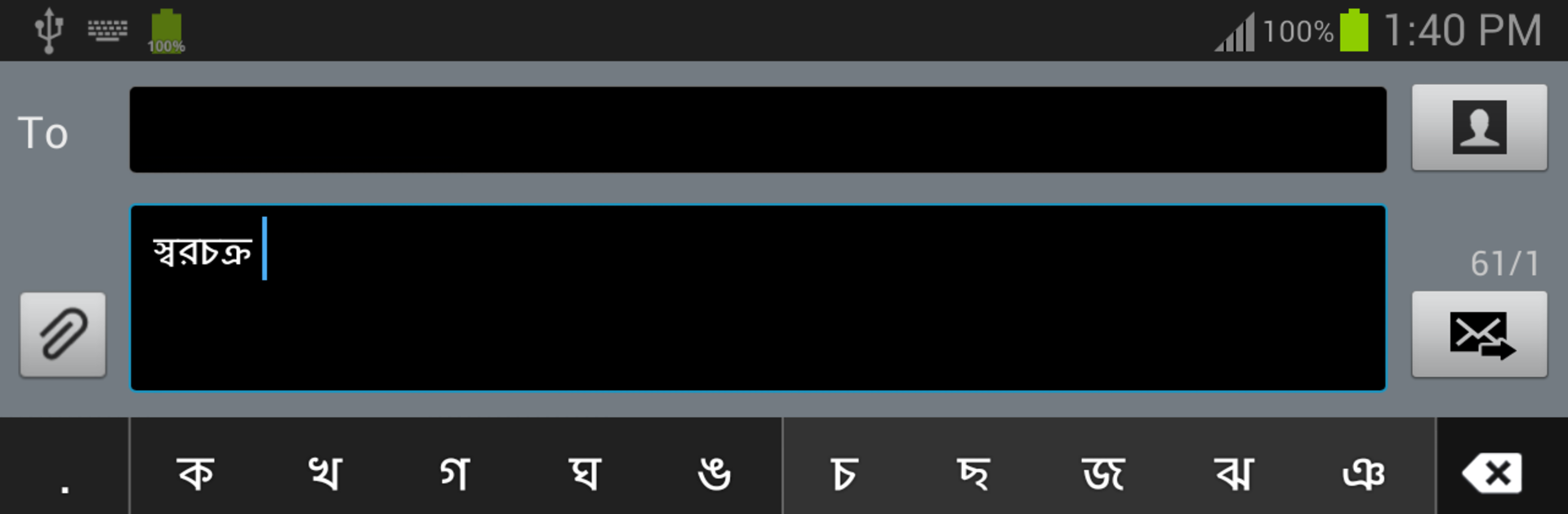
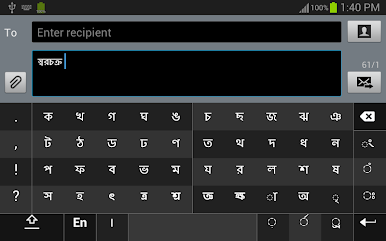
Swarachakra Bangla Keyboard makes typing in Bengali feel refreshingly simple and intuitive. Whether you’re messaging friends, drafting notes, or commenting online, this keyboard is designed to help you express yourself in Bangla, with all the richness and details the language deserves. It’s built by the Swarachakra Team, IDC, IIT Bombay, who really know their way around language technology—so expect a comfortable and seamless experience, whether on your phone or even while using BlueStacks.
App Features
-
Smart Layout for Bangla Script
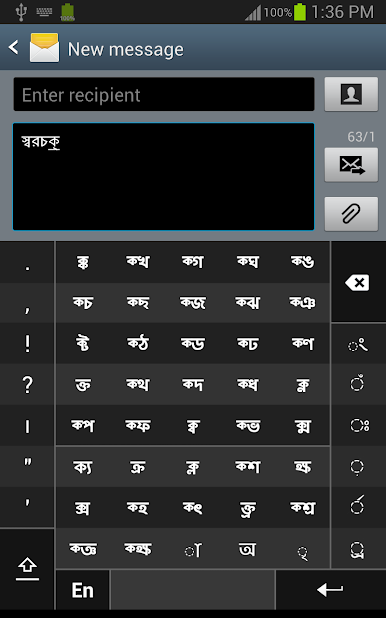
Consonants are organized by their logical and phonetic order, making it easy to find letters—no endless scrolling or searching. If you’re used to school textbooks, you’ll feel right at home with the grid. -
Quick Matra and Letter Combinations
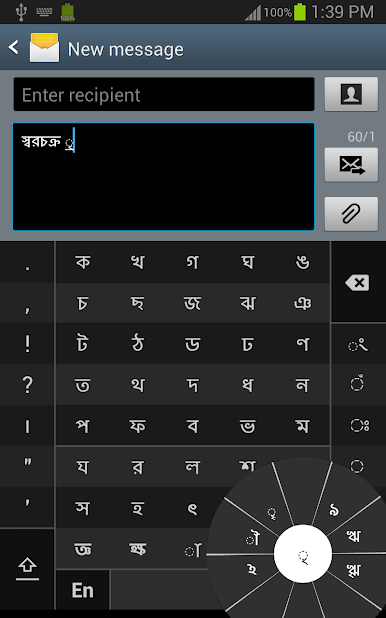
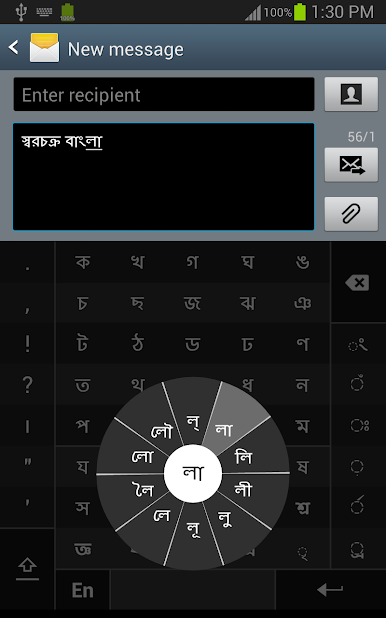
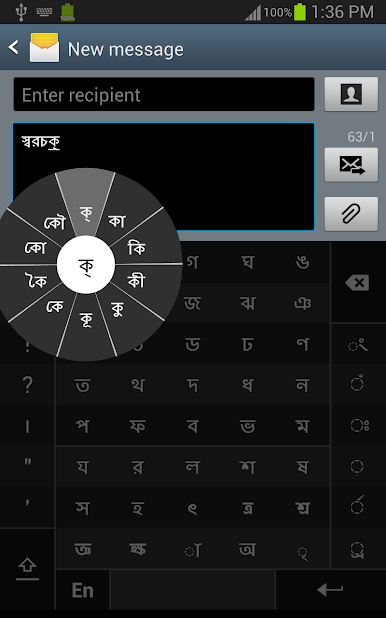
Need to type something like ধো? Simply tap a consonant, and a pop-up chakra shows you all the common matra combinations. Just slide your finger or stylus to select what you need—it’s fast and almost fun. -
Easy Conjunct Character Input
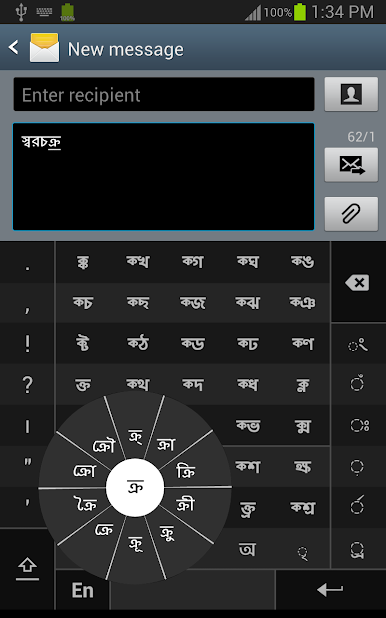
Typing tricky conjuncts like ক্রি or ষ্থ doesn’t have to be a headache. Start with the first part, pick the halant, and Swarachakra Bangla Keyboard will display all the possible combinations, ready for you to tap. Adding matras to these combos is just as smooth. -
Special Characters and Vowels at a Tap
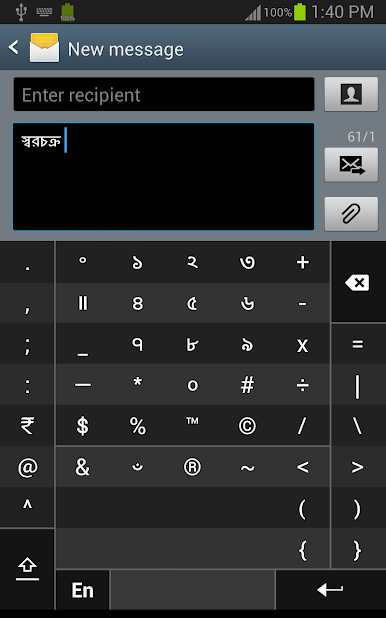
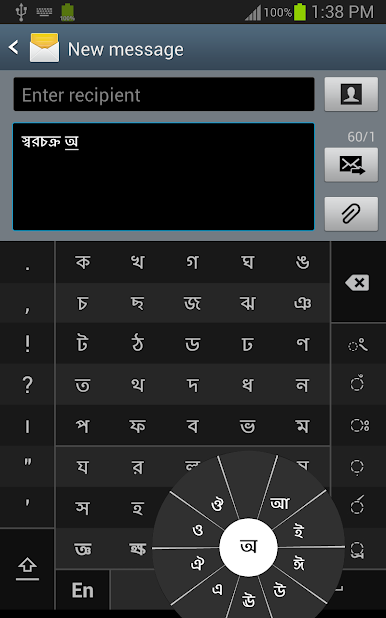
Full vowels get their own handy spot in a dedicated chakra. You’ll also find rare vowels, symbols, numerals, and less-used characters easily accessible—no deep menu dives needed. -
English Keyboard Switching
If you need to switch to English in the middle of your Bengali conversation, there’s a QWERTY option just a tap away. -
Tailored for Modern Devices
Works best on devices supporting modern Bangla Unicode fonts—just a heads up for anyone using older Androids. And, if you use BlueStacks, everything flows just as smoothly as on your phone. -
Customization via Android Settings
Enabling the keyboard is straightforward: just toggle it on from your device’s Language & Input settings, choose it as your default, and you’re set to type in Bangla across your apps.
BlueStacks gives you the much-needed freedom to experience your favorite apps on a bigger screen. Get it now.
在電腦上遊玩Swarachakra Bangla Keyboard . 輕易上手.
-
在您的電腦上下載並安裝BlueStacks
-
完成Google登入後即可訪問Play商店,或等你需要訪問Play商店十再登入
-
在右上角的搜索欄中尋找 Swarachakra Bangla Keyboard
-
點擊以從搜索結果中安裝 Swarachakra Bangla Keyboard
-
完成Google登入(如果您跳過了步驟2),以安裝 Swarachakra Bangla Keyboard
-
在首頁畫面中點擊 Swarachakra Bangla Keyboard 圖標來啟動遊戲

