


Illustration Theme for KLWP
맞춤 설정 | DSHDinh
5억명 이상의 게이머가 신뢰하는 안드로이드 게임 플랫폼 BlueStacks으로 PC에서 플레이하세요.

Play Illustration Theme for KLWP on PC
**** Klwp Pro and any standard android launcher are required.****
Please set the Transition Effect of Nova Launcher (if you are using Nova) to None. This will make the theme run smoother.
Please take look at the video below to see how themes work:
https://www.youtube.com/watch?v=yxEONs891_g
+ Supported different aspect ratios.
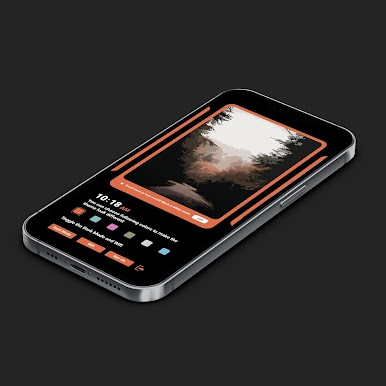
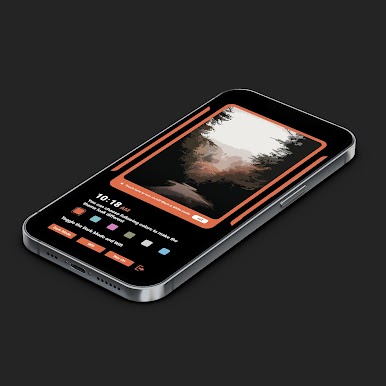
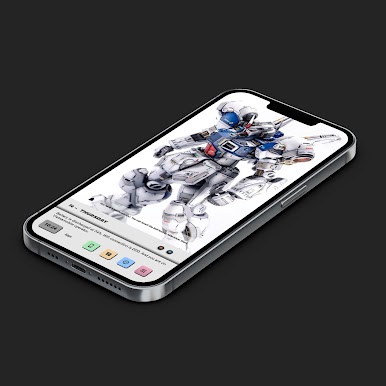
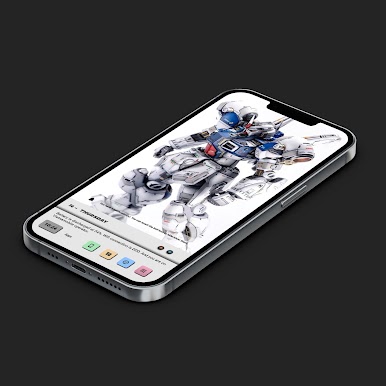
+ There are 2 themes.
+ Each theme is a 4 pages setup. Therefore, you need to set 4 pages for both your homescreen and klwp editor.
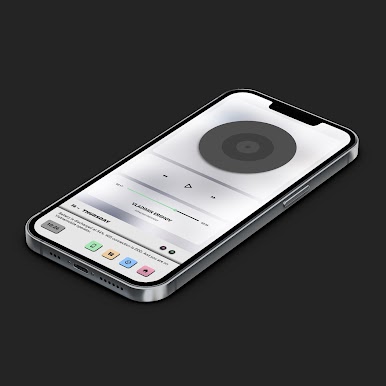
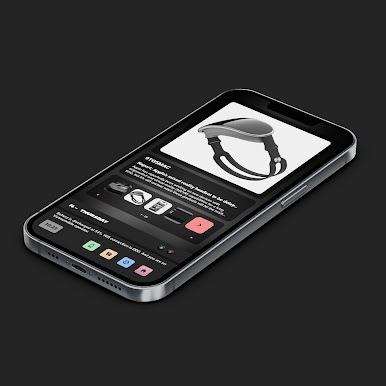
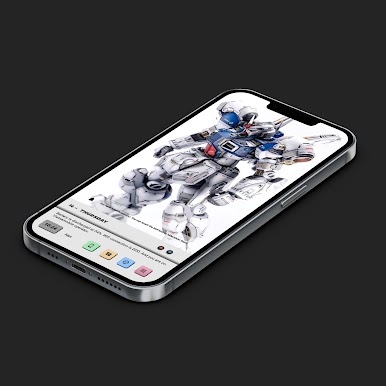
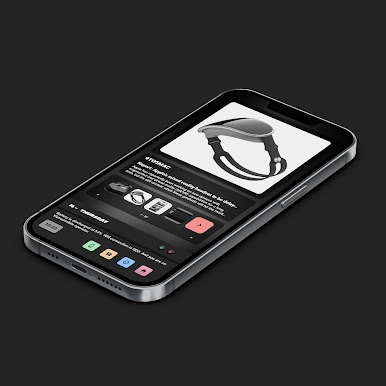
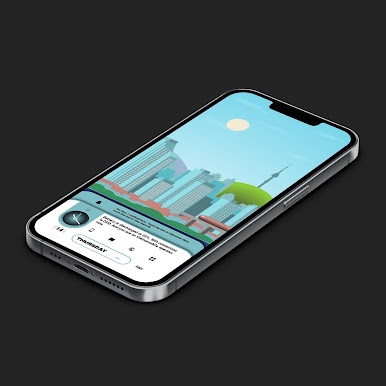
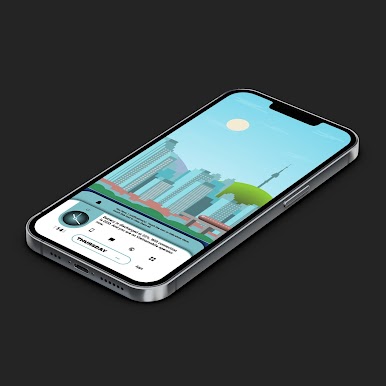
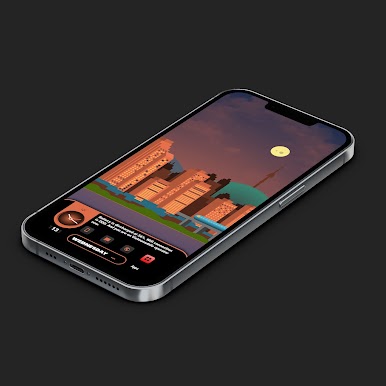
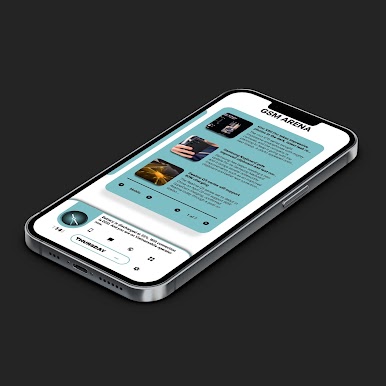
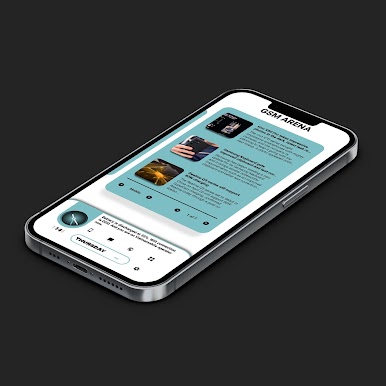
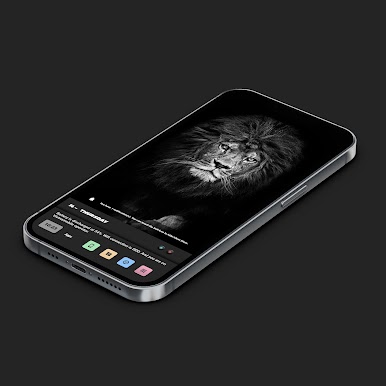
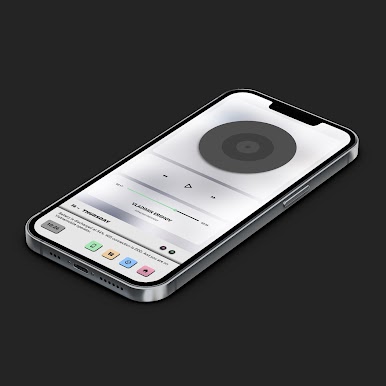
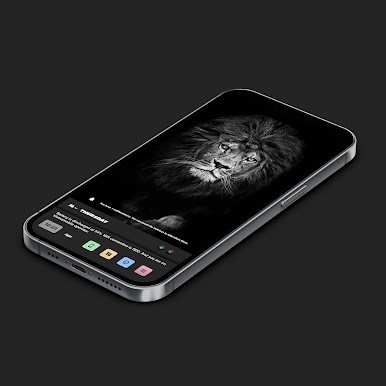
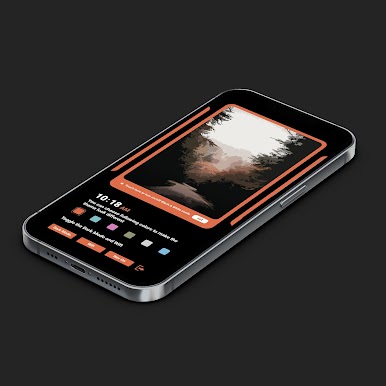
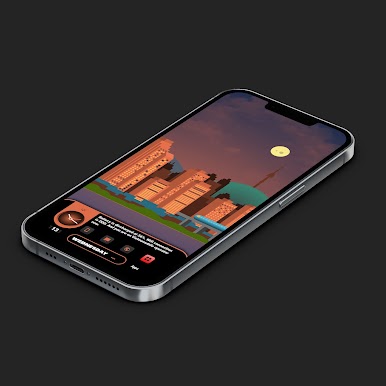
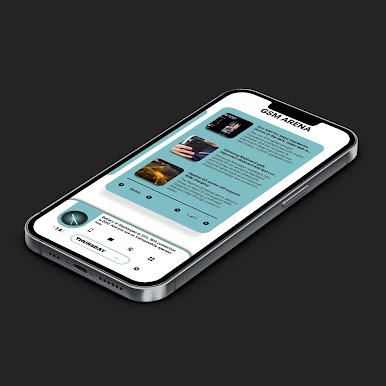
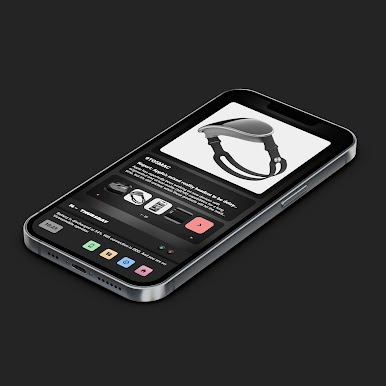
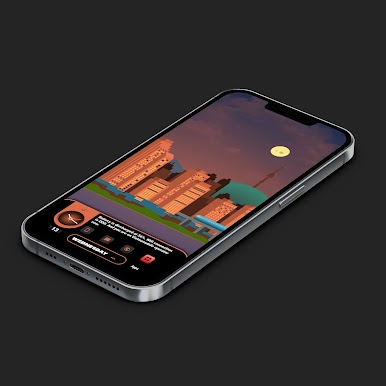
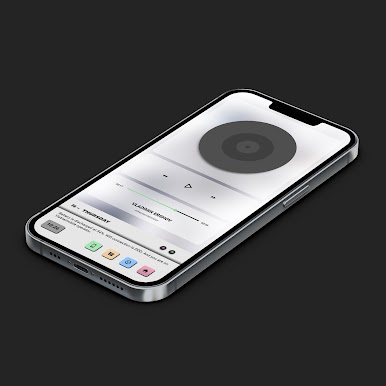
+ Each theme has: Homepage with animated weather in real time, Settings page with many options, Calendar page that is very functional, Music page, News page with different sources, Notifications center to manage your notifications easily.
+ Themes are built to let you customize easily
+ Please read more details about themes' Specifications in folders that are placed inside each theme.
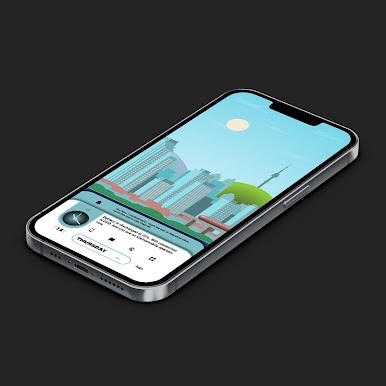
+ Illustrate the changing of time and weather in real time. Please watch the video to see how themes work.
If you want to check out how to config Nova settings, fix wallpaper not scrolling, replace default apps with your own apps, change rss sources...please take a look at the folder below:
https://drive.google.com/folderview?id=14Bh4q7ejEXeOnCg4FcDHDoQeEfCOdTXe
Notes:
1. This is not a standalone app. You need: Nova Launcher Prime, KLWP pro to run it.
2. In Nova Settings, you need to do:
A. Homescreen -> Dock -> Disable it
B. Homescreen -> Page Indicator -> None
C. Homescreen -> Advanced -> Show Shadow, off
D. App Drawer -> Swipe Indicator -> off
E. Look and Feel -> Show Notification Bar -> off
E. Look and Feel -> Hide Navigation Bar -> checked (Themes now are supported with navigation setting. You can turn it on or off in theme settings).
Please make sure that this theme is installed on your phone to display widgets fully.
Credits to authors of Wallpapers:
+ @ngw9t: Simba, Bridge and Sea
+ @vhthinh_at: Rocks, Material shapes, Jungles
Credits to authors of Templates:
+ http://istore.graphics
+ Kreativa
And special thanks to Brandon Craft for the Calendar component.
If you have any troubles in using the theme, please email me at dshdinh.klwpthemes@gmail.com
Thank you very much!
Please set the Transition Effect of Nova Launcher (if you are using Nova) to None. This will make the theme run smoother.
Please take look at the video below to see how themes work:
https://www.youtube.com/watch?v=yxEONs891_g
+ Supported different aspect ratios.
+ There are 2 themes.
+ Each theme is a 4 pages setup. Therefore, you need to set 4 pages for both your homescreen and klwp editor.
+ Each theme has: Homepage with animated weather in real time, Settings page with many options, Calendar page that is very functional, Music page, News page with different sources, Notifications center to manage your notifications easily.
+ Themes are built to let you customize easily
+ Please read more details about themes' Specifications in folders that are placed inside each theme.
+ Illustrate the changing of time and weather in real time. Please watch the video to see how themes work.
If you want to check out how to config Nova settings, fix wallpaper not scrolling, replace default apps with your own apps, change rss sources...please take a look at the folder below:
https://drive.google.com/folderview?id=14Bh4q7ejEXeOnCg4FcDHDoQeEfCOdTXe
Notes:
1. This is not a standalone app. You need: Nova Launcher Prime, KLWP pro to run it.
2. In Nova Settings, you need to do:
A. Homescreen -> Dock -> Disable it
B. Homescreen -> Page Indicator -> None
C. Homescreen -> Advanced -> Show Shadow, off
D. App Drawer -> Swipe Indicator -> off
E. Look and Feel -> Show Notification Bar -> off
E. Look and Feel -> Hide Navigation Bar -> checked (Themes now are supported with navigation setting. You can turn it on or off in theme settings).
Please make sure that this theme is installed on your phone to display widgets fully.
Credits to authors of Wallpapers:
+ @ngw9t: Simba, Bridge and Sea
+ @vhthinh_at: Rocks, Material shapes, Jungles
Credits to authors of Templates:
+ http://istore.graphics
+ Kreativa
And special thanks to Brandon Craft for the Calendar component.
If you have any troubles in using the theme, please email me at dshdinh.klwpthemes@gmail.com
Thank you very much!

PC에서 Illustration Theme for KLWP 플레이해보세요.
-
BlueStacks 다운로드하고 설치
-
Google Play 스토어에 로그인 하기(나중에 진행가능)
-
오른쪽 상단 코너에 Illustration Theme for KLWP 검색
-
검색 결과 중 Illustration Theme for KLWP 선택하여 설치
-
구글 로그인 진행(만약 2단계를 지나갔을 경우) 후 Illustration Theme for KLWP 설치
-
메인 홈화면에서 Illustration Theme for KLWP 선택하여 실행

