

Configurações App Pro
Jogue no PC com BlueStacks - A Plataforma de Jogos Android, confiada por mais de 500 milhões de jogadores.

Página modificada em: Oct 25, 2025
Run Settings App Pro - AutoSetting on PC or Mac
Upgrade your experience. Try Settings App Pro – AutoSetting, the fantastic Tools app from KF Software House, from the comfort of your laptop, PC, or Mac, only on BlueStacks.
About the App
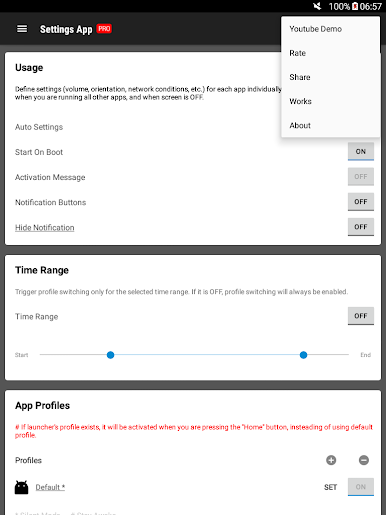
Settings App Pro – AutoSetting is for people who want their phone to “just know” what settings they like for each app. This Tools app from KF Software House lets you set up custom behavior—like brightness or rotation—for your favorite apps and applies it automatically when you open them. No more constant toggling or digging through menus.
App Features
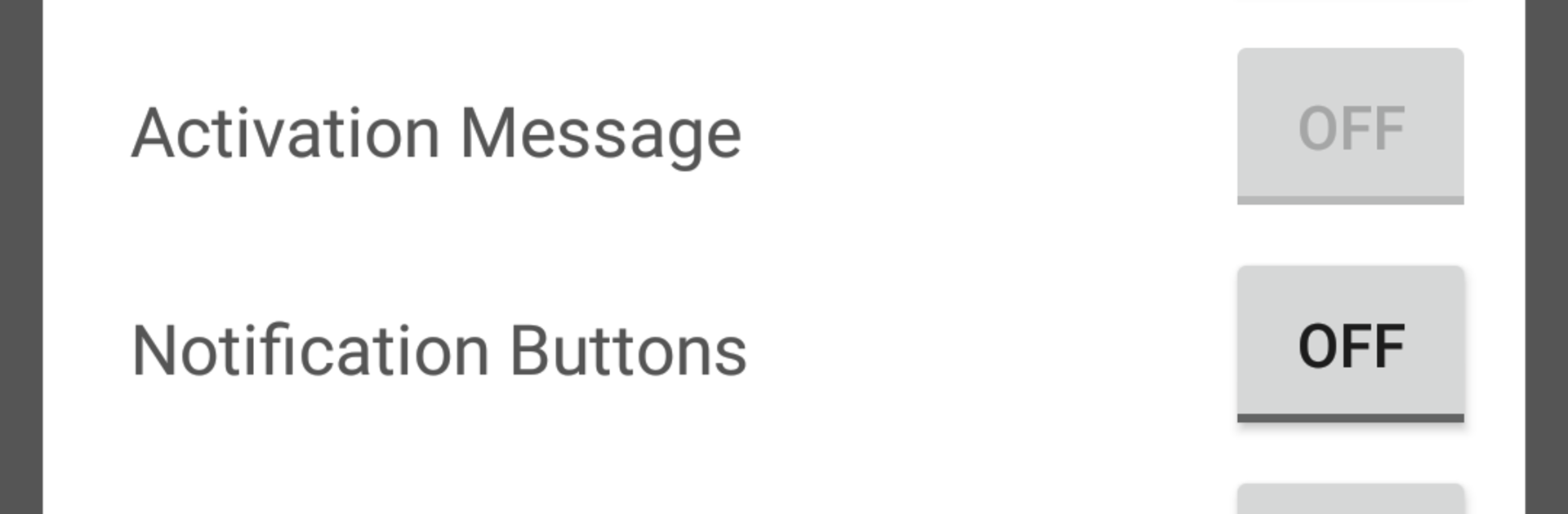
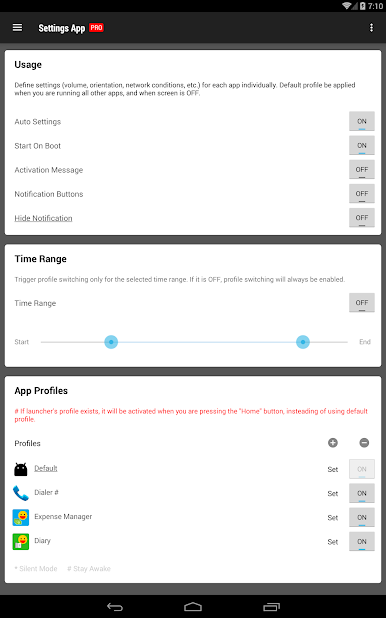
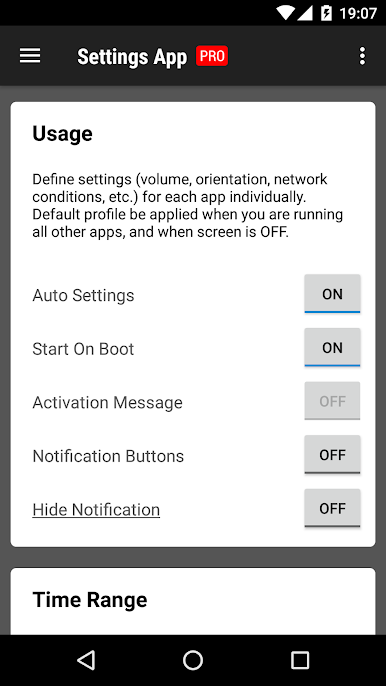
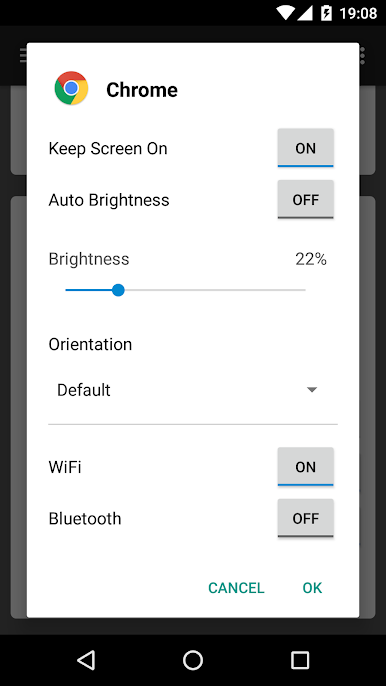
- Per‑app profiles: Create a unique profile for each app you use. Open the app, and its profile kicks in right away so everything feels just the way you like it.
- Auto-apply on launch: Profiles are applied only when the target app starts, then you can keep using your phone normally. It won’t fight your manual changes.
- Default profile for everything else: Set a baseline profile that covers all other apps and kicks in when your screen is off, so your device stays consistent.
- Volume and sound control: Set custom volume levels per app—turn it down for reading apps, turn it up for games or videos.
- Screen brightness and awake: Fine‑tune brightness and choose whether the screen should stay on for specific apps—handy for long reads or navigation.
- Orientation lock: Decide which apps should stay in portrait or landscape, or let them rotate freely.
- Network and Bluetooth: Adjust network-related settings and Bluetooth behavior per app to match what you actually need.
- Built to avoid clashes: It works best on its own—using multiple profile or automation tools at the same time can cause conflicts.
- Works nicely on PC with BlueStacks: If you run Android apps on your computer with BlueStacks, per‑app profiles still help keep things predictable.
Switch to BlueStacks and make the most of your apps on your PC or Mac.
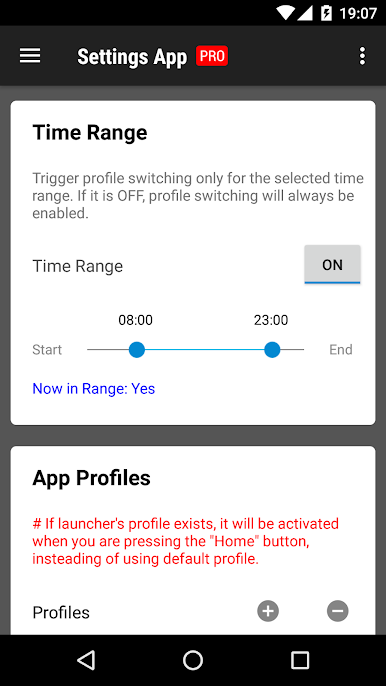
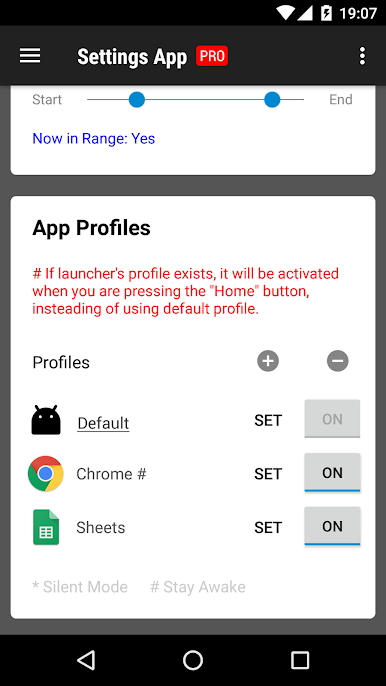
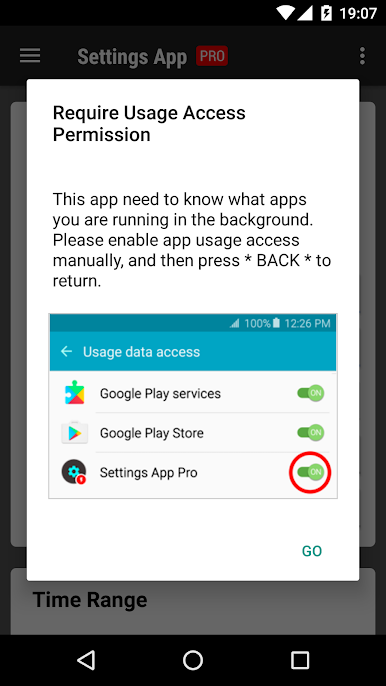
Jogue Configurações App Pro no PC. É fácil começar.
-
Baixe e instale o BlueStacks no seu PC
-
Conclua o login do Google para acessar a Play Store ou faça isso mais tarde
-
Procure por Configurações App Pro na barra de pesquisa no canto superior direito
-
Clique para instalar Configurações App Pro a partir dos resultados da pesquisa
-
Conclua o login do Google (caso você pulou a etapa 2) para instalar o Configurações App Pro
-
Clique no ícone do Configurações App Pro na tela inicial para começar a jogar

