


迷你狀態欄 Pro
工具 | KF Software House
在電腦上使用BlueStacks –受到5億以上的遊戲玩家所信任的Android遊戲平台。

暢玩 迷你狀態欄 Pro 電腦版
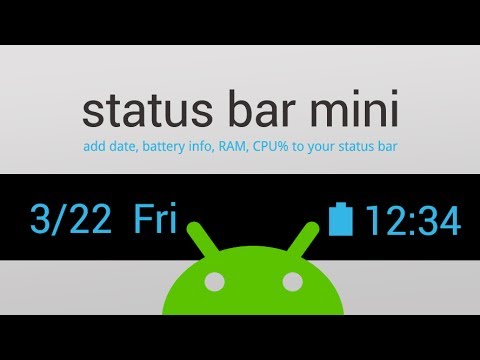
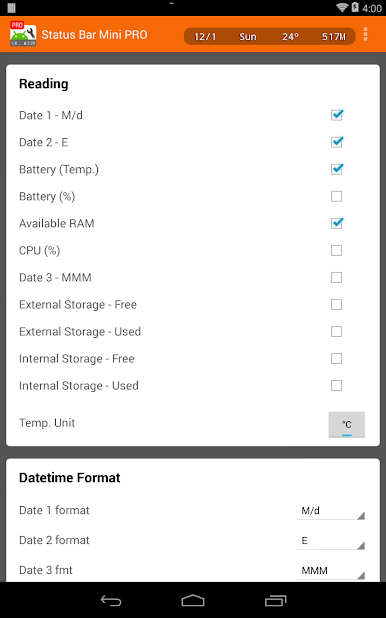
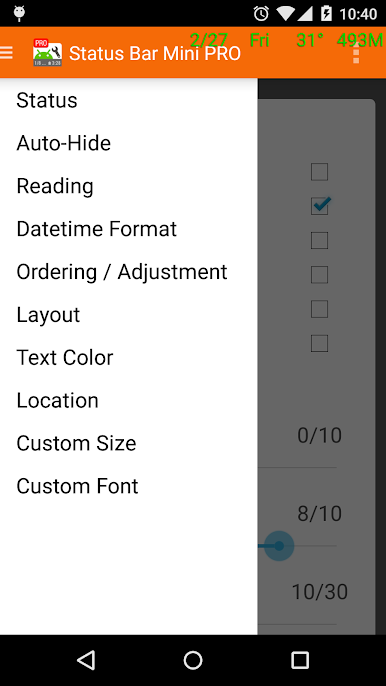
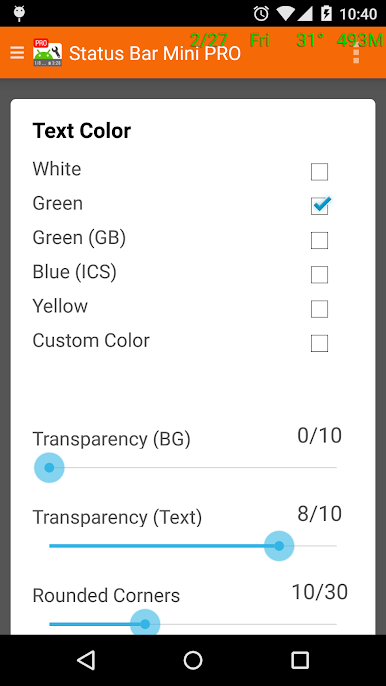
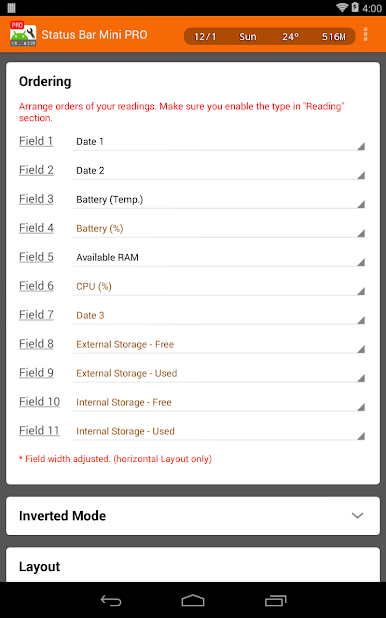
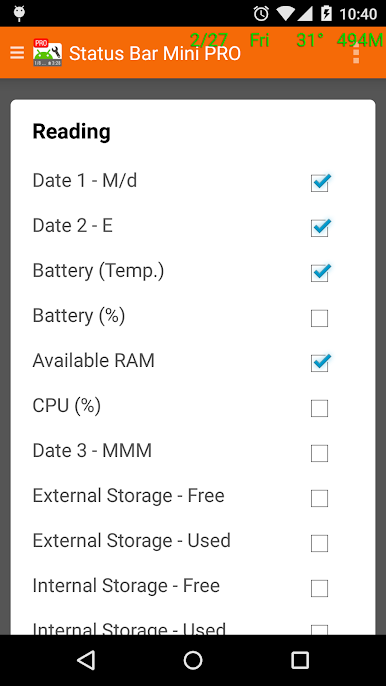
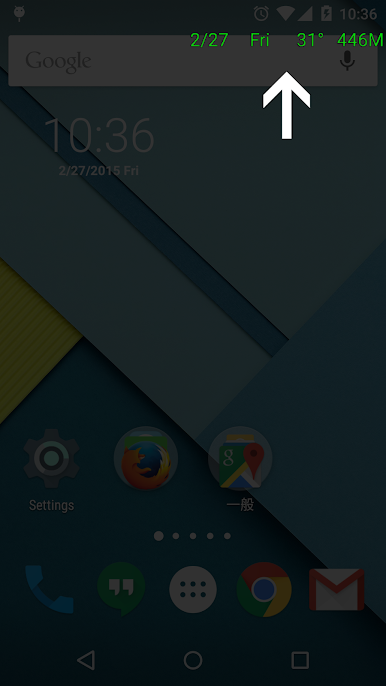
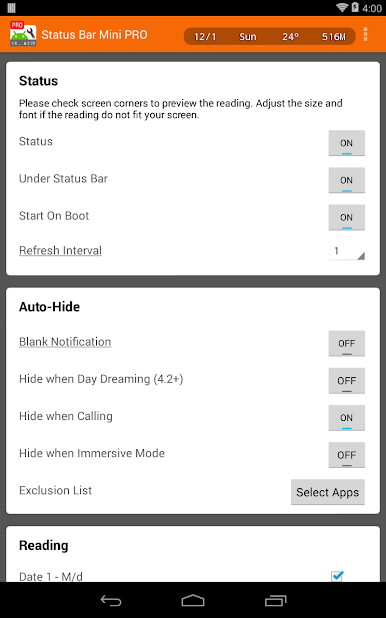
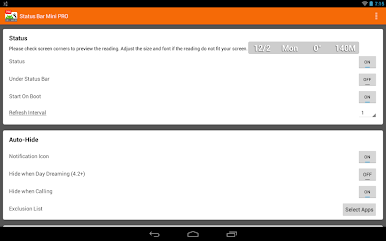
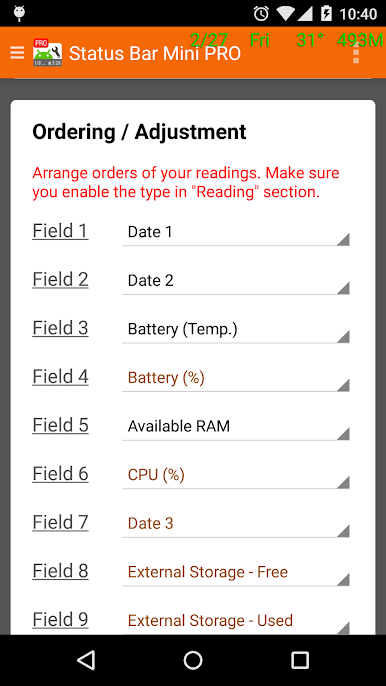
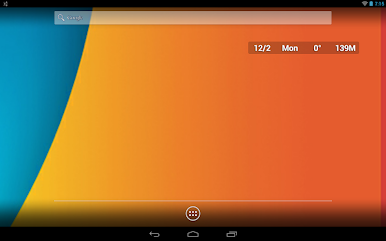
可添加常駐屏幕資訊,不同的格式日期、農曆、電池用量、溫度、可用內存和CPU負載,使您可以隨時快速得知最新資訊。您還可以更改字體大小、顏色、順序、位置、透明度和布局。
★ Permissions ★
* Disk: Import and export the configuration files (Menu > Export / Import)
* Apps running in Background (App usage access - for android 6+):
a) system overlay compatibility: system didn't allow overlay on top of system overlays (e.g. system permission dialog), there will be "screen overlay detected" warning. If you give this access, monitor automatically turn off itself and prevent such situation.
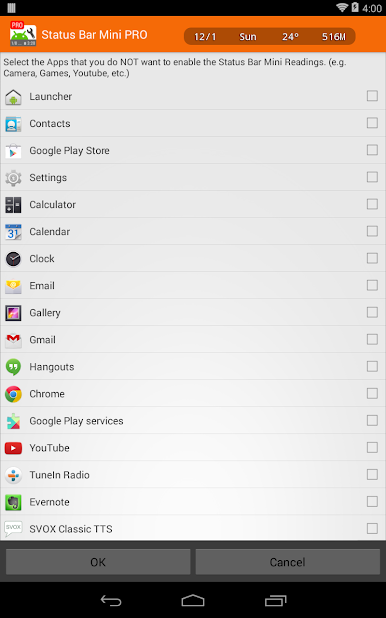
b)exclusion list function: it also require this permission, so that it know what is running in the background, and then hide the montior automatically for certain apps. The list is defined by users in Auto-hide section.
★ Permissions ★
* Disk: Import and export the configuration files (Menu > Export / Import)
* Apps running in Background (App usage access - for android 6+):
a) system overlay compatibility: system didn't allow overlay on top of system overlays (e.g. system permission dialog), there will be "screen overlay detected" warning. If you give this access, monitor automatically turn off itself and prevent such situation.
b)exclusion list function: it also require this permission, so that it know what is running in the background, and then hide the montior automatically for certain apps. The list is defined by users in Auto-hide section.
在電腦上遊玩迷你狀態欄 Pro . 輕易上手.
-
在您的電腦上下載並安裝BlueStacks
-
完成Google登入後即可訪問Play商店,或等你需要訪問Play商店十再登入
-
在右上角的搜索欄中尋找 迷你狀態欄 Pro
-
點擊以從搜索結果中安裝 迷你狀態欄 Pro
-
完成Google登入(如果您跳過了步驟2),以安裝 迷你狀態欄 Pro
-
在首頁畫面中點擊 迷你狀態欄 Pro 圖標來啟動遊戲

