


Teste velocidade da Internet
Jogue no PC com BlueStacks - A Plataforma de Jogos Android, confiada por mais de 500 milhões de jogadores.

Página modificada em: Jan 17, 2025
Run Internet Speed Test Original on PC or Mac
What’s better than using Internet Speed Test Original by Appenvision Ltd? Well, try it on a big screen, on your PC or Mac, with BlueStacks to see the difference.
About the App
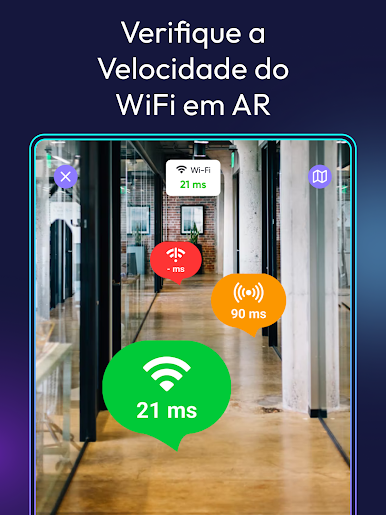
Ever find yourself questioning the speed of your internet connection? Internet Speed Test Original by Appenvision Ltd is your trusty sidekick for fast and reliable internet speed monitoring. From checking upload and download rates to assessing network stability, expect precise results right at your fingertips. Plus, enjoy the colorful interface themes that bring a splash of fun to your internet checks!
App Features
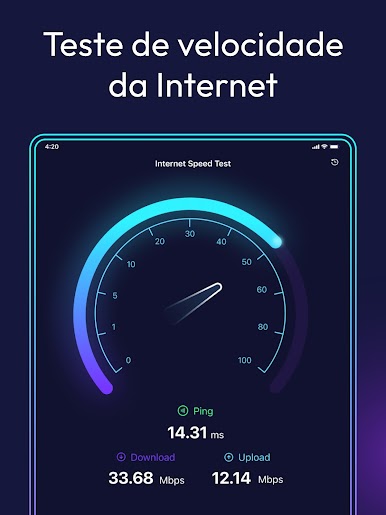
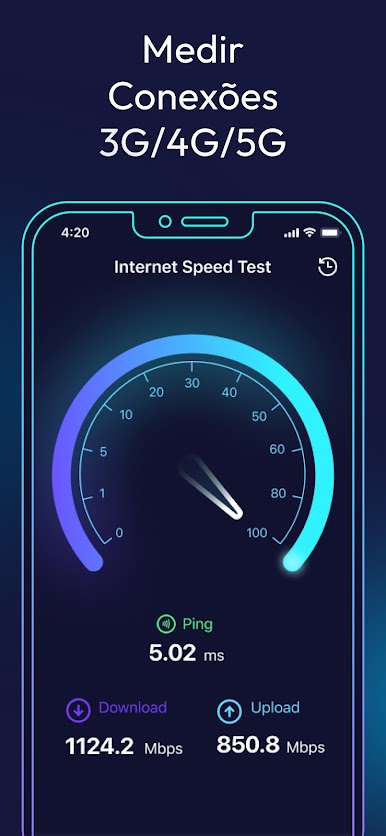
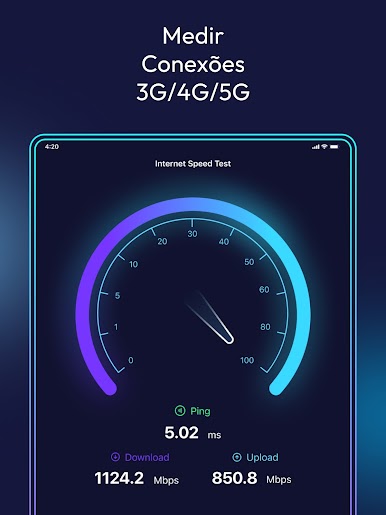
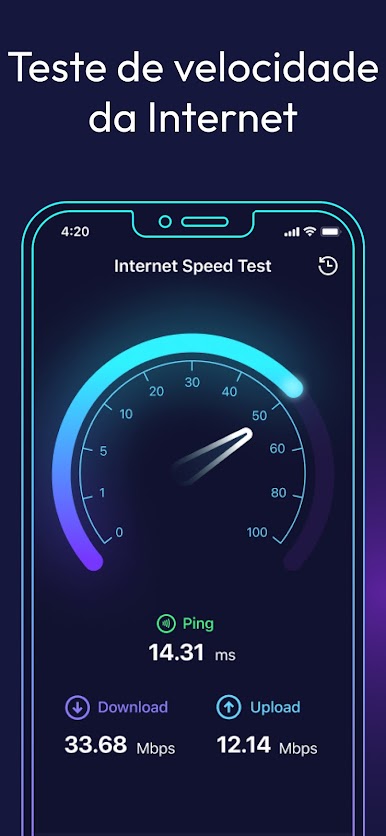
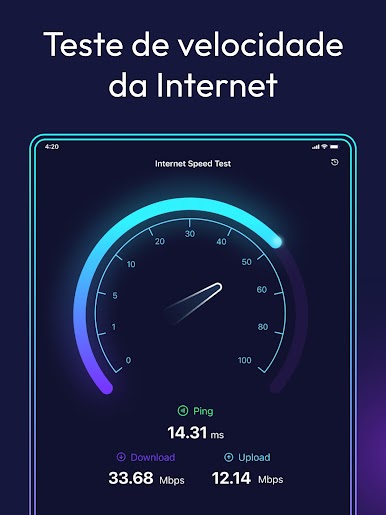
📥 Quick and accurate internet speed test
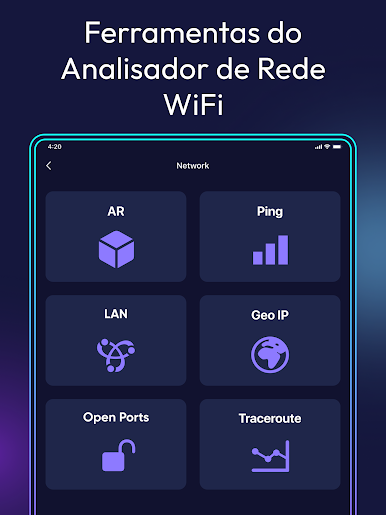
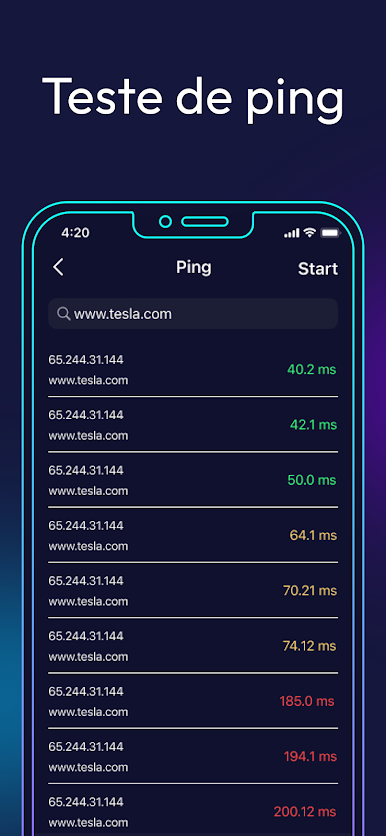
Conduct manual or scheduled internet checks and see real-time performance with the handy network analyzer.
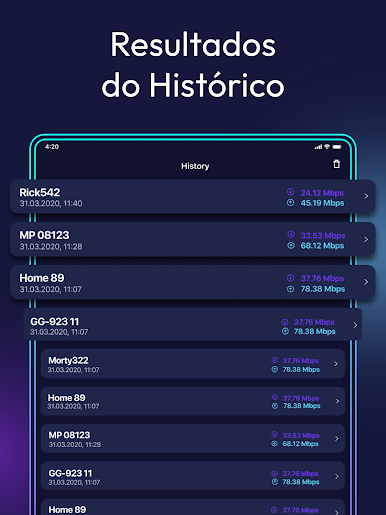
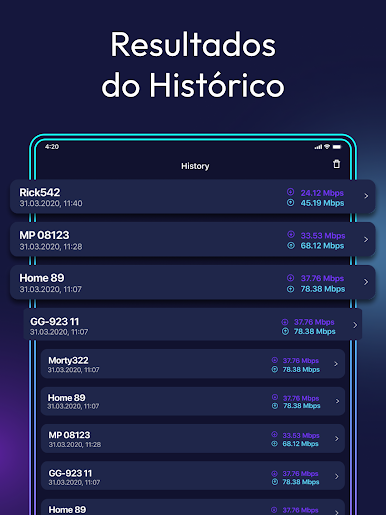
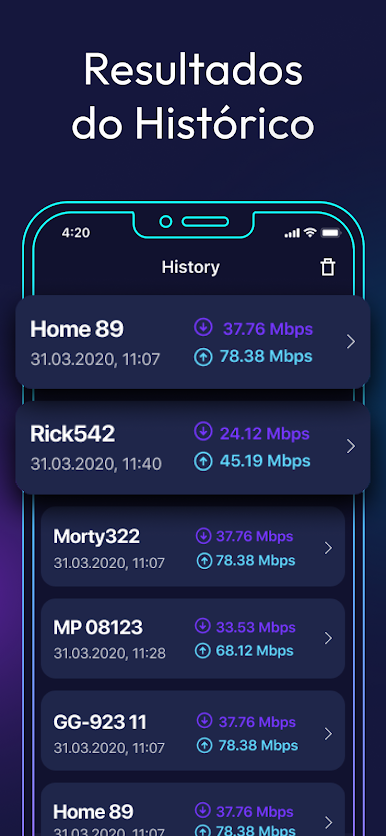
📊 History of changes
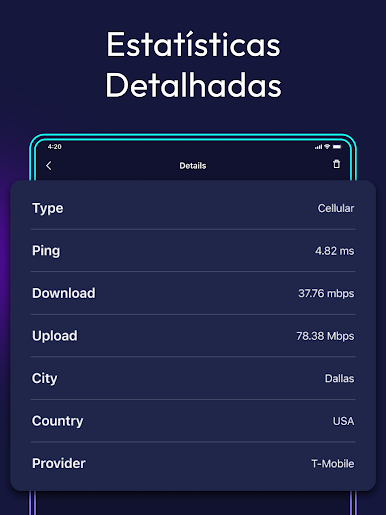
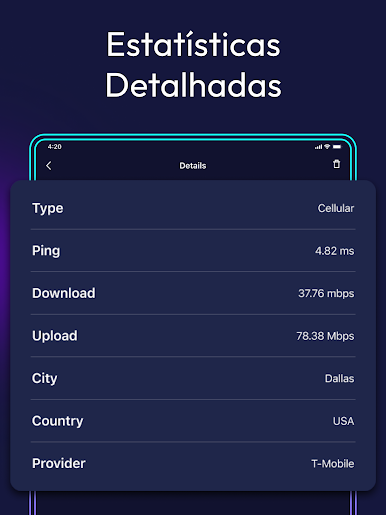
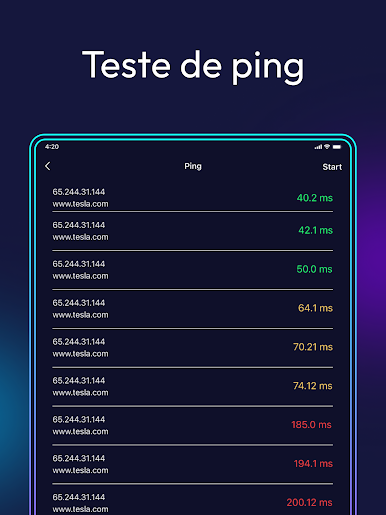
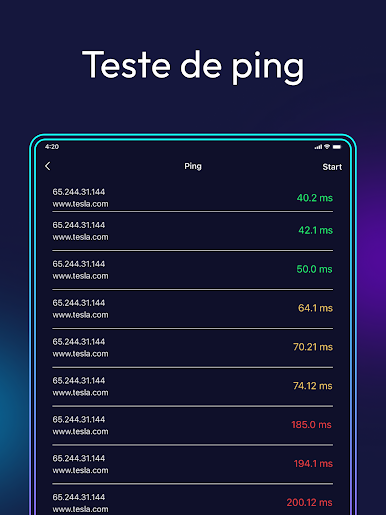
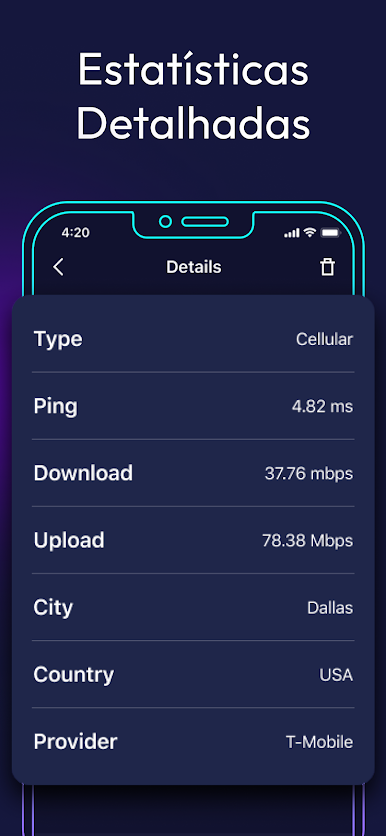
Track the reliability of your connection with a detailed history of speed tests, response times, and signal strength—all displayed for your convenience.
🌐 Data usage monitor
Got a sluggish connection despite strong Wi-Fi? Monitor data usage and identify apps hogging your bandwidth.
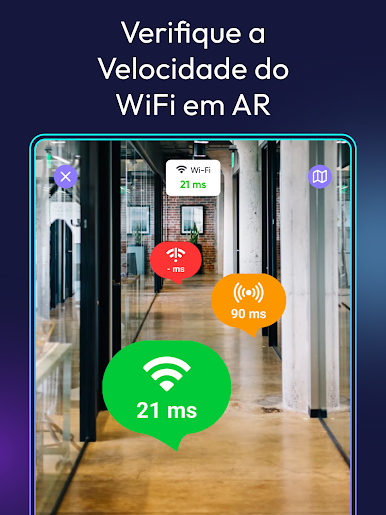
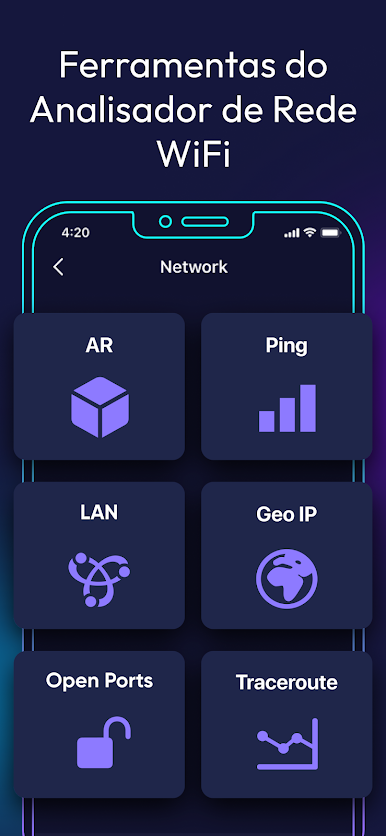
🎈 Wifi analyzer simplicity and functionality
Experience professional-level insights with simple, user-friendly operation.
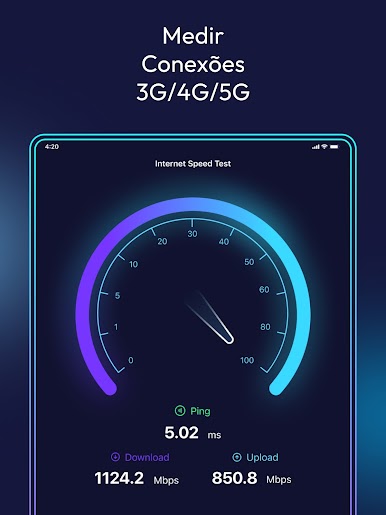
🏆 Internet speed meter for all network types
Verify your ISP’s promises by measuring speeds across mobile and home networks like Wi-Fi, 4G, LTE, etc.
🎨 Signal finder customization with colorful interface themes
Choose from four lively theme colors to personalize your Wi-Fi speed test experience.
📢 Share speed test info with friends
Spot a great signal? Share your findings with friends on social media effortlessly through the app.
Check our Privacy Policy and Terms for more details.
Ready to experience Internet Speed Test Original on a bigger screen, in all its glory? Download BlueStacks now.
Jogue Teste velocidade da Internet no PC. É fácil começar.
-
Baixe e instale o BlueStacks no seu PC
-
Conclua o login do Google para acessar a Play Store ou faça isso mais tarde
-
Procure por Teste velocidade da Internet na barra de pesquisa no canto superior direito
-
Clique para instalar Teste velocidade da Internet a partir dos resultados da pesquisa
-
Conclua o login do Google (caso você pulou a etapa 2) para instalar o Teste velocidade da Internet
-
Clique no ícone do Teste velocidade da Internet na tela inicial para começar a jogar

