

InBlock
在電腦上使用BlueStacks –受到5億以上的遊戲玩家所信任的Android遊戲平台。

Play InBlock Puzzle on PC or Mac
Join millions to experience InBlock Puzzle, an exciting Puzzle game from AleksDev. With BlueStacks App Player, you are always a step ahead of your opponent, ready to outplay them with faster gameplay and better control with the mouse and keyboard on your PC or Mac.
About the Game
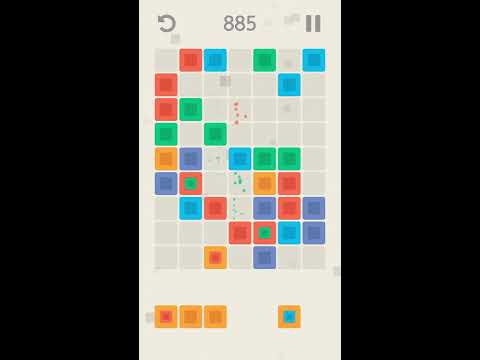
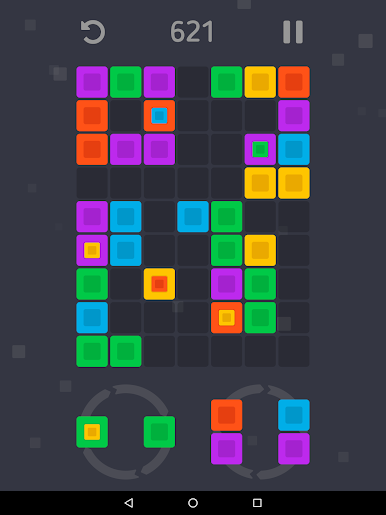
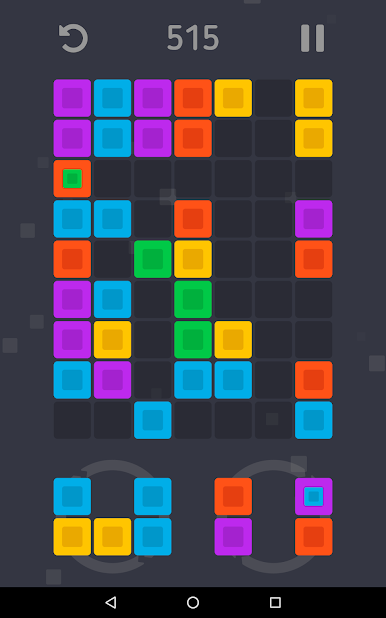
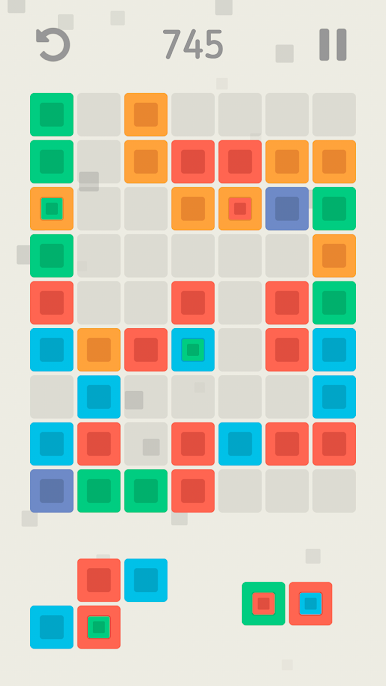
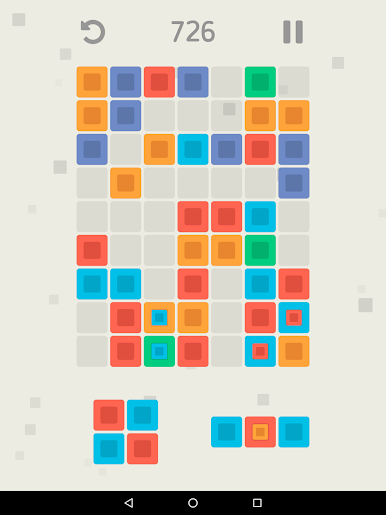
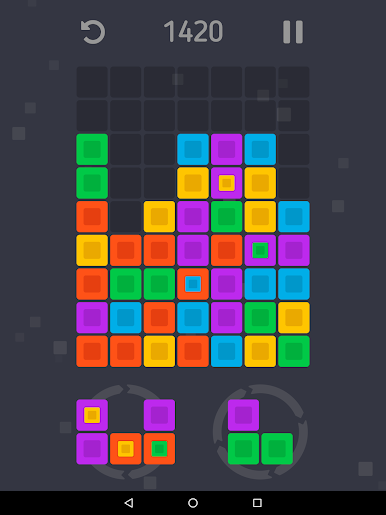
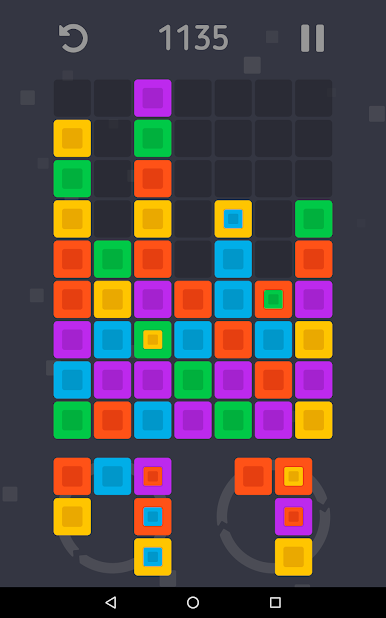
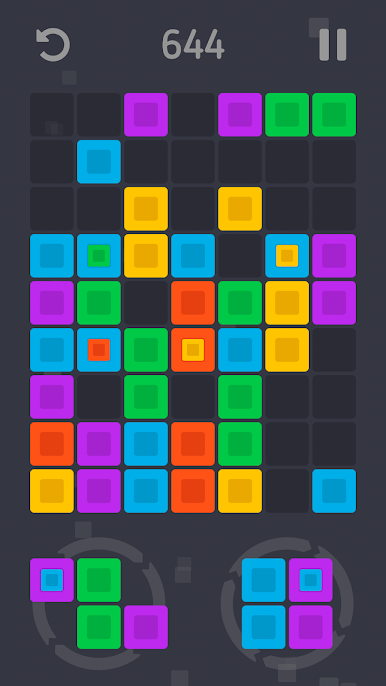
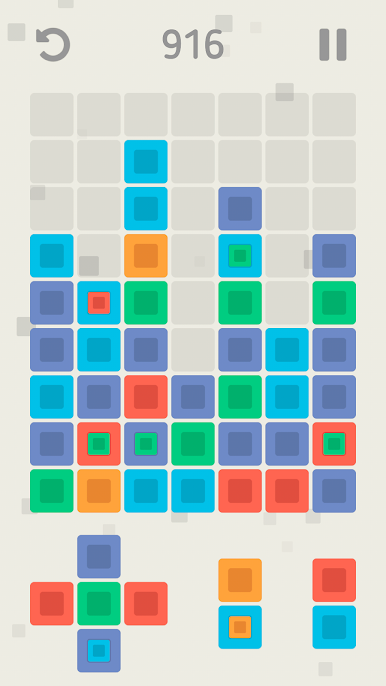
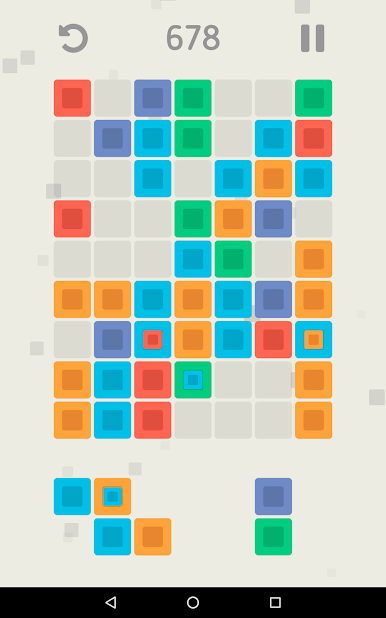
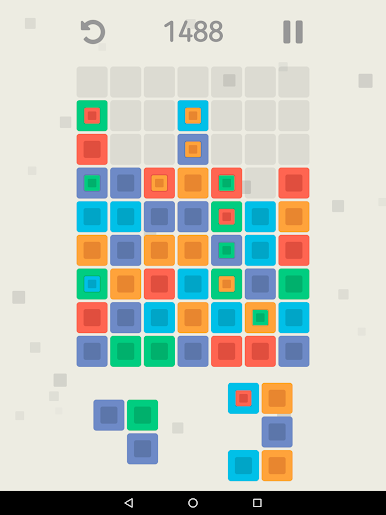
InBlock Puzzle from AleksDev puts your puzzle-solving skills to the test in a colorful game board filled with shifting shapes. The concept’s simple: place brightly colored block shapes onto the grid, matching three or more of the same color to clear some space and rack up points. But don’t get too comfortable—the deeper you go, the trickier those patterns get, thanks to mixed colors hidden inside certain blocks. Whether you’ve got a minute or want to really lose track of time, InBlock Puzzle keeps you coming back for just-one-more-move.
Game Features
-
Shape-Shifting Challenge
Move, fit, and drop color block shapes onto the board, but watch for surprises as blocks start to bring new colors into the mix. -
Four Game Modes
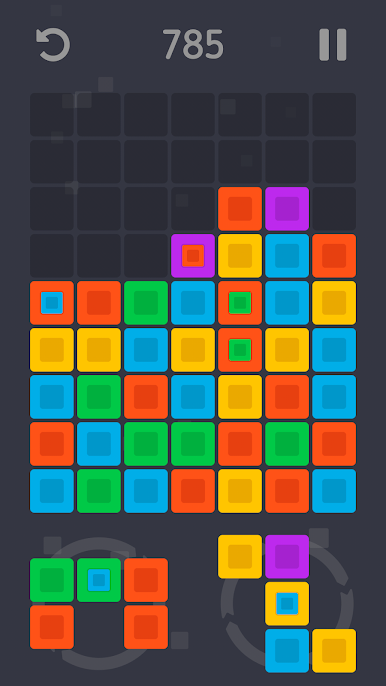
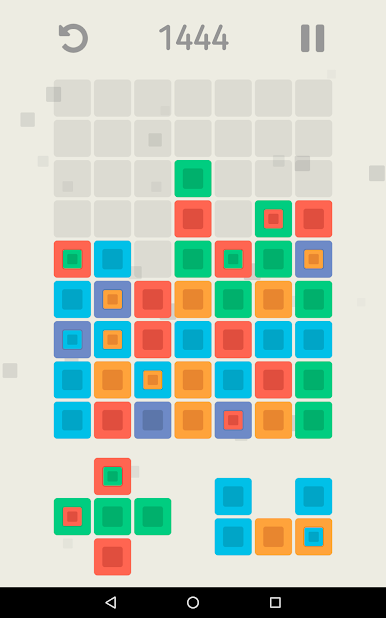
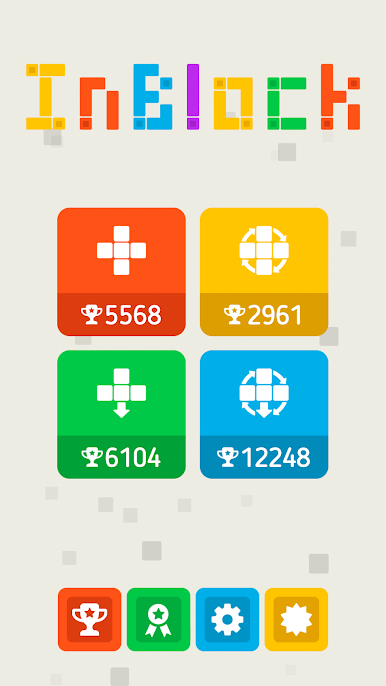
Mix things up with four different ways to play: Classic if you like things simple, or Classic Roto if you dig a little rotation. Prefer a twist? Gravity mode makes blocks fall, and Gravity Roto lets you spin shapes before they drop. -
Undo at Any Time
Placed a block and instantly regretted it? No stress—just hit the undo button and try a different approach. -
Save and Resume
Your progress is saved every time you step away, so you can pick up right where you left off, even on BlueStacks. -
Score Chasing Fun
The more blocks you clear in one move, the bigger your bonus. A steady hand and careful planning mean you’ll watch your score climb.
Make your gaming sessions memorable with precise controls that give you an edge in close combats and visuals that pop up, bringing every character to life.
在電腦上遊玩InBlock . 輕易上手.
-
在您的電腦上下載並安裝BlueStacks
-
完成Google登入後即可訪問Play商店,或等你需要訪問Play商店十再登入
-
在右上角的搜索欄中尋找 InBlock
-
點擊以從搜索結果中安裝 InBlock
-
完成Google登入(如果您跳過了步驟2),以安裝 InBlock
-
在首頁畫面中點擊 InBlock 圖標來啟動遊戲

