


Forj Connect
Jogue no PC com BlueStacks - A Plataforma de Jogos Android, confiada por mais de 500 milhões de jogadores.

Página modificada em: Jun 11, 2025
Play Forj Connect on PC
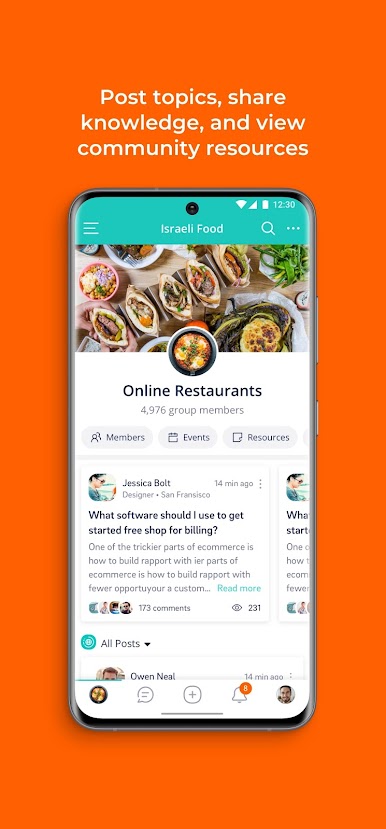
Mobilize allows members to participate through web, mobile app, or entirely through email. And that engagement drives purpose and belonging, which drives results.
Features:
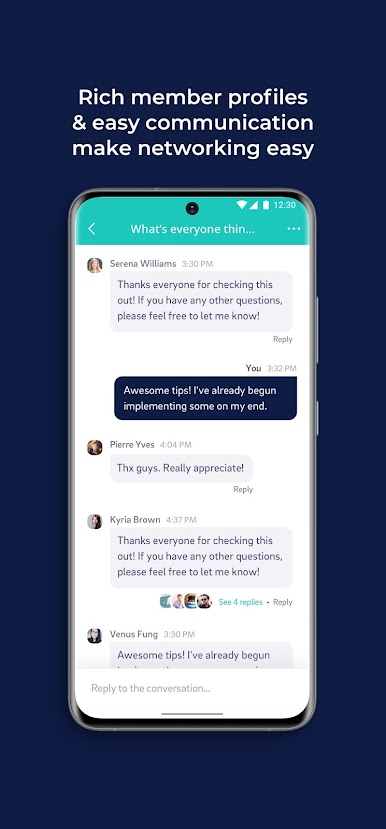
-Communicate via the app, text or email – no login required
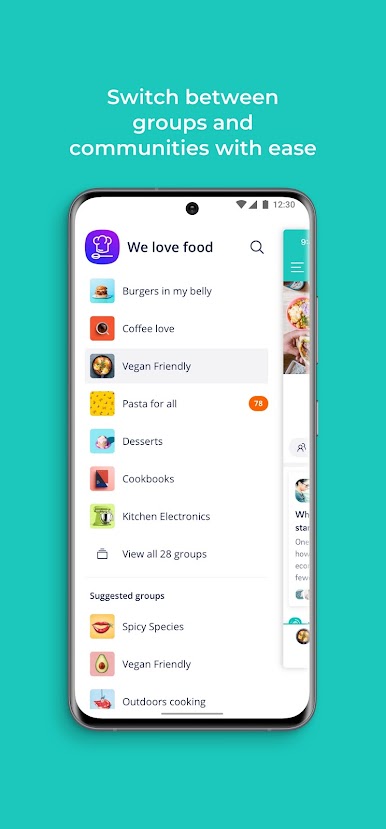
- Message your entire community, a subgroup or just an individual - public or private
- Create discussions, polls, events and other custom post types
- Recruit & organize users with customizable onboarding and a rich member database
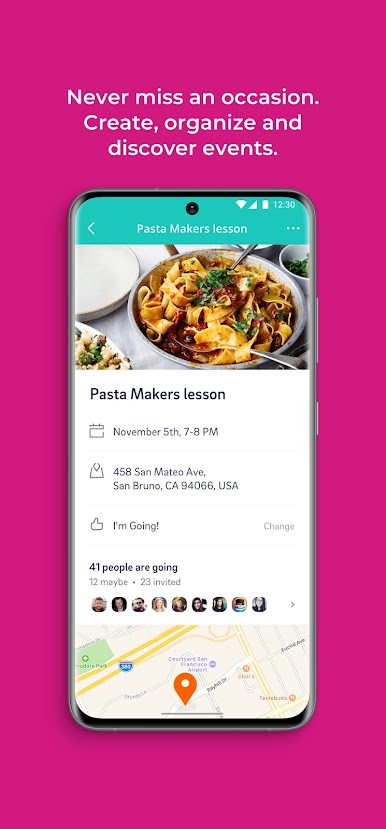
- Simplify event organizations and management with scheduling, invitations, and easy follow-ups.
- Understand community performance with smart user analytics and insights
- Customize member and group privacy settings
Mobilize achieves over three times the average engagement of online communities. How? By equipping managers with the tools that keep the activity flowing.
Our modern data platform gives organizations all the insights, analytics, and best practices to deliver the ideal member journey.
Building healthy communities is a process, not a product. Our team of strategists have led hundreds of successful community projects and will help ensure your community is a raging success.
Ready to get stuff done? Download the app.
Why users love Mobilize:
* “A community platform that actually understands how communities are built.” -Sophia Garcia, Jones Lang LaSalle
Questions/product feedback? Please email us at team@mobilize.io
Follow us at @mobilize.io and https://www.facebook.com/Mobilize.io
Jogue Forj Connect no PC. É fácil começar.
-
Baixe e instale o BlueStacks no seu PC
-
Conclua o login do Google para acessar a Play Store ou faça isso mais tarde
-
Procure por Forj Connect na barra de pesquisa no canto superior direito
-
Clique para instalar Forj Connect a partir dos resultados da pesquisa
-
Conclua o login do Google (caso você pulou a etapa 2) para instalar o Forj Connect
-
Clique no ícone do Forj Connect na tela inicial para começar a jogar

