


مترجم فوري وترجمة صوتية
العب على الكمبيوتر الشخصي مع BlueStacks - نظام أندرويد للألعاب ، موثوق به من قبل أكثر من 500 مليون لاعب.

Run Interpreter Voice Translator on PC or Mac
Let BlueStacks turn your PC, Mac, or laptop into the perfect home for Interpreter Voice Translator, a fun Tools app from Interpreter voice translator.
About the App
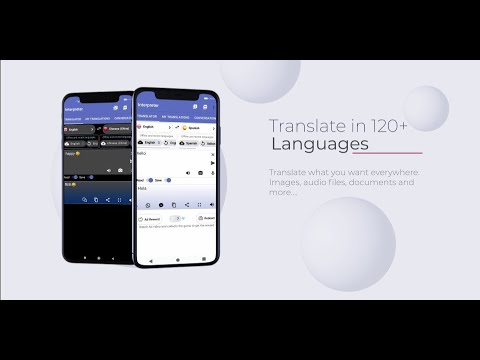
Interpreter Voice Translator is like having your own personal language assistant wherever you go. Whether you need to translate a conversation, text, document, or even words from an image, this app’s got you covered. Just speak, snap, type, or upload—Interpreter Voice Translator makes it easy to communicate in over a hundred languages, so you can focus less on the awkward language barrier and more on real connection.
App Features
-
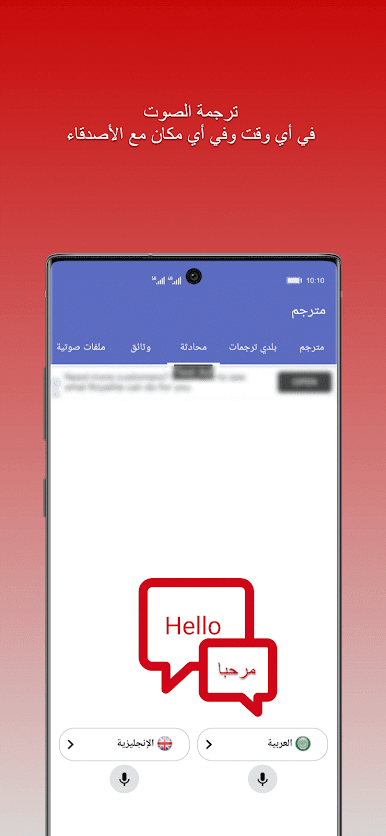
Voice Recognition & Translation
Quickly speak into your device and get accurate translations sent right back in your preferred language—it’s that straightforward. Conversation abroad? No problem. -
121+ Languages Supported
Choose from a huge list of languages, including everything from Spanish and French to Chinese, Arabic, and Korean. -
Spoken Output in 65 Voices
Hear translations out loud, not just as text. Perfect if you want to nail the accent—or need hands-free help while on the move. -
Multimedia Translation
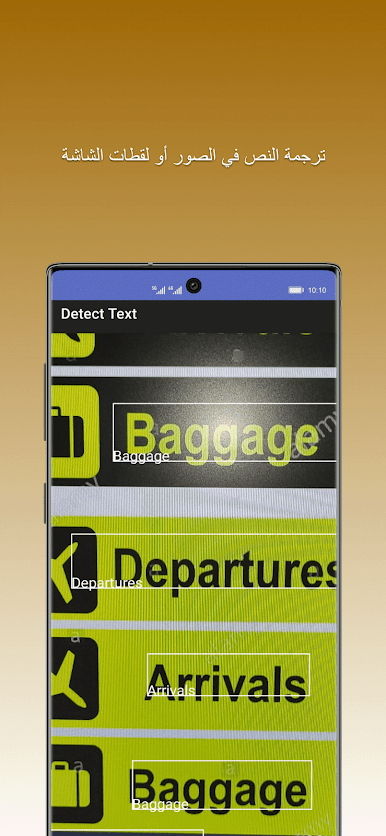
Toss in audio files, images, or documents, and Interpreter Voice Translator will handle the language switch for you. Camera snaps of menus, saved voice notes—it can work with almost anything. -
Document and File Support
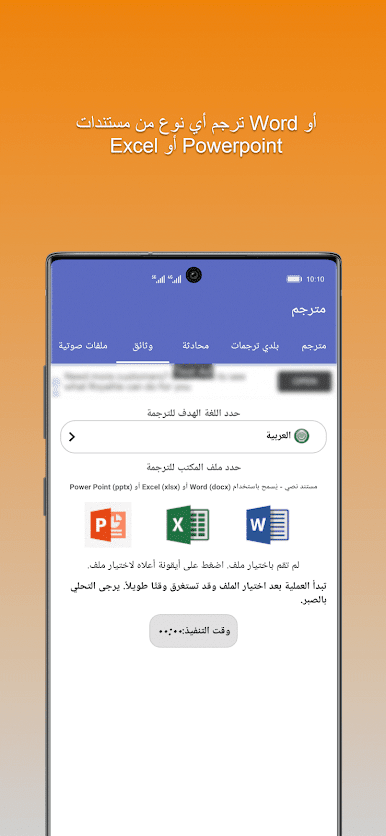
Drop in Word, Excel, or PowerPoint files. You can even export translations as PDFs for quick sharing or saving. -
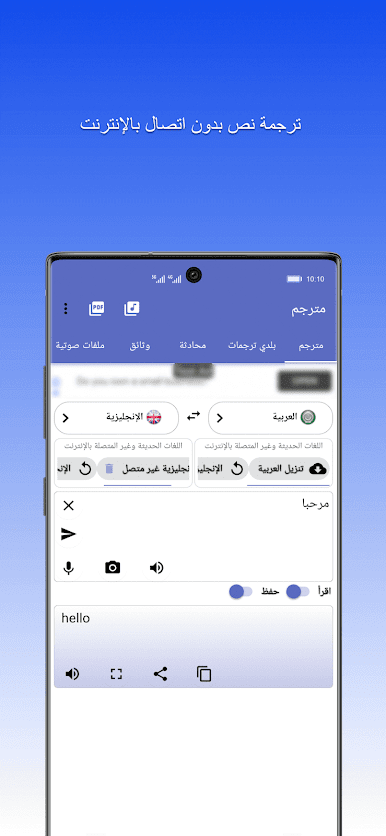
Translation History Available Offline
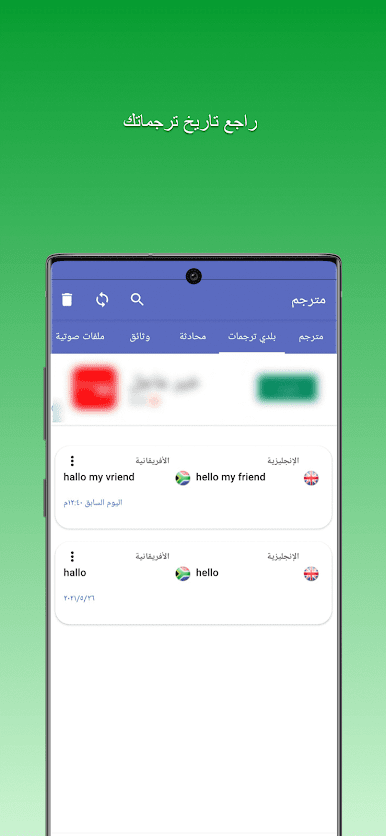
Every translation is stored for you to revisit anytime, even if you’re without a connection. -
Quick Sharing Options
Blast your freshly translated text to friends or colleagues through social, messaging apps, or email—no extra hassle. -
Fullscreen & Speaker Modes
Showoff translations large and clear on your screen or crank the volume with the speaker function if you’re helping a group. -
Handy Conversation Panel
Make back-and-forth chatting more natural, especially when you’re navigating multi-language exchanges. -
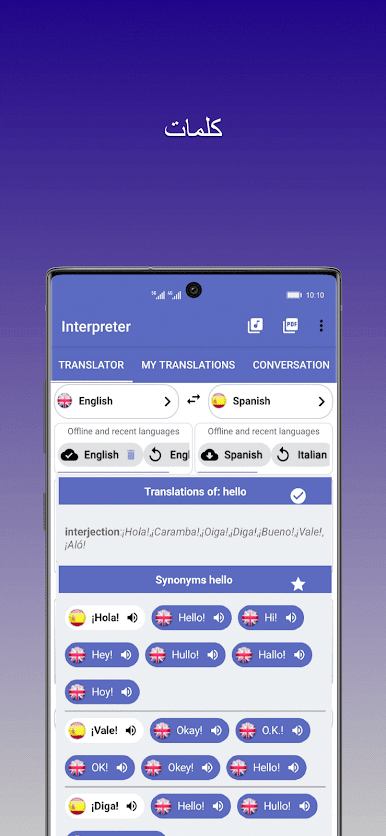
Integrated Dictionary
Not sure about a word? Dive into example sentences and definitions, right alongside your translations. -
Recent Languages Shortcut
Jump straight back into languages you use the most, no endless scrolling. -
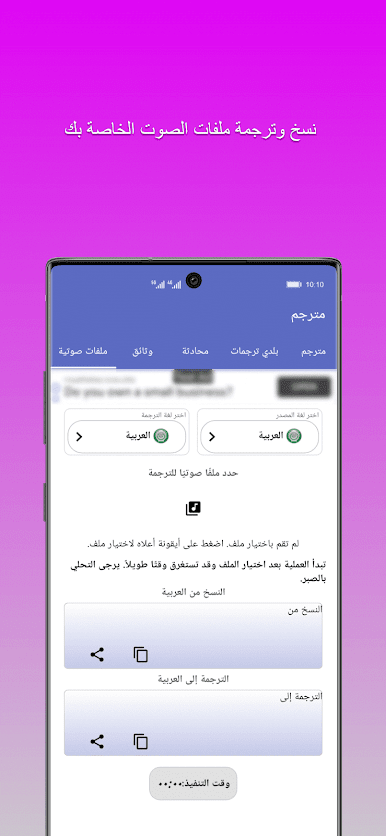
Audio Transcription Panel
Converts a bunch of different audio types and brings them right into your chosen language. -
Save & Export Translated Audio
Save your translated speech and use it again—handy for practice or sending to others.
If you’re running Interpreter Voice Translator through BlueStacks, you’ll find switching between files and inputs a breeze, making it extra smooth for longer work sessions or translating bigger documents.
Ready to experience Interpreter Voice Translator on a bigger screen, in all its glory? Download BlueStacks now.

العب مترجم فوري وترجمة صوتية على جهاز الكمبيوتر. من السهل البدء.
-
قم بتنزيل BlueStacks وتثبيته على جهاز الكمبيوتر الخاص بك
-
أكمل تسجيل الدخول إلى Google للوصول إلى متجر Play ، أو قم بذلك لاحقًا
-
ابحث عن مترجم فوري وترجمة صوتية في شريط البحث أعلى الزاوية اليمنى
-
انقر لتثبيت مترجم فوري وترجمة صوتية من نتائج البحث
-
أكمل تسجيل الدخول إلى Google (إذا تخطيت الخطوة 2) لتثبيت مترجم فوري وترجمة صوتية
-
انقر على أيقونة مترجم فوري وترجمة صوتية على الشاشة الرئيسية لبدء اللعب

