


LogRogue
Jogue no PC com BlueStacks - A Plataforma de Jogos Android, confiada por mais de 500 milhões de jogadores.

Página modificada em: Oct 23, 2025
Play LogRogue on PC or Mac
Step into the World of LogRogue, a thrilling Role Playing game from the house of moitititi. Play this Android game on BlueStacks App Player and experience immersive gaming on PC or Mac.
About the Game
LogRogue is one of those Role Playing games where you get to be both the mastermind and the spectator. It’s crafted by moitititi with a simple, tongue-in-cheek style—ideal if you like watching your plans play out with a dash of unpredictability. If you’ve got a few minutes (or hours) to spare and enjoy quirky, hands-off dungeon adventures, this one’s got your name on it.
Game Features
-
Pick Your Hero’s Style
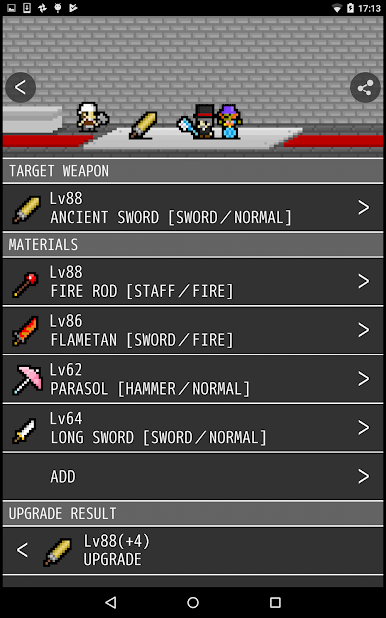
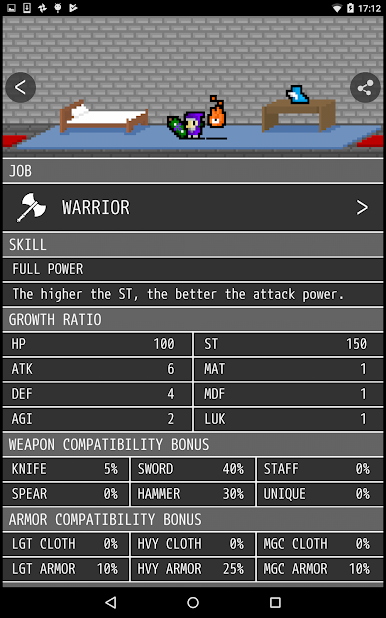
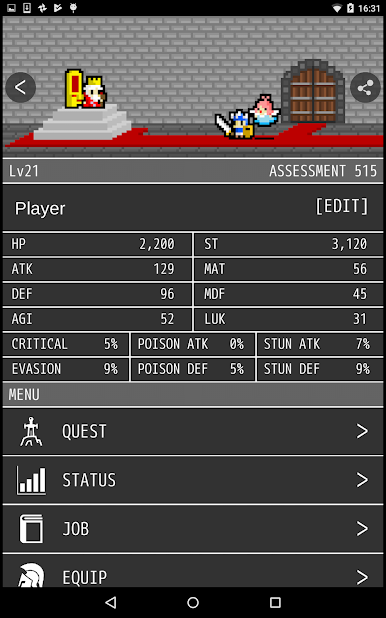
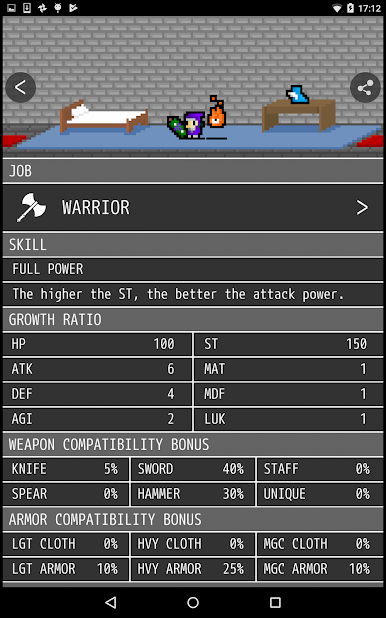
Choose your character’s job and select whatever gear feels right before heading out. Want to test out being a mage with heavy armor? Go for it. -
Dungeon Hopping
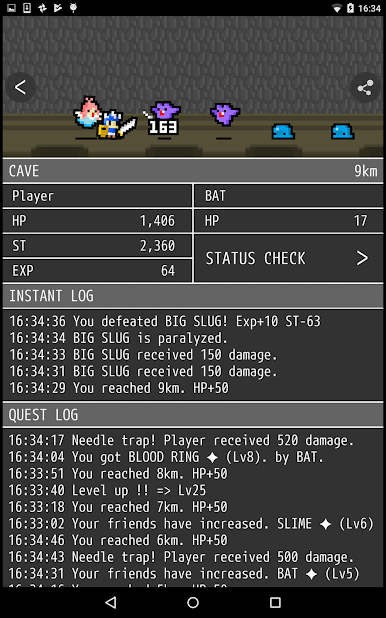
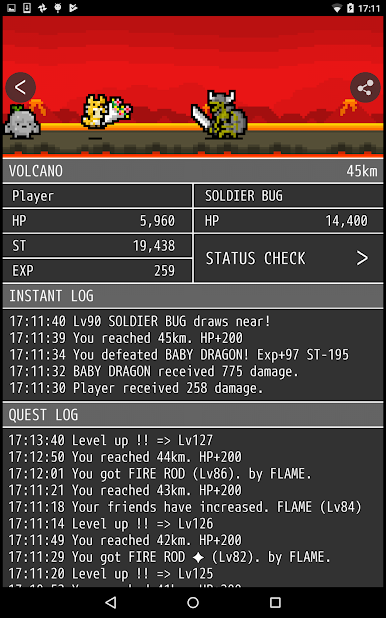
Eye up a dungeon and send your hero out into the unknown. There’s a kind of thrill in not knowing exactly how things will shake out. -
Hands-off Battles
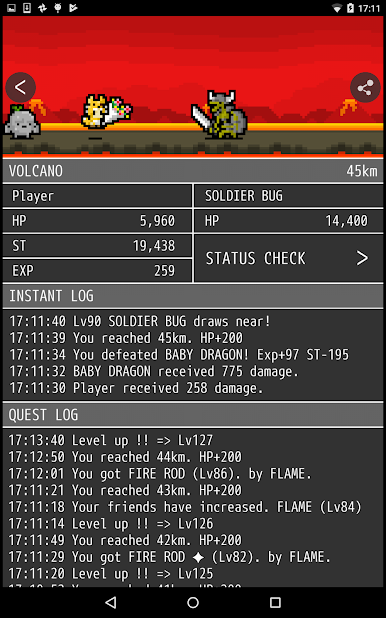
Once the fight begins, you take a backseat. Just watch as your chosen strategy (or, okay, total guesswork) unfolds. Or hey, step away for a bit—the action goes on with or without you. -
Jump Out, Jump Back In
Whether your hero meets a heroic end or you just need a break, you can call them home and go again whenever you want. -
Easy Loop, Endless Tweaks
Try fresh jobs, experiment with new gear, or change up your dungeon picks every round. The loop’s straightforward but surprisingly addicting. -
Take it Up a Notch on BlueStacks
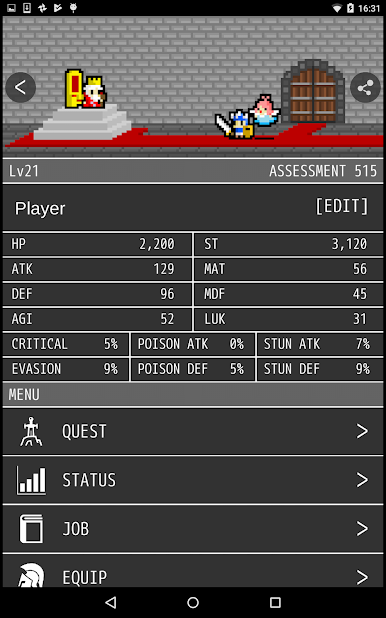
If you like seeing your pixel escapades on a bigger screen, BlueStacks lets you play LogRogue on PC with zero fuss.
Slay your opponents with your epic moves. Play it your way on BlueStacks and dominate the battlefield.

Jogue LogRogue no PC. É fácil começar.
-
Baixe e instale o BlueStacks no seu PC
-
Conclua o login do Google para acessar a Play Store ou faça isso mais tarde
-
Procure por LogRogue na barra de pesquisa no canto superior direito
-
Clique para instalar LogRogue a partir dos resultados da pesquisa
-
Conclua o login do Google (caso você pulou a etapa 2) para instalar o LogRogue
-
Clique no ícone do LogRogue na tela inicial para começar a jogar

