

Keepass2Android Offline
Jogue no PC com BlueStacks - A Plataforma de Jogos Android, confiada por mais de 500 milhões de jogadores.

Página modificada em: Sep 20, 2025
Run Keepass2Android Offline on PC or Mac
Get freedom from your phone’s obvious limitations. Use Keepass2Android Offline, made by Philipp Crocoll (Croco Apps), a Tools app on your PC or Mac with BlueStacks, and level up your experience.
About the App
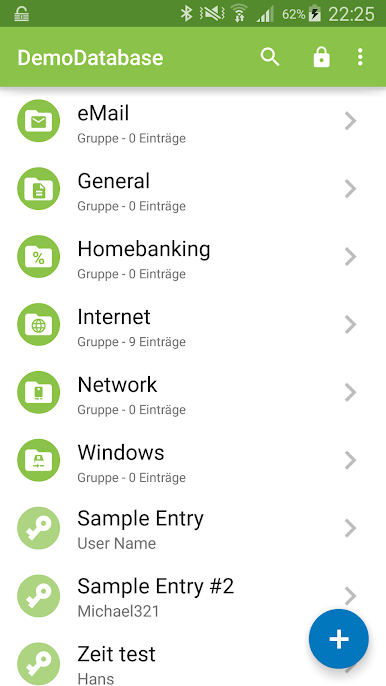
Keepass2Android Offline is a straightforward, privacy-first way to carry your passwords with you—without relying on the cloud. It works with the same .kdbx database format used by KeePass 2.x, so you can keep everything compatible across devices. Prefer a bigger screen for organizing your vault? You can run it on your desktop with BlueStacks, too. Created by Philipp Crocoll (Croco Apps), this Tools app keeps things fast, flexible, and completely under your control.
App Features
- Local KeePass compatibility: Open and save .kdbx databases used by KeePass 2.x, so your existing vaults work right away.
- Offline by design: Your database stays on your phone or SD card. It doesn’t pull from web servers directly—perfect if you want zero network dependency.
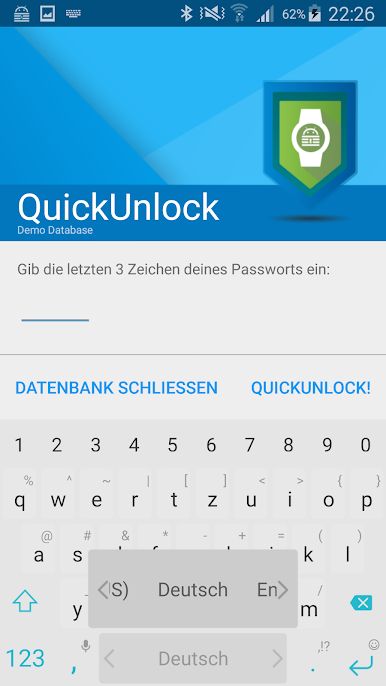
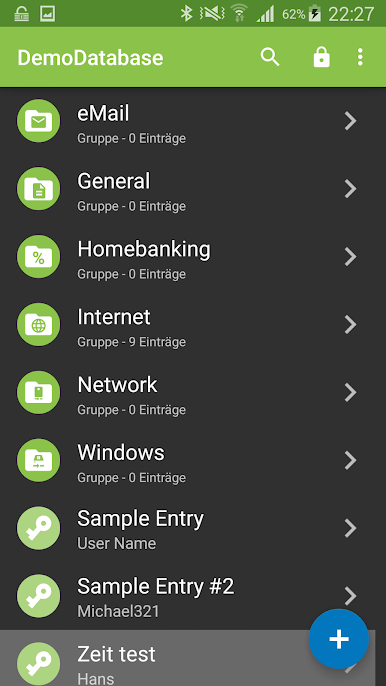
- QuickUnlock: Unlock once with your full password, then reopen the vault by typing just a few chosen characters. You pick how many, and the app locks itself after a timeout.
- Browser sharing helper: On a login page, share the page from your browser to Keepass2Android Offline to see matching entries or quickly copy the right username and password.
- Built-in keyboard: Use the Keepass2Android keyboard to “type” credentials directly into apps and sites, avoiding the clipboard so other apps can’t watch it.
- Powerful search: Find logins fast with detailed search options similar to what you know from KeePass 2.x.
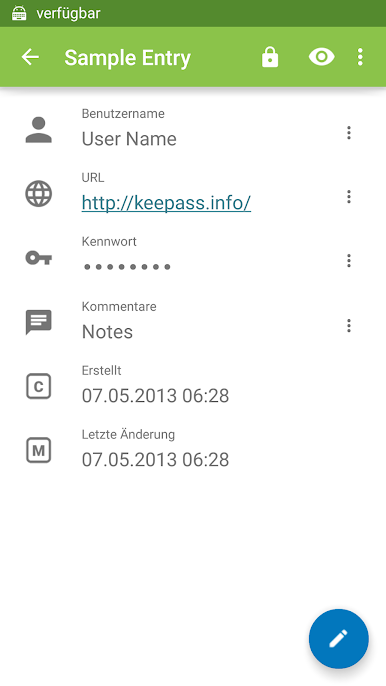
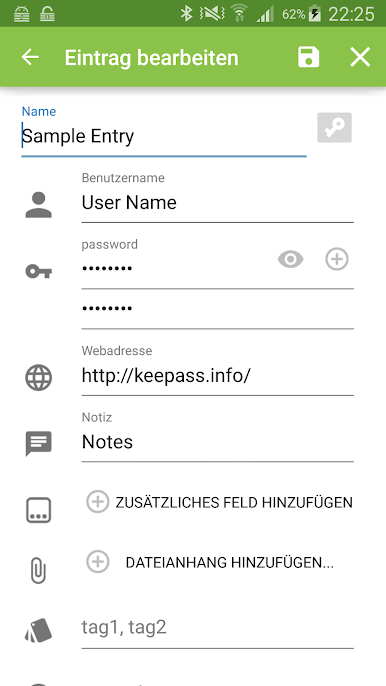
- Rich entry editing: Edit items on the go—custom fields, attachments, tags, and more—so your vault stays organized.
- Lightweight notifications: A small notification helps keep QuickUnlock ready without draining battery.
- Simple permissions: Needs storage access for your database and vibration for subtle feedback.
BlueStacks brings your apps to life on a bigger screen—seamless and straightforward.
Jogue Keepass2Android Offline no PC. É fácil começar.
-
Baixe e instale o BlueStacks no seu PC
-
Conclua o login do Google para acessar a Play Store ou faça isso mais tarde
-
Procure por Keepass2Android Offline na barra de pesquisa no canto superior direito
-
Clique para instalar Keepass2Android Offline a partir dos resultados da pesquisa
-
Conclua o login do Google (caso você pulou a etapa 2) para instalar o Keepass2Android Offline
-
Clique no ícone do Keepass2Android Offline na tela inicial para começar a jogar

