


[Premium] RPG Glorious Savior
在電腦上使用BlueStacks –受到5億以上的遊戲玩家所信任的Android遊戲平台。

Play [Premium] RPG Glorious Savior on PC or Mac
Join millions to experience [Premium] RPG Glorious Savior, an exciting Role Playing game from KEMCO. With BlueStacks App Player, you are always a step ahead of your opponent, ready to outplay them with faster gameplay and better control with the mouse and keyboard on your PC or Mac.
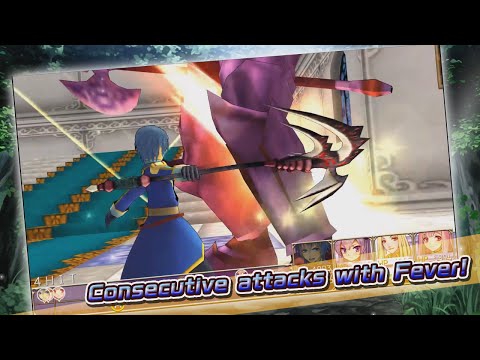
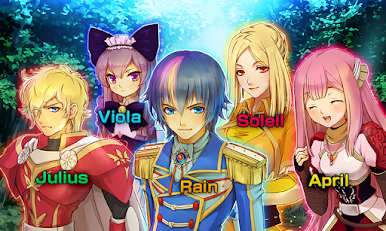
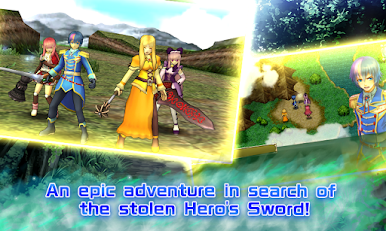
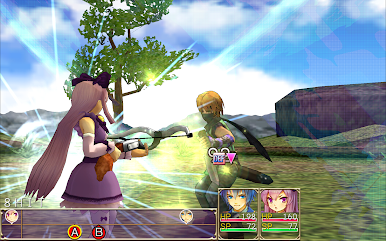
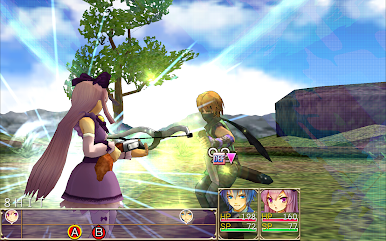
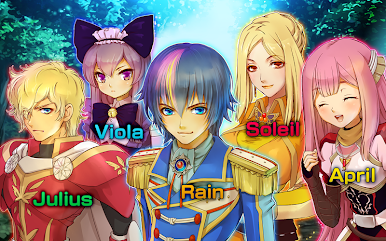
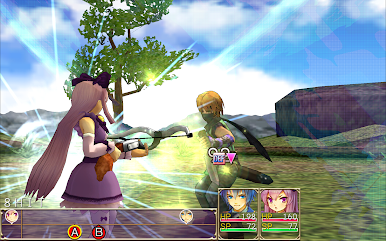
[Premium] RPG Glorious Savior feels like a classic JRPG that cares about its gear and its story. It opens with a stolen legendary sword, demons popping up again, and a noble named Rain getting sent out by the king, with Viola watching his back. It is not just a straight road trip either. Their hunt bends into a time travel journey, with those fate strings and trust themes pulling the cast into older eras and messier choices. Battles are turn based with snappy 3D animations, so it looks old school but not stiff.
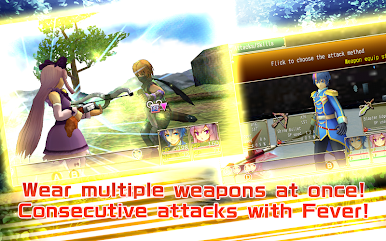
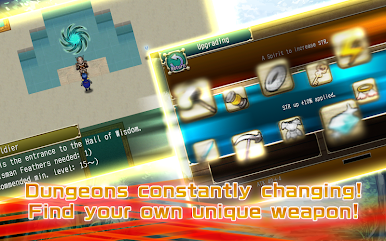
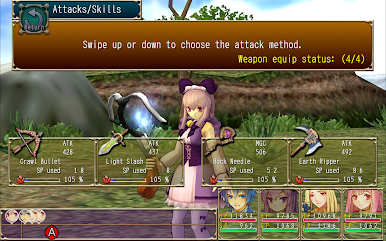
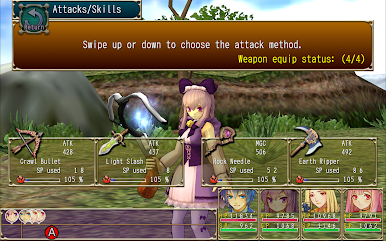
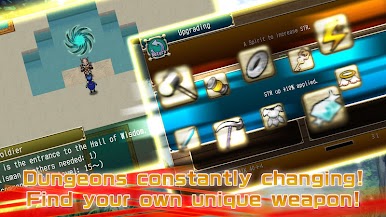
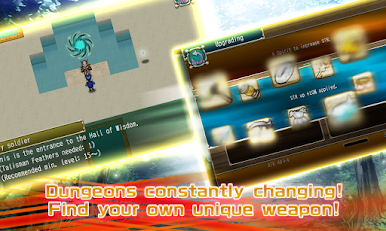
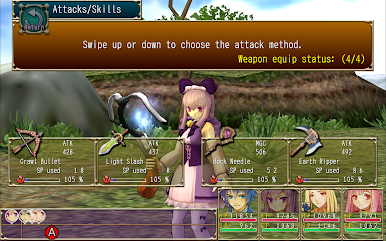
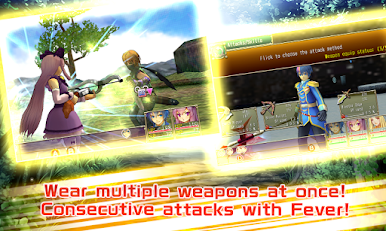
The hook is the weapon system. Each character carries multiple weapons and each weapon has its own skills. Weapons that sit on the bench charge up Aura, so saving one for the right moment turns into a big payoff hit. Swapping at the right time matters more than grinding, which is nice. Materials from dungeons strengthen gear, extras can be dismantled, and you end up making real choices about what to bring into each fight. Dungeons reshuffle every visit, so runs stay fresh and you can bump into rare or quirky effects on drops. The premium edition hands out some in-game points, but the story can be finished without buying extras, so it does not nag. Controller support is solid, and on PC with BlueStacks the key mapping makes quick swaps and menu hopping smoother than on a phone. English and Japanese are in, performance is light, and the whole thing scratches that comfy adventure itch alittle without wasting time.
Get ready for a buttery smooth, high-performance gaming action only on BlueStacks.




在電腦上遊玩[Premium] RPG Glorious Savior . 輕易上手.
-
在您的電腦上下載並安裝BlueStacks
-
完成Google登入後即可訪問Play商店,或等你需要訪問Play商店十再登入
-
在右上角的搜索欄中尋找 [Premium] RPG Glorious Savior
-
點擊以從搜索結果中安裝 [Premium] RPG Glorious Savior
-
完成Google登入(如果您跳過了步驟2),以安裝 [Premium] RPG Glorious Savior
-
在首頁畫面中點擊 [Premium] RPG Glorious Savior 圖標來啟動遊戲

